Compare commits
326 Commits
| Author | SHA1 | Date | |
|---|---|---|---|

|
c63554c534 | ||
|
|
be8ed8a696 | ||
|
|
98530d9968 | ||
|
|
38adc513a6 | ||
|
|
eb12e3bde1 | ||
|
|
8b2839d36e | ||
|
|
f0fa2aa6bb | ||
|
|
33528b073f | ||

|
cf8783ea37 | ||
|
|
00355635f8 | ||

|
aa485f4bf1 | ||
|
|
273b05fb24 | ||
|
|
e470474d6f | ||
|
|
ddfd2fe2ec | ||
|
|
7533d0ae99 | ||
|
|
04ec7f0388 | ||
|
|
419000cc13 | ||
|
|
0dc8edb437 | ||
|
|
0759b6531b | ||
|
|
d8f984de7d | ||

|
82e490a875 | ||
|
|
c6dffd9d3e | ||
|
|
8ee3d5835a | ||

|
1209d7e42b | ||

|
cdc05ba506 | ||
|
|
a6fae0195f | ||
|
|
11375b6890 | ||

|
3811470ebf | ||
|
|
e2b08eb4dc | ||

|
38d3ca1022 | ||
|
|
df459c5fe6 | ||
|
|
d1d9c0e2a9 | ||
|
|
c1b1d7d448 | ||
|
|
e6b5ee2042 | ||
|
|
0170fc6166 | ||

|
4cc2ada2a2 | ||

|
a5d3e4f6a6 | ||
|
|
7c92b33886 | ||

|
0f0b9414ae | ||
|
|
6fbb67ee8c | ||

|
6634f1a9ae | ||
|
|
8da8138f77 | ||
|
|
588f4c477b | ||
|
|
fda1775d3a | ||
|
|
fc71d53c71 | ||
|
|
ab2a320659 | ||
|
|
7f50f81ac7 | ||
|
|
c36a13ccff | ||
|
|
47de726345 | ||
|
|
7a4fdbddc0 | ||

|
0dc6f33550 | ||
|
|
b2436eb0df | ||
|
|
cc673159d7 | ||
|
|
17c310d66d | ||

|
e7357c4e07 | ||
|
|
c44de2d7c3 | ||
|
|
d82b2c219a | ||
|
|
35c8957a55 | ||
|
|
8555f8250a | ||
|
|
8137a25b13 | ||
|
|
2db5573c0e | ||
|
|
1e382203b8 | ||
|
|
873903a4cb | ||
|
|
e5b8afc085 | ||
|
|
ded658fed9 | ||
|
|
88d8858900 | ||
|
|
737c185aa6 | ||
|
|
0006a68740 | ||
|
|
4db91f7062 | ||
|
|
b8c23967b7 | ||
|
|
2019d048a4 | ||
|
|
fe0a4eb20c | ||
|
|
a35b0e8639 | ||
|
|
4c0843f92a | ||
|
|
867c1af897 | ||
|
|
100308289f | ||
|
|
3d4739760d | ||
|
|
9f321dd685 | ||
|
|
ba6078f235 | ||
|
|
cd2f1a24bd | ||
|
|
b87a81b798 | ||
|
|
0f9dd61786 | ||
|
|
4869a9f3ae | ||

|
cd6f36302d | ||
|
|
e5fdc7a57d | ||
|
|
834a601311 | ||
|
|
a2784c533e | ||
|
|
8e3ee3439c | ||
|
|
f9d40cfe1b | ||

|
b26b49fac2 | ||
|
|
f68d647fd0 | ||
|
|
deb3fb01a2 | ||
|
|
3accd23a19 | ||
|
|
6a66113560 | ||

|
6a7f7415fa | ||
|
|
4654f2cba9 | ||
|
|
17557dc206 | ||
|
|
39a3898234 | ||
|
|
9372cf9f18 | ||
|
|
41e427d645 | ||
|
|
84ff6f7e89 | ||
|
|
a286625ad9 | ||

|
d7999e6627 | ||
|
|
41481c1ca8 | ||
|
|
e926486b0f | ||
|
|
3ad55c9750 | ||
|
|
06c4151ec4 | ||
|
|
51605d9e04 | ||
|
|
438b558809 | ||
|
|
293c44b2a5 | ||
|
|
55de241f48 | ||
|
|
fda1d32dec | ||
|
|
b8d5295690 | ||
|
|
fdc8dd8795 | ||
|
|
99b3775926 | ||
|
|
f0f44c9d35 | ||

|
d7b878f980 | ||
|
|
d8c8b90a95 | ||
|
|
8be3d82ae9 | ||
|
|
fd778be943 | ||
|
|
51936bdc89 | ||
|
|
2935fad54d | ||
|
|
c9257bdb99 | ||
|
|
90a6ace666 | ||
|
|
5eb2b5211c | ||
|
|
2ed9ddcdf8 | ||

|
92f4be79ac | ||
|
|
593f450093 | ||
|
|
d20efe4509 | ||
|
|
fcac992e71 | ||
|
|
d59663810c | ||
|
|
37abdbb774 | ||
|
|
a5909682cd | ||
|
|
927b4324ae | ||
|
|
1ae72dafca | ||

|
392865ec59 | ||
|
|
3f1af1ec85 | ||
|
|
487432d873 | ||
|
|
a1ff44454a | ||

|
05b0557430 | ||
|
|
975b84a2eb | ||
|
|
3e845f1a29 | ||

|
49a266c207 | ||

|
7284e55eb0 | ||
|
|
b82fd5e5a5 | ||
|
|
4b084cf685 | ||
|
|
e6c740d917 | ||
|
|
cb93a9a158 | ||
|
|
3ea65ea1ad | ||

|
70d91bb399 | ||

|
f5fa18d7ca | ||
|
|
cb24c74769 | ||
|
|
775dc91ede | ||
|
|
ffef8ba4d9 | ||
|
|
ef2df0d7bc | ||

|
f0bf5219d4 | ||
|
|
c8a1165db2 | ||
|
|
e9c3518ce7 | ||
|
|
a5ea6587c0 | ||
|
|
2792835d66 | ||
|
|
16867db1b4 | ||
|
|
164bbb884d | ||
|
|
873141b9ca | ||

|
4a66a28c01 | ||
|
|
c886c1db62 | ||
|
|
f2d121a13b | ||
|
|
f255938780 | ||
|
|
aa17367de7 | ||
|
|
d5df6df661 | ||
|
|
ec6004963c | ||
|
|
61d272dbbc | ||
|
|
6be97b3fc7 | ||
|
|
6f95275051 | ||

|
49829fc80f | ||
|
|
9112c5a064 | ||

|
73c4833697 | ||
|
|
f3ca6266ab | ||
|
|
03acb869b7 | ||
|
|
8470d728f9 | ||
|
|
71965b199b | ||
|
|
fd47d385c2 | ||
|
|
dfdd8cffd7 | ||
|
|
138c42ec3a | ||
|
|
e53723c9c2 | ||

|
03be6a58ac | ||

|
864f362f7d | ||
|
|
bfb329b2f3 | ||

|
4ce65be0c6 | ||
|
|
6ab598d71b | ||

|
06b8ab4096 | ||
|
|
596bb6487c | ||
|
|
fa33a3e4bb | ||
|
|
abecb891dd | ||
|
|
fa14cebbf4 | ||
|
|
bde24d28b7 | ||
|
|
c0b400eb7c | ||
|
|
4772c91835 | ||
|
|
6da8d919b3 | ||
|
|
10b5504446 | ||

|
76b73a6319 | ||
|
|
0bebfbbb23 | ||
|
|
8cb147920b | ||
|
|
5cb343d89f | ||
|
|
67f34f1b29 | ||
|
|
349d781085 | ||
|
|
d7524414ce | ||

|
2e6cccaa90 | ||
|
|
565b99e210 | ||
|
|
5eb37b8f76 | ||

|
41cb713367 | ||
|
|
b29fe1f13b | ||

|
339780dcc4 | ||
|
|
56c77085bf | ||
|
|
118cac5941 | ||

|
7027f18394 | ||
|
|
99a85205f0 | ||
|
|
4b8d8718c2 | ||
|
|
0c4dd94e38 | ||
|
|
52cec59ca3 | ||
|
|
2c1ba42bcc | ||
|
|
6d204b52ce | ||
|
|
55c3745ef8 | ||
|
|
c876f879de | ||
|
|
f2beab1fdc | ||
|
|
85af1abb26 | ||
|
|
4f54901d08 | ||
|
|
98b10866bf | ||
|
|
ccf4dc55e9 | ||
|
|
8ce90e1814 | ||
|
|
2b6047d124 | ||
|
|
05e832ed55 | ||
|
|
45fddab9a9 | ||

|
34e9c0da6b | ||
|
|
9891375c20 | ||
|
|
377f145a3f | ||
|
|
6c7fff080f | ||
|
|
b1a168c5f2 | ||

|
d15df9ae88 | ||
|
|
c7d93d9ca7 | ||
|
|
0ae4ccede1 | ||
|
|
c6aa66ab94 | ||
|
|
2e10d8bf05 | ||
|
|
f64295bcee | ||
|
|
3fe8119e0c | ||
|
|
b6880213ce | ||
|
|
aca6b2b558 | ||
|
|
aa33af25fc | ||
|
|
aa3a93da98 | ||
|
|
b42db67d85 | ||
|
|
0d2163cd94 | ||
|
|
371e177ff3 | ||
|
|
e62668ab48 | ||

|
005e3928e7 | ||
|
|
0d5b2a2277 | ||
|
|
bc8cfa91ee | ||
|
|
63b217faee | ||
|
|
376bf194b3 | ||
|
|
a69e9abf3c | ||
|
|
c22529bbd0 | ||
|
|
6fd8498f6d | ||
|
|
39cce0196f | ||
|
|
4e39e5608c | ||
|
|
ba4d16fd76 | ||
|
|
b9f14ee57a | ||
|
|
a3f791be17 | ||
|
|
41497c73f4 | ||
|
|
2e1b3fc8de | ||
|
|
44cf4d08e9 | ||
|
|
ca07b47523 | ||
|
|
8fceafc017 | ||
|
|
47dcf6a7b9 | ||
|
|
c63ec2d95d | ||
|
|
f4aeb98744 | ||
|
|
e6aefb8f4b | ||
|
|
6cf1f35eca | ||
|
|
cff742d7c4 | ||
|
|
67f8f414bf | ||
|
|
ecf73e967a | ||
|
|
7f8986a06d | ||
|
|
ec6aab2c8d | ||
|
|
b8625d5e1e | ||
|
|
0fa4654034 | ||
|
|
6349dbf5c0 | ||
|
|
c8cec8e18b | ||
|
|
70114e3fd3 | ||
|
|
cd75c5fa25 | ||
|
|
1535f7aa41 | ||
|
|
90abb7ba5b | ||
|
|
e6739711b0 | ||
|
|
333780e78b | ||
|
|
38777801de | ||
|
|
3750ed850c | ||
|
|
fda53fbf80 | ||
|
|
c8a472c01b | ||
|
|
ccd64a3df9 | ||
|
|
2ea13cec88 | ||
|
|
5afc800b11 | ||
|
|
1fb898ac22 | ||
|
|
73b7fc1cfc | ||
|
|
b25ff35e5b | ||
|
|
4fe4053cdd | ||
|
|
ed70160583 | ||
|
|
bb00f8cabd | ||
|
|
7bef999c41 | ||
|
|
a2774d92da | ||
|
|
be9b03d99b | ||
|
|
b4af9e5f32 | ||
|
|
3ba2762805 | ||
|
|
2884a80d31 | ||
|
|
54266acfb1 | ||
|
|
9cb44815c4 | ||
|
|
27b2616330 | ||
|
|
8ed729cd54 | ||
|
|
34f7bca33c | ||
|
|
fee442ffe0 | ||
|
|
eb890ef174 | ||
|
|
24c61df388 | ||
|
|
bfb3331457 | ||
|
|
7fc6f8a04d | ||
|
|
3c37020260 | ||
|
|
d05b684dbe | ||
|
|
da978254b1 | ||
|
|
0cfeceb3c9 | ||
|
|
814aee8f4f | ||
|
|
48bfb062d8 | ||

|
08be31f022 |
@@ -1,296 +0,0 @@
|
||||
version: 2.1
|
||||
jobs:
|
||||
|
||||
build-binary:
|
||||
docker:
|
||||
- image: circleci/golang:1.14
|
||||
working_directory: ~/build
|
||||
steps:
|
||||
- checkout
|
||||
- restore_cache:
|
||||
keys:
|
||||
- go-mod-v3-{{ checksum "go.sum" }}
|
||||
- run:
|
||||
name: Run go mod download
|
||||
command: go mod download
|
||||
- run:
|
||||
name: Check code formatting
|
||||
command: go install golang.org/x/tools/cmd/goimports && make test-fmt
|
||||
- run:
|
||||
name: Build Flagger
|
||||
command: |
|
||||
CGO_ENABLED=0 GOOS=linux go build \
|
||||
-ldflags "-s -w -X github.com/weaveworks/flagger/pkg/version.REVISION=${CIRCLE_SHA1}" \
|
||||
-a -installsuffix cgo -o bin/flagger ./cmd/flagger/*.go
|
||||
- run:
|
||||
name: Build Flagger load tester
|
||||
command: |
|
||||
CGO_ENABLED=0 GOOS=linux go build \
|
||||
-a -installsuffix cgo -o bin/loadtester ./cmd/loadtester/*.go
|
||||
- run:
|
||||
name: Run unit tests
|
||||
command: |
|
||||
go test -race -coverprofile=coverage.txt -covermode=atomic $(go list ./pkg/...)
|
||||
bash <(curl -s https://codecov.io/bash)
|
||||
- run:
|
||||
name: Verify code gen
|
||||
command: make test-codegen
|
||||
- save_cache:
|
||||
key: go-mod-v3-{{ checksum "go.sum" }}
|
||||
paths:
|
||||
- "/go/pkg/mod/"
|
||||
- persist_to_workspace:
|
||||
root: bin
|
||||
paths:
|
||||
- flagger
|
||||
- loadtester
|
||||
|
||||
push-container:
|
||||
docker:
|
||||
- image: circleci/golang:1.14
|
||||
steps:
|
||||
- checkout
|
||||
- setup_remote_docker:
|
||||
docker_layer_caching: true
|
||||
- attach_workspace:
|
||||
at: /tmp/bin
|
||||
- run: test/container-build.sh
|
||||
- run: test/container-push.sh
|
||||
|
||||
push-binary:
|
||||
docker:
|
||||
- image: circleci/golang:1.14
|
||||
working_directory: ~/build
|
||||
steps:
|
||||
- checkout
|
||||
- setup_remote_docker:
|
||||
docker_layer_caching: true
|
||||
- restore_cache:
|
||||
keys:
|
||||
- go-mod-v3-{{ checksum "go.sum" }}
|
||||
- run: make release-notes
|
||||
- run: github-release-notes -org weaveworks -repo flagger -since-latest-release -include-author > /tmp/release.txt
|
||||
- run: test/goreleaser.sh
|
||||
|
||||
e2e-kubernetes-testing:
|
||||
machine: true
|
||||
steps:
|
||||
- checkout
|
||||
- attach_workspace:
|
||||
at: /tmp/bin
|
||||
- run: test/container-build.sh
|
||||
- run: test/e2e-kind.sh v1.18.2
|
||||
- run: test/e2e-kubernetes.sh
|
||||
- run: test/e2e-kubernetes-tests-deployment.sh
|
||||
- run: test/e2e-kubernetes-cleanup.sh
|
||||
- run: test/e2e-kubernetes-tests-daemonset.sh
|
||||
|
||||
e2e-istio-testing:
|
||||
machine: true
|
||||
steps:
|
||||
- checkout
|
||||
- attach_workspace:
|
||||
at: /tmp/bin
|
||||
- run: test/container-build.sh
|
||||
- run: test/e2e-kind.sh v1.18.2
|
||||
- run: test/e2e-istio.sh
|
||||
- run: test/e2e-istio-dependencies.sh
|
||||
- run: test/e2e-istio-tests.sh
|
||||
- run: test/e2e-istio-tests-skip-analysis.sh
|
||||
- run: test/e2e-kubernetes-cleanup.sh
|
||||
- run: test/e2e-istio-dependencies.sh
|
||||
- run: test/e2e-istio-tests-delegate.sh
|
||||
|
||||
e2e-gloo-testing:
|
||||
machine: true
|
||||
steps:
|
||||
- checkout
|
||||
- attach_workspace:
|
||||
at: /tmp/bin
|
||||
- run: test/container-build.sh
|
||||
- run: test/e2e-kind.sh
|
||||
- run: test/e2e-gloo.sh
|
||||
- run: test/e2e-gloo-tests.sh
|
||||
|
||||
e2e-nginx-testing:
|
||||
machine: true
|
||||
steps:
|
||||
- checkout
|
||||
- attach_workspace:
|
||||
at: /tmp/bin
|
||||
- run: test/container-build.sh
|
||||
- run: test/e2e-kind.sh
|
||||
- run: test/e2e-nginx.sh
|
||||
- run: test/e2e-nginx-tests.sh
|
||||
- run: test/e2e-nginx-cleanup.sh
|
||||
- run: test/e2e-nginx-custom-annotations.sh
|
||||
- run: test/e2e-nginx-tests.sh
|
||||
|
||||
e2e-linkerd-testing:
|
||||
machine: true
|
||||
steps:
|
||||
- checkout
|
||||
- attach_workspace:
|
||||
at: /tmp/bin
|
||||
- run: test/container-build.sh
|
||||
- run: test/e2e-kind.sh
|
||||
- run: test/e2e-linkerd.sh
|
||||
- run: test/e2e-linkerd-tests.sh
|
||||
|
||||
e2e-contour-testing:
|
||||
machine: true
|
||||
steps:
|
||||
- checkout
|
||||
- attach_workspace:
|
||||
at: /tmp/bin
|
||||
- run: test/container-build.sh
|
||||
- run: test/e2e-kind.sh
|
||||
- run: test/e2e-contour.sh
|
||||
- run: test/e2e-contour-tests.sh
|
||||
|
||||
e2e-skipper-testing:
|
||||
machine: true
|
||||
steps:
|
||||
- checkout
|
||||
- attach_workspace:
|
||||
at: /tmp/bin
|
||||
- run: test/container-build.sh
|
||||
- run: test/e2e-kind.sh
|
||||
- run: test/e2e-skipper.sh
|
||||
- run: test/e2e-skipper-tests.sh
|
||||
- run: test/e2e-skipper-cleanup.sh
|
||||
|
||||
e2e-traefik-testing:
|
||||
machine: true
|
||||
steps:
|
||||
- checkout
|
||||
- attach_workspace:
|
||||
at: /tmp/bin
|
||||
- run: test/container-build.sh
|
||||
- run: test/e2e-kind.sh
|
||||
- run: test/e2e-traefik.sh
|
||||
- run: test/e2e-traefik-tests.sh
|
||||
- run: test/e2e-skipper-cleanup.sh
|
||||
|
||||
push-helm-charts:
|
||||
docker:
|
||||
- image: circleci/golang:1.14
|
||||
steps:
|
||||
- checkout
|
||||
- run:
|
||||
name: Install kubectl
|
||||
command: sudo curl -L https://storage.googleapis.com/kubernetes-release/release/$(curl -s https://storage.googleapis.com/kubernetes-release/release/stable.txt)/bin/linux/amd64/kubectl -o /usr/local/bin/kubectl && sudo chmod +x /usr/local/bin/kubectl
|
||||
- run:
|
||||
name: Install helm
|
||||
command: sudo curl -L https://storage.googleapis.com/kubernetes-helm/helm-v2.14.2-linux-amd64.tar.gz | tar xz && sudo mv linux-amd64/helm /bin/helm && sudo rm -rf linux-amd64
|
||||
- run:
|
||||
name: Initialize helm
|
||||
command: helm init --client-only --kubeconfig=$HOME/.kube/kubeconfig
|
||||
- run:
|
||||
name: Lint charts
|
||||
command: |
|
||||
helm lint ./charts/*
|
||||
- run:
|
||||
name: Package charts
|
||||
command: |
|
||||
mkdir $HOME/charts
|
||||
helm package ./charts/* --destination $HOME/charts
|
||||
- run:
|
||||
name: Publish charts
|
||||
command: |
|
||||
if echo "${CIRCLE_TAG}" | grep v; then
|
||||
REPOSITORY="https://weaveworksbot:${GITHUB_TOKEN}@github.com/weaveworks/flagger.git"
|
||||
git config user.email weaveworksbot@users.noreply.github.com
|
||||
git config user.name weaveworksbot
|
||||
git remote set-url origin ${REPOSITORY}
|
||||
git checkout gh-pages
|
||||
mv -f $HOME/charts/*.tgz .
|
||||
helm repo index . --url https://flagger.app
|
||||
git add .
|
||||
git commit -m "Publish Helm charts v${CIRCLE_TAG}"
|
||||
git push origin gh-pages
|
||||
else
|
||||
echo "Not a release! Skip charts publish"
|
||||
fi
|
||||
|
||||
workflows:
|
||||
version: 2
|
||||
build-test-push:
|
||||
jobs:
|
||||
- build-binary:
|
||||
filters:
|
||||
branches:
|
||||
ignore:
|
||||
- gh-pages
|
||||
- /^user-.*/
|
||||
- e2e-kubernetes-testing:
|
||||
requires:
|
||||
- build-binary
|
||||
- e2e-istio-testing:
|
||||
requires:
|
||||
- build-binary
|
||||
- e2e-gloo-testing:
|
||||
requires:
|
||||
- build-binary
|
||||
- e2e-nginx-testing:
|
||||
requires:
|
||||
- build-binary
|
||||
- e2e-linkerd-testing:
|
||||
requires:
|
||||
- build-binary
|
||||
- e2e-contour-testing:
|
||||
requires:
|
||||
- build-binary
|
||||
- e2e-skipper-testing:
|
||||
requires:
|
||||
- build-binary
|
||||
- e2e-traefik-testing:
|
||||
requires:
|
||||
- build-binary
|
||||
- push-container:
|
||||
requires:
|
||||
- build-binary
|
||||
- e2e-kubernetes-testing
|
||||
- e2e-istio-testing
|
||||
- e2e-gloo-testing
|
||||
- e2e-nginx-testing
|
||||
- e2e-linkerd-testing
|
||||
- e2e-skipper-testing
|
||||
- e2e-traefik-testing
|
||||
filters:
|
||||
branches:
|
||||
only:
|
||||
- master
|
||||
|
||||
release:
|
||||
jobs:
|
||||
- build-binary:
|
||||
filters:
|
||||
branches:
|
||||
ignore: /.*/
|
||||
tags:
|
||||
ignore: /^chart.*/
|
||||
- push-container:
|
||||
requires:
|
||||
- build-binary
|
||||
filters:
|
||||
branches:
|
||||
ignore: /.*/
|
||||
tags:
|
||||
ignore: /^chart.*/
|
||||
- push-binary:
|
||||
requires:
|
||||
- push-container
|
||||
filters:
|
||||
branches:
|
||||
ignore: /.*/
|
||||
tags:
|
||||
ignore: /^chart.*/
|
||||
- push-helm-charts:
|
||||
requires:
|
||||
- push-container
|
||||
filters:
|
||||
branches:
|
||||
ignore: /.*/
|
||||
tags:
|
||||
ignore: /^chart.*/
|
||||
50
.cosign/README.md
Normal file
@@ -0,0 +1,50 @@
|
||||
# Flagger signed releases
|
||||
|
||||
Flagger releases published to GitHub Container Registry as multi-arch container images
|
||||
are signed using [cosign](https://github.com/sigstore/cosign).
|
||||
|
||||
## Verify Flagger images
|
||||
|
||||
Install the [cosign](https://github.com/sigstore/cosign) CLI:
|
||||
|
||||
```sh
|
||||
brew install sigstore/tap/cosign
|
||||
```
|
||||
|
||||
Verify a Flagger release with cosign CLI:
|
||||
|
||||
```sh
|
||||
cosign verify -key https://raw.githubusercontent.com/fluxcd/flagger/main/cosign/cosign.pub \
|
||||
ghcr.io/fluxcd/flagger:1.13.0
|
||||
```
|
||||
|
||||
Verify Flagger images before they get pulled on your Kubernetes clusters with [Kyverno](https://github.com/kyverno/kyverno/):
|
||||
|
||||
```yaml
|
||||
apiVersion: kyverno.io/v1
|
||||
kind: ClusterPolicy
|
||||
metadata:
|
||||
name: verify-flagger-image
|
||||
annotations:
|
||||
policies.kyverno.io/title: Verify Flagger Image
|
||||
policies.kyverno.io/category: Cosign
|
||||
policies.kyverno.io/severity: medium
|
||||
policies.kyverno.io/subject: Pod
|
||||
policies.kyverno.io/minversion: 1.4.2
|
||||
spec:
|
||||
validationFailureAction: enforce
|
||||
background: false
|
||||
rules:
|
||||
- name: verify-image
|
||||
match:
|
||||
resources:
|
||||
kinds:
|
||||
- Pod
|
||||
verifyImages:
|
||||
- image: "ghcr.io/fluxcd/flagger:*"
|
||||
key: |-
|
||||
-----BEGIN PUBLIC KEY-----
|
||||
MFkwEwYHKoZIzj0CAQYIKoZIzj0DAQcDQgAEST+BqQ1XZhhVYx0YWQjdUJYIG5Lt
|
||||
iz2+UxRIqmKBqNmce2T+l45qyqOs99qfD7gLNGmkVZ4vtJ9bM7FxChFczg==
|
||||
-----END PUBLIC KEY-----
|
||||
```
|
||||
11
.cosign/cosign.key
Normal file
@@ -0,0 +1,11 @@
|
||||
-----BEGIN ENCRYPTED COSIGN PRIVATE KEY-----
|
||||
eyJrZGYiOnsibmFtZSI6InNjcnlwdCIsInBhcmFtcyI6eyJOIjozMjc2OCwiciI6
|
||||
OCwicCI6MX0sInNhbHQiOiIvK1MwbTNrU3pGMFFXdVVYQkFoY2gvTDc3NVJBSy9O
|
||||
cnkzUC9iMkxBZGF3PSJ9LCJjaXBoZXIiOnsibmFtZSI6Im5hY2wvc2VjcmV0Ym94
|
||||
Iiwibm9uY2UiOiJBNEFYL2IyU1BsMDBuY3JUNk45QkNOb0VLZTZLZEluRCJ9LCJj
|
||||
aXBoZXJ0ZXh0IjoiZ054UlJweXpraWtRMUVaRldsSnEvQXVUWTl0Vis2enBlWkIy
|
||||
dUFHREMzOVhUQlAwaWY5YStaZTE1V0NTT2FQZ01XQmtSZWhrQVVjQ3dZOGF2WTZa
|
||||
eFhZWWE3T1B4eFdidHJuSUVZM2hwZUk1M1dVQVZ6SXEzQjl0N0ZmV1JlVGsxdFlo
|
||||
b3hwQmxUSHY4U0c2azdPYk1aQnJleitzSGRWclF6YUdMdG12V1FOMTNZazRNb25i
|
||||
ZUpRSUJpUXFQTFg5NzFhSUlxU0dxYVhCanc9PSJ9
|
||||
-----END ENCRYPTED COSIGN PRIVATE KEY-----
|
||||
4
.cosign/cosign.pub
Normal file
@@ -0,0 +1,4 @@
|
||||
-----BEGIN PUBLIC KEY-----
|
||||
MFkwEwYHKoZIzj0CAQYIKoZIzj0DAQcDQgAEST+BqQ1XZhhVYx0YWQjdUJYIG5Lt
|
||||
iz2+UxRIqmKBqNmce2T+l45qyqOs99qfD7gLNGmkVZ4vtJ9bM7FxChFczg==
|
||||
-----END PUBLIC KEY-----
|
||||
@@ -13,3 +13,4 @@ redirects:
|
||||
usage/skipper-progressive-delivery: tutorials/skipper-progressive-delivery.md
|
||||
usage/crossover-progressive-delivery: tutorials/crossover-progressive-delivery.md
|
||||
usage/traefik-progressive-delivery: tutorials/traefik-progressive-delivery.md
|
||||
usage/osm-progressive-delivery: tutorials/osm-progressive-delivery.md
|
||||
|
||||
29
.github/ISSUE_TEMPLATE/bug_report.md
vendored
Normal file
@@ -0,0 +1,29 @@
|
||||
---
|
||||
name: Bug report
|
||||
about: Create a report to help us improve this project
|
||||
title: ''
|
||||
assignees: ''
|
||||
|
||||
---
|
||||
|
||||
### Describe the bug
|
||||
|
||||
A clear and concise description of what the bug is.
|
||||
Please provide the Canary definition and Flagger logs.
|
||||
|
||||
### To Reproduce
|
||||
|
||||
<!--
|
||||
Steps to reproduce the behaviour
|
||||
-->
|
||||
|
||||
### Expected behavior
|
||||
|
||||
A clear and concise description of what you expected to happen.
|
||||
|
||||
### Additional context
|
||||
|
||||
- Flagger version:
|
||||
- Kubernetes version:
|
||||
- Service Mesh provider:
|
||||
- Ingress provider:
|
||||
2
.github/ISSUE_TEMPLATE/config.yml
vendored
Normal file
@@ -0,0 +1,2 @@
|
||||
blank_issues_enabled: true
|
||||
|
||||
19
.github/ISSUE_TEMPLATE/feature_request.md
vendored
Normal file
@@ -0,0 +1,19 @@
|
||||
---
|
||||
name: Feature Request
|
||||
about: I have a suggestion (and may want to implement it 🙂)!
|
||||
title: ''
|
||||
assignees: ''
|
||||
|
||||
---
|
||||
|
||||
## Describe the feature
|
||||
|
||||
What problem are you trying to solve?
|
||||
|
||||
### Proposed solution
|
||||
|
||||
What do you want to happen? Add any considered drawbacks.
|
||||
|
||||
### Any alternatives you've considered?
|
||||
|
||||
Is there another way to solve this problem that isn't as good a solution?
|
||||
17
.github/_main.workflow
vendored
@@ -1,17 +0,0 @@
|
||||
workflow "Publish Helm charts" {
|
||||
on = "push"
|
||||
resolves = ["helm-push"]
|
||||
}
|
||||
|
||||
action "helm-lint" {
|
||||
uses = "stefanprodan/gh-actions/helm@master"
|
||||
args = ["lint charts/*"]
|
||||
}
|
||||
|
||||
action "helm-push" {
|
||||
needs = ["helm-lint"]
|
||||
uses = "stefanprodan/gh-actions/helm-gh-pages@master"
|
||||
args = ["charts/*","https://flagger.app"]
|
||||
secrets = ["GITHUB_TOKEN"]
|
||||
}
|
||||
|
||||
49
.github/workflows/build.yaml
vendored
Normal file
@@ -0,0 +1,49 @@
|
||||
name: build
|
||||
|
||||
on:
|
||||
workflow_dispatch:
|
||||
pull_request:
|
||||
branches:
|
||||
- main
|
||||
push:
|
||||
branches:
|
||||
- main
|
||||
|
||||
jobs:
|
||||
container:
|
||||
runs-on: ubuntu-latest
|
||||
steps:
|
||||
- name: Checkout
|
||||
uses: actions/checkout@v2
|
||||
- name: Restore Go cache
|
||||
uses: actions/cache@v1
|
||||
with:
|
||||
path: ~/go/pkg/mod
|
||||
key: ${{ runner.os }}-go-${{ hashFiles('**/go.sum') }}
|
||||
restore-keys: |
|
||||
${{ runner.os }}-go-
|
||||
- name: Setup Go
|
||||
uses: actions/setup-go@v2
|
||||
with:
|
||||
go-version: 1.16.x
|
||||
- name: Download modules
|
||||
run: |
|
||||
go mod download
|
||||
go install golang.org/x/tools/cmd/goimports
|
||||
- name: Run linters
|
||||
run: make test-fmt test-codegen
|
||||
- name: Run tests
|
||||
run: go test -race -coverprofile=coverage.txt -covermode=atomic $(go list ./pkg/...)
|
||||
- name: Check if working tree is dirty
|
||||
run: |
|
||||
if [[ $(git diff --stat) != '' ]]; then
|
||||
git --no-pager diff
|
||||
echo 'run make test and commit changes'
|
||||
exit 1
|
||||
fi
|
||||
- name: Upload coverage to Codecov
|
||||
uses: codecov/codecov-action@v1
|
||||
with:
|
||||
file: ./coverage.txt
|
||||
- name: Build container image
|
||||
run: docker build -t test/flagger:latest .
|
||||
41
.github/workflows/e2e.yaml
vendored
Normal file
@@ -0,0 +1,41 @@
|
||||
name: e2e
|
||||
|
||||
on:
|
||||
workflow_dispatch:
|
||||
pull_request:
|
||||
branches:
|
||||
- main
|
||||
push:
|
||||
branches:
|
||||
- main
|
||||
|
||||
jobs:
|
||||
kind:
|
||||
runs-on: ubuntu-latest
|
||||
strategy:
|
||||
matrix:
|
||||
provider:
|
||||
- istio
|
||||
- linkerd
|
||||
- contour
|
||||
- nginx
|
||||
- traefik
|
||||
- gloo
|
||||
- skipper
|
||||
- osm
|
||||
- kubernetes
|
||||
steps:
|
||||
- name: Checkout
|
||||
uses: actions/checkout@v2
|
||||
- name: Setup Kubernetes
|
||||
uses: engineerd/setup-kind@v0.5.0
|
||||
with:
|
||||
version: "v0.11.0"
|
||||
image: kindest/node:v1.21.1@sha256:fae9a58f17f18f06aeac9772ca8b5ac680ebbed985e266f711d936e91d113bad
|
||||
- name: Build container image
|
||||
run: |
|
||||
docker build -t test/flagger:latest .
|
||||
kind load docker-image test/flagger:latest
|
||||
- name: Run tests
|
||||
run: |
|
||||
./test/${{ matrix['provider'] }}/run.sh
|
||||
84
.github/workflows/release.yml
vendored
Normal file
@@ -0,0 +1,84 @@
|
||||
name: release
|
||||
on:
|
||||
push:
|
||||
tags:
|
||||
- 'v*'
|
||||
|
||||
jobs:
|
||||
build-push:
|
||||
runs-on: ubuntu-latest
|
||||
steps:
|
||||
- uses: actions/checkout@v2
|
||||
- uses: sigstore/cosign-installer@main
|
||||
- name: Prepare
|
||||
id: prep
|
||||
run: |
|
||||
VERSION=$(grep 'VERSION' pkg/version/version.go | awk '{ print $4 }' | tr -d '"')
|
||||
CHANGELOG="https://github.com/fluxcd/flagger/blob/main/CHANGELOG.md#$(echo $VERSION | tr -d '.')"
|
||||
echo ::set-output name=BUILD_DATE::$(date -u +'%Y-%m-%dT%H:%M:%SZ')
|
||||
echo ::set-output name=VERSION::${VERSION}
|
||||
echo ::set-output name=CHANGELOG::${CHANGELOG}
|
||||
- name: Setup QEMU
|
||||
uses: docker/setup-qemu-action@v1
|
||||
with:
|
||||
platforms: all
|
||||
- name: Setup Docker Buildx
|
||||
id: buildx
|
||||
uses: docker/setup-buildx-action@v1
|
||||
with:
|
||||
buildkitd-flags: "--debug"
|
||||
- name: Login to GitHub Container Registry
|
||||
uses: docker/login-action@v1
|
||||
with:
|
||||
registry: ghcr.io
|
||||
username: fluxcdbot
|
||||
password: ${{ secrets.GHCR_TOKEN }}
|
||||
- name: Publish image
|
||||
uses: docker/build-push-action@v2
|
||||
with:
|
||||
push: true
|
||||
builder: ${{ steps.buildx.outputs.name }}
|
||||
context: .
|
||||
file: ./Dockerfile
|
||||
platforms: linux/amd64,linux/arm64,linux/arm/v7
|
||||
build-args: |
|
||||
REVISON=${{ github.sha }}
|
||||
tags: |
|
||||
ghcr.io/fluxcd/flagger:${{ steps.prep.outputs.VERSION }}
|
||||
labels: |
|
||||
org.opencontainers.image.title=${{ github.event.repository.name }}
|
||||
org.opencontainers.image.description=${{ github.event.repository.description }}
|
||||
org.opencontainers.image.url=${{ github.event.repository.html_url }}
|
||||
org.opencontainers.image.source=${{ github.event.repository.html_url }}
|
||||
org.opencontainers.image.revision=${{ github.sha }}
|
||||
org.opencontainers.image.version=${{ steps.prep.outputs.VERSION }}
|
||||
org.opencontainers.image.created=${{ steps.prep.outputs.BUILD_DATE }}
|
||||
- name: Sign image
|
||||
run: |
|
||||
echo -n "${{secrets.COSIGN_PASSWORD}}" | \
|
||||
cosign sign -key ./.cosign/cosign.key -a git_sha=$GITHUB_SHA \
|
||||
ghcr.io/fluxcd/flagger:${{ steps.prep.outputs.VERSION }}
|
||||
- name: Check images
|
||||
run: |
|
||||
docker buildx imagetools inspect ghcr.io/fluxcd/flagger:${{ steps.prep.outputs.VERSION }}
|
||||
- name: Verifiy image signature
|
||||
run: |
|
||||
cosign verify -key ./.cosign/cosign.pub \
|
||||
ghcr.io/fluxcd/flagger:${{ steps.prep.outputs.VERSION }}
|
||||
- name: Publish Helm charts
|
||||
uses: stefanprodan/helm-gh-pages@v1.3.0
|
||||
with:
|
||||
token: ${{ secrets.GITHUB_TOKEN }}
|
||||
charts_url: https://flagger.app
|
||||
linting: off
|
||||
- name: Create release
|
||||
uses: actions/create-release@latest
|
||||
env:
|
||||
GITHUB_TOKEN: ${{ secrets.GITHUB_TOKEN }}
|
||||
with:
|
||||
tag_name: ${{ github.ref }}
|
||||
release_name: ${{ github.ref }}
|
||||
draft: false
|
||||
prerelease: false
|
||||
body: |
|
||||
[CHANGELOG](${{ steps.prep.outputs.CHANGELOG }})
|
||||
37
.github/workflows/scan.yml
vendored
Normal file
@@ -0,0 +1,37 @@
|
||||
name: scan
|
||||
|
||||
on:
|
||||
push:
|
||||
branches: [ main ]
|
||||
pull_request:
|
||||
branches: [ main ]
|
||||
schedule:
|
||||
- cron: '18 10 * * 3'
|
||||
|
||||
jobs:
|
||||
fossa:
|
||||
name: FOSSA
|
||||
runs-on: ubuntu-latest
|
||||
steps:
|
||||
- uses: actions/checkout@v2
|
||||
- name: Run FOSSA scan and upload build data
|
||||
uses: fossa-contrib/fossa-action@v1
|
||||
with:
|
||||
# FOSSA Push-Only API Token
|
||||
fossa-api-key: 5ee8bf422db1471e0bcf2bcb289185de
|
||||
github-token: ${{ github.token }}
|
||||
|
||||
codeql:
|
||||
name: CodeQL
|
||||
runs-on: ubuntu-latest
|
||||
steps:
|
||||
- name: Checkout repository
|
||||
uses: actions/checkout@v2
|
||||
- name: Initialize CodeQL
|
||||
uses: github/codeql-action/init@v1
|
||||
with:
|
||||
languages: go
|
||||
- name: Autobuild
|
||||
uses: github/codeql-action/autobuild@v1
|
||||
- name: Perform CodeQL Analysis
|
||||
uses: github/codeql-action/analyze@v1
|
||||
1
.gitignore
vendored
@@ -20,3 +20,4 @@ artifacts/gcloud/
|
||||
Makefile.dev
|
||||
|
||||
vendor
|
||||
coverage.txt
|
||||
|
||||
@@ -1,7 +1,7 @@
|
||||
builds:
|
||||
- main: ./cmd/flagger
|
||||
binary: flagger
|
||||
ldflags: -s -w -X github.com/weaveworks/flagger/pkg/version.REVISION={{.Commit}}
|
||||
ldflags: -s -w -X github.com/fluxcd/flagger/pkg/version.REVISION={{.Commit}}
|
||||
goos:
|
||||
- linux
|
||||
goarch:
|
||||
@@ -12,7 +12,3 @@ archives:
|
||||
- name_template: "{{ .Binary }}_{{ .Version }}_{{ .Os }}_{{ .Arch }}"
|
||||
files:
|
||||
- none*
|
||||
changelog:
|
||||
filters:
|
||||
exclude:
|
||||
- '^CircleCI'
|
||||
|
||||
751
CHANGELOG.md
3
CODE_OF_CONDUCT.md
Normal file
@@ -0,0 +1,3 @@
|
||||
## Code of Conduct
|
||||
|
||||
Flagger follows the [CNCF Code of Conduct](https://github.com/cncf/foundation/blob/master/code-of-conduct.md).
|
||||
@@ -14,10 +14,28 @@ Origin (DCO). This document was created by the Linux Kernel community and is a
|
||||
simple statement that you, as a contributor, have the legal right to make the
|
||||
contribution.
|
||||
|
||||
## Chat
|
||||
We require all commits to be signed. By signing off with your signature, you
|
||||
certify that you wrote the patch or otherwise have the right to contribute the
|
||||
material by the rules of the [DCO](DCO):
|
||||
|
||||
`Signed-off-by: Jane Doe <jane.doe@example.com>`
|
||||
|
||||
The signature must contain your real name
|
||||
(sorry, no pseudonyms or anonymous contributions)
|
||||
If your `user.name` and `user.email` are configured in your Git config,
|
||||
you can sign your commit automatically with `git commit -s`.
|
||||
|
||||
## Communications
|
||||
|
||||
The project uses Slack: To join the conversation, simply join the
|
||||
[Weave community](https://slack.weave.works/) Slack workspace #flagger channel.
|
||||
[CNCF](https://slack.cncf.io/) Slack workspace and use the
|
||||
[#flagger](https://cloud-native.slack.com/messages/flagger/) channel.
|
||||
|
||||
The developers use a mailing list to discuss development as well.
|
||||
Simply subscribe to [flux-dev on cncf.io](https://lists.cncf.io/g/cncf-flux-dev)
|
||||
to join the conversation (this will also add an invitation to your
|
||||
Google calendar for our [Flux
|
||||
meeting](https://docs.google.com/document/d/1l_M0om0qUEN_NNiGgpqJ2tvsF2iioHkaARDeh6b70B0/edit#)).
|
||||
|
||||
## Getting Started
|
||||
|
||||
@@ -69,4 +87,3 @@ For Flagger we prefer the following rules for good commit messages:
|
||||
The [following article](https://chris.beams.io/posts/git-commit/#seven-rules)
|
||||
has some more helpful advice on documenting your work.
|
||||
|
||||
This doc is adapted from [FluxCD](https://github.com/fluxcd/flux/blob/master/CONTRIBUTING.md).
|
||||
|
||||
36
DCO
Normal file
@@ -0,0 +1,36 @@
|
||||
Developer Certificate of Origin
|
||||
Version 1.1
|
||||
|
||||
Copyright (C) 2004, 2006 The Linux Foundation and its contributors.
|
||||
660 York Street, Suite 102,
|
||||
San Francisco, CA 94110 USA
|
||||
|
||||
Everyone is permitted to copy and distribute verbatim copies of this
|
||||
license document, but changing it is not allowed.
|
||||
|
||||
|
||||
Developer's Certificate of Origin 1.1
|
||||
|
||||
By making a contribution to this project, I certify that:
|
||||
|
||||
(a) The contribution was created in whole or in part by me and I
|
||||
have the right to submit it under the open source license
|
||||
indicated in the file; or
|
||||
|
||||
(b) The contribution is based upon previous work that, to the best
|
||||
of my knowledge, is covered under an appropriate open source
|
||||
license and I have the right under that license to submit that
|
||||
work with modifications, whether created in whole or in part
|
||||
by me, under the same open source license (unless I am
|
||||
permitted to submit under a different license), as indicated
|
||||
in the file; or
|
||||
|
||||
(c) The contribution was provided directly to me by some other
|
||||
person who certified (a), (b) or (c) and I have not modified
|
||||
it.
|
||||
|
||||
(d) I understand and agree that this project and the contribution
|
||||
are public and that a record of the contribution (including all
|
||||
personal information I submit with it, including my sign-off) is
|
||||
maintained indefinitely and may be redistributed consistent with
|
||||
this project or the open source license(s) involved.
|
||||
27
Dockerfile
@@ -1,9 +1,32 @@
|
||||
FROM alpine:3.12
|
||||
FROM golang:1.16-alpine as builder
|
||||
|
||||
ARG TARGETPLATFORM
|
||||
ARG REVISON
|
||||
|
||||
WORKDIR /workspace
|
||||
|
||||
# copy modules manifests
|
||||
COPY go.mod go.mod
|
||||
COPY go.sum go.sum
|
||||
|
||||
# cache modules
|
||||
RUN go mod download
|
||||
|
||||
# copy source code
|
||||
COPY cmd/ cmd/
|
||||
COPY pkg/ pkg/
|
||||
|
||||
# build
|
||||
RUN CGO_ENABLED=0 go build \
|
||||
-ldflags "-s -w -X github.com/fluxcd/flagger/pkg/version.REVISION=${REVISON}" \
|
||||
-a -o flagger ./cmd/flagger
|
||||
|
||||
FROM alpine:3.13
|
||||
|
||||
RUN apk --no-cache add ca-certificates
|
||||
|
||||
USER nobody
|
||||
|
||||
COPY --chown=nobody:nobody /bin/flagger .
|
||||
COPY --from=builder --chown=nobody:nobody /workspace/flagger .
|
||||
|
||||
ENTRYPOINT ["./flagger"]
|
||||
|
||||
2
LICENSE
@@ -186,7 +186,7 @@
|
||||
same "printed page" as the copyright notice for easier
|
||||
identification within third-party archives.
|
||||
|
||||
Copyright 2018 Weaveworks. All rights reserved.
|
||||
Copyright [yyyy] [name of copyright owner]
|
||||
|
||||
Licensed under the Apache License, Version 2.0 (the "License");
|
||||
you may not use this file except in compliance with the License.
|
||||
|
||||
@@ -1,6 +1,6 @@
|
||||
The maintainers are generally available in Slack at
|
||||
https://weave-community.slack.com/messages/flagger/ (obtain an invitation
|
||||
at https://slack.weave.works/).
|
||||
https://cloud-native.slack.com/messages/flagger/ (obtain an invitation
|
||||
at https://slack.cncf.io/).
|
||||
|
||||
Stefan Prodan, Weaveworks <stefan@weave.works> (Slack: @stefan Twitter: @stefanprodan)
|
||||
Takeshi Yoneda, DMM.com <cz.rk.t0415y.g@gmail.com> (Slack: @mathetake Twitter: @mathetake)
|
||||
|
||||
17
Makefile
@@ -3,14 +3,7 @@ VERSION?=$(shell grep 'VERSION' pkg/version/version.go | awk '{ print $$4 }' | t
|
||||
LT_VERSION?=$(shell grep 'VERSION' cmd/loadtester/main.go | awk '{ print $$4 }' | tr -d '"' | head -n1)
|
||||
|
||||
build:
|
||||
GIT_COMMIT=$$(git rev-list -1 HEAD) && CGO_ENABLED=0 GOOS=linux go build \
|
||||
-ldflags "-s -w -X github.com/weaveworks/flagger/pkg/version.REVISION=$${GIT_COMMIT}" \
|
||||
-a -installsuffix cgo -o ./bin/flagger ./cmd/flagger/*
|
||||
docker build -t weaveworks/flagger:$(TAG) . -f Dockerfile
|
||||
|
||||
push:
|
||||
docker tag weaveworks/flagger:$(TAG) weaveworks/flagger:$(VERSION)
|
||||
docker push weaveworks/flagger:$(VERSION)
|
||||
CGO_ENABLED=0 go build -a -o ./bin/flagger ./cmd/flagger
|
||||
|
||||
fmt:
|
||||
gofmt -l -s -w ./
|
||||
@@ -48,13 +41,9 @@ release:
|
||||
git tag "v$(VERSION)"
|
||||
git push origin "v$(VERSION)"
|
||||
|
||||
release-notes:
|
||||
cd /tmp && GH_REL_URL="https://github.com/buchanae/github-release-notes/releases/download/0.2.0/github-release-notes-linux-amd64-0.2.0.tar.gz" && \
|
||||
curl -sSL $${GH_REL_URL} | tar xz && sudo mv github-release-notes /usr/local/bin/
|
||||
|
||||
loadtester-build:
|
||||
CGO_ENABLED=0 GOOS=linux go build -a -installsuffix cgo -o ./bin/loadtester ./cmd/loadtester/*
|
||||
docker build -t weaveworks/flagger-loadtester:$(LT_VERSION) . -f Dockerfile.loadtester
|
||||
docker build -t ghcr.io/fluxcd/flagger-loadtester:$(LT_VERSION) . -f Dockerfile.loadtester
|
||||
|
||||
loadtester-push:
|
||||
docker push weaveworks/flagger-loadtester:$(LT_VERSION)
|
||||
docker push ghcr.io/fluxcd/flagger-loadtester:$(LT_VERSION)
|
||||
|
||||
80
README.md
@@ -1,21 +1,25 @@
|
||||
# flagger
|
||||
|
||||
[](https://circleci.com/gh/weaveworks/flagger)
|
||||
[](https://goreportcard.com/report/github.com/weaveworks/flagger)
|
||||
[](https://codecov.io/gh/weaveworks/flagger)
|
||||
[](https://github.com/weaveworks/flagger/blob/master/LICENSE)
|
||||
[](https://github.com/weaveworks/flagger/releases)
|
||||
[](https://bestpractices.coreinfrastructure.org/projects/4783)
|
||||
[](https://github.com/fluxcd/flagger/actions)
|
||||
[](https://goreportcard.com/report/github.com/fluxcd/flagger)
|
||||
[](https://github.com/fluxcd/flagger/blob/main/LICENSE)
|
||||
[](https://github.com/fluxcd/flagger/releases)
|
||||
|
||||
Flagger is a progressive delivery tool that automates the release process for applications running on Kubernetes.
|
||||
It reduces the risk of introducing a new software version in production
|
||||
by gradually shifting traffic to the new version while measuring metrics and running conformance tests.
|
||||
|
||||
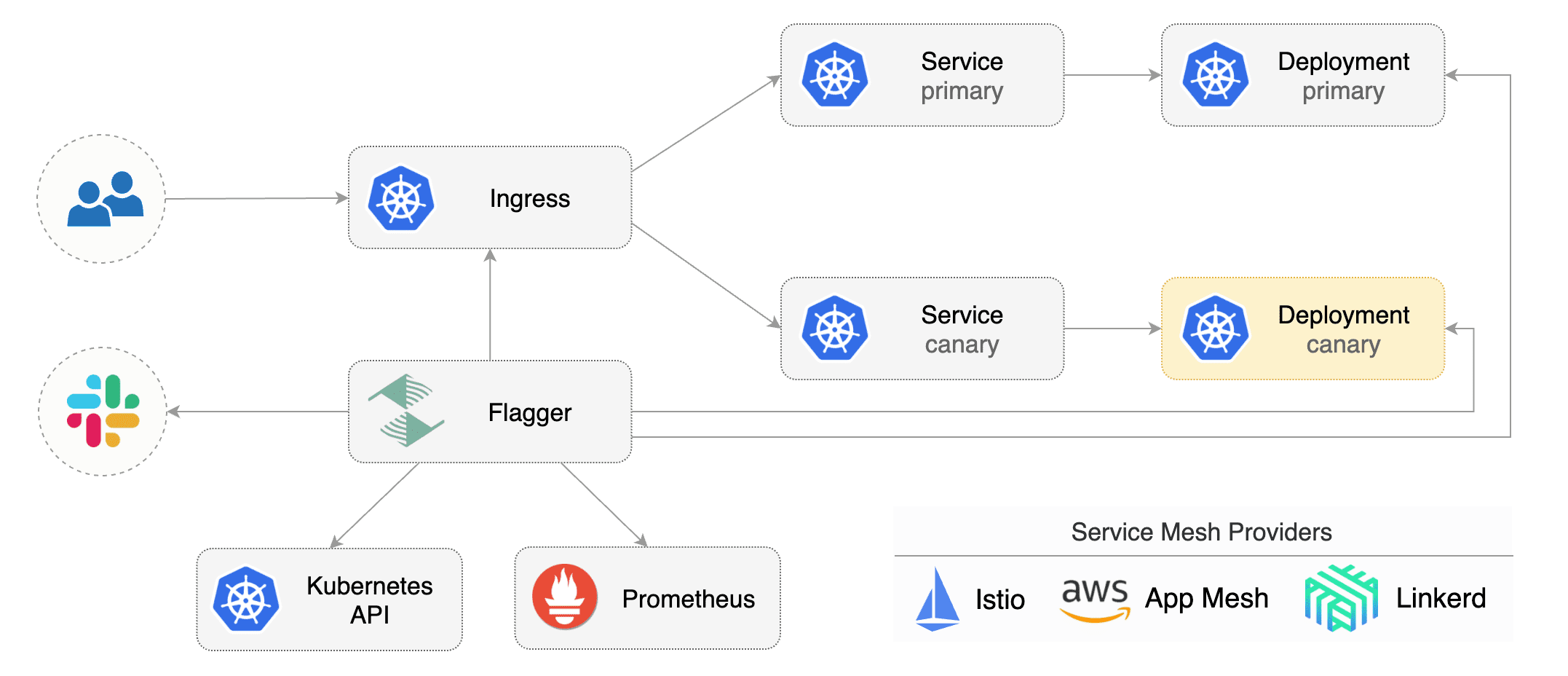
|
||||
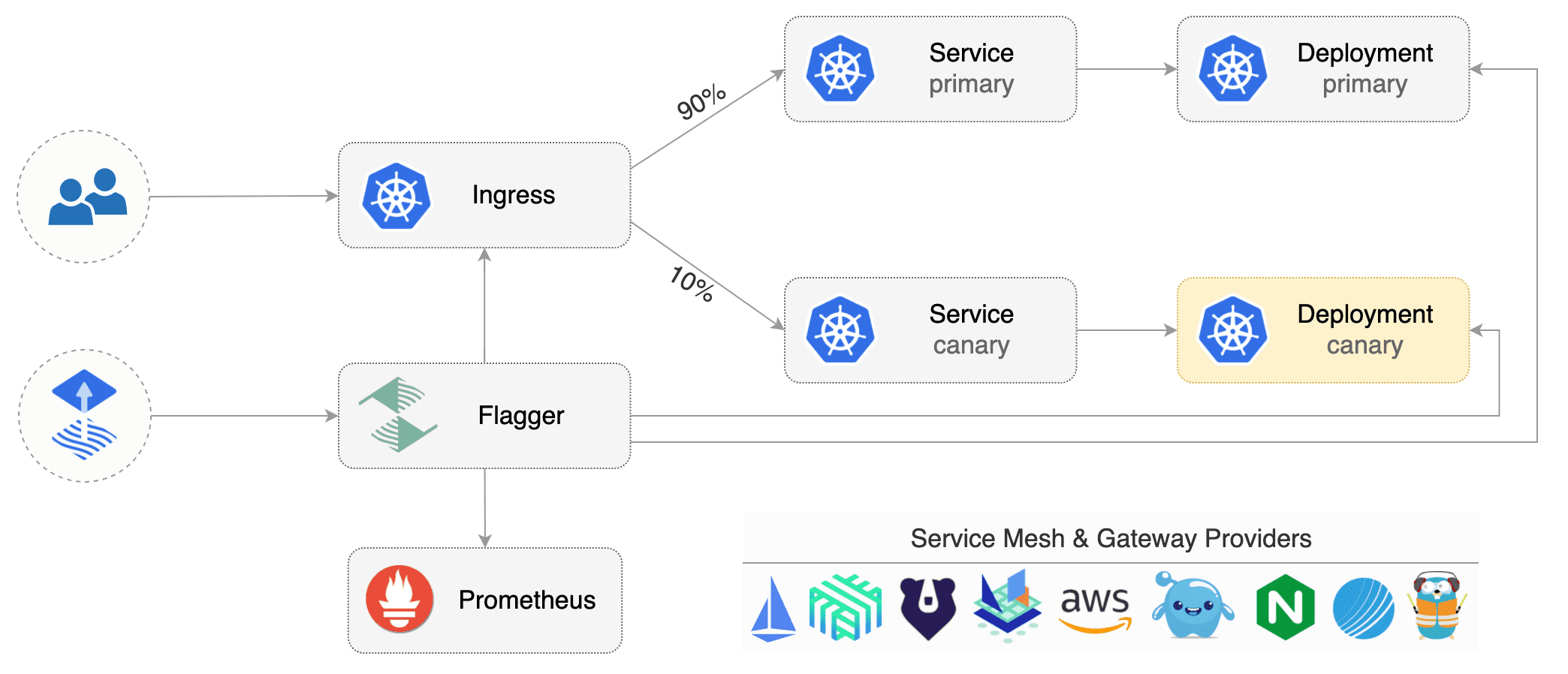
|
||||
|
||||
Flagger implements several deployment strategies (Canary releases, A/B testing, Blue/Green mirroring)
|
||||
using a service mesh (App Mesh, Istio, Linkerd) or an ingress controller (Contour, Gloo, NGINX, Skipper, Traefik) for traffic routing.
|
||||
For release analysis, Flagger can query Prometheus, Datadog or CloudWatch
|
||||
and for alerting it uses Slack, MS Teams, Discord and Rocket.
|
||||
using a service mesh (App Mesh, Istio, Linkerd, Open Service Mesh)
|
||||
or an ingress controller (Contour, Gloo, NGINX, Skipper, Traefik) for traffic routing.
|
||||
For release analysis, Flagger can query Prometheus, Datadog, New Relic or CloudWatch
|
||||
and for alerting it uses Slack, MS Teams, Discord, Rocket and Google Chat.
|
||||
|
||||
Flagger is a [Cloud Native Computing Foundation](https://cncf.io/) project
|
||||
and part of [Flux](https://fluxcd.io) family of GitOps tools.
|
||||
|
||||
### Documentation
|
||||
|
||||
@@ -39,21 +43,14 @@ Flagger documentation can be found at [docs.flagger.app](https://docs.flagger.ap
|
||||
* [NGINX Ingress](https://docs.flagger.app/tutorials/nginx-progressive-delivery)
|
||||
* [Skipper](https://docs.flagger.app/tutorials/skipper-progressive-delivery)
|
||||
* [Traefik](https://docs.flagger.app/tutorials/traefik-progressive-delivery)
|
||||
* [Open Service Mesh (OSM)](https://docs.flagger.app/tutorials/osm-progressive-delivery)
|
||||
* [Kubernetes Blue/Green](https://docs.flagger.app/tutorials/kubernetes-blue-green)
|
||||
|
||||
### Who is using Flagger
|
||||
|
||||
List of organizations using Flagger:
|
||||
**Our list of production users has moved to <https://fluxcd.io/adopters/#flagger>**.
|
||||
|
||||
* [Chick-fil-A](https://www.chick-fil-a.com)
|
||||
* [Capra Consulting](https://www.capraconsulting.no)
|
||||
* [DMM.com](https://dmm-corp.com)
|
||||
* [MediaMarktSaturn](https://www.mediamarktsaturn.com)
|
||||
* [Weaveworks](https://weave.works)
|
||||
* [Jumia Group](https://group.jumia.com)
|
||||
* [eLife](https://elifesciences.org/)
|
||||
|
||||
If you are using Flagger, please submit a PR to add your organization to the list!
|
||||
If you are using Flagger, please [submit a PR to add your organization](https://github.com/fluxcd/website/tree/main/adopters#readme) to the list!
|
||||
|
||||
### Canary CRD
|
||||
|
||||
@@ -74,7 +71,8 @@ metadata:
|
||||
namespace: test
|
||||
spec:
|
||||
# service mesh provider (optional)
|
||||
# can be: kubernetes, istio, linkerd, appmesh, nginx, skipper, contour, gloo, supergloo, traefik
|
||||
# can be: kubernetes, istio, linkerd, appmesh, nginx, skipper, contour, gloo, supergloo, traefik, osm
|
||||
# for SMI TrafficSplit can be: smi:v1alpha1, smi:v1alpha2, smi:v1alpha3
|
||||
provider: istio
|
||||
# deployment reference
|
||||
targetRef:
|
||||
@@ -185,24 +183,28 @@ For more details on how the canary analysis and promotion works please [read the
|
||||
|
||||
**Service Mesh**
|
||||
|
||||
| Feature | App Mesh | Istio | Linkerd | Kubernetes CNI |
|
||||
| ------------------------------------------ | ------------------ | ------------------ | ------------------ | ----------------- |
|
||||
| Canary deployments (weighted traffic) | :heavy_check_mark: | :heavy_check_mark: | :heavy_check_mark: | :heavy_minus_sign: |
|
||||
| A/B testing (headers and cookies routing) | :heavy_check_mark: | :heavy_check_mark: | :heavy_minus_sign: | :heavy_minus_sign: |
|
||||
| Blue/Green deployments (traffic switch) | :heavy_check_mark: | :heavy_check_mark: | :heavy_check_mark: | :heavy_check_mark: |
|
||||
| Blue/Green deployments (traffic mirroring) | :heavy_minus_sign: | :heavy_check_mark: | :heavy_minus_sign: | :heavy_minus_sign: |
|
||||
| Webhooks (acceptance/load testing) | :heavy_check_mark: | :heavy_check_mark: | :heavy_check_mark: | :heavy_check_mark: |
|
||||
| Manual gating (approve/pause/resume) | :heavy_check_mark: | :heavy_check_mark: | :heavy_check_mark: | :heavy_check_mark: |
|
||||
| Request success rate check (L7 metric) | :heavy_check_mark: | :heavy_check_mark: | :heavy_check_mark: | :heavy_minus_sign: |
|
||||
| Request duration check (L7 metric) | :heavy_check_mark: | :heavy_check_mark: | :heavy_check_mark: | :heavy_minus_sign: |
|
||||
| Custom metric checks | :heavy_check_mark: | :heavy_check_mark: | :heavy_check_mark: | :heavy_check_mark: |
|
||||
| Feature | App Mesh | Istio | Linkerd | Open Service Mesh | SMI | Kubernetes CNI |
|
||||
| ------------------------------------------ | ------------------ | ------------------ | ------------------ | ------------------ | ------------------ | ------------------ |
|
||||
| Canary deployments (weighted traffic) | :heavy_check_mark: | :heavy_check_mark: | :heavy_check_mark: | :heavy_check_mark: | :heavy_check_mark: | :heavy_minus_sign: |
|
||||
| A/B testing (headers and cookies routing) | :heavy_check_mark: | :heavy_check_mark: | :heavy_minus_sign: | :heavy_minus_sign: | :heavy_minus_sign: | :heavy_minus_sign: |
|
||||
| Blue/Green deployments (traffic switch) | :heavy_check_mark: | :heavy_check_mark: | :heavy_check_mark: | :heavy_check_mark: | :heavy_check_mark: | :heavy_check_mark: |
|
||||
| Blue/Green deployments (traffic mirroring) | :heavy_minus_sign: | :heavy_check_mark: | :heavy_minus_sign: | :heavy_minus_sign: | :heavy_minus_sign: | :heavy_minus_sign: |
|
||||
| Webhooks (acceptance/load testing) | :heavy_check_mark: | :heavy_check_mark: | :heavy_check_mark: | :heavy_check_mark: | :heavy_check_mark: | :heavy_check_mark: |
|
||||
| Manual gating (approve/pause/resume) | :heavy_check_mark: | :heavy_check_mark: | :heavy_check_mark: | :heavy_check_mark: | :heavy_check_mark: | :heavy_check_mark: |
|
||||
| Request success rate check (L7 metric) | :heavy_check_mark: | :heavy_check_mark: | :heavy_check_mark: | :heavy_check_mark: | :heavy_minus_sign: | :heavy_minus_sign: |
|
||||
| Request duration check (L7 metric) | :heavy_check_mark: | :heavy_check_mark: | :heavy_check_mark: | :heavy_check_mark: | :heavy_minus_sign: | :heavy_minus_sign: |
|
||||
| Custom metric checks | :heavy_check_mark: | :heavy_check_mark: | :heavy_check_mark: | :heavy_check_mark: | :heavy_check_mark: | :heavy_check_mark: |
|
||||
|
||||
For other SMI compatible service mesh solutions like Consul Connect or Nginx Service Mesh,
|
||||
[Prometheus MetricTemplates](https://docs.flagger.app/usage/metrics#prometheus) can be used to implement
|
||||
the request success rate and request duration checks.
|
||||
|
||||
**Ingress**
|
||||
|
||||
| Feature | Contour | Gloo | NGINX | Skipper | Traefik |
|
||||
| ------------------------------------------ | ------------------ | ------------------ | ------------------ | ------------------ | ------------------ |
|
||||
| Canary deployments (weighted traffic) | :heavy_check_mark: | :heavy_check_mark: | :heavy_check_mark: | :heavy_check_mark: | :heavy_check_mark: |
|
||||
| A/B testing (headers and cookies routing) | :heavy_check_mark: | :heavy_minus_sign: | :heavy_check_mark: | :heavy_minus_sign: | :heavy_minus_sign: |
|
||||
| A/B testing (headers and cookies routing) | :heavy_check_mark: | :heavy_check_mark: | :heavy_check_mark: | :heavy_minus_sign: | :heavy_minus_sign: |
|
||||
| Blue/Green deployments (traffic switch) | :heavy_check_mark: | :heavy_check_mark: | :heavy_check_mark: | :heavy_check_mark: | :heavy_check_mark: |
|
||||
| Webhooks (acceptance/load testing) | :heavy_check_mark: | :heavy_check_mark: | :heavy_check_mark: | :heavy_check_mark: | :heavy_check_mark: |
|
||||
| Manual gating (approve/pause/resume) | :heavy_check_mark: | :heavy_check_mark: | :heavy_check_mark: | :heavy_check_mark: | :heavy_check_mark: |
|
||||
@@ -212,18 +214,16 @@ For more details on how the canary analysis and promotion works please [read the
|
||||
|
||||
### Roadmap
|
||||
|
||||
#### [GitOps Toolkit](https://github.com/fluxcd/toolkit) compatibility
|
||||
#### [GitOps Toolkit](https://github.com/fluxcd/flux2) compatibility
|
||||
|
||||
* Migrate Flagger to Kubernetes controller-runtime and [kubebuilder](https://github.com/kubernetes-sigs/kubebuilder)
|
||||
* Make the Canary status compatible with [kstatus](https://github.com/kubernetes-sigs/cli-utils)
|
||||
* Make Flagger emit Kubernetes events compatible with Flux v2 notification API
|
||||
* Migrate CI to GitHub Actions and publish AMD64, ARM64 and ARMv7 container images
|
||||
* Integrate Flagger into Flux v2 as the progressive delivery component
|
||||
|
||||
#### Integrations
|
||||
|
||||
* Add support for Kubernetes [Ingress v2](https://github.com/kubernetes-sigs/service-apis)
|
||||
* Add support for SMI compatible service mesh solutions like Open Service Mesh and Consul Connect
|
||||
* Add support for ingress controllers like HAProxy and ALB
|
||||
* Add support for metrics providers like InfluxDB, Stackdriver, SignalFX
|
||||
|
||||
@@ -245,10 +245,10 @@ When submitting bug reports please include as much details as possible:
|
||||
If you have any questions about Flagger and progressive delivery:
|
||||
|
||||
* Read the Flagger [docs](https://docs.flagger.app).
|
||||
* Invite yourself to the [Weave community slack](https://slack.weave.works/)
|
||||
and join the [#flagger](https://weave-community.slack.com/messages/flagger/) channel.
|
||||
* Join the [Weave User Group](https://www.meetup.com/pro/Weave/) and get invited to online talks,
|
||||
hands-on training and meetups in your area.
|
||||
* File an [issue](https://github.com/weaveworks/flagger/issues/new).
|
||||
* Invite yourself to the [CNCF community slack](https://slack.cncf.io/)
|
||||
and join the [#flagger](https://cloud-native.slack.com/messages/flagger/) channel.
|
||||
* Check out the **[Flux events calendar](https://fluxcd.io/#calendar)**, both with upcoming talks, events and meetings you can attend.
|
||||
* Or view the **[Flux resources section](https://fluxcd.io/resources)** with past events videos you can watch.
|
||||
* File an [issue](https://github.com/fluxcd/flagger/issues/new).
|
||||
|
||||
Your feedback is always welcome!
|
||||
|
||||
42
artifacts/examples/osm-canary-steps.yaml
Normal file
@@ -0,0 +1,42 @@
|
||||
apiVersion: flagger.app/v1beta1
|
||||
kind: Canary
|
||||
metadata:
|
||||
name: podinfo
|
||||
namespace: test
|
||||
spec:
|
||||
provider: osm
|
||||
targetRef:
|
||||
apiVersion: apps/v1
|
||||
kind: Deployment
|
||||
name: podinfo
|
||||
progressDeadlineSeconds: 600
|
||||
service:
|
||||
port: 9898
|
||||
targetPort: 9898
|
||||
analysis:
|
||||
interval: 15s
|
||||
threshold: 10
|
||||
stepWeights: [5, 10, 15, 20, 25, 30, 35, 40, 45, 50, 55]
|
||||
metrics:
|
||||
- name: request-success-rate
|
||||
thresholdRange:
|
||||
min: 99
|
||||
interval: 1m
|
||||
- name: request-duration
|
||||
thresholdRange:
|
||||
max: 500
|
||||
interval: 30s
|
||||
webhooks:
|
||||
- name: acceptance-test
|
||||
type: pre-rollout
|
||||
url: http://flagger-loadtester.test/
|
||||
timeout: 15s
|
||||
metadata:
|
||||
type: bash
|
||||
cmd: "curl -sd 'test' http://podinfo-canary.test:9898/token | grep token"
|
||||
- name: load-test
|
||||
type: rollout
|
||||
url: http://flagger-loadtester.test/
|
||||
timeout: 5s
|
||||
metadata:
|
||||
cmd: "hey -z 1m -q 10 -c 2 http://podinfo-canary.test:9898/"
|
||||
43
artifacts/examples/osm-canary.yaml
Normal file
@@ -0,0 +1,43 @@
|
||||
apiVersion: flagger.app/v1beta1
|
||||
kind: Canary
|
||||
metadata:
|
||||
name: podinfo
|
||||
namespace: test
|
||||
spec:
|
||||
provider: osm
|
||||
targetRef:
|
||||
apiVersion: apps/v1
|
||||
kind: Deployment
|
||||
name: podinfo
|
||||
progressDeadlineSeconds: 600
|
||||
service:
|
||||
port: 9898
|
||||
targetPort: 9898
|
||||
analysis:
|
||||
interval: 15s
|
||||
threshold: 10
|
||||
maxWeight: 50
|
||||
stepWeight: 5
|
||||
metrics:
|
||||
- name: request-success-rate
|
||||
thresholdRange:
|
||||
min: 99
|
||||
interval: 1m
|
||||
- name: request-duration
|
||||
thresholdRange:
|
||||
max: 500
|
||||
interval: 30s
|
||||
webhooks:
|
||||
- name: acceptance-test
|
||||
type: pre-rollout
|
||||
url: http://flagger-loadtester.test/
|
||||
timeout: 15s
|
||||
metadata:
|
||||
type: bash
|
||||
cmd: "curl -sd 'test' http://podinfo-canary.test:9898/token | grep token"
|
||||
- name: load-test
|
||||
type: rollout
|
||||
url: http://flagger-loadtester.test/
|
||||
timeout: 5s
|
||||
metadata:
|
||||
cmd: "hey -z 1m -q 10 -c 2 http://podinfo-canary.test:9898/"
|
||||
@@ -6,7 +6,7 @@ metadata:
|
||||
labels:
|
||||
app: flagger
|
||||
---
|
||||
apiVersion: rbac.authorization.k8s.io/v1beta1
|
||||
apiVersion: rbac.authorization.k8s.io/v1
|
||||
kind: ClusterRole
|
||||
metadata:
|
||||
name: flagger
|
||||
@@ -153,8 +153,19 @@ rules:
|
||||
resources:
|
||||
- upstreams
|
||||
- upstreams/finalizers
|
||||
- upstreamgroups
|
||||
- upstreamgroups/finalizers
|
||||
verbs:
|
||||
- get
|
||||
- list
|
||||
- watch
|
||||
- create
|
||||
- update
|
||||
- patch
|
||||
- delete
|
||||
- apiGroups:
|
||||
- gateway.solo.io
|
||||
resources:
|
||||
- routetables
|
||||
- routetables/finalizers
|
||||
verbs:
|
||||
- get
|
||||
- list
|
||||
@@ -181,7 +192,7 @@ rules:
|
||||
verbs:
|
||||
- get
|
||||
---
|
||||
apiVersion: rbac.authorization.k8s.io/v1beta1
|
||||
apiVersion: rbac.authorization.k8s.io/v1
|
||||
kind: ClusterRoleBinding
|
||||
metadata:
|
||||
name: flagger
|
||||
|
||||
@@ -22,7 +22,7 @@ spec:
|
||||
serviceAccountName: flagger
|
||||
containers:
|
||||
- name: flagger
|
||||
image: weaveworks/flagger:1.4.0
|
||||
image: ghcr.io/fluxcd/flagger:1.13.0
|
||||
imagePullPolicy: IfNotPresent
|
||||
ports:
|
||||
- name: http
|
||||
|
||||
@@ -1,14 +1,14 @@
|
||||
apiVersion: v1
|
||||
name: flagger
|
||||
version: 1.4.0
|
||||
appVersion: 1.4.0
|
||||
kubeVersion: ">=1.11.0-0"
|
||||
version: 1.13.0
|
||||
appVersion: 1.13.0
|
||||
kubeVersion: ">=1.16.0-0"
|
||||
engine: gotpl
|
||||
description: Flagger is a progressive delivery operator for Kubernetes
|
||||
home: https://flagger.app
|
||||
icon: https://raw.githubusercontent.com/weaveworks/flagger/master/docs/logo/weaveworks.png
|
||||
icon: https://raw.githubusercontent.com/fluxcd/flagger/main/docs/logo/flagger-icon.png
|
||||
sources:
|
||||
- https://github.com/weaveworks/flagger
|
||||
- https://github.com/fluxcd/flagger
|
||||
maintainers:
|
||||
- name: stefanprodan
|
||||
url: https://github.com/stefanprodan
|
||||
@@ -21,5 +21,8 @@ keywords:
|
||||
- gloo
|
||||
- contour
|
||||
- nginx
|
||||
- traefik
|
||||
- osm
|
||||
- smi
|
||||
- gitops
|
||||
- canary
|
||||
|
||||
@@ -186,7 +186,7 @@
|
||||
same "printed page" as the copyright notice for easier
|
||||
identification within third-party archives.
|
||||
|
||||
Copyright 2018 Weaveworks. All rights reserved.
|
||||
Copyright [yyyy] [name of copyright owner]
|
||||
|
||||
Licensed under the Apache License, Version 2.0 (the "License");
|
||||
you may not use this file except in compliance with the License.
|
||||
|
||||
@@ -1,18 +1,22 @@
|
||||
# Flagger
|
||||
|
||||
[Flagger](https://github.com/weaveworks/flagger) is an operator that automates the release process of applications on Kubernetes.
|
||||
[Flagger](https://github.com/fluxcd/flagger) is an operator that automates the release process of applications on Kubernetes.
|
||||
|
||||
Flagger can run automated application analysis, testing, promotion and rollback for the following deployment strategies:
|
||||
* Canary Release (progressive traffic shifting)
|
||||
* A/B Testing (HTTP headers and cookies traffic routing)
|
||||
* Blue/Green (traffic switching and mirroring)
|
||||
|
||||
Flagger works with service mesh solutions (Istio, Linkerd, AWS App Mesh) and with Kubernetes ingress controllers (NGINX, Skipper, Gloo, Contour, Traefik).
|
||||
Flagger works with service mesh solutions (Istio, Linkerd, AWS App Mesh, Open Service Mesh) and with Kubernetes ingress controllers
|
||||
(NGINX, Skipper, Gloo, Contour, Traefik).
|
||||
Flagger can be configured to send alerts to various chat platforms such as Slack, Microsoft Teams, Discord and Rocket.
|
||||
|
||||
Flagger is a [Cloud Native Computing Foundation](https://cncf.io/) project
|
||||
and part of [Flux](https://fluxcd.io) family of GitOps tools.
|
||||
|
||||
## Prerequisites
|
||||
|
||||
* Kubernetes >= 1.14
|
||||
* Kubernetes >= 1.16
|
||||
|
||||
## Installing the Chart
|
||||
|
||||
@@ -25,7 +29,7 @@ $ helm repo add flagger https://flagger.app
|
||||
Install Flagger's custom resource definitions:
|
||||
|
||||
```console
|
||||
$ kubectl apply -f https://raw.githubusercontent.com/weaveworks/flagger/master/artifacts/flagger/crd.yaml
|
||||
$ kubectl apply -f https://raw.githubusercontent.com/fluxcd/flagger/main/artifacts/flagger/crd.yaml
|
||||
```
|
||||
|
||||
To install Flagger for **Istio**:
|
||||
@@ -37,13 +41,13 @@ $ helm upgrade -i flagger flagger/flagger \
|
||||
--set metricsServer=http://prometheus:9090
|
||||
```
|
||||
|
||||
To install Flagger for **Linkerd**:
|
||||
To install Flagger for **Linkerd** (requires Linkerd Viz extension):
|
||||
|
||||
```console
|
||||
$ helm upgrade -i flagger flagger/flagger \
|
||||
--namespace=linkerd \
|
||||
--set meshProvider=linkerd \
|
||||
--set metricsServer=http://linkerd-prometheus:9090
|
||||
--set metricsServer=http://prometheus.linkerd-viz:9090
|
||||
```
|
||||
|
||||
To install Flagger for **AWS App Mesh**:
|
||||
@@ -64,7 +68,7 @@ $ helm upgrade -i flagger flagger/flagger \
|
||||
--set prometheus.install=true
|
||||
```
|
||||
|
||||
To install Flagger and Prometheus for **Gloo** (requires Gloo discovery enabled):
|
||||
To install Flagger and Prometheus for **Gloo** (no longer requires Gloo discovery):
|
||||
|
||||
```console
|
||||
$ helm upgrade -i flagger flagger/flagger \
|
||||
@@ -87,11 +91,20 @@ To install Flagger and Prometheus for **Traefik**:
|
||||
|
||||
```console
|
||||
$ helm upgrade -i flagger flagger/flagger \
|
||||
--namespace traefik \
|
||||
--namespace=traefik \
|
||||
--set prometheus.install=true \
|
||||
--set meshProvider=traefik
|
||||
```
|
||||
|
||||
To install Flagger for **Open Service Mesh (OSM)** (requires OSM to have been installed with Prometheus):
|
||||
|
||||
```console
|
||||
$ helm upgrade -i flagger flagger/flagger \
|
||||
--namespace=osm-system \
|
||||
--set meshProvider=osm \
|
||||
--set metricsServer=http://osm-prometheus.osm-system.svc:7070
|
||||
```
|
||||
|
||||
The [configuration](#configuration) section lists the parameters that can be configured during installation.
|
||||
|
||||
## Uninstalling the Chart
|
||||
@@ -110,7 +123,7 @@ The following tables lists the configurable parameters of the Flagger chart and
|
||||
|
||||
Parameter | Description | Default
|
||||
--- | --- | ---
|
||||
`image.repository` | Image repository | `weaveworks/flagger`
|
||||
`image.repository` | Image repository | `ghcr.io/fluxcd/flagger`
|
||||
`image.tag` | Image tag | `<VERSION>`
|
||||
`image.pullPolicy` | Image pull policy | `IfNotPresent`
|
||||
`logLevel` | Log level | `info`
|
||||
@@ -121,12 +134,14 @@ Parameter | Description | Default
|
||||
`configTracking.enabled` | If `true`, flagger will track changes in Secrets and ConfigMaps referenced in the target deployment | `true`
|
||||
`eventWebhook` | If set, Flagger will publish events to the given webhook | None
|
||||
`slack.url` | Slack incoming webhook | None
|
||||
`slack.proxyUrl` | Slack proxy url | None
|
||||
`slack.channel` | Slack channel | None
|
||||
`slack.user` | Slack username | `flagger`
|
||||
`msteams.url` | Microsoft Teams incoming webhook | None
|
||||
`msteams.proxyUrl` | Microsoft Teams proxy url | None
|
||||
`podMonitor.enabled` | If `true`, create a PodMonitor for [monitoring the metrics](https://docs.flagger.app/usage/monitoring#metrics) | `false`
|
||||
`podMonitor.namespace` | Namespace where the PodMonitor is created | the same namespace
|
||||
`podMonitor.interval` | Interval at which metrics should be scraped | `15s`
|
||||
`podMonitor.namespace` | Namespace where the PodMonitor is created | the same namespace
|
||||
`podMonitor.interval` | Interval at which metrics should be scraped | `15s`
|
||||
`podMonitor.podMonitor` | Additional labels to add to the PodMonitor | `{}`
|
||||
`leaderElection.enabled` | If `true`, Flagger will run in HA mode | `false`
|
||||
`leaderElection.replicaCount` | Number of replicas | `1`
|
||||
@@ -151,6 +166,8 @@ Parameter | Description | Default
|
||||
`ingressAnnotationsPrefix` | Annotations prefix for NGINX ingresses | None
|
||||
`ingressClass` | Ingress class used for annotating HTTPProxy objects, e.g. `contour` | None
|
||||
`podPriorityClassName` | PriorityClass name for pod priority configuration | ""
|
||||
`podDisruptionBudget.enabled` | A PodDisruptionBudget will be created if `true` | `false`
|
||||
`podDisruptionBudget.minAvailable` | The minimal number of available replicas that will be set in the PodDisruptionBudget | `1`
|
||||
|
||||
Specify each parameter using the `--set key=value[,key=value]` argument to `helm upgrade`. For example,
|
||||
|
||||
@@ -170,5 +187,3 @@ $ helm upgrade -i flagger flagger/flagger \
|
||||
```
|
||||
|
||||
> **Tip**: You can use the default [values.yaml](values.yaml)
|
||||
|
||||
|
||||
|
||||
@@ -22,6 +22,11 @@ spec:
|
||||
labels:
|
||||
app.kubernetes.io/name: {{ template "flagger.name" . }}
|
||||
app.kubernetes.io/instance: {{ .Release.Name }}
|
||||
{{- if .Values.podLabels }}
|
||||
{{- range $key, $value := .Values.podLabels }}
|
||||
{{ $key }}: {{ $value | quote }}
|
||||
{{- end }}
|
||||
{{- end }}
|
||||
annotations:
|
||||
{{- if .Values.podAnnotations }}
|
||||
{{ toYaml .Values.podAnnotations | indent 8 }}
|
||||
@@ -90,6 +95,9 @@ spec:
|
||||
{{- if .Values.slack.url }}
|
||||
- -slack-url={{ .Values.slack.url }}
|
||||
{{- end }}
|
||||
{{- if .Values.slack.proxyUrl }}
|
||||
- -slack-proxy-url={{ .Values.slack.proxyUrl }}
|
||||
{{- end }}
|
||||
{{- if .Values.slack.user }}
|
||||
- -slack-user={{ .Values.slack.user }}
|
||||
{{- end }}
|
||||
@@ -99,6 +107,9 @@ spec:
|
||||
{{- if .Values.msteams.url }}
|
||||
- -msteams-url={{ .Values.msteams.url }}
|
||||
{{- end }}
|
||||
{{- if .Values.msteams.proxyUrl }}
|
||||
- -msteams-proxy-url={{ .Values.msteams.proxyUrl }}
|
||||
{{- end }}
|
||||
{{- if .Values.leaderElection.enabled }}
|
||||
- -enable-leader-election=true
|
||||
- -leader-election-namespace={{ .Release.Namespace }}
|
||||
|
||||
11
charts/flagger/templates/pdb.yaml
Normal file
@@ -0,0 +1,11 @@
|
||||
{{- if .Values.podDisruptionBudget.enabled }}
|
||||
apiVersion: policy/v1beta1
|
||||
kind: PodDisruptionBudget
|
||||
metadata:
|
||||
name: {{ template "flagger.name" . }}
|
||||
spec:
|
||||
minAvailable: {{ .Values.podDisruptionBudget.minAvailable }}
|
||||
selector:
|
||||
matchLabels:
|
||||
app.kubernetes.io/name: {{ template "flagger.name" . }}
|
||||
{{- end }}
|
||||
@@ -1,5 +1,5 @@
|
||||
{{- if .Values.prometheus.install }}
|
||||
apiVersion: rbac.authorization.k8s.io/v1beta1
|
||||
apiVersion: rbac.authorization.k8s.io/v1
|
||||
kind: ClusterRole
|
||||
metadata:
|
||||
name: {{ template "flagger.fullname" . }}-prometheus
|
||||
@@ -24,7 +24,7 @@ rules:
|
||||
- nonResourceURLs: ["/metrics"]
|
||||
verbs: ["get"]
|
||||
---
|
||||
apiVersion: rbac.authorization.k8s.io/v1beta1
|
||||
apiVersion: rbac.authorization.k8s.io/v1
|
||||
kind: ClusterRoleBinding
|
||||
metadata:
|
||||
name: {{ template "flagger.fullname" . }}-prometheus
|
||||
@@ -255,7 +255,14 @@ spec:
|
||||
mountPath: /etc/prometheus
|
||||
- name: data-volume
|
||||
mountPath: /prometheus/data
|
||||
|
||||
{{- if .Values.prometheus.securityContext.enabled }}
|
||||
securityContext:
|
||||
{{ toYaml .Values.prometheus.securityContext.context | indent 12 }}
|
||||
{{- end }}
|
||||
{{- if .Values.prometheus.pullSecret }}
|
||||
imagePullSecrets:
|
||||
- name: {{ .Values.prometheus.pullSecret }}
|
||||
{{- end }}
|
||||
volumes:
|
||||
- name: config-volume
|
||||
configMap:
|
||||
|
||||
@@ -1,5 +1,5 @@
|
||||
{{- if .Values.rbac.create }}
|
||||
apiVersion: rbac.authorization.k8s.io/v1beta1
|
||||
apiVersion: rbac.authorization.k8s.io/v1
|
||||
kind: ClusterRole
|
||||
metadata:
|
||||
name: {{ template "flagger.fullname" . }}
|
||||
@@ -149,8 +149,19 @@ rules:
|
||||
resources:
|
||||
- upstreams
|
||||
- upstreams/finalizers
|
||||
- upstreamgroups
|
||||
- upstreamgroups/finalizers
|
||||
verbs:
|
||||
- get
|
||||
- list
|
||||
- watch
|
||||
- create
|
||||
- update
|
||||
- patch
|
||||
- delete
|
||||
- apiGroups:
|
||||
- gateway.solo.io
|
||||
resources:
|
||||
- routetables
|
||||
- routetables/finalizers
|
||||
verbs:
|
||||
- get
|
||||
- list
|
||||
@@ -189,7 +200,7 @@ rules:
|
||||
verbs:
|
||||
- get
|
||||
---
|
||||
apiVersion: rbac.authorization.k8s.io/v1beta1
|
||||
apiVersion: rbac.authorization.k8s.io/v1
|
||||
kind: ClusterRoleBinding
|
||||
metadata:
|
||||
name: {{ template "flagger.fullname" . }}
|
||||
|
||||
@@ -1,8 +1,8 @@
|
||||
# Default values for flagger.
|
||||
|
||||
image:
|
||||
repository: weaveworks/flagger
|
||||
tag: 1.4.0
|
||||
repository: ghcr.io/fluxcd/flagger
|
||||
tag: 1.13.0
|
||||
pullPolicy: IfNotPresent
|
||||
pullSecret:
|
||||
|
||||
@@ -19,7 +19,7 @@ podPriorityClassName: ""
|
||||
|
||||
metricsServer: "http://prometheus:9090"
|
||||
|
||||
# accepted values are kubernetes, istio, linkerd, appmesh, contour, nginx, gloo, skipper, traefik
|
||||
# accepted values are kubernetes, istio, linkerd, appmesh, contour, nginx, gloo, skipper, traefik, osm
|
||||
meshProvider: ""
|
||||
|
||||
# single namespace restriction
|
||||
@@ -55,6 +55,7 @@ slack:
|
||||
channel:
|
||||
# incoming webhook https://api.slack.com/incoming-webhooks
|
||||
url:
|
||||
proxy:
|
||||
|
||||
msteams:
|
||||
# MS Teams incoming webhook URL
|
||||
@@ -72,11 +73,21 @@ podMonitor:
|
||||
# secretKeyRef:
|
||||
# name: slack
|
||||
# key: url
|
||||
#- name: SLACK_PROXY_URL
|
||||
# valueFrom:
|
||||
# secretKeyRef:
|
||||
# name: slack
|
||||
# key: proxy-url
|
||||
#- name: MSTEAMS_URL
|
||||
# valueFrom:
|
||||
# secretKeyRef:
|
||||
# name: msteams
|
||||
# key: url
|
||||
#- name: MSTEAMS_PROXY_URL
|
||||
# valueFrom:
|
||||
# secretKeyRef:
|
||||
# name: msteams
|
||||
# key: proxy-url
|
||||
#- name: EVENT_WEBHOOK_URL
|
||||
# valueFrom:
|
||||
# secretKeyRef:
|
||||
@@ -124,8 +135,15 @@ tolerations: []
|
||||
prometheus:
|
||||
# to be used with ingress controllers
|
||||
install: false
|
||||
image: docker.io/prom/prometheus:v2.21.0
|
||||
image: docker.io/prom/prometheus:v2.23.0
|
||||
pullSecret:
|
||||
retention: 2h
|
||||
# when enabled, it will add a security context for the prometheus pod
|
||||
securityContext:
|
||||
enabled: false
|
||||
context:
|
||||
readOnlyRootFilesystem: true
|
||||
runAsUser: 10001
|
||||
|
||||
kubeconfigQPS: ""
|
||||
kubeconfigBurst: ""
|
||||
@@ -138,3 +156,9 @@ istio:
|
||||
secretName: ""
|
||||
# istio.kubeconfig.key: The name of secret data key that contains the Istio control plane kubeconfig
|
||||
key: "kubeconfig"
|
||||
|
||||
podDisruptionBudget:
|
||||
enabled: false
|
||||
minAvailable: 1
|
||||
|
||||
podLabels: {}
|
||||
|
||||
@@ -1,12 +1,12 @@
|
||||
apiVersion: v1
|
||||
name: grafana
|
||||
version: 1.5.0
|
||||
version: 1.6.0
|
||||
appVersion: 7.2.0
|
||||
description: Grafana dashboards for monitoring Flagger canary deployments
|
||||
icon: https://raw.githubusercontent.com/weaveworks/flagger/master/docs/logo/weaveworks.png
|
||||
icon: https://raw.githubusercontent.com/fluxcd/flagger/main/docs/logo/flagger-icon.png
|
||||
home: https://flagger.app
|
||||
sources:
|
||||
- https://github.com/weaveworks/flagger
|
||||
- https://github.com/fluxcd/flagger
|
||||
maintainers:
|
||||
- name: stefanprodan
|
||||
url: https://github.com/stefanprodan
|
||||
|
||||
@@ -2,7 +2,7 @@
|
||||
|
||||
Grafana dashboards for monitoring progressive deployments powered by Flagger and Prometheus.
|
||||
|
||||
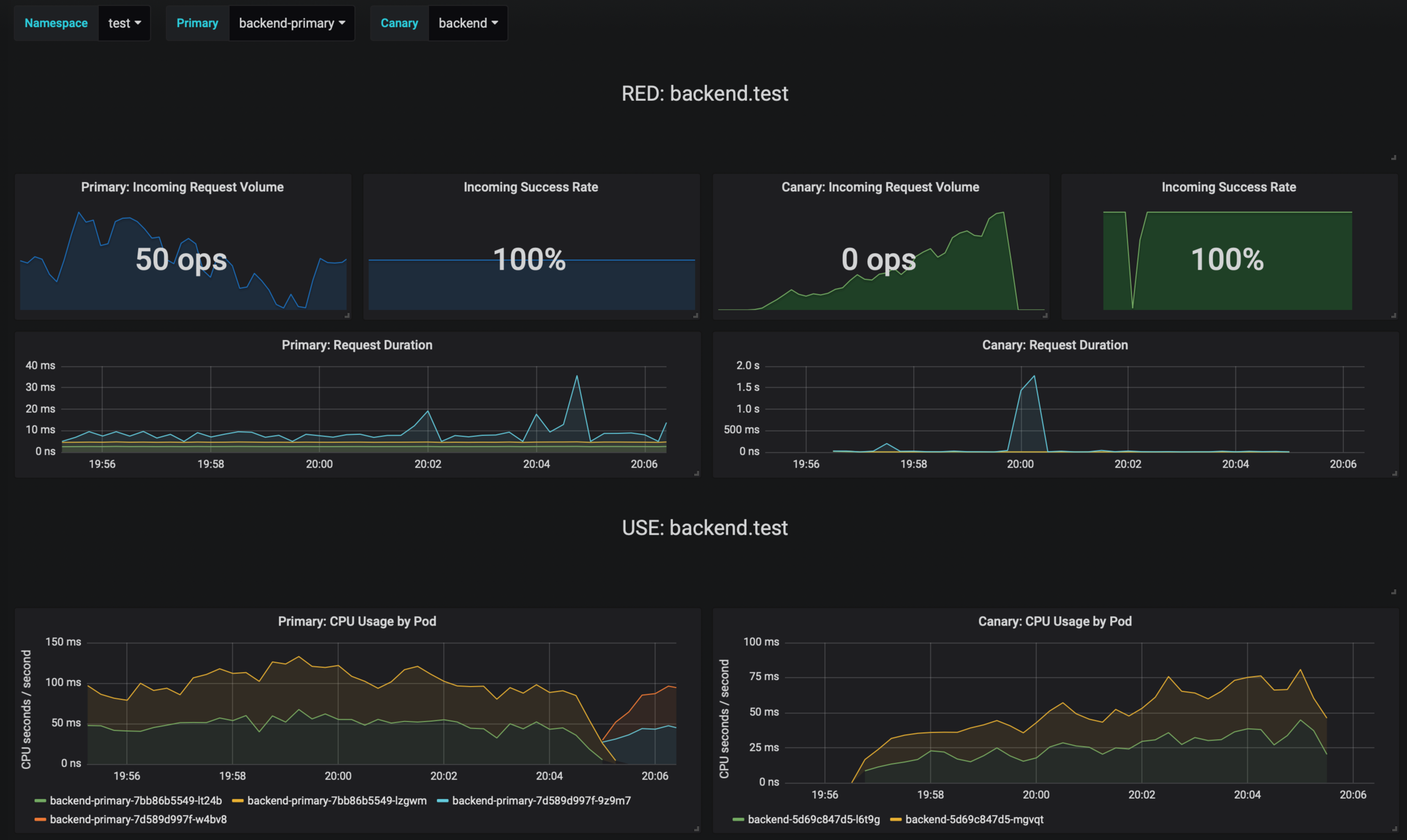
|
||||
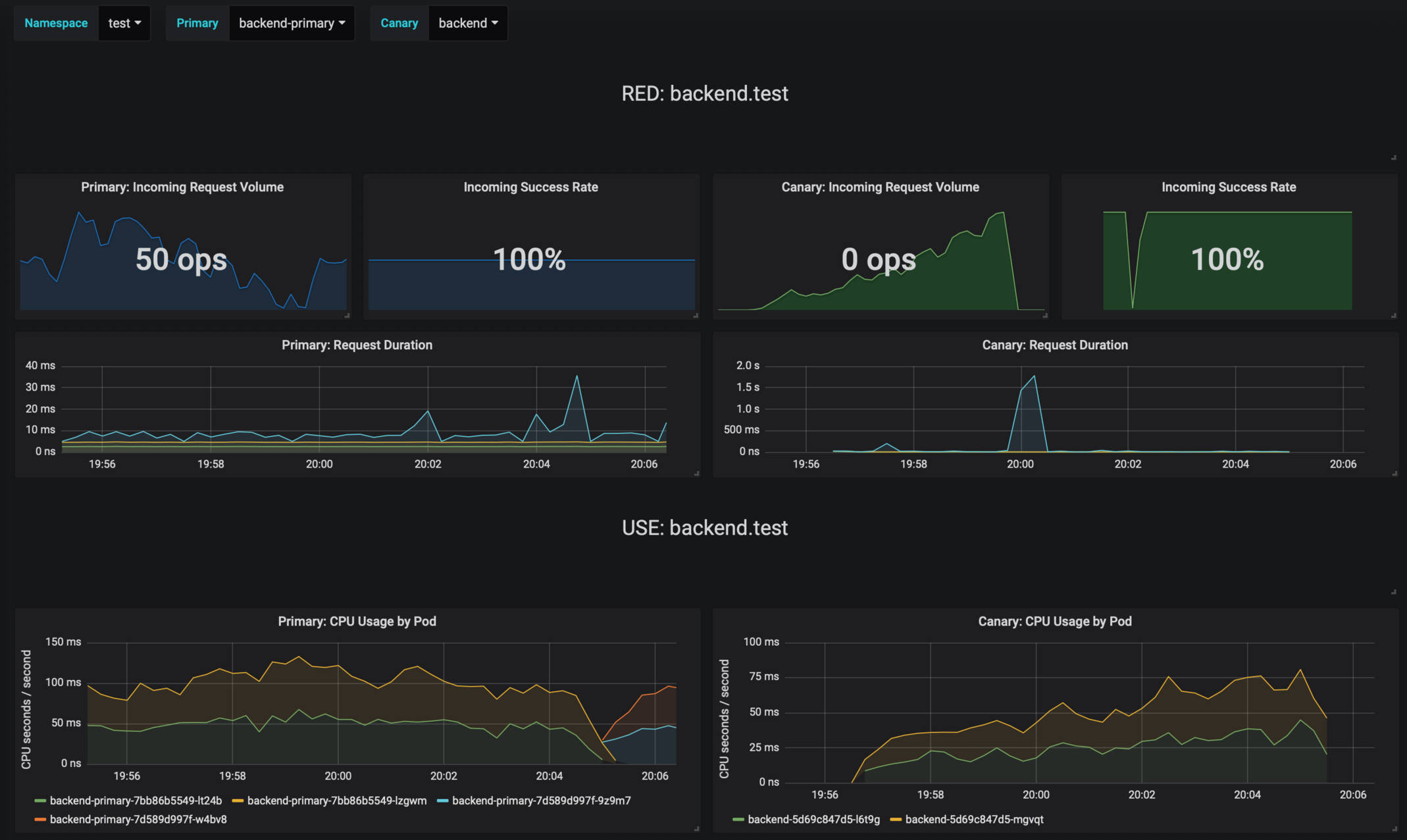
|
||||
|
||||
## Prerequisites
|
||||
|
||||
|
||||
@@ -1146,7 +1146,6 @@
|
||||
"list": [
|
||||
{
|
||||
"allValue": null,
|
||||
"current": null,
|
||||
"datasource": "prometheus",
|
||||
"definition": "query_result(sum(envoy_cluster_upstream_rq) by (kubernetes_namespace))",
|
||||
"hide": 0,
|
||||
@@ -1168,7 +1167,6 @@
|
||||
},
|
||||
{
|
||||
"allValue": null,
|
||||
"current": null,
|
||||
"datasource": "prometheus",
|
||||
"definition": "query_result(sum(envoy_cluster_upstream_rq{kubernetes_namespace=\"$namespace\",app=~\".*-primary\"}) by (app))",
|
||||
"hide": 0,
|
||||
@@ -1190,7 +1188,6 @@
|
||||
},
|
||||
{
|
||||
"allValue": null,
|
||||
"current": null,
|
||||
"datasource": "prometheus",
|
||||
"definition": "query_result(sum(envoy_cluster_upstream_rq{kubernetes_namespace=\"$namespace\",app!~\".*-primary\"}) by (app))",
|
||||
"hide": 0,
|
||||
|
||||
@@ -6,7 +6,7 @@ replicaCount: 1
|
||||
|
||||
image:
|
||||
repository: grafana/grafana
|
||||
tag: 7.2.0
|
||||
tag: 7.3.4
|
||||
pullPolicy: IfNotPresent
|
||||
|
||||
podAnnotations: {}
|
||||
|
||||
@@ -1,14 +1,14 @@
|
||||
apiVersion: v1
|
||||
name: loadtester
|
||||
version: 0.18.0
|
||||
version: 0.19.1
|
||||
appVersion: 0.18.0
|
||||
kubeVersion: ">=1.11.0-0"
|
||||
engine: gotpl
|
||||
description: Flagger's load testing services based on rakyll/hey and bojand/ghz that generates traffic during canary analysis when configured as a webhook.
|
||||
home: https://docs.flagger.app
|
||||
icon: https://raw.githubusercontent.com/weaveworks/flagger/master/docs/logo/weaveworks.png
|
||||
icon: https://raw.githubusercontent.com/fluxcd/flagger/main/docs/logo/flagger-icon.png
|
||||
sources:
|
||||
- https://github.com/weaveworks/flagger
|
||||
- https://github.com/fluxcd/flagger
|
||||
maintainers:
|
||||
- name: stefanprodan
|
||||
url: https://github.com/stefanprodan
|
||||
@@ -19,5 +19,7 @@ keywords:
|
||||
- appmesh
|
||||
- linkerd
|
||||
- gloo
|
||||
- osm
|
||||
- smi
|
||||
- gitops
|
||||
- load testing
|
||||
|
||||
@@ -1,7 +1,7 @@
|
||||
# Flagger load testing service
|
||||
|
||||
[Flagger's](https://github.com/weaveworks/flagger) load testing service is based on
|
||||
[rakyll/hey](https://github.com/rakyll/hey) and
|
||||
[Flagger's](https://github.com/fluxcd/flagger) load testing service is based on
|
||||
[rakyll/hey](https://github.com/rakyll/hey) and
|
||||
[bojand/ghz](https://github.com/bojand/ghz).
|
||||
It can be used to generate HTTP and gRPC traffic during canary analysis when configured as a webhook.
|
||||
|
||||
@@ -26,7 +26,7 @@ helm upgrade -i flagger-loadtester flagger/loadtester
|
||||
The command deploys loadtester on the Kubernetes cluster in the default namespace.
|
||||
|
||||
> **Tip**: Note that the namespace where you deploy the load tester should
|
||||
> have the Istio, App Mesh or Linkerd sidecar injection enabled
|
||||
> have the Istio, App Mesh, Linkerd or Open Service Mesh sidecar injection enabled
|
||||
|
||||
The [configuration](#configuration) section lists the parameters that can be configured during installation.
|
||||
|
||||
@@ -50,7 +50,7 @@ Parameter | Description | Default
|
||||
`image.pullPolicy` | Image pull policy | `IfNotPresent`
|
||||
`image.tag` | Image tag | `<VERSION>`
|
||||
`replicaCount` | Desired number of pods | `1`
|
||||
`serviceAccountName` | Kubernetes service account name | `none`
|
||||
`serviceAccountName` | Kubernetes service account name | `none`
|
||||
`resources.requests.cpu` | CPU requests | `10m`
|
||||
`resources.requests.memory` | Memory requests | `64Mi`
|
||||
`tolerations` | List of node taints to tolerate | `[]`
|
||||
@@ -70,6 +70,8 @@ Parameter | Description | Default
|
||||
`podPriorityClassName` | PriorityClass name for pod priority configuration | ""
|
||||
`securityContext.enabled` | Add securityContext to container | ""
|
||||
`securityContext.context` | securityContext to add | ""
|
||||
`podDisruptionBudget.enabled` | A PodDisruptionBudget will be created if `true` | `false`
|
||||
`podDisruptionBudget.minAvailable` | The minimal number of available replicas that will be set in the PodDisruptionBudget | `1`
|
||||
|
||||
Specify each parameter using the `--set key=value[,key=value]` argument to `helm upgrade`. For example,
|
||||
|
||||
@@ -87,5 +89,3 @@ helm install flagger/loadtester --name flagger-loadtester -f values.yaml
|
||||
```
|
||||
|
||||
> **Tip**: You can use the default [values.yaml](values.yaml)
|
||||
|
||||
|
||||
|
||||
@@ -16,8 +16,10 @@ spec:
|
||||
metadata:
|
||||
labels:
|
||||
app: {{ include "loadtester.name" . }}
|
||||
app.kubernetes.io/name: {{ include "loadtester.name" . }}
|
||||
annotations:
|
||||
appmesh.k8s.aws/ports: "444"
|
||||
openservicemesh.io/inbound-port-exclusion-list: "80, 8080"
|
||||
{{- if .Values.podAnnotations }}
|
||||
{{ toYaml .Values.podAnnotations | indent 8 }}
|
||||
{{- end }}
|
||||
@@ -29,7 +31,7 @@ spec:
|
||||
{{- end }}
|
||||
{{- if .Values.podPriorityClassName }}
|
||||
priorityClassName: {{ .Values.podPriorityClassName }}
|
||||
{{- end }}
|
||||
{{- end }}
|
||||
containers:
|
||||
- name: {{ .Chart.Name }}
|
||||
{{- if .Values.securityContext.enabled }}
|
||||
@@ -66,8 +68,21 @@ spec:
|
||||
- --spider
|
||||
- http://localhost:8080/healthz
|
||||
timeoutSeconds: 5
|
||||
{{- if .Values.env }}
|
||||
env:
|
||||
{{- toYaml .Values.env | nindent 12 }}
|
||||
{{- end }}
|
||||
resources:
|
||||
{{- toYaml .Values.resources | nindent 12 }}
|
||||
{{- with .Values.volumeMounts }}
|
||||
volumeMounts:
|
||||
{{- toYaml . | nindent 12 }}
|
||||
{{- end }}
|
||||
{{- end }}
|
||||
{{ with .Values.volumes }}
|
||||
volumes:
|
||||
{{- toYaml . | nindent 8 }}
|
||||
{{- end }}
|
||||
{{- with .Values.nodeSelector }}
|
||||
nodeSelector:
|
||||
{{- toYaml . | nindent 8 }}
|
||||
|
||||
11
charts/loadtester/templates/pdb.yaml
Normal file
@@ -0,0 +1,11 @@
|
||||
{{- if .Values.podDisruptionBudget.enabled }}
|
||||
apiVersion: policy/v1beta1
|
||||
kind: PodDisruptionBudget
|
||||
metadata:
|
||||
name: {{ include "loadtester.fullname" . }}
|
||||
spec:
|
||||
minAvailable: {{ .Values.podDisruptionBudget.minAvailable }}
|
||||
selector:
|
||||
matchLabels:
|
||||
app.kubernetes.io/name: {{ include "loadtester.name" . }}
|
||||
{{- end }}
|
||||
@@ -1,7 +1,7 @@
|
||||
replicaCount: 1
|
||||
|
||||
image:
|
||||
repository: weaveworks/flagger-loadtester
|
||||
repository: ghcr.io/fluxcd/flagger-loadtester
|
||||
tag: 0.18.0
|
||||
pullPolicy: IfNotPresent
|
||||
|
||||
@@ -9,7 +9,7 @@ podAnnotations:
|
||||
prometheus.io/scrape: "true"
|
||||
prometheus.io/port: "8080"
|
||||
|
||||
podPriorityClassName: ""
|
||||
podPriorityClassName: ""
|
||||
|
||||
logLevel: info
|
||||
cmd:
|
||||
@@ -18,6 +18,8 @@ cmd:
|
||||
nameOverride: ""
|
||||
fullnameOverride: ""
|
||||
|
||||
env: []
|
||||
|
||||
service:
|
||||
type: ClusterIP
|
||||
port: 80
|
||||
@@ -27,6 +29,9 @@ resources:
|
||||
cpu: 10m
|
||||
memory: 64Mi
|
||||
|
||||
volumes: []
|
||||
volumeMounts: []
|
||||
|
||||
nodeSelector: {}
|
||||
|
||||
tolerations: []
|
||||
@@ -62,15 +67,15 @@ appmesh:
|
||||
- podinfo
|
||||
- podinfo-canary
|
||||
|
||||
#Istio virtual service and gatway settings. TLS secrets should be in namespace before enbaled it. ( secret format loadtester.fullname )
|
||||
#Istio virtual service and gatway settings. TLS secrets should be in namespace before enbaled it. ( secret format loadtester.fullname )
|
||||
istio:
|
||||
enabled: false
|
||||
host: flagger-loadtester.flagger
|
||||
gateway:
|
||||
enabled: false
|
||||
enabled: false
|
||||
tls:
|
||||
enabled: false
|
||||
httpsRedirect: false
|
||||
httpsRedirect: false
|
||||
|
||||
# when enabled, it will add a security context for the loadtester pod
|
||||
securityContext:
|
||||
@@ -79,3 +84,7 @@ securityContext:
|
||||
readOnlyRootFilesystem: true
|
||||
runAsUser: 100
|
||||
runAsGroup: 101
|
||||
|
||||
podDisruptionBudget:
|
||||
enabled: false
|
||||
minAvailable: 1
|
||||
|
||||
@@ -5,7 +5,7 @@ name: podinfo
|
||||
engine: gotpl
|
||||
description: Flagger canary deployment demo application
|
||||
home: https://docs.flagger.app
|
||||
icon: https://raw.githubusercontent.com/weaveworks/flagger/master/docs/logo/weaveworks.png
|
||||
icon: https://raw.githubusercontent.com/fluxcd/flagger/main/docs/logo/flagger-icon.png
|
||||
sources:
|
||||
- https://github.com/stefanprodan/podinfo
|
||||
maintainers:
|
||||
|
||||
@@ -12,6 +12,7 @@ metadata:
|
||||
sidecar.istio.io/inject: "false"
|
||||
linkerd.io/inject: disabled
|
||||
appmesh.k8s.aws/sidecarInjectorWebhook: disabled
|
||||
openservicemesh.io/sidecar-injection: disabled
|
||||
spec:
|
||||
containers:
|
||||
- name: tools
|
||||
|
||||
@@ -1,3 +1,19 @@
|
||||
/*
|
||||
Copyright 2020 The Flux authors
|
||||
|
||||
Licensed under the Apache License, Version 2.0 (the "License");
|
||||
you may not use this file except in compliance with the License.
|
||||
You may obtain a copy of the License at
|
||||
|
||||
http://www.apache.org/licenses/LICENSE-2.0
|
||||
|
||||
Unless required by applicable law or agreed to in writing, software
|
||||
distributed under the License is distributed on an "AS IS" BASIS,
|
||||
WITHOUT WARRANTIES OR CONDITIONS OF ANY KIND, either express or implied.
|
||||
See the License for the specific language governing permissions and
|
||||
limitations under the License.
|
||||
*/
|
||||
|
||||
package main
|
||||
|
||||
import (
|
||||
@@ -9,7 +25,8 @@ import (
|
||||
"strings"
|
||||
"time"
|
||||
|
||||
semver "github.com/Masterminds/semver/v3"
|
||||
"github.com/Masterminds/semver/v3"
|
||||
"github.com/go-logr/zapr"
|
||||
"go.uber.org/zap"
|
||||
metav1 "k8s.io/apimachinery/pkg/apis/meta/v1"
|
||||
"k8s.io/apimachinery/pkg/util/uuid"
|
||||
@@ -21,18 +38,19 @@ import (
|
||||
"k8s.io/client-go/tools/leaderelection/resourcelock"
|
||||
"k8s.io/client-go/transport"
|
||||
_ "k8s.io/code-generator/cmd/client-gen/generators"
|
||||
"k8s.io/klog/v2"
|
||||
|
||||
"github.com/weaveworks/flagger/pkg/canary"
|
||||
clientset "github.com/weaveworks/flagger/pkg/client/clientset/versioned"
|
||||
informers "github.com/weaveworks/flagger/pkg/client/informers/externalversions"
|
||||
"github.com/weaveworks/flagger/pkg/controller"
|
||||
"github.com/weaveworks/flagger/pkg/logger"
|
||||
"github.com/weaveworks/flagger/pkg/metrics/observers"
|
||||
"github.com/weaveworks/flagger/pkg/notifier"
|
||||
"github.com/weaveworks/flagger/pkg/router"
|
||||
"github.com/weaveworks/flagger/pkg/server"
|
||||
"github.com/weaveworks/flagger/pkg/signals"
|
||||
"github.com/weaveworks/flagger/pkg/version"
|
||||
"github.com/fluxcd/flagger/pkg/canary"
|
||||
clientset "github.com/fluxcd/flagger/pkg/client/clientset/versioned"
|
||||
informers "github.com/fluxcd/flagger/pkg/client/informers/externalversions"
|
||||
"github.com/fluxcd/flagger/pkg/controller"
|
||||
"github.com/fluxcd/flagger/pkg/logger"
|
||||
"github.com/fluxcd/flagger/pkg/metrics/observers"
|
||||
"github.com/fluxcd/flagger/pkg/notifier"
|
||||
"github.com/fluxcd/flagger/pkg/router"
|
||||
"github.com/fluxcd/flagger/pkg/server"
|
||||
"github.com/fluxcd/flagger/pkg/signals"
|
||||
"github.com/fluxcd/flagger/pkg/version"
|
||||
)
|
||||
|
||||
var (
|
||||
@@ -45,8 +63,10 @@ var (
|
||||
logLevel string
|
||||
port string
|
||||
msteamsURL string
|
||||
msteamsProxyURL string
|
||||
includeLabelPrefix string
|
||||
slackURL string
|
||||
slackProxyURL string
|
||||
slackUser string
|
||||
slackChannel string
|
||||
eventWebhook string
|
||||
@@ -75,16 +95,18 @@ func init() {
|
||||
flag.StringVar(&logLevel, "log-level", "debug", "Log level can be: debug, info, warning, error.")
|
||||
flag.StringVar(&port, "port", "8080", "Port to listen on.")
|
||||
flag.StringVar(&slackURL, "slack-url", "", "Slack hook URL.")
|
||||
flag.StringVar(&slackProxyURL, "slack-proxy-url", "", "Slack proxy URL.")
|
||||
flag.StringVar(&slackUser, "slack-user", "flagger", "Slack user name.")
|
||||
flag.StringVar(&slackChannel, "slack-channel", "", "Slack channel.")
|
||||
flag.StringVar(&eventWebhook, "event-webhook", "", "Webhook for publishing flagger events")
|
||||
flag.StringVar(&msteamsURL, "msteams-url", "", "MS Teams incoming webhook URL.")
|
||||
flag.StringVar(&msteamsProxyURL, "msteams-proxy-url", "", "MS Teams proxy URL.")
|
||||
flag.StringVar(&includeLabelPrefix, "include-label-prefix", "", "List of prefixes of labels that are copied when creating primary deployments or daemonsets. Use * to include all.")
|
||||
flag.IntVar(&threadiness, "threadiness", 2, "Worker concurrency.")
|
||||
flag.BoolVar(&zapReplaceGlobals, "zap-replace-globals", false, "Whether to change the logging level of the global zap logger.")
|
||||
flag.StringVar(&zapEncoding, "zap-encoding", "json", "Zap logger encoding.")
|
||||
flag.StringVar(&namespace, "namespace", "", "Namespace that flagger would watch canary object.")
|
||||
flag.StringVar(&meshProvider, "mesh-provider", "istio", "Service mesh provider, can be istio, linkerd, appmesh, contour, gloo, nginx, skipper or traefik.")
|
||||
flag.StringVar(&meshProvider, "mesh-provider", "istio", "Service mesh provider, can be istio, linkerd, appmesh, contour, gloo, nginx, skipper, traefik or osm.")
|
||||
flag.StringVar(&selectorLabels, "selector-labels", "app,name,app.kubernetes.io/name", "List of pod labels that Flagger uses to create pod selectors.")
|
||||
flag.StringVar(&ingressAnnotationsPrefix, "ingress-annotations-prefix", "nginx.ingress.kubernetes.io", "Annotations prefix for NGINX ingresses.")
|
||||
flag.StringVar(&ingressClass, "ingress-class", "", "Ingress class used for annotating HTTPProxy objects.")
|
||||
@@ -96,6 +118,7 @@ func init() {
|
||||
}
|
||||
|
||||
func main() {
|
||||
klog.InitFlags(nil)
|
||||
flag.Parse()
|
||||
|
||||
if ver {
|
||||
@@ -111,6 +134,8 @@ func main() {
|
||||
zap.ReplaceGlobals(logger.Desugar())
|
||||
}
|
||||
|
||||
klog.SetLogger(zapr.NewLogger(logger.Desugar()))
|
||||
|
||||
defer logger.Sync()
|
||||
|
||||
stopCh := signals.SetupSignalHandler()
|
||||
@@ -328,11 +353,13 @@ func startLeaderElection(ctx context.Context, run func(), ns string, kubeClient
|
||||
func initNotifier(logger *zap.SugaredLogger) (client notifier.Interface) {
|
||||
provider := "slack"
|
||||
notifierURL := fromEnv("SLACK_URL", slackURL)
|
||||
notifierProxyURL := fromEnv("SLACK_PROXY_URL", slackProxyURL)
|
||||
if msteamsURL != "" || os.Getenv("MSTEAMS_URL") != "" {
|
||||
provider = "msteams"
|
||||
notifierURL = fromEnv("MSTEAMS_URL", msteamsURL)
|
||||
notifierProxyURL = fromEnv("MSTEAMS_PROXY_URL", msteamsProxyURL)
|
||||
}
|
||||
notifierFactory := notifier.NewFactory(notifierURL, slackUser, slackChannel)
|
||||
notifierFactory := notifier.NewFactory(notifierURL, notifierProxyURL, slackUser, slackChannel)
|
||||
|
||||
var err error
|
||||
client, err = notifierFactory.Notifier(provider)
|
||||
|
||||
@@ -1,3 +1,19 @@
|
||||
/*
|
||||
Copyright 2020 The Flux authors
|
||||
|
||||
Licensed under the Apache License, Version 2.0 (the "License");
|
||||
you may not use this file except in compliance with the License.
|
||||
You may obtain a copy of the License at
|
||||
|
||||
http://www.apache.org/licenses/LICENSE-2.0
|
||||
|
||||
Unless required by applicable law or agreed to in writing, software
|
||||
distributed under the License is distributed on an "AS IS" BASIS,
|
||||
WITHOUT WARRANTIES OR CONDITIONS OF ANY KIND, either express or implied.
|
||||
See the License for the specific language governing permissions and
|
||||
limitations under the License.
|
||||
*/
|
||||
|
||||
package main
|
||||
|
||||
import (
|
||||
@@ -5,9 +21,9 @@ import (
|
||||
"log"
|
||||
"time"
|
||||
|
||||
"github.com/weaveworks/flagger/pkg/loadtester"
|
||||
"github.com/weaveworks/flagger/pkg/logger"
|
||||
"github.com/weaveworks/flagger/pkg/signals"
|
||||
"github.com/fluxcd/flagger/pkg/loadtester"
|
||||
"github.com/fluxcd/flagger/pkg/logger"
|
||||
"github.com/fluxcd/flagger/pkg/signals"
|
||||
"go.uber.org/zap"
|
||||
)
|
||||
|
||||
|
||||
@@ -1,73 +0,0 @@
|
||||
# Contributor Covenant Code of Conduct
|
||||
|
||||
## Our Pledge
|
||||
|
||||
In the interest of fostering an open and welcoming environment, we as
|
||||
contributors and maintainers pledge to making participation in our project and
|
||||
our community a harassment-free experience for everyone, regardless of age, body
|
||||
size, disability, ethnicity, gender identity and expression, level of experience,
|
||||
education, socio-economic status, nationality, personal appearance, race,
|
||||
religion, or sexual identity and orientation.
|
||||
|
||||
## Our Standards
|
||||
|
||||
Examples of behavior that contributes to creating a positive environment
|
||||
include:
|
||||
|
||||
* Using welcoming and inclusive language
|
||||
* Being respectful of differing viewpoints and experiences
|
||||
* Gracefully accepting constructive criticism
|
||||
* Focusing on what is best for the community
|
||||
* Showing empathy towards other community members
|
||||
|
||||
Examples of unacceptable behavior by participants include:
|
||||
|
||||
* The use of sexualized language or imagery and unwelcome sexual attention or
|
||||
advances
|
||||
* Trolling, insulting/derogatory comments, and personal or political attacks
|
||||
* Public or private harassment
|
||||
* Publishing others' private information, such as a physical or electronic
|
||||
address, without explicit permission
|
||||
* Other conduct which could reasonably be considered inappropriate in a
|
||||
professional setting
|
||||
|
||||
## Our Responsibilities
|
||||
|
||||
Project maintainers are responsible for clarifying the standards of acceptable
|
||||
behavior and are expected to take appropriate and fair corrective action in
|
||||
response to any instances of unacceptable behavior.
|
||||
|
||||
Project maintainers have the right and responsibility to remove, edit, or
|
||||
reject comments, commits, code, wiki edits, issues, and other contributions
|
||||
that are not aligned to this Code of Conduct, or to ban temporarily or
|
||||
permanently any contributor for other behaviors that they deem inappropriate,
|
||||
threatening, offensive, or harmful.
|
||||
|
||||
## Scope
|
||||
|
||||
This Code of Conduct applies both within project spaces and in public spaces
|
||||
when an individual is representing the project or its community. Examples of
|
||||
representing a project or community include using an official project e-mail
|
||||
address, posting via an official social media account, or acting as an appointed
|
||||
representative at an online or offline event. Representation of a project may be
|
||||
further defined and clarified by project maintainers.
|
||||
|
||||
## Enforcement
|
||||
|
||||
Instances of abusive, harassing, or otherwise unacceptable behavior
|
||||
may be reported by contacting stefan.prodan(at)gmail.com.
|
||||
All complaints will be reviewed and investigated and will result in a response that is deemed
|
||||
necessary and appropriate to the circumstances. The project team is
|
||||
obligated to maintain confidentiality with regard to the reporter of
|
||||
an incident. Further details of specific enforcement policies may be
|
||||
posted separately.
|
||||
|
||||
Project maintainers who do not follow or enforce the Code of Conduct in good
|
||||
faith may face temporary or permanent repercussions as determined by other
|
||||
members of the project's leadership.
|
||||
|
||||
## Attribution
|
||||
|
||||
This Code of Conduct is adapted from the [Contributor Covenant](https://www.contributor-covenant.org), version 1.4,
|
||||
available at https://www.contributor-covenant.org/version/1/4/code-of-conduct.html
|
||||
|
||||

|
Before Width: | Height: | Size: 30 KiB After Width: | Height: | Size: 36 KiB |

|
Before Width: | Height: | Size: 31 KiB After Width: | Height: | Size: 35 KiB |

|
Before Width: | Height: | Size: 220 KiB After Width: | Height: | Size: 40 KiB |

|
Before Width: | Height: | Size: 49 KiB After Width: | Height: | Size: 48 KiB |

|
Before Width: | Height: | Size: 36 KiB After Width: | Height: | Size: 33 KiB |

|
Before Width: | Height: | Size: 39 KiB After Width: | Height: | Size: 34 KiB |

|
Before Width: | Height: | Size: 40 KiB After Width: | Height: | Size: 38 KiB |

|
Before Width: | Height: | Size: 130 KiB After Width: | Height: | Size: 39 KiB |

|
Before Width: | Height: | Size: 32 KiB After Width: | Height: | Size: 40 KiB |

|
Before Width: | Height: | Size: 37 KiB After Width: | Height: | Size: 38 KiB |

|
Before Width: | Height: | Size: 35 KiB After Width: | Height: | Size: 38 KiB |

|
Before Width: | Height: | Size: 41 KiB After Width: | Height: | Size: 41 KiB |

|
Before Width: | Height: | Size: 38 KiB After Width: | Height: | Size: 41 KiB |

|
Before Width: | Height: | Size: 159 KiB After Width: | Height: | Size: 29 KiB |

|
Before Width: | Height: | Size: 39 KiB After Width: | Height: | Size: 38 KiB |

|
Before Width: | Height: | Size: 40 KiB After Width: | Height: | Size: 39 KiB |
BIN
docs/diagrams/flagger-osm-traffic-split.png
Normal file

|
After Width: | Height: | Size: 124 KiB |

|
Before Width: | Height: | Size: 49 KiB After Width: | Height: | Size: 48 KiB |

|
Before Width: | Height: | Size: 47 KiB After Width: | Height: | Size: 45 KiB |
BIN
docs/diagrams/flagger-traefik-overview.png
Normal file

|
After Width: | Height: | Size: 40 KiB |
@@ -4,35 +4,39 @@ description: Flagger is a progressive delivery Kubernetes operator
|
||||
|
||||
# Introduction
|
||||
|
||||
[Flagger](https://github.com/weaveworks/flagger) is a **Kubernetes** operator that automates the promotion of
|
||||
canary deployments using **Istio**, **Linkerd**, **App Mesh**, **NGINX**, **Skipper**, **Contour**, **Gloo** or **Traefik** routing for
|
||||
traffic shifting and **Prometheus** metrics for canary analysis. The canary analysis can be extended with webhooks for
|
||||
running system integration/acceptance tests, load tests, or any other custom validation.
|
||||
[Flagger](https://github.com/fluxcd/flagger) is a progressive delivery tool that automates the release
|
||||
process for applications running on Kubernetes. It reduces the risk of introducing a new software
|
||||
version in production by gradually shifting traffic to the new version while measuring metrics
|
||||
and running conformance tests.
|
||||
|
||||
Flagger implements a control loop that gradually shifts traffic to the canary while measuring key performance indicators
|
||||
like HTTP requests success rate, requests average duration and pods health.
|
||||
Based on analysis of the **KPIs** a canary is promoted or aborted, and the analysis result is published to **Slack** or **MS Teams**.
|
||||
Flagger implements several deployment strategies (Canary releases, A/B testing, Blue/Green mirroring)
|
||||
using a service mesh (App Mesh, Istio, Linkerd, Open Service Mesh)
|
||||
or an ingress controller (Contour, Gloo, NGINX, Skipper, Traefik) for traffic routing.
|
||||
For release analysis, Flagger can query Prometheus, Datadog, New Relic, CloudWatch or Graphite
|
||||
and for alerting it uses Slack, MS Teams, Discord and Rocket.
|
||||
|
||||

|
||||

|
||||
|
||||
Flagger can be configured with Kubernetes custom resources and is compatible with any CI/CD solutions made for Kubernetes.
|
||||
Since Flagger is declarative and reacts to Kubernetes events,
|
||||
it can be used in **GitOps** pipelines together with Flux CD or JenkinsX.
|
||||
Flagger can be configured with Kubernetes custom resources and is compatible with
|
||||
any CI/CD solutions made for Kubernetes. Since Flagger is declarative and reacts to Kubernetes events,
|
||||
it can be used in **GitOps** pipelines together with tools like Flux, JenkinsX, Carvel, Argo, etc.
|
||||
|
||||
This project is sponsored by [Weaveworks](https://www.weave.works/)
|
||||
Flagger is a [Cloud Native Computing Foundation](https://cncf.io/) project
|
||||
and part of [Flux](https://fluxcd.io) family of GitOps tools.
|
||||
|
||||
## Getting started
|
||||
|
||||
To get started with Flagger, chose one of the supported routing providers
|
||||
and [install](install/flagger-install-on-kubernetes.md) Flagger with Helm or Kustomize.
|
||||
To get started with Flagger, choose one of the supported routing providers and
|
||||
[install](install/flagger-install-on-kubernetes.md) Flagger with Helm or Kustomize.
|
||||
|
||||
After install Flagger, you can follow one of the tutorials:
|
||||
After installing Flagger, you can follow one of these tutorials to get started:
|
||||
|
||||
**Service mesh tutorials**
|
||||
|
||||
* [Istio](tutorials/istio-progressive-delivery.md)
|
||||
* [Linkerd](tutorials/linkerd-progressive-delivery.md)
|
||||
* [AWS App Mesh](tutorials/appmesh-progressive-delivery.md)
|
||||
* [Open Service Mesh](tutorials/osm-progressive-delivery.md)
|
||||
|
||||
**Ingress controller tutorials**
|
||||
|
||||
|
||||
@@ -8,6 +8,7 @@
|
||||
* [Flagger Install on Kubernetes](install/flagger-install-on-kubernetes.md)
|
||||
* [Flagger Install on GKE Istio](install/flagger-install-on-google-cloud.md)
|
||||
* [Flagger Install on EKS App Mesh](install/flagger-install-on-eks-appmesh.md)
|
||||
* [Flagger Install on Alibaba ServiceMesh](install/flagger-install-on-alibaba-servicemesh.md)
|
||||
|
||||
## Usage
|
||||
|
||||
@@ -29,15 +30,14 @@
|
||||
* [NGINX Canary Deployments](tutorials/nginx-progressive-delivery.md)
|
||||
* [Skipper Canary Deployments](tutorials/skipper-progressive-delivery.md)
|
||||
* [Traefik Canary Deployments](tutorials/traefik-progressive-delivery.md)
|
||||
* [Open Service Mesh Deployments](tutorials/osm-progressive-delivery.md)
|
||||
* [Blue/Green Deployments](tutorials/kubernetes-blue-green.md)
|
||||
* [Crossover Canary Deployments](tutorials/crossover-progressive-delivery.md)
|
||||
* [Canary analysis with Prometheus Operator](tutorials/prometheus-operator.md)
|
||||
* [Canaries with Helm charts and GitOps](tutorials/canary-helm-gitops.md)
|
||||
* [Zero downtime deployments](tutorials/zero-downtime-deployments.md)
|
||||
* [Rollout Weights](tutorials/rollout-weights.md)
|
||||
|
||||
## Dev
|
||||
|
||||
* [Development Guide](dev/dev-guide.md)
|
||||
* [Release Guide](dev/release-guide.md)
|
||||
* [Upgrade Guide](dev/upgrade-guide.md)
|
||||
|
||||
|
||||
@@ -2,36 +2,36 @@
|
||||
|
||||
This document describes how to build, test and run Flagger from source.
|
||||
|
||||
### Setup dev environment
|
||||
## Setup dev environment
|
||||
|
||||
Flagger is written in Go and uses Go modules for dependency management.
|
||||
|
||||
On your dev machine install the following tools:
|
||||
* go >= 1.14
|
||||
* git >= 2.20
|
||||
* bash >= 5.0
|
||||
* make >= 3.81
|
||||
* kubectl >= 1.16
|
||||
* kustomize >= 3.5
|
||||
* helm >= 3.0
|
||||
* docker >= 19.03
|
||||
|
||||
* go >= 1.14
|
||||
* git >= 2.20
|
||||
* bash >= 5.0
|
||||
* make >= 3.81
|
||||
* kubectl >= 1.16
|
||||
* kustomize >= 3.5
|
||||
* helm >= 3.0
|
||||
* docker >= 19.03
|
||||
|
||||
You'll also need a Kubernetes cluster for testing Flagger.
|
||||
You can use Minikube, Kind, Docker desktop or any remote cluster
|
||||
(AKS/EKS/GKE/etc) Kubernetes version 1.14 or newer.
|
||||
You can use Minikube, Kind, Docker desktop or any remote cluster (AKS/EKS/GKE/etc) Kubernetes version 1.16 or newer.
|
||||
|
||||
To start contributing to Flagger, fork the [repository](https://github.com/weaveworks/flagger) on GitHub.
|
||||
To start contributing to Flagger, fork the [repository](https://github.com/fluxcd/flagger) on GitHub.
|
||||
|
||||
Create a dir inside your `GOPATH`:
|
||||
|
||||
```bash
|
||||
mkdir -p $GOPATH/src/github.com/weaveworks
|
||||
mkdir -p $GOPATH/src/github.com/fluxcd
|
||||
```
|
||||
|
||||
Clone your fork:
|
||||
|
||||
```bash
|
||||
cd $GOPATH/src/github.com/weaveworks
|
||||
cd $GOPATH/src/github.com/fluxcd
|
||||
git clone https://github.com/YOUR_USERNAME/flagger
|
||||
cd flagger
|
||||
```
|
||||
@@ -39,18 +39,18 @@ cd flagger
|
||||
Set Flagger repository as upstream:
|
||||
|
||||
```bash
|
||||
git remote add upstream https://github.com/weaveworks/flagger.git
|
||||
git remote add upstream https://github.com/fluxcd/flagger.git
|
||||
```
|
||||
|
||||
Sync your fork regularly to keep it up-to-date with upstream:
|
||||
|
||||
```bash
|
||||
git fetch upstream
|
||||
git checkout master
|
||||
git merge upstream/master
|
||||
git checkout main
|
||||
git merge upstream/main
|
||||
```
|
||||
|
||||
### Build
|
||||
## Build
|
||||
|
||||
Download Go modules:
|
||||
|
||||
@@ -58,19 +58,30 @@ Download Go modules:
|
||||
go mod download
|
||||
```
|
||||
|
||||
Build Flagger binary and container image:
|
||||
Build Flagger binary:
|
||||
|
||||
```bash
|
||||
make build
|
||||
```
|
||||
|
||||
Build load tester binary and container image:
|
||||
Build load tester binary:
|
||||
|
||||
```bash
|
||||
make loadtester-build
|
||||
```
|
||||
|
||||
### Code changes
|
||||
## Code changes
|
||||
|
||||
We require all commits to be signed. By signing off with your signature, you
|
||||
certify that you wrote the patch or otherwise have the right to contribute the
|
||||
material by the rules of the [DCO](https://raw.githubusercontent.com/fluxcd/flagger/main/DCO).
|
||||
|
||||
If your `user.name` and `user.email` are configured in your Git config,
|
||||
you can sign your commit automatically with:
|
||||
|
||||
```bash
|
||||
git commit -s
|
||||
```
|
||||
|
||||
Before submitting a PR, make sure your changes are covered by unit tests.
|
||||
|
||||
@@ -98,7 +109,7 @@ Run unit tests:
|
||||
make test
|
||||
```
|
||||
|
||||
### API changes
|
||||
## API changes
|
||||
|
||||
If you made changes to `pkg/apis` regenerate the Kubernetes client sets with:
|
||||
|
||||
@@ -114,10 +125,11 @@ make crd
|
||||
|
||||
Note that any change to the CRDs must be accompanied by an update to the Open API schema.
|
||||
|
||||
### Manual testing
|
||||
## Manual testing
|
||||
|
||||
Install a service mesh and/or an ingress controller on your cluster and deploy Flagger
|
||||
using one of the install options [listed here](https://docs.flagger.app/install/flagger-install-on-kubernetes).
|
||||
Install a service mesh and/or an ingress controller on your cluster
|
||||
and deploy Flagger using one of the install options
|
||||
[listed here](https://docs.flagger.app/install/flagger-install-on-kubernetes).
|
||||
|
||||
If you made changes to the CRDs, apply your local copy with:
|
||||
|
||||
@@ -150,7 +162,7 @@ Another option to manually test your changes is to build and push the image to y
|
||||
|
||||
```bash
|
||||
make build
|
||||
docker tag weaveworks/flagger:latest <YOUR-DOCKERHUB-USERNAME>/flagger:<YOUR-TAG>
|
||||
docker build -t <YOUR-DOCKERHUB-USERNAME>/flagger:<YOUR-TAG> .
|
||||
docker push <YOUR-DOCKERHUB-USERNAME>/flagger:<YOUR-TAG>
|
||||
```
|
||||
|
||||
@@ -163,7 +175,7 @@ kubectl -n istio-system scale deployment/flagger --replicas=1
|
||||
|
||||
Now you can use one of the [tutorials](https://docs.flagger.app/) to manually test your changes.
|
||||
|
||||
### Integration testing
|
||||
## Integration testing
|
||||
|
||||
Flagger end-to-end tests can be run locally with [Kubernetes Kind](https://github.com/kubernetes-sigs/kind).
|
||||
|
||||
@@ -173,39 +185,22 @@ Create a Kind cluster:
|
||||
kind create cluster
|
||||
```
|
||||
|
||||
Install a service mesh and/or an ingress controller in Kind.
|
||||
|
||||
Linkerd example:
|
||||
|
||||
```bash
|
||||
linkerd install | kubectl apply -f -
|
||||
linkerd check
|
||||
```
|
||||
|
||||
Build Flagger container image and load it on the cluster:
|
||||
|
||||
```bash
|
||||
make build
|
||||
docker tag weaveworks/flagger:latest test/flagger:latest
|
||||
docker build -t test/flagger:latest .
|
||||
kind load docker-image test/flagger:latest
|
||||
```
|
||||
|
||||
Install Flagger on the cluster and set the test image:
|
||||
|
||||
Run the Istio e2e tests:
|
||||
|
||||
```bash
|
||||
kubectl apply -k ./kustomize/linkerd
|
||||
kubectl -n linkerd set image deployment/flagger flagger=test/flagger:latest
|
||||
kubectl -n linkerd rollout status deployment/flagger
|
||||
./test/istio/run.sh
|
||||
```
|
||||
|
||||
Run the Linkerd e2e tests:
|
||||
|
||||
```bash
|
||||
./test/e2e-linkerd-tests.sh
|
||||
```
|
||||
|
||||
For each service mesh and ingress controller there is a dedicated e2e test suite,
|
||||
chose one that matches your changes from this [list](https://github.com/weaveworks/flagger/tree/master/test).
|
||||
For each service mesh and ingress controller, there is a dedicated e2e test suite,
|
||||
choose one that matches your changes from this [list](https://github.com/fluxcd/flagger/tree/main/test).
|
||||
|
||||
When you open a pull request on Flagger repo, the unit and integration tests will be run in CI.
|
||||
|
||||
|
||||
@@ -2,33 +2,33 @@
|
||||
|
||||
This document describes how to release Flagger.
|
||||
|
||||
### Release
|
||||
## Release
|
||||
|
||||
To release a new Flagger version (e.g. `2.0.0`) follow these steps:
|
||||
|
||||
* create a branch `git checkout -b prep-2.0.0`
|
||||
* set the version in code and manifests `TAG=2.0.0 make version-set`
|
||||
* commit changes and merge PR
|
||||
* checkout master `git checkout master && git pull`
|
||||
* checkout master `git checkout main && git pull`
|
||||
* tag master `make release`
|
||||
|
||||
### CI
|
||||
## CI
|
||||
|
||||
After the tag has been pushed to GitHub, the CI release pipeline does the following:
|
||||
|
||||
* creates a GitHub release
|
||||
* pushes the Flagger binary and change log to GitHub release
|
||||
* pushes the Flagger container image to Docker Hub
|
||||
* pushes the Helm chart to github-pages branch
|
||||
* GitHub pages publishes the new chart version on the Helm repository
|
||||
|
||||
### Docs
|
||||
## Docs
|
||||
|
||||
The documentation [website](https://docs.flagger.app) is built from the `docs` branch.
|
||||
|
||||
After a Flagger release, publish the docs with:
|
||||
* `git checkout master && git pull`
|
||||
|
||||
* `git checkout main && git pull`
|
||||
* `git checkout docs`
|
||||
* `git rebase master`
|
||||
* `git rebase main`
|
||||
* `git push origin docs`
|
||||
|
||||
|
||||
|
||||
|
||||
@@ -2,9 +2,10 @@
|
||||
|
||||
This document describes how to upgrade Flagger.
|
||||
|
||||
### Upgrade canaries v1alpha3 to v1beta1
|
||||
## Upgrade canaries v1alpha3 to v1beta1
|
||||
|
||||
Canary CRD changes in `canaries.flagger.app/v1beta1`:
|
||||
|
||||
* the `spec.canaryAnalysis` field has been deprecated and replaced with `spec.analysis`
|
||||
* the `spec.analysis.interval` and `spec.analysis.threshold` fields are required
|
||||
* the `status.lastAppliedSpec` and `status.lastPromotedSpec` hashing algorithm changed to `hash/fnv`
|
||||
@@ -17,17 +18,17 @@ Canary CRD changes in `canaries.flagger.app/v1beta1`:
|
||||
* the `spec.service.meshName` field has been deprecated and no longer used for `provider: appmesh:v1beta2`
|
||||
|
||||
Upgrade procedure:
|
||||
|
||||
* install the `v1beta1` CRDs
|
||||
* update Flagger deployment
|
||||
* replace `apiVersion: flagger.app/v1alpha3` with `apiVersion: flagger.app/v1beta1` in all canary manifests
|
||||
* replace `spec.canaryAnalysis` with `spec.analysis` in all canary manifests
|
||||
* update canary manifests in cluster
|
||||
|
||||
**Note** that after upgrading Flagger, all canaries will be triggered as the hash value used for tracking changes
|
||||
is computed differently. You can set `spec.skipAnalysis: true` in all canary manifests before upgrading Flagger,
|
||||
do the upgrade, wait for Flagger to finish the no-op promotions and finally set `skipAnalysis` to `false`.
|
||||
**Note** that after upgrading Flagger, all canaries will be triggered as the hash value used for tracking changes is computed differently. You can set `spec.skipAnalysis: true` in all canary manifests before upgrading Flagger, do the upgrade, wait for Flagger to finish the no-op promotions and finally set `skipAnalysis` to `false`.
|
||||
|
||||
Update builtin metrics:
|
||||
|
||||
* replace `threshold` with `thresholdRange.min` for request-success-rate
|
||||
* replace `threshold` with `thresholdRange.max` for request-duration
|
||||
|
||||
@@ -43,11 +44,9 @@ metrics:
|
||||
interval: 1m
|
||||
```
|
||||
|
||||
### Istio telemetry v2
|
||||
## Istio telemetry v2
|
||||
|
||||
Istio 1.5 comes with a breaking change for Flagger uses. In Istio telemetry v2 the metric
|
||||
`istio_request_duration_seconds_bucket` has been removed and replaced with `istio_request_duration_milliseconds_bucket`
|
||||
and this breaks the `request-duration` metric check.
|
||||
Istio 1.5 comes with a breaking change for Flagger uses. In Istio telemetry v2 the metric `istio_request_duration_seconds_bucket` has been removed and replaced with `istio_request_duration_milliseconds_bucket` and this breaks the `request-duration` metric check.
|
||||
|
||||
If are using **Istio 1.4**, you can create a metric template using the old duration metric like this:
|
||||
|
||||
@@ -88,3 +87,4 @@ metrics:
|
||||
max: 0.500
|
||||
interval: 1m
|
||||
```
|
||||
|
||||
|
||||
@@ -1,32 +1,35 @@
|
||||
# Frequently asked questions
|
||||
# FAQ
|
||||
|
||||
### Deployment Strategies
|
||||
## Deployment Strategies
|
||||
|
||||
**Which deployment strategies are supported by Flagger?**
|
||||
#### Which deployment strategies are supported by Flagger?
|
||||
|
||||
Flagger implements the following deployment strategies:
|
||||
|
||||
* [Canary Release](usage/deployment-strategies.md#canary-release)
|
||||
* [A/B Testing](usage/deployment-strategies.md#a-b-testing)
|
||||
* [Blue/Green](usage/deployment-strategies.md#blue-green-deployments)
|
||||
* [Blue/Green Mirroring](usage/deployment-strategies.md#blue-green-with-traffic-mirroring)
|
||||
* [A/B Testing](usage/deployment-strategies.md#ab-testing)
|
||||
* [Blue/Green](usage/deployment-strategies.md#bluegreen-deployments)
|
||||
* [Blue/Green Mirroring](usage/deployment-strategies.md#bluegreen-with-traffic-mirroring)
|
||||
|
||||
**When should I use A/B testing instead of progressive traffic shifting?**
|
||||
#### When should I use A/B testing instead of progressive traffic shifting?
|
||||
|
||||
For frontend applications that require session affinity you should use HTTP headers or cookies match conditions
|
||||
to ensure a set of users will stay on the same version for the whole duration of the canary analysis.
|
||||
For frontend applications that require session affinity, you should use HTTP headers or
|
||||
cookie match conditions to ensure a set of users will stay on the same version for
|
||||
the whole duration of the canary analysis.
|
||||
|
||||
**Can I use Flagger to manage applications that live outside of a service mesh?**
|
||||
#### Can I use Flagger to manage applications that live outside of a service mesh?
|
||||
|
||||
For applications that are not deployed on a service mesh, Flagger can orchestrate Blue/Green style deployments
|
||||
with Kubernetes L4 networking.
|
||||
For applications that are not deployed on a service mesh,
|
||||
Flagger can orchestrate Blue/Green style deployments with Kubernetes L4 networking.
|
||||
|
||||
**When can I use traffic mirroring?**
|
||||
#### When can I use traffic mirroring?
|
||||
|
||||
Traffic mirroring can be used for Blue/Green deployment strategy or a pre-stage in a Canary release.
|
||||
Traffic mirroring will copy each incoming request, sending one request to the primary and one to the canary service.
|
||||
Mirroring should be used for requests that are **idempotent** or capable of being processed twice (once by the primary and once by the canary).
|
||||
Mirroring should be used for requests that are **idempotent**
|
||||
or capable of being processed twice (once by the primary and once by the canary).
|
||||
|
||||
**How to retry a failed release?**
|
||||
#### How to retry a failed release?
|
||||
|
||||
A canary analysis is triggered by changes in any of the following objects:
|
||||
|
||||
@@ -46,11 +49,17 @@ spec:
|
||||
timestamp: "2020-03-10T14:24:48+0000"
|
||||
```
|
||||
|
||||
### Kubernetes services
|
||||
#### Why is there a window of downtime during the canary initializing process when analysis is disabled?
|
||||
|
||||
**How is an application exposed inside the cluster?**
|
||||
A window of downtime is the intended behavior when the analysis is disabled. This allows instant rollback and also mimics the way
|
||||
a Kubernetes deployment initialization works. To avoid this, enable the analysis (`skipAnalysis: true`), wait for the initialization
|
||||
to finish, and disable it afterward (`skipAnalysis: false`).
|
||||
|
||||
Assuming the app name is podinfo you can define a canary like:
|
||||
## Kubernetes services
|
||||
|
||||
#### How is an application exposed inside the cluster?
|
||||
|
||||
Assuming the app name is `podinfo`, you can define a canary like:
|
||||
|
||||
```yaml
|
||||
apiVersion: flagger.app/v1beta1
|
||||
@@ -74,20 +83,26 @@ spec:
|
||||
portName: http
|
||||
```
|
||||
|
||||
If the `service.name` is not specified, then `targetRef.name` is used for the apex domain and canary/primary services name prefix.
|
||||
You should treat the service name as an immutable field, changing it could result in routing conflicts.
|
||||
If the `service.name` is not specified, then `targetRef.name` is used for
|
||||
the apex domain and canary/primary services name prefix.
|
||||
You should treat the service name as an immutable field; changing its could result in routing conflicts.
|
||||
|
||||
Based on the canary spec service, Flagger generates the following Kubernetes ClusterIP service:
|
||||
|
||||
* `<service.name>.<namespace>.svc.cluster.local`
|
||||
* `<service.name>.<namespace>.svc.cluster.local`
|
||||
|
||||
selector `app=<name>-primary`
|
||||
* `<service.name>-primary.<namespace>.svc.cluster.local`
|
||||
|
||||
* `<service.name>-primary.<namespace>.svc.cluster.local`
|
||||
|
||||
selector `app=<name>-primary`
|
||||
* `<service.name>-canary.<namespace>.svc.cluster.local`
|
||||
|
||||
* `<service.name>-canary.<namespace>.svc.cluster.local`
|
||||
|
||||
selector `app=<name>`
|
||||
|
||||
This ensures that traffic coming from a namespace outside the mesh to `podinfo.test:9898`
|
||||
will be routed to the latest stable release of your app.
|
||||
will be routed to the latest stable release of your app.
|
||||
|
||||
```yaml
|
||||
apiVersion: v1
|
||||
@@ -133,15 +148,15 @@ spec:
|
||||
targetPort: http
|
||||
```
|
||||
|
||||
The `podinfo-canary.test:9898` address is available only during the
|
||||
canary analysis and can be used for conformance testing or load testing.
|
||||
The `podinfo-canary.test:9898` address is available only during the canary analysis
|
||||
and can be used for conformance testing or load testing.
|
||||
|
||||
### Multiple ports
|
||||
## Multiple ports
|
||||
|
||||
**My application listens on multiple ports, how can I expose them inside the cluster?**
|
||||
#### My application listens on multiple ports. How can I expose them inside the cluster?
|
||||
|
||||
If port discovery is enabled, Flagger scans the deployment spec and extracts the containers
|
||||
ports excluding the port specified in the canary service and Envoy sidecar ports.
|
||||
If port discovery is enabled, Flagger scans the deployment spec and extracts the containers ports excluding
|
||||
the port specified in the canary service and Envoy sidecar ports.
|
||||
These ports will be used when generating the ClusterIP services.
|
||||
|
||||
For a deployment that exposes two ports:
|
||||
@@ -184,9 +199,9 @@ spec:
|
||||
|
||||
Both port `8080` and `9090` will be added to the ClusterIP services.
|
||||
|
||||
### Label selectors
|
||||
## Label selectors
|
||||
|
||||
**What labels selectors are supported by Flagger?**
|
||||
#### What labels selectors are supported by Flagger?
|
||||
|
||||
The target deployment must have a single label selector in the format `app: <DEPLOYMENT-NAME>`:
|
||||
|
||||
@@ -205,14 +220,93 @@ spec:
|
||||
app: podinfo
|
||||
```
|
||||
|
||||
Besides `app` Flagger supports `name` and `app.kubernetes.io/name` selectors. If you use a different
|
||||
convention you can specify your label with the `-selector-labels` flag.
|
||||
Besides `app`, Flagger supports `name` and `app.kubernetes.io/name` selectors.
|
||||
If you use a different convention, you can specify your label with the `-selector-labels` flag.
|
||||
For example:
|
||||
|
||||
**Is pod affinity and anti affinity supported?**
|
||||
```
|
||||
flagger \
|
||||
-selector-labels=service,name,app.kubernetes.io/name \
|
||||
...
|
||||
```
|
||||
|
||||
For pod affinity to work you need to use a different label than the `app`, `name` or `app.kubernetes.io/name`.
|
||||
#### Is pod affinity and anti affinity supported?
|
||||
|
||||
Anti affinity example:
|
||||
Flagger will rewrite the first value in each match expression,
|
||||
defined in the target deployment's pod anti-affinity and topology spread constraints,
|
||||
satisfying the following two requirements when creating, or updating, the primary deployment:
|
||||
|
||||
* The key in the match expression must be one of the labels specified by the parameter selector-labels.
|
||||
The default labels are `app`,`name`,`app.kubernetes.io/name`.
|
||||
* The value must match the name of the target deployment.
|
||||
|
||||
The rewrite done by Flagger in these cases is to suffix the value with `-primary`.
|
||||
This rewrite can be used to spread the pods created by the canary
|
||||
and primary deployments across different availability zones.
|
||||
|
||||
Example target deployment:
|
||||
|
||||
```yaml
|
||||
apiVersion: apps/v1
|
||||
kind: Deployment
|
||||
metadata:
|
||||
name: podinfo
|
||||
spec:
|
||||
selector:
|
||||
matchLabels:
|
||||
app: podinfo
|
||||
template:
|
||||
metadata:
|
||||
labels:
|
||||
app: podinfo
|
||||
spec:
|
||||
affinity:
|
||||
podAntiAffinity:
|
||||
preferredDuringSchedulingIgnoredDuringExecution:
|
||||
- weight: 100
|
||||
podAffinityTerm:
|
||||
labelSelector:
|
||||
matchExpressions:
|
||||
- key: app
|
||||
operator: In
|
||||
values:
|
||||
- podinfo
|
||||
topologyKey: topology.kubernetes.io/zone
|
||||
```
|
||||
|
||||
Example of generated primary deployment:
|
||||
|
||||
```yaml
|
||||
apiVersion: apps/v1
|
||||
kind: Deployment
|
||||
metadata:
|
||||
name: podinfo-primary
|
||||
spec:
|
||||
selector:
|
||||
matchLabels:
|
||||
app: podinfo-primary
|
||||
template:
|
||||
metadata:
|
||||
labels:
|
||||
app: podinfo-primary
|
||||
spec:
|
||||
affinity:
|
||||
podAntiAffinity:
|
||||
preferredDuringSchedulingIgnoredDuringExecution:
|
||||
- weight: 100
|
||||
podAffinityTerm:
|
||||
labelSelector:
|
||||
matchExpressions:
|
||||
- key: app
|
||||
operator: In
|
||||
values:
|
||||
- podinfo-primary
|
||||
topologyKey: topology.kubernetes.io/zone
|
||||
```
|
||||
|
||||
It is also possible to use a different label than the `app`, `name` or `app.kubernetes.io/name`.
|
||||
|
||||
Anti affinity example(using a different label):
|
||||
|
||||
```yaml
|
||||
apiVersion: apps/v1
|
||||
@@ -238,16 +332,16 @@ spec:
|
||||
labelSelector:
|
||||
matchLabels:
|
||||
affinity: podinfo
|
||||
topologyKey: kubernetes.io/hostname
|
||||
topologyKey: topology.kubernetes.io/zone
|
||||
```
|
||||
|
||||
### Metrics
|
||||
## Metrics
|
||||
|
||||
**How does Flagger measures the request success rate and duration?**
|
||||
#### How does Flagger measure the request success rate and duration?
|
||||
|
||||
Flagger measures the request success rate and duration using Prometheus queries.
|
||||
By default, Flagger measures the request success rate and duration using Prometheus queries.
|
||||
|
||||
**HTTP requests success rate percentage**
|
||||
#### HTTP requests success rate percentage
|
||||
|
||||
Spec:
|
||||
|
||||
@@ -274,8 +368,8 @@ sum(
|
||||
response_code!~"5.*"
|
||||
}[$interval]
|
||||
)
|
||||
)
|
||||
/
|
||||
)
|
||||
/
|
||||
sum(
|
||||
rate(
|
||||
istio_requests_total{
|
||||
@@ -298,8 +392,8 @@ sum(
|
||||
envoy_response_code!~"5.*"
|
||||
}[$interval]
|
||||
)
|
||||
)
|
||||
/
|
||||
)
|
||||
/
|
||||
sum(
|
||||
rate(
|
||||
envoy_cluster_upstream_rq{
|
||||
@@ -310,28 +404,28 @@ sum(
|
||||
)
|
||||
```
|
||||
|
||||
Envoy query (Contour or Gloo):
|
||||
Envoy query (Contour and Gloo):
|
||||
|
||||
```javascript
|
||||
sum(
|
||||
rate(
|
||||
envoy_cluster_upstream_rq{
|
||||
envoy_cluster_name=~"$namespace-$workload",
|
||||
envoy_response_code!~"5.*"
|
||||
}[$interval]
|
||||
)
|
||||
rate(
|
||||
envoy_cluster_upstream_rq{
|
||||
envoy_cluster_name=~"$namespace-$workload",
|
||||
envoy_response_code!~"5.*"
|
||||
}[$interval]
|
||||
)
|
||||
)
|
||||
/
|
||||
sum(
|
||||
rate(
|
||||
envoy_cluster_upstream_rq{
|
||||
envoy_cluster_name=~"$namespace-$workload",
|
||||
}[$interval]
|
||||
)
|
||||
rate(
|
||||
envoy_cluster_upstream_rq{
|
||||
envoy_cluster_name=~"$namespace-$workload",
|
||||
}[$interval]
|
||||
)
|
||||
)
|
||||
```
|
||||
|
||||
**HTTP requests milliseconds duration P99**
|
||||
#### HTTP requests milliseconds duration P99
|
||||
|
||||
Spec:
|
||||
|
||||
@@ -349,7 +443,7 @@ Spec:
|
||||
Istio query:
|
||||
|
||||
```javascript
|
||||
histogram_quantile(0.99,
|
||||
histogram_quantile(0.99,
|
||||
sum(
|
||||
irate(
|
||||
istio_request_duration_seconds_bucket{
|
||||
@@ -362,10 +456,10 @@ histogram_quantile(0.99,
|
||||
)
|
||||
```
|
||||
|
||||
Envoy query (App Mesh, Contour or Gloo):
|
||||
Envoy query (App Mesh, Contour and Gloo):
|
||||
|
||||
```javascript
|
||||
histogram_quantile(0.99,
|
||||
histogram_quantile(0.99,
|
||||
sum(
|
||||
irate(
|
||||
envoy_cluster_upstream_rq_time_bucket{
|
||||
@@ -379,20 +473,20 @@ histogram_quantile(0.99,
|
||||
|
||||
> **Note** that the metric interval should be lower or equal to the control loop interval.
|
||||
|
||||
**Can I use custom metrics?**
|
||||
#### Can I use custom metrics?
|
||||
|
||||
The analysis can be extended with metrics provided by Prometheus, Datadog and AWS CloudWatch. For more details
|
||||
on how custom metrics can be used please read the [metrics docs](usage/metrics.md).
|
||||
The analysis can be extended with metrics provided by Prometheus, Datadog, AWS CloudWatch, New Relic and Graphite.
|
||||
For more details on how custom metrics can be used, please read the [metrics docs](usage/metrics.md).
|
||||
|
||||
### Istio routing
|
||||
## Istio routing
|
||||
|
||||
**How does Flagger interact with Istio?**
|
||||
#### How does Flagger interact with Istio?
|
||||
|
||||
Flagger creates an Istio Virtual Service and Destination Rules based on the Canary service spec.
|
||||
The service configuration lets you expose an app inside or outside the mesh.
|
||||
You can also define traffic policies, HTTP match conditions, URI rewrite rules, CORS policies, timeout and retries.
|
||||
Flagger creates an Istio Virtual Service and Destination Rules based on the Canary service spec.
|
||||
The service configuration lets you expose an app inside or outside the mesh. You can also define traffic policies,
|
||||
HTTP match conditions, URI rewrite rules, CORS policies, timeout and retries.
|
||||
|
||||
The following spec exposes the `frontend` workload inside the mesh on `frontend.test.svc.cluster.local:9898`
|
||||
The following spec exposes the `frontend` workload inside the mesh on `frontend.test.svc.cluster.local:9898`
|
||||
and outside the mesh on `frontend.example.com`. You'll have to specify an Istio ingress gateway for external hosts.
|
||||
|
||||
```yaml
|
||||
@@ -572,8 +666,8 @@ spec:
|
||||
app: backend-primary
|
||||
```
|
||||
|
||||
Flagger works for user facing apps exposed outside the cluster via an ingress gateway
|
||||
and for backend HTTP APIs that are accessible only from inside the mesh.
|
||||
Flagger works for user facing apps exposed outside the cluster via an ingress gateway and for backend HTTP APIs
|
||||
that are accessible only from inside the mesh.
|
||||
|
||||
If `Delegation` is enabled, Flagger would generate Istio VirtualService without hosts and gateway,
|
||||
making the service compatible with Istio delegation.
|
||||
@@ -625,7 +719,7 @@ spec:
|
||||
weight: 0
|
||||
```
|
||||
|
||||
Therefore, The following virtual service forward the traffic to `/podinfo` by the above delegate VirtualService.
|
||||
Therefore, the following virtual service forwards the traffic to `/podinfo` by the above delegate VirtualService.
|
||||
|
||||
```yaml
|
||||
apiVersion: networking.istio.io/v1alpha3
|
||||
@@ -652,14 +746,16 @@ spec:
|
||||
```
|
||||
|
||||
Note that pilot env `PILOT_ENABLE_VIRTUAL_SERVICE_DELEGATE` must also be set.
|
||||
(For the use of Istio Delegation, you can refer to the documentation of [Virtual Service](https://istio.io/latest/docs/reference/config/networking/virtual-service/#Delegate) and [pilot environment variables](https://istio.io/latest/docs/reference/commands/pilot-discovery/#envvars).)
|
||||
For the use of Istio Delegation, you can refer to the documentation of
|
||||
[Virtual Service](https://istio.io/latest/docs/reference/config/networking/virtual-service/#Delegate)
|
||||
and [pilot environment variables](https://istio.io/latest/docs/reference/commands/pilot-discovery/#envvars).
|
||||
|
||||
### Istio Ingress Gateway
|
||||
## Istio Ingress Gateway
|
||||
|
||||
**How can I expose multiple canaries on the same external domain?**
|
||||
#### How can I expose multiple canaries on the same external domain?
|
||||
|
||||
Assuming you have two apps, one that servers the main website and one that serves the REST API.
|
||||
For each app you can define a canary object as:
|
||||
Assuming you have two apps -- one that serves the main website and one that serves its REST API --
|
||||
you can define a canary object for each app as:
|
||||
|
||||
```yaml
|
||||
apiVersion: flagger.app/v1beta1
|
||||
@@ -697,15 +793,17 @@ spec:
|
||||
uri: /
|
||||
```
|
||||
|
||||
Based on the above configuration, Flagger will create two virtual services bounded to the same ingress gateway and external host.
|
||||
Istio Pilot will [merge](https://istio.io/help/ops/traffic-management/deploy-guidelines/#multiple-virtual-services-and-destination-rules-for-the-same-host)
|
||||
the two services and the website rule will be moved to the end of the list in the merged configuration.
|
||||
Based on the above configuration, Flagger will create two virtual services bounded
|
||||
to the same ingress gateway and external host.
|
||||
Istio Pilot will
|
||||
[merge](https://istio.io/help/ops/traffic-management/deploy-guidelines/#multiple-virtual-services-and-destination-rules-for-the-same-host)
|
||||
the two services and the website rule will be moved to the end of the list in the merged configuration.
|
||||
|
||||
Note that host merging only works if the canaries are bounded to a ingress gateway other than the `mesh` gateway.
|
||||
Note that host merging only works if the canaries are bounded to an ingress gateway other than the `mesh` gateway.
|
||||
|
||||
### Istio Mutual TLS
|
||||
## Istio Mutual TLS
|
||||
|
||||
**How can I enable mTLS for a canary?**
|
||||
#### How can I enable mTLS for a canary?
|
||||
|
||||
When deploying Istio with global mTLS enabled, you have to set the TLS mode to `ISTIO_MUTUAL`:
|
||||
|
||||
@@ -719,7 +817,7 @@ spec:
|
||||
mode: ISTIO_MUTUAL
|
||||
```
|
||||
|
||||
If you run Istio in permissive mode you can disable TLS:
|
||||
If you run Istio in permissive mode, you can disable TLS:
|
||||
|
||||
```yaml
|
||||
apiVersion: flagger.app/v1beta1
|
||||
@@ -731,12 +829,13 @@ spec:
|
||||
mode: DISABLE
|
||||
```
|
||||
|
||||
**If Flagger is outside of the mesh, how can it start the load test?**
|
||||
#### If Flagger is outside of the mesh, how can it start the load test?
|
||||
|
||||
In order for Flagger to be able to call the load tester service from outside the mesh, you need to disable mTLS on port 80:
|
||||
In order for Flagger to be able to call the load tester service from outside the mesh,
|
||||
you need to disable mTLS:
|
||||
|
||||
```yaml
|
||||
apiVersion: networking.istio.io/v1alpha3
|
||||
apiVersion: networking.istio.io/v1beta1
|
||||
kind: DestinationRule
|
||||
metadata:
|
||||
name: flagger-loadtester
|
||||
@@ -747,14 +846,15 @@ spec:
|
||||
tls:
|
||||
mode: DISABLE
|
||||
---
|
||||
apiVersion: authentication.istio.io/v1alpha1
|
||||
kind: Policy
|
||||
apiVersion: security.istio.io/v1beta1
|
||||
kind: PeerAuthentication
|
||||
metadata:
|
||||
name: flagger-loadtester
|
||||
namespace: test
|
||||
spec:
|
||||
targets:
|
||||
- name: flagger-loadtester
|
||||
ports:
|
||||
- number: 80
|
||||
selector:
|
||||
matchLabels:
|
||||
app: flagger-loadtester
|
||||
mtls:
|
||||
mode: DISABLE
|
||||
```
|
||||
|
||||
136
docs/gitbook/install/flagger-install-on-alibaba-servicemesh.md
Normal file
@@ -0,0 +1,136 @@
|
||||
# Flagger Install on Alibaba ServiceMesh
|
||||
|
||||
This guide walks you through setting up Flagger on Alibaba ServiceMesh.
|
||||
|
||||
## Prerequisites
|
||||
- Created an ACK([Alibabacloud Container Service for Kubernetes](https://cs.console.aliyun.com)) cluster instance.
|
||||
- Created an ASM([Alibaba ServiceMesh](https://servicemesh.console.aliyun.com)) instance, and added ACK cluster.
|
||||
|
||||
### Variables declaration
|
||||
- `$ACK_CONFIG`: the kubeconfig file path of ACK, which be treated as`$HOME/.kube/config` in the rest of guide.
|
||||
- `$MESH_CONFIG`: the kubeconfig file path of ASM.
|
||||
- `$ISTIO_RELEASE`: see https://github.com/istio/istio/releases
|
||||
- `$FLAGGER_SRC`: see https://github.com/fluxcd/flagger
|
||||
|
||||
## Install Prometheus
|
||||
Install Prometheus:
|
||||
|
||||
```bash
|
||||
kubectl apply -f $ISTIO_RELEASE/samples/addons/prometheus.yaml
|
||||
```
|
||||
|
||||
it' same with the below cmd:
|
||||
|
||||
```bash
|
||||
kubectl --kubeconfig "$ACK_CONFIG" apply -f $ISTIO_RELEASE/samples/addons/prometheus.yaml
|
||||
```
|
||||
|
||||
Append the below configs to `scrape_configs` in prometheus configmap, to support telemetry:
|
||||
```yaml
|
||||
scrape_configs:
|
||||
# Mixer scrapping. Defaults to Prometheus and mixer on same namespace.
|
||||
- job_name: 'istio-mesh'
|
||||
kubernetes_sd_configs:
|
||||
- role: endpoints
|
||||
namespaces:
|
||||
names:
|
||||
- istio-system
|
||||
relabel_configs:
|
||||
- source_labels: [__meta_kubernetes_service_name, __meta_kubernetes_endpoint_port_name]
|
||||
action: keep
|
||||
regex: istio-telemetry;prometheus
|
||||
# Scrape config for envoy stats
|
||||
- job_name: 'envoy-stats'
|
||||
metrics_path: /stats/prometheus
|
||||
kubernetes_sd_configs:
|
||||
- role: pod
|
||||
relabel_configs:
|
||||
- source_labels: [__meta_kubernetes_pod_container_port_name]
|
||||
action: keep
|
||||
regex: '.*-envoy-prom'
|
||||
- source_labels: [__address__, __meta_kubernetes_pod_annotation_prometheus_io_port]
|
||||
action: replace
|
||||
regex: ([^:]+)(?::\d+)?;(\d+)
|
||||
replacement: $1:15090
|
||||
target_label: __address__
|
||||
- action: labeldrop
|
||||
regex: __meta_kubernetes_pod_label_(.+)
|
||||
- source_labels: [__meta_kubernetes_namespace]
|
||||
action: replace
|
||||
target_label: namespace
|
||||
- source_labels: [__meta_kubernetes_pod_name]
|
||||
action: replace
|
||||
target_label: pod_name
|
||||
- job_name: 'istio-policy'
|
||||
kubernetes_sd_configs:
|
||||
- role: endpoints
|
||||
namespaces:
|
||||
names:
|
||||
- istio-system
|
||||
relabel_configs:
|
||||
- source_labels: [__meta_kubernetes_service_name, __meta_kubernetes_endpoint_port_name]
|
||||
action: keep
|
||||
regex: istio-policy;http-policy-monitoring
|
||||
- job_name: 'istio-telemetry'
|
||||
kubernetes_sd_configs:
|
||||
- role: endpoints
|
||||
namespaces:
|
||||
names:
|
||||
- istio-system
|
||||
relabel_configs:
|
||||
- source_labels: [__meta_kubernetes_service_name, __meta_kubernetes_endpoint_port_name]
|
||||
action: keep
|
||||
regex: istio-telemetry;http-monitoring
|
||||
- job_name: 'pilot'
|
||||
kubernetes_sd_configs:
|
||||
- role: endpoints
|
||||
namespaces:
|
||||
names:
|
||||
- istio-system
|
||||
relabel_configs:
|
||||
- source_labels: [__meta_kubernetes_service_name, __meta_kubernetes_endpoint_port_name]
|
||||
action: keep
|
||||
regex: istiod;http-monitoring
|
||||
- source_labels: [__meta_kubernetes_service_label_app]
|
||||
target_label: app
|
||||
- job_name: 'sidecar-injector'
|
||||
kubernetes_sd_configs:
|
||||
- role: endpoints
|
||||
namespaces:
|
||||
names:
|
||||
- istio-system
|
||||
relabel_configs:
|
||||
- source_labels: [__meta_kubernetes_service_name, __meta_kubernetes_endpoint_port_name]
|
||||
action: keep
|
||||
regex: istio-sidecar-injector;http-monitoring
|
||||
```
|
||||
|
||||
## Install Flagger
|
||||
|
||||
Add Flagger Helm repository:
|
||||
|
||||
```bash
|
||||
helm repo add flagger https://flagger.app
|
||||
helm repo update
|
||||
```
|
||||
|
||||
Install Flagger's Canary CRD:
|
||||
|
||||
```yaml
|
||||
kubectl apply -f $FLAGGER_SRC/artifacts/flagger/crd.yaml
|
||||
```
|
||||
|
||||
Deploy Flagger for Alibaba ServiceMesh:
|
||||
|
||||
```bash
|
||||
cp $MESH_CONFIG kubeconfig
|
||||
kubectl -n istio-system create secret generic istio-kubeconfig --from-file kubeconfig
|
||||
kubectl -n istio-system label secret istio-kubeconfig istio/multiCluster=true
|
||||
helm upgrade -i flagger flagger/flagger \
|
||||
--namespace=istio-system \
|
||||
--set crd.create=false \
|
||||
--set meshProvider=istio \
|
||||
--set metricsServer=http://prometheus:9090 \
|
||||
--set istio.kubeconfig.secretName=istio-kubeconfig \
|
||||
--set istio.kubeconfig.key=kubeconfig
|
||||
```
|
||||
@@ -62,7 +62,7 @@ helm repo add eks https://aws.github.io/eks-charts
|
||||
|
||||
## Enable horizontal pod auto-scaling
|
||||
|
||||
Install the Horizontal Pod Autoscaler \(HPA\) metrics provider:
|
||||
Install the Horizontal Pod Autoscaler (HPA) metrics provider:
|
||||
|
||||
```bash
|
||||
helm upgrade -i metrics-server stable/metrics-server \
|
||||
@@ -118,7 +118,7 @@ helm repo add flagger https://flagger.app
|
||||
Install Flagger's Canary CRD:
|
||||
|
||||
```yaml
|
||||
kubectl apply -f https://raw.githubusercontent.com/weaveworks/flagger/master/artifacts/flagger/crd.yaml
|
||||
kubectl apply -f https://raw.githubusercontent.com/fluxcd/flagger/main/artifacts/flagger/crd.yaml
|
||||
```
|
||||
|
||||
Deploy Flagger in the _**appmesh-system**_ namespace:
|
||||
@@ -146,6 +146,6 @@ You can access Grafana using port forwarding:
|
||||
kubectl -n appmesh-system port-forward svc/appmesh-grafana 3000:3000
|
||||
```
|
||||
|
||||
Now that you have Flagger running,
|
||||
you can try the [App Mesh canary deployments tutorial](https://docs.flagger.app/usage/appmesh-progressive-delivery).
|
||||
Now that you have Flagger running, you can try the
|
||||
[App Mesh canary deployments tutorial](https://docs.flagger.app/usage/appmesh-progressive-delivery).
|
||||
|
||||
|
||||
@@ -2,7 +2,7 @@
|
||||
|
||||
This guide walks you through setting up Flagger and Istio on Google Kubernetes Engine.
|
||||
|
||||
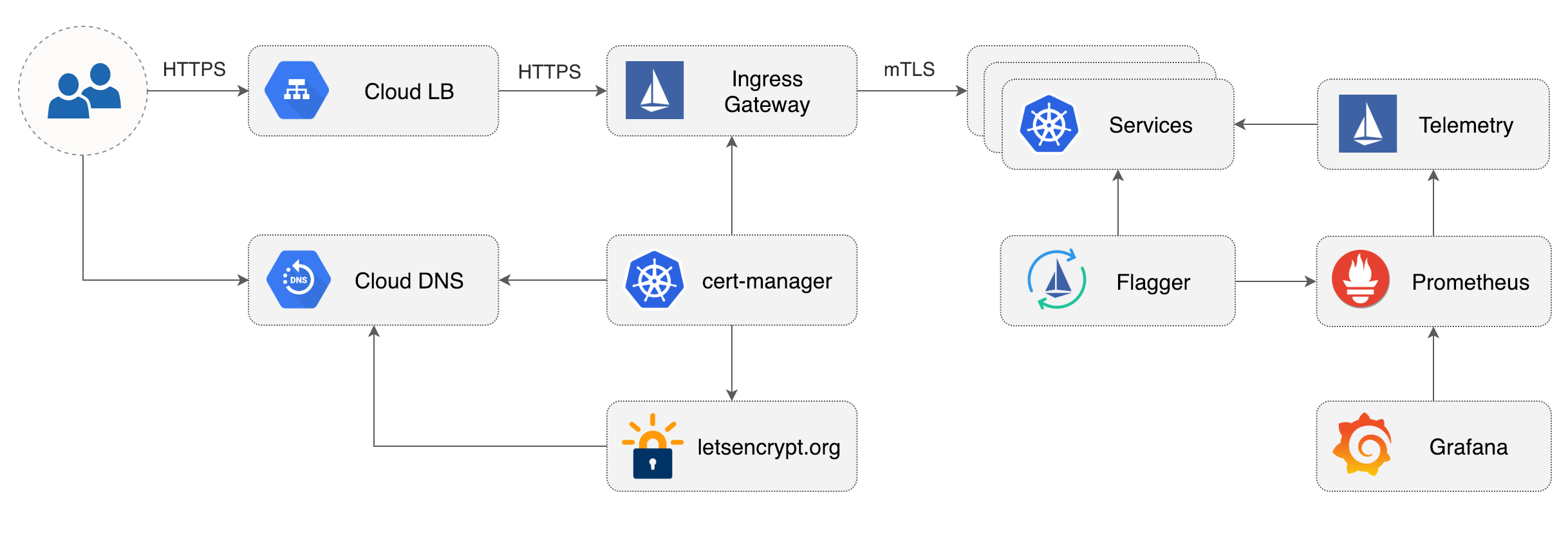
|
||||
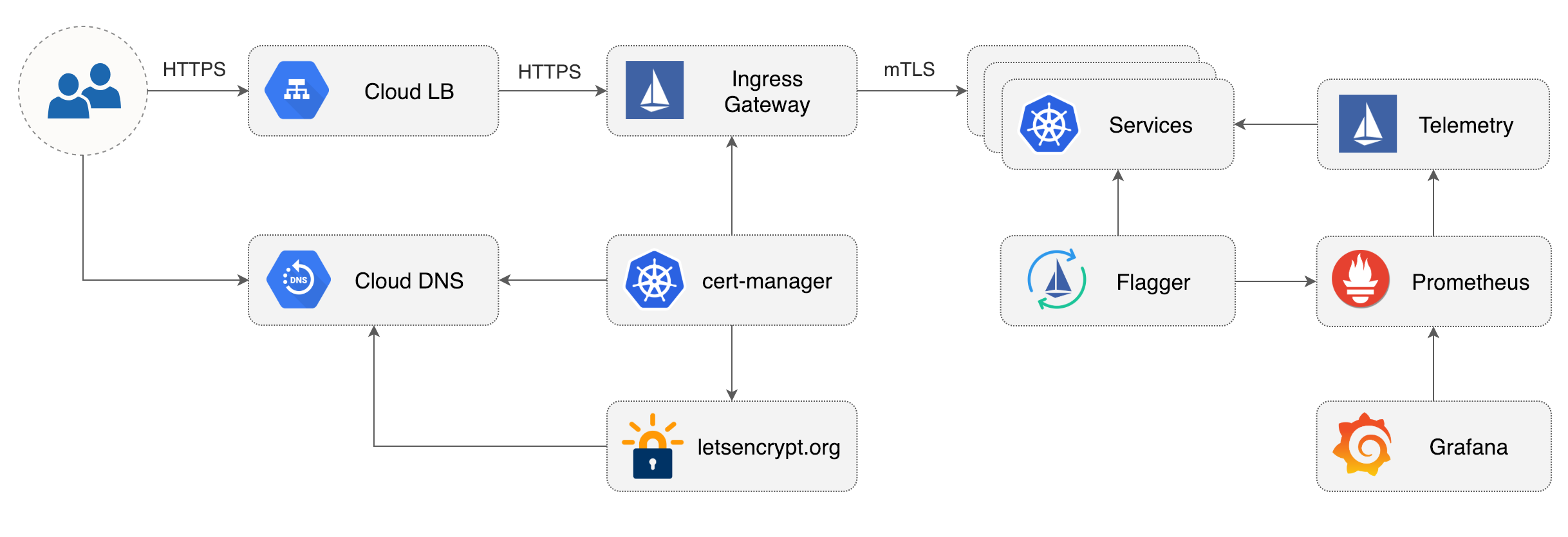
|
||||
|
||||
## Prerequisites
|
||||
|
||||
@@ -205,12 +205,12 @@ jetstack/cert-manager
|
||||
|
||||
## Istio Gateway TLS setup
|
||||
|
||||
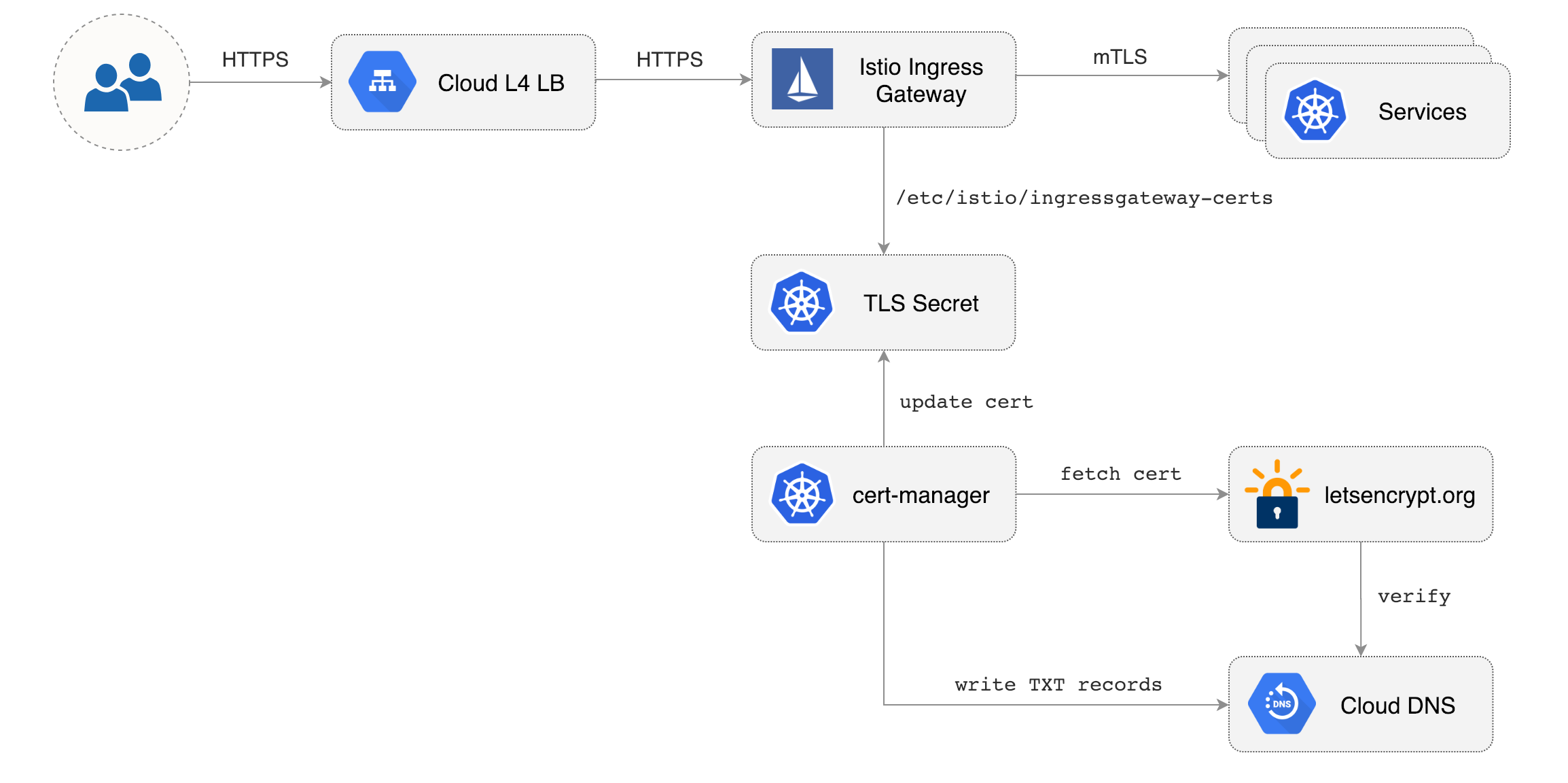
|
||||
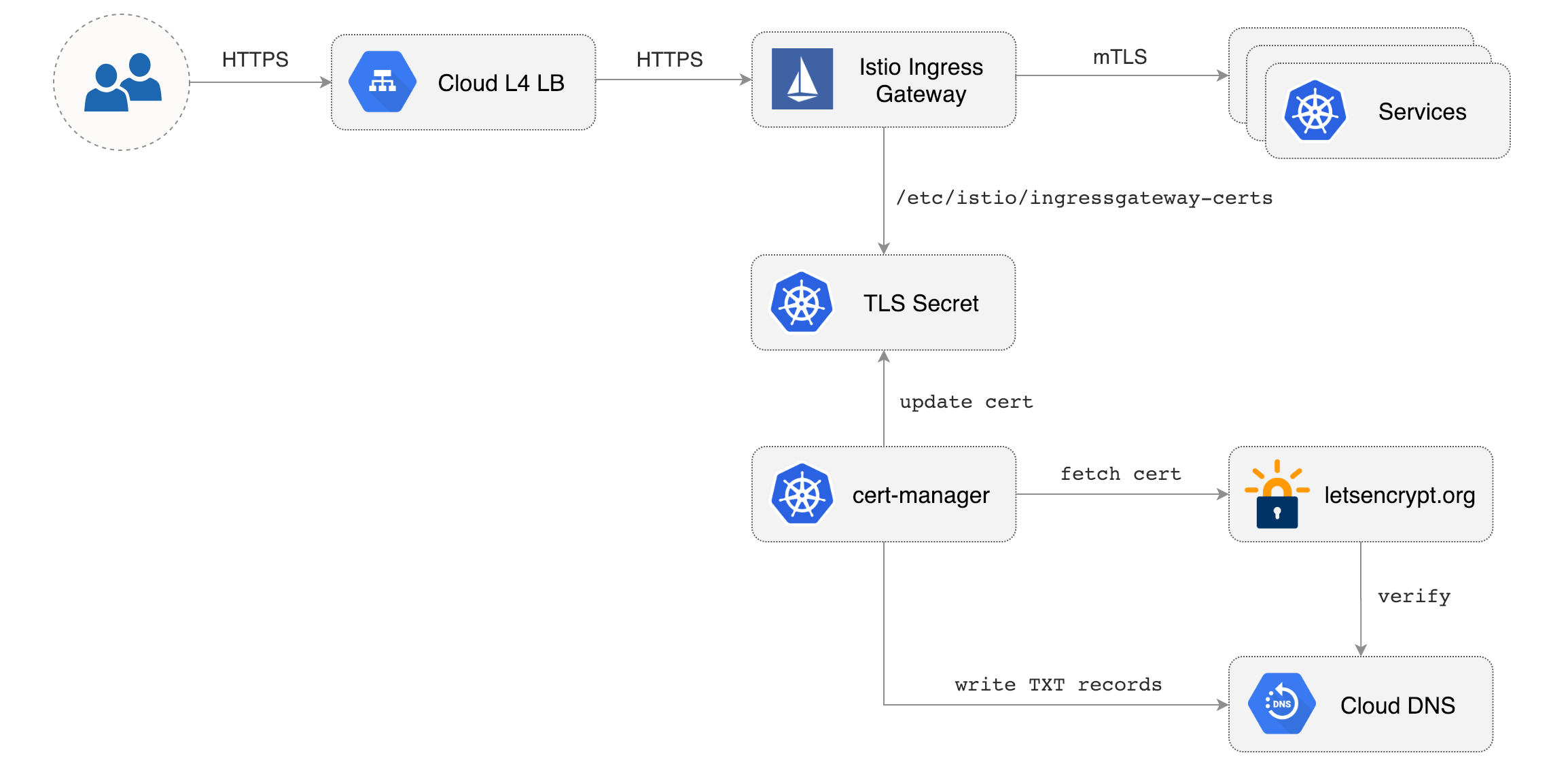
|
||||
|
||||
Create a generic Istio Gateway to expose services outside the mesh on HTTPS:
|
||||
|
||||
```bash
|
||||
REPO=https://raw.githubusercontent.com/weaveworks/flagger/master
|
||||
REPO=https://raw.githubusercontent.com/fluxcd/flagger/main
|
||||
|
||||
kubectl apply -f ${REPO}/artifacts/gke/istio-gateway.yaml
|
||||
```
|
||||
@@ -346,7 +346,7 @@ helm repo add flagger https://flagger.app
|
||||
Install Flagger's Canary CRD:
|
||||
|
||||
```yaml
|
||||
kubectl apply -f https://raw.githubusercontent.com/weaveworks/flagger/master/artifacts/flagger/crd.yaml
|
||||
kubectl apply -f https://raw.githubusercontent.com/fluxcd/flagger/main/artifacts/flagger/crd.yaml
|
||||
```
|
||||
|
||||
Deploy Flagger in the `istio-system` namespace with Slack notifications enabled:
|
||||
|
||||
@@ -4,7 +4,7 @@ This guide walks you through setting up Flagger on a Kubernetes cluster with Hel
|
||||
|
||||
## Prerequisites
|
||||
|
||||
Flagger requires a Kubernetes cluster **v1.14** or newer.
|
||||
Flagger requires a Kubernetes cluster **v1.16** or newer.
|
||||
|
||||
## Install Flagger with Helm
|
||||
|
||||
@@ -17,7 +17,7 @@ helm repo add flagger https://flagger.app
|
||||
Install Flagger's Canary CRD:
|
||||
|
||||
```yaml
|
||||
kubectl apply -f https://raw.githubusercontent.com/weaveworks/flagger/master/artifacts/flagger/crd.yaml
|
||||
kubectl apply -f https://raw.githubusercontent.com/fluxcd/flagger/main/artifacts/flagger/crd.yaml
|
||||
```
|
||||
|
||||
Deploy Flagger for Istio:
|
||||
@@ -30,11 +30,12 @@ helm upgrade -i flagger flagger/flagger \
|
||||
--set metricsServer=http://prometheus:9090
|
||||
```
|
||||
|
||||
Note that Flagger depends on Istio telemetry and Prometheus, if you're installing Istio with istioctl
|
||||
then you should be using the [default profile](https://istio.io/docs/setup/additional-setup/config-profiles/).
|
||||
Note that Flagger depends on Istio telemetry and Prometheus, if you're installing
|
||||
Istio with istioctl then you should be using the
|
||||
[default profile](https://istio.io/docs/setup/additional-setup/config-profiles/).
|
||||
|
||||
For Istio multi-cluster shared control plane you can install Flagger
|
||||
on each remote cluster and set the Istio control plane host cluster kubeconfig:
|
||||
For Istio multi-cluster shared control plane you can install Flagger on each remote cluster and set the
|
||||
Istio control plane host cluster kubeconfig:
|
||||
|
||||
```bash
|
||||
helm upgrade -i flagger flagger/flagger \
|
||||
@@ -47,8 +48,8 @@ helm upgrade -i flagger flagger/flagger \
|
||||
```
|
||||
|
||||
Note that the Istio kubeconfig must be stored in a Kubernetes secret with a data key named `kubeconfig`.
|
||||
For more details on how to configure Istio multi-cluster credentials
|
||||
read the [Istio docs](https://istio.io/docs/setup/install/multicluster/shared-vpn/#credentials).
|
||||
For more details on how to configure Istio multi-cluster
|
||||
credentials read the [Istio docs](https://istio.io/docs/setup/install/multicluster/shared-vpn/#credentials).
|
||||
|
||||
Deploy Flagger for Linkerd:
|
||||
|
||||
@@ -70,6 +71,16 @@ helm upgrade -i flagger flagger/flagger \
|
||||
--set metricsServer=http://appmesh-prometheus:9090
|
||||
```
|
||||
|
||||
Deploy Flagger for **Open Service Mesh (OSM)** (requires OSM to have been installed with Prometheus):
|
||||
|
||||
```console
|
||||
$ helm upgrade -i flagger flagger/flagger \
|
||||
--namespace=osm-system \
|
||||
--set crd.create=false \
|
||||
--set meshProvider=osm \
|
||||
--set metricsServer=http://osm-prometheus.osm-system.svc:7070
|
||||
```
|
||||
|
||||
You can install Flagger in any namespace as long as it can talk to the Prometheus service on port 9090.
|
||||
|
||||
For ingress controllers, the install instructions are:
|
||||
@@ -80,26 +91,6 @@ For ingress controllers, the install instructions are:
|
||||
* [Skipper](https://docs.flagger.app/tutorials/skipper-progressive-delivery)
|
||||
* [Traefik](https://docs.flagger.app/tutorials/traefik-progressive-delivery)
|
||||
|
||||
Enable **Slack** notifications:
|
||||
|
||||
```bash
|
||||
helm upgrade -i flagger flagger/flagger \
|
||||
--namespace=istio-system \
|
||||
--set crd.create=false \
|
||||
--set slack.url=https://hooks.slack.com/services/YOUR/SLACK/WEBHOOK \
|
||||
--set slack.channel=general \
|
||||
--set slack.user=flagger
|
||||
```
|
||||
|
||||
Enable **Microsoft Teams** notifications:
|
||||
|
||||
```bash
|
||||
helm upgrade -i flagger flagger/flagger \
|
||||
--namespace=istio-system \
|
||||
--set crd.create=false \
|
||||
--set msteams.url=https://outlook.office.com/webhook/YOUR/TEAMS/WEBHOOK
|
||||
```
|
||||
|
||||
You can use the helm template command and apply the generated yaml with kubectl:
|
||||
|
||||
```bash
|
||||
@@ -123,7 +114,7 @@ helm delete flagger
|
||||
The command removes all the Kubernetes components associated with the chart and deletes the release.
|
||||
|
||||
> **Note** that on uninstall the Canary CRD will not be removed. Deleting the CRD will make Kubernetes
|
||||
>remove all the objects owned by Flagger like Istio virtual services, Kubernetes deployments and ClusterIP services.
|
||||
> remove all the objects owned by Flagger like Istio virtual services, Kubernetes deployments and ClusterIP services.
|
||||
|
||||
If you want to remove all the objects created by Flagger you have delete the Canary CRD with kubectl:
|
||||
|
||||
@@ -173,13 +164,13 @@ As an alternative to Helm, Flagger can be installed with Kustomize **3.5.0** or
|
||||
Install Flagger for Istio:
|
||||
|
||||
```bash
|
||||
kustomize build https://github.com/weaveworks/flagger/kustomize/istio | kubectl apply -f -
|
||||
kustomize build https://github.com/fluxcd/flagger/kustomize/istio?ref=main | kubectl apply -f -
|
||||
```
|
||||
|
||||
Install Flagger for AWS App Mesh:
|
||||
|
||||
```bash
|
||||
kustomize build https://github.com/weaveworks/flagger/kustomize/appmesh | kubectl apply -f -
|
||||
kustomize build https://github.com/fluxcd/flagger/kustomize/appmesh?ref=main | kubectl apply -f -
|
||||
```
|
||||
|
||||
This deploys Flagger and sets the metrics server URL to App Mesh's Prometheus instance.
|
||||
@@ -187,15 +178,23 @@ This deploys Flagger and sets the metrics server URL to App Mesh's Prometheus in
|
||||
Install Flagger for Linkerd:
|
||||
|
||||
```bash
|
||||
kustomize build https://github.com/weaveworks/flagger/kustomize/linkerd | kubectl apply -f -
|
||||
kustomize build https://github.com/fluxcd/flagger/kustomize/linkerd?ref=main | kubectl apply -f -
|
||||
```
|
||||
|
||||
This deploys Flagger in the `linkerd` namespace and sets the metrics server URL to Linkerd's Prometheus instance.
|
||||
|
||||
Install Flagger for Open Service Mesh:
|
||||
|
||||
```bash
|
||||
kustomize build https://github.com/fluxcd/flagger/kustomize/osm?ref=main | kubectl apply -f -
|
||||
```
|
||||
|
||||
This deploys Flagger in the `osm-system` namespace and sets the metrics server URL to OSM's Prometheus instance.
|
||||
|
||||
If you want to install a specific Flagger release, add the version number to the URL:
|
||||
|
||||
```bash
|
||||
kustomize build https://github.com/weaveworks/flagger/kustomize/linkerd?ref=v1.0.0 | kubectl apply -f -
|
||||
kustomize build https://github.com/fluxcd/flagger/kustomize/linkerd?ref=v1.0.0 | kubectl apply -f -
|
||||
```
|
||||
|
||||
**Generic installer**
|
||||
@@ -203,11 +202,11 @@ kustomize build https://github.com/weaveworks/flagger/kustomize/linkerd?ref=v1.0
|
||||
Install Flagger and Prometheus for Contour, Gloo, NGINX, Skipper, or Traefik ingress:
|
||||
|
||||
```bash
|
||||
kustomize build https://github.com/weaveworks/flagger/kustomize/kubernetes | kubectl apply -f -
|
||||
kustomize build https://github.com/fluxcd/flagger/kustomize/kubernetes?ref=main | kubectl apply -f -
|
||||
```
|
||||
|
||||
This deploys Flagger and Prometheus in the `flagger-system` namespace, sets the metrics server URL
|
||||
to `http://flagger-prometheus.flagger-system:9090` and the mesh provider to `kubernetes`.
|
||||
This deploys Flagger and Prometheus in the `flagger-system` namespace,
|
||||
sets the metrics server URL to `http://flagger-prometheus.flagger-system:9090` and the mesh provider to `kubernetes`.
|
||||
|
||||
The Prometheus instance has a two hours data retention and is configured to scrape all pods in your cluster
|
||||
that have the `prometheus.io/scrape: "true"` annotation.
|
||||
@@ -221,7 +220,7 @@ metadata:
|
||||
name: app
|
||||
namespace: test
|
||||
spec:
|
||||
# can be: kubernetes, istio, linkerd, appmesh, nginx, skipper, gloo, traefik
|
||||
# can be: kubernetes, istio, linkerd, appmesh, nginx, skipper, gloo, traefik, osm
|
||||
# use the kubernetes provider for Blue/Green style deployments
|
||||
provider: nginx
|
||||
```
|
||||
@@ -234,7 +233,7 @@ Create a kustomization file using Flagger as base and patch the container args:
|
||||
cat > kustomization.yaml <<EOF
|
||||
namespace: istio-system
|
||||
bases:
|
||||
- github.com/weaveworks/flagger/kustomize/base/flagger
|
||||
- https://github.com/fluxcd/flagger/kustomize/kubernetes?ref=main
|
||||
patches:
|
||||
- target:
|
||||
kind: Deployment
|
||||
@@ -252,19 +251,6 @@ patches:
|
||||
args:
|
||||
- -mesh-provider=istio
|
||||
- -metrics-server=http://prometheus.istio-system:9090
|
||||
- -slack-user=flagger
|
||||
- -slack-channel=alerts
|
||||
- -slack-url=https://hooks.slack.com/services/YOUR/SLACK/WEBHOOK
|
||||
- -include-label-prefix=app.kubernetes.io
|
||||
EOF
|
||||
```
|
||||
|
||||
Install Flagger for Istio with Slack notifications:
|
||||
|
||||
```bash
|
||||
kustomize build . | kubectl apply -f -
|
||||
```
|
||||
|
||||
If you want to use MS Teams instead of Slack, replace `-slack-url` with `-msteams-url` and set the webhook address
|
||||
to `https://outlook.office.com/webhook/YOUR/TEAMS/WEBHOOK`.
|
||||
|
||||
|
||||
|
||||
@@ -1,188 +0,0 @@
|
||||
# Flagger Install with SuperGloo
|
||||
|
||||
This guide walks you through setting up Flagger on a Kubernetes cluster using [SuperGloo](https://github.com/solo-io/supergloo).
|
||||
|
||||
SuperGloo by [Solo.io](https://solo.io) is an opinionated abstraction layer that simplifies the installation, management, and operation of your service mesh. It supports running multiple ingresses with multiple meshes \(Istio, App Mesh, Consul Connect and Linkerd 2\) in the same cluster.
|
||||
|
||||
## Prerequisites
|
||||
|
||||
Flagger requires a Kubernetes cluster **v1.11** or newer with the following admission controllers enabled:
|
||||
|
||||
* MutatingAdmissionWebhook
|
||||
* ValidatingAdmissionWebhook
|
||||
|
||||
## Install Istio with SuperGloo
|
||||
|
||||
### Install SuperGloo command line interface helper
|
||||
|
||||
SuperGloo includes a command line helper \(CLI\) that makes operation of SuperGloo easier. The CLI is not required for SuperGloo to function correctly.
|
||||
|
||||
If you use [Homebrew](https://brew.sh) package manager run the following commands to install the SuperGloo CLI.
|
||||
|
||||
```bash
|
||||
brew tap solo-io/tap
|
||||
brew solo-io/tap/supergloo
|
||||
```
|
||||
|
||||
Or you can download SuperGloo CLI and add it to your path:
|
||||
|
||||
```bash
|
||||
curl -sL https://run.solo.io/supergloo/install | sh
|
||||
export PATH=$HOME/.supergloo/bin:$PATH
|
||||
```
|
||||
|
||||
### Install SuperGloo controller
|
||||
|
||||
Deploy the SuperGloo controller in the `supergloo-system` namespace:
|
||||
|
||||
```bash
|
||||
supergloo init
|
||||
```
|
||||
|
||||
This is equivalent to installing SuperGloo using its Helm chart
|
||||
|
||||
```bash
|
||||
helm repo add supergloo http://storage.googleapis.com/supergloo-helm
|
||||
helm upgrade --install supergloo supergloo/supergloo --namespace supergloo-system
|
||||
```
|
||||
|
||||
### Install Istio using SuperGloo
|
||||
|
||||
Create the `istio-system` namespace and install Istio with traffic management, telemetry and Prometheus enabled:
|
||||
|
||||
```bash
|
||||
ISTIO_VER="1.0.6"
|
||||
|
||||
kubectl create namespace istio-system
|
||||
|
||||
supergloo install istio --name istio \
|
||||
--namespace=supergloo-system \
|
||||
--auto-inject=true \
|
||||
--installation-namespace=istio-system \
|
||||
--mtls=false \
|
||||
--prometheus=true \
|
||||
--version=${ISTIO_VER}
|
||||
```
|
||||
|
||||
This creates a Kubernetes Custom Resource \(CRD\) like the following.
|
||||
|
||||
```yaml
|
||||
apiVersion: supergloo.solo.io/v1
|
||||
kind: Install
|
||||
metadata:
|
||||
name: istio
|
||||
namespace: supergloo-system
|
||||
spec:
|
||||
installationNamespace: istio-system
|
||||
mesh:
|
||||
installedMesh:
|
||||
name: istio
|
||||
namespace: supergloo-system
|
||||
istioMesh:
|
||||
enableAutoInject: true
|
||||
enableMtls: false
|
||||
installGrafana: false
|
||||
installJaeger: false
|
||||
installPrometheus: true
|
||||
istioVersion: 1.0.6
|
||||
```
|
||||
|
||||
### Allow Flagger to manipulate SuperGloo
|
||||
|
||||
Create a cluster role binding so that Flagger can manipulate SuperGloo custom resources:
|
||||
|
||||
```bash
|
||||
kubectl create clusterrolebinding flagger-supergloo \
|
||||
--clusterrole=mesh-discovery \
|
||||
--serviceaccount=istio-system:flagger
|
||||
```
|
||||
|
||||
Wait for the Istio control plane to become available:
|
||||
|
||||
```bash
|
||||
kubectl --namespace istio-system rollout status deployment/istio-sidecar-injector
|
||||
kubectl --namespace istio-system rollout status deployment/prometheus
|
||||
```
|
||||
|
||||
## Install Flagger
|
||||
|
||||
Add Flagger Helm repository:
|
||||
|
||||
```bash
|
||||
helm repo add flagger https://flagger.app
|
||||
```
|
||||
|
||||
Install Flagger's Canary CRD:
|
||||
|
||||
```yaml
|
||||
kubectl apply -f https://raw.githubusercontent.com/weaveworks/flagger/master/artifacts/flagger/crd.yaml
|
||||
```
|
||||
|
||||
Deploy Flagger in the _**istio-system**_ namespace and set the service mesh provider to SuperGloo:
|
||||
|
||||
```bash
|
||||
helm upgrade -i flagger flagger/flagger \
|
||||
--namespace=istio-system \
|
||||
--set crd.create=false \
|
||||
--set metricsServer=http://prometheus.istio-system:9090 \
|
||||
--set meshProvider=supergloo:istio.supergloo-system
|
||||
```
|
||||
|
||||
When using SuperGloo the mesh provider format is `supergloo:<MESH-NAME>.<SUPERGLOO-NAMESPACE>`.
|
||||
|
||||
Optionally you can enable **Slack** notifications:
|
||||
|
||||
```bash
|
||||
helm upgrade -i flagger flagger/flagger \
|
||||
--reuse-values \
|
||||
--namespace=istio-system \
|
||||
--set slack.url=https://hooks.slack.com/services/YOUR/SLACK/WEBHOOK \
|
||||
--set slack.channel=general \
|
||||
--set slack.user=flagger
|
||||
```
|
||||
|
||||
## Install Grafana
|
||||
|
||||
Flagger comes with a Grafana dashboard made for monitoring the canary analysis.
|
||||
|
||||
Deploy Grafana in the _**istio-system**_ namespace:
|
||||
|
||||
```bash
|
||||
helm upgrade -i flagger-grafana flagger/grafana \
|
||||
--namespace=istio-system \
|
||||
--set url=http://prometheus.istio-system:9090
|
||||
```
|
||||
|
||||
You can access Grafana using port forwarding:
|
||||
|
||||
```bash
|
||||
kubectl -n istio-system port-forward svc/flagger-grafana 3000:80
|
||||
```
|
||||
|
||||
## Install Load Tester
|
||||
|
||||
Flagger comes with an optional load testing service that generates traffic during canary analysis when configured as a webhook.
|
||||
|
||||
Deploy the load test runner with Helm:
|
||||
|
||||
```bash
|
||||
helm upgrade -i flagger-loadtester flagger/loadtester \
|
||||
--namespace=test \
|
||||
--set cmd.timeout=1h
|
||||
```
|
||||
|
||||
Deploy with kubectl:
|
||||
|
||||
```bash
|
||||
helm fetch --untar --untardir . flagger/loadtester &&
|
||||
helm template loadtester \
|
||||
--name flagger-loadtester \
|
||||
--namespace=test
|
||||
> $HOME/flagger-loadtester.yaml
|
||||
|
||||
# apply
|
||||
kubectl apply -f $HOME/flagger-loadtester.yaml
|
||||
```
|
||||
|
||||
> **Note** that the load tester should be deployed in a namespace with Istio sidecar injection enabled.
|
||||
|
||||
@@ -1,13 +1,14 @@
|
||||
# App Mesh Canary Deployments
|
||||
|
||||
This guide shows you how to use App Mesh and Flagger to automate canary deployments.
|
||||
You'll need an EKS cluster configured with App Mesh,
|
||||
you can find the installion guide [here](https://docs.flagger.app/install/flagger-install-on-eks-appmesh).
|
||||
You'll need an EKS cluster (Kubernetes >= 1.16) configured with App Mesh,
|
||||
you can find the installation guide [here](https://docs.flagger.app/install/flagger-install-on-eks-appmesh).
|
||||
|
||||
## Bootstrap
|
||||
|
||||
Flagger takes a Kubernetes deployment and optionally a horizontal pod autoscaler \(HPA\),
|
||||
then creates a series of objects \(Kubernetes deployments, ClusterIP services, App Mesh virtual nodes and services\).
|
||||
Flagger takes a Kubernetes deployment and optionally a horizontal pod autoscaler (HPA),
|
||||
then creates a series of objects (Kubernetes deployments, ClusterIP services,
|
||||
App Mesh virtual nodes and services).
|
||||
These objects expose the application on the mesh and drive the canary analysis and promotion.
|
||||
The only App Mesh object you need to create by yourself is the mesh resource.
|
||||
|
||||
@@ -42,7 +43,7 @@ EOF
|
||||
Create a deployment and a horizontal pod autoscaler:
|
||||
|
||||
```bash
|
||||
kubectl apply -k github.com/weaveworks/flagger//kustomize/podinfo
|
||||
kubectl apply -k https://github.com/fluxcd/flagger//kustomize/podinfo?ref=main
|
||||
```
|
||||
|
||||
Deploy the load testing service to generate traffic during the canary analysis:
|
||||
@@ -167,13 +168,13 @@ virtualservice.appmesh.k8s.aws/podinfo
|
||||
virtualservice.appmesh.k8s.aws/podinfo-canary
|
||||
```
|
||||
|
||||
After the boostrap, the podinfo deployment will be scaled to zero and the traffic to
|
||||
`podinfo.test` will be routed to the primary pods.
|
||||
After the boostrap, the podinfo deployment will be scaled to zero and the traffic to `podinfo.test`
|
||||
will be routed to the primary pods.
|
||||
During the canary analysis, the `podinfo-canary.test` address can be used to target directly the canary pods.
|
||||
|
||||
App Mesh blocks all egress traffic by default.
|
||||
If your application needs to call another service, you have to
|
||||
create an App Mesh virtual service for it and add the virtual service name to the backend list.
|
||||
If your application needs to call another service, you have to create an App Mesh virtual service for it
|
||||
and add the virtual service name to the backend list.
|
||||
|
||||
```yaml
|
||||
service:
|
||||
@@ -234,7 +235,7 @@ Open your browser and navigate to the ingress address to access podinfo UI.
|
||||
|
||||
A canary deployment is triggered by changes in any of the following objects:
|
||||
|
||||
* Deployment PodSpec \(container image, command, ports, env, resources, etc\)
|
||||
* Deployment PodSpec (container image, command, ports, env, resources, etc)
|
||||
* ConfigMaps and Secrets mounted as volumes or mapped to environment variables
|
||||
|
||||
Trigger a canary deployment by updating the container image:
|
||||
@@ -281,7 +282,7 @@ During the analysis the canary’s progress can be monitored with Grafana.
|
||||
The App Mesh dashboard URL is
|
||||
[http://localhost:3000/d/flagger-appmesh/appmesh-canary?refresh=10s&orgId=1&var-namespace=test&var-primary=podinfo-primary&var-canary=podinfo](http://localhost:3000/d/flagger-appmesh/appmesh-canary?refresh=10s&orgId=1&var-namespace=test&var-primary=podinfo-primary&var-canary=podinfo).
|
||||
|
||||

|
||||
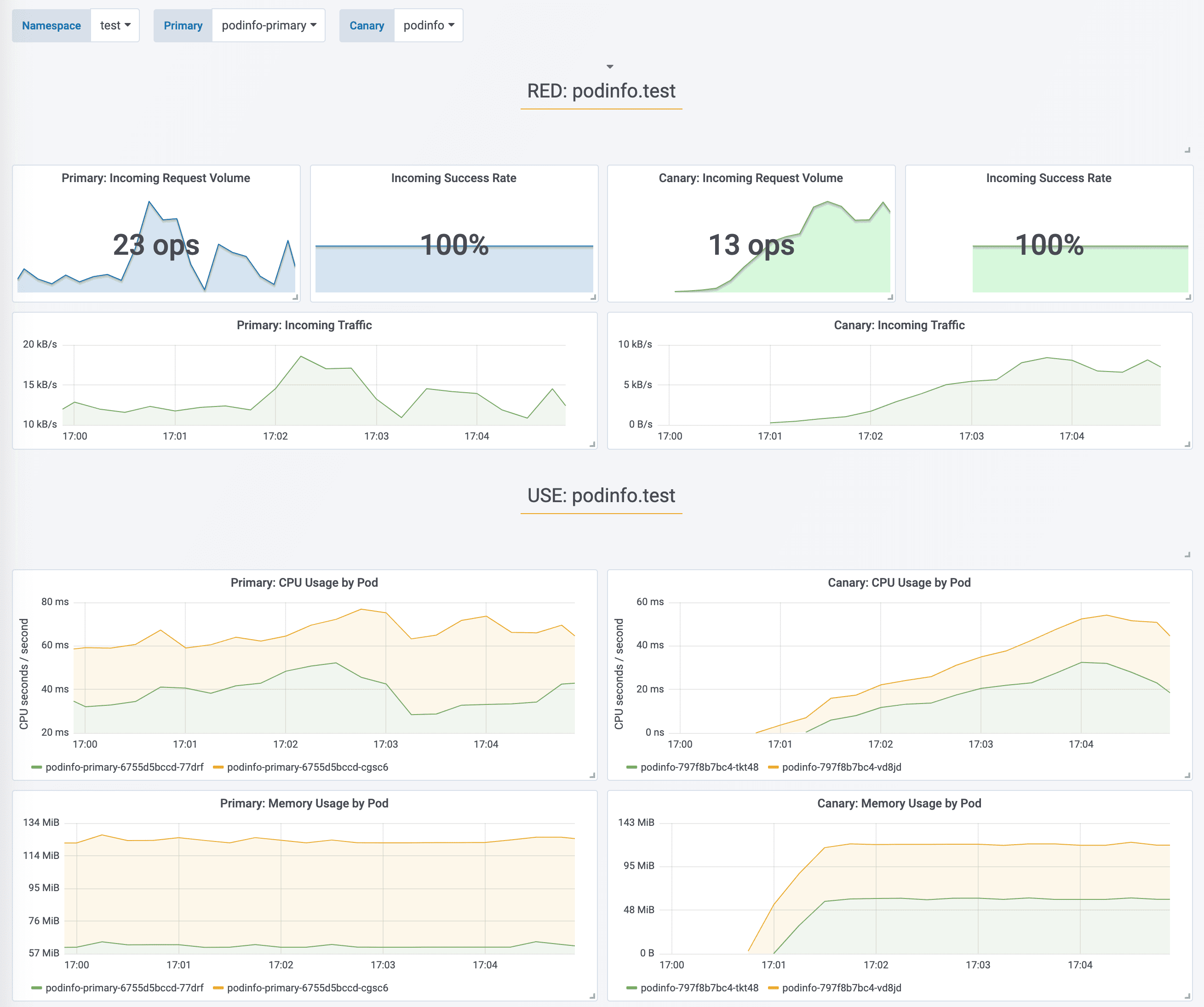
|
||||
|
||||
You can monitor all canaries with:
|
||||
|
||||
@@ -296,7 +297,7 @@ prod backend Failed 0
|
||||
|
||||
If you’ve enabled the Slack notifications, you should receive the following messages:
|
||||
|
||||
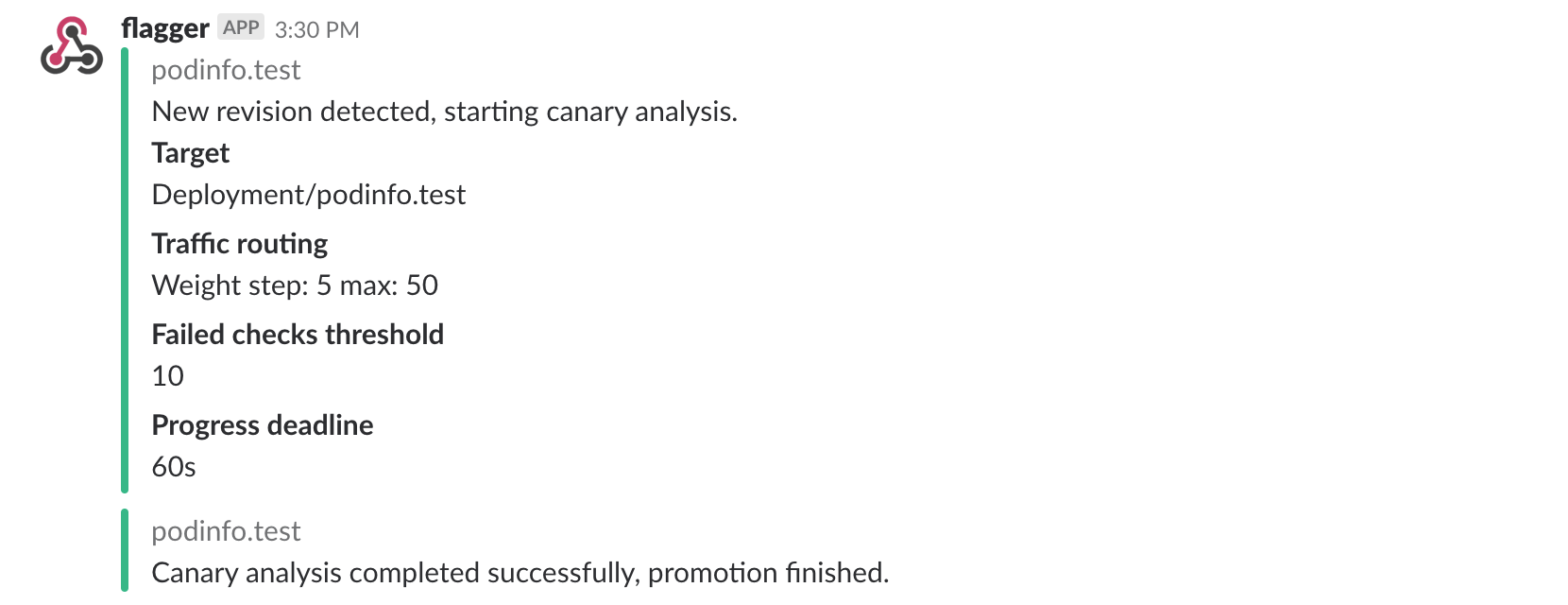
|
||||
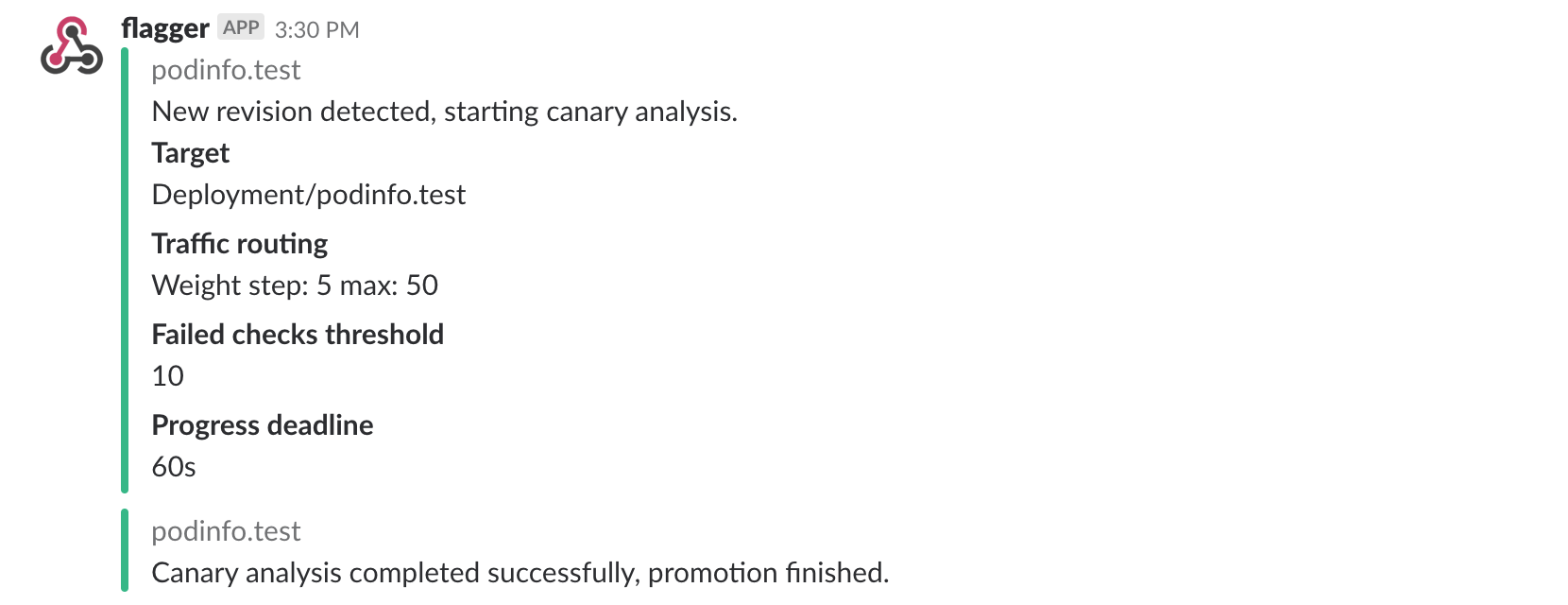
|
||||
|
||||
## Automated rollback
|
||||
|
||||
@@ -350,7 +351,7 @@ Canary failed! Scaling down podinfo.test
|
||||
If you’ve enabled the Slack notifications, you’ll receive a message if the progress deadline is exceeded,
|
||||
or if the analysis reached the maximum number of failed checks:
|
||||
|
||||

|
||||
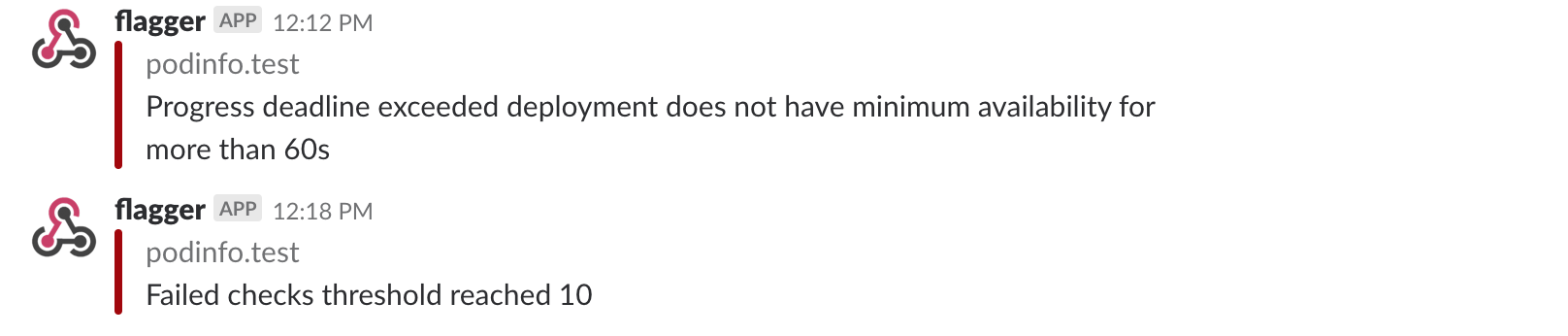
|
||||
|
||||
## A/B Testing
|
||||
|
||||
@@ -358,7 +359,7 @@ Besides weighted routing, Flagger can be configured to route traffic to the cana
|
||||
In an A/B testing scenario, you'll be using HTTP headers or cookies to target a certain segment of your users.
|
||||
This is particularly useful for frontend applications that require session affinity.
|
||||
|
||||
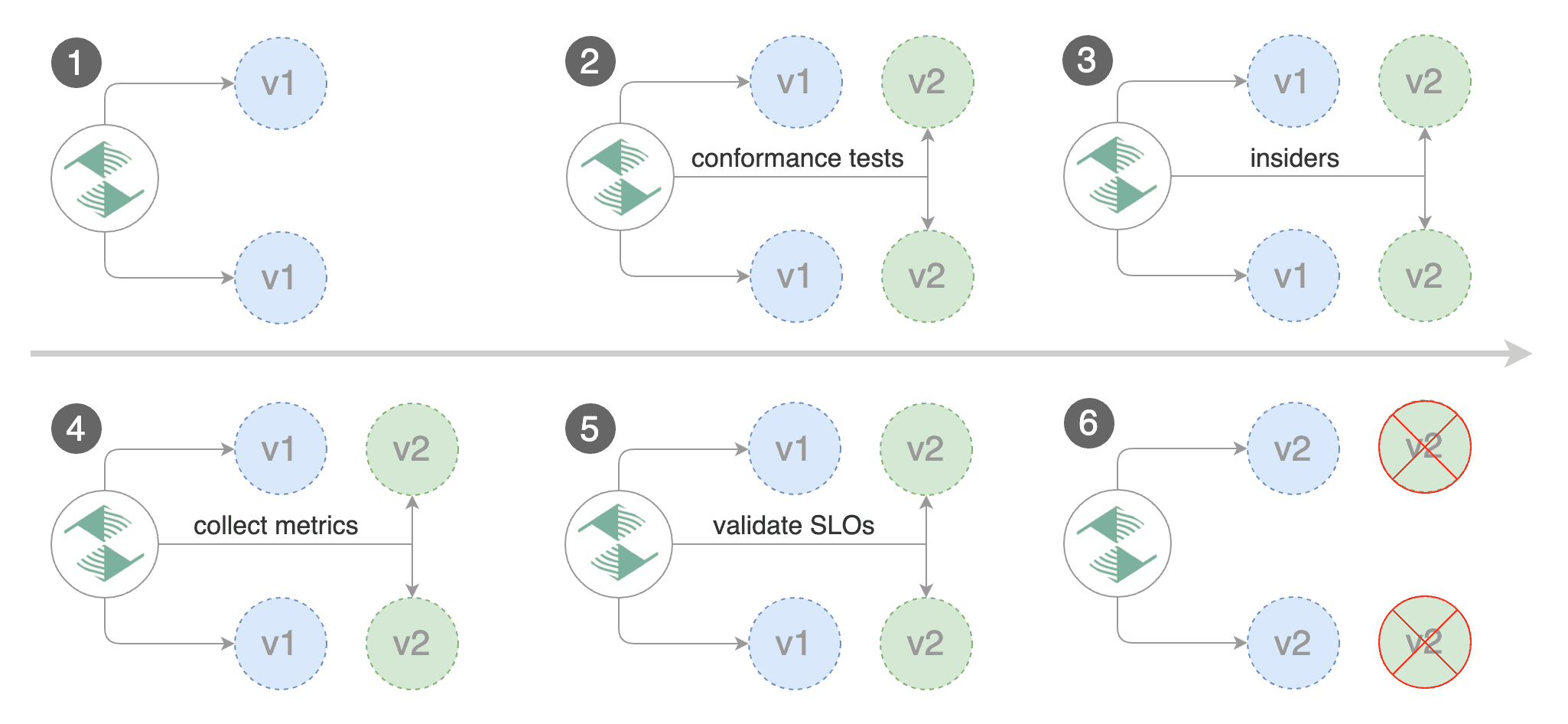
|
||||
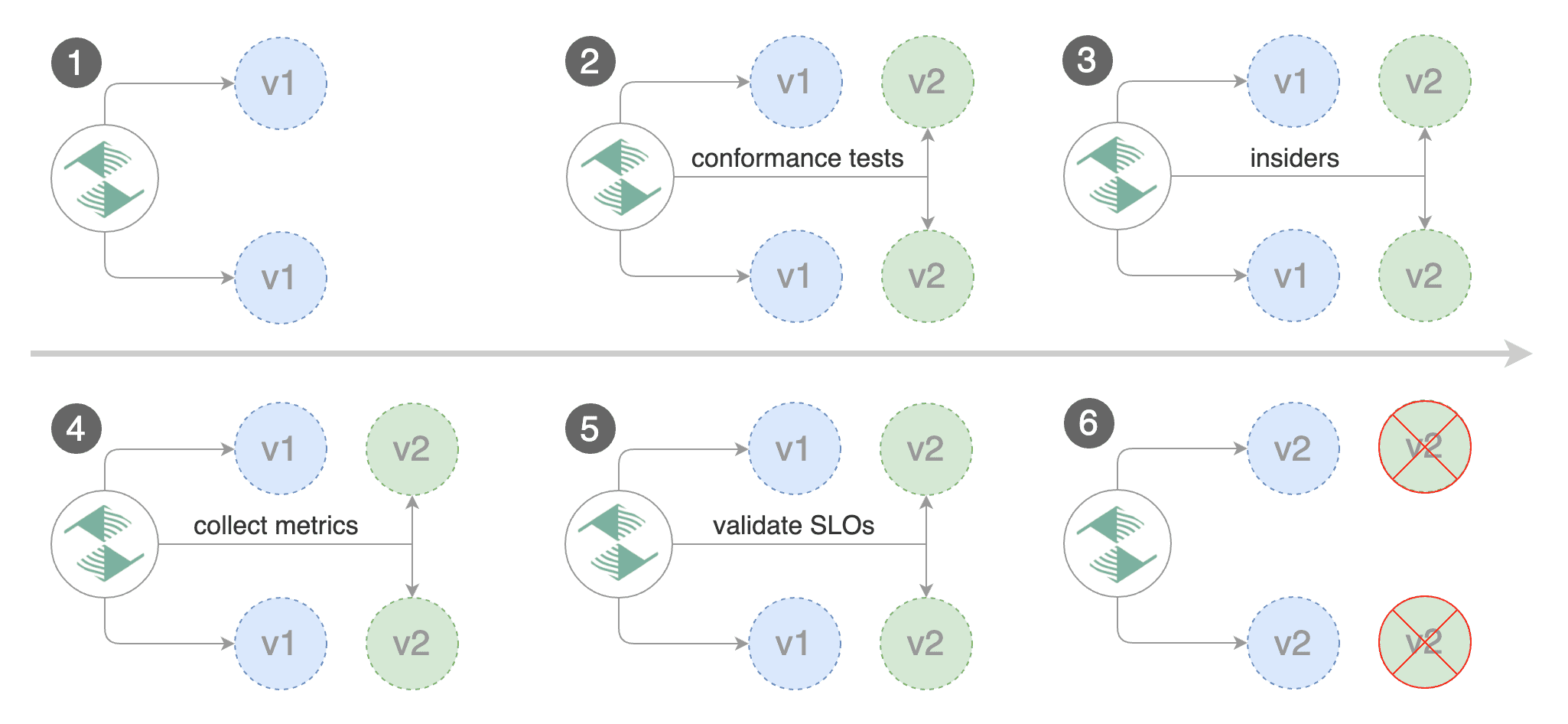
|
||||
|
||||
Edit the canary analysis, remove the max/step weight and add the match conditions and iterations:
|
||||
|
||||
@@ -423,4 +424,8 @@ Routing all traffic to primary
|
||||
Promotion completed! Scaling down podinfo.test
|
||||
```
|
||||
|
||||
For an in-depth look at the analysis process read the [usage docs](../usage/how-it-works.md).
|
||||
The above procedure can be extended with
|
||||
[custom metrics](../usage/metrics.md) checks,
|
||||
[webhooks](../usage/webhooks.md),
|
||||
[manual promotion](../usage/webhooks.md#manual-gating) approval and
|
||||
[Slack or MS Teams](../usage/alerting.md) notifications.
|
||||
|
||||
@@ -30,7 +30,7 @@ You can find the chart source [here](https://github.com/stefanprodan/flagger/tre
|
||||
Create a test namespace with Istio sidecar injection enabled:
|
||||
|
||||
```bash
|
||||
export REPO=https://raw.githubusercontent.com/weaveworks/flagger/master
|
||||
export REPO=https://raw.githubusercontent.com/fluxcd/flagger/main
|
||||
|
||||
kubectl apply -f ${REPO}/artifacts/namespaces/test.yaml
|
||||
```
|
||||
@@ -77,7 +77,7 @@ When the `frontend-primary` deployment comes online, Flagger will route all traf
|
||||
|
||||
Open your browser and navigate to the frontend URL:
|
||||
|
||||

|
||||
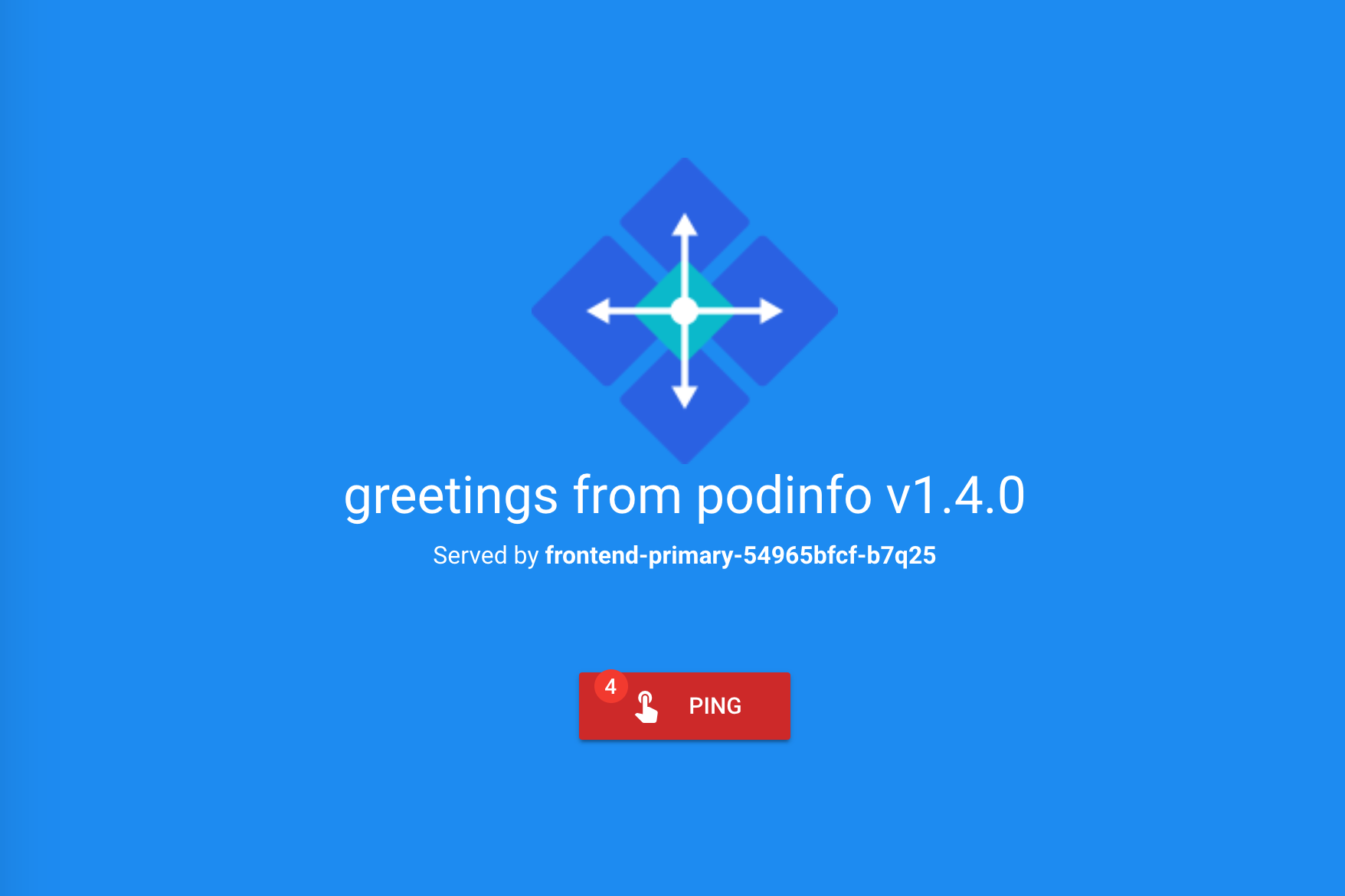
|
||||
|
||||
Now let's install the `backend` release without exposing it outside the mesh:
|
||||
|
||||
@@ -101,7 +101,7 @@ frontend Initialized 0 2019-02-12T17:50:50Z
|
||||
|
||||
Click on the ping button in the `frontend` UI to trigger a HTTP POST request that will reach the `backend` app:
|
||||
|
||||

|
||||
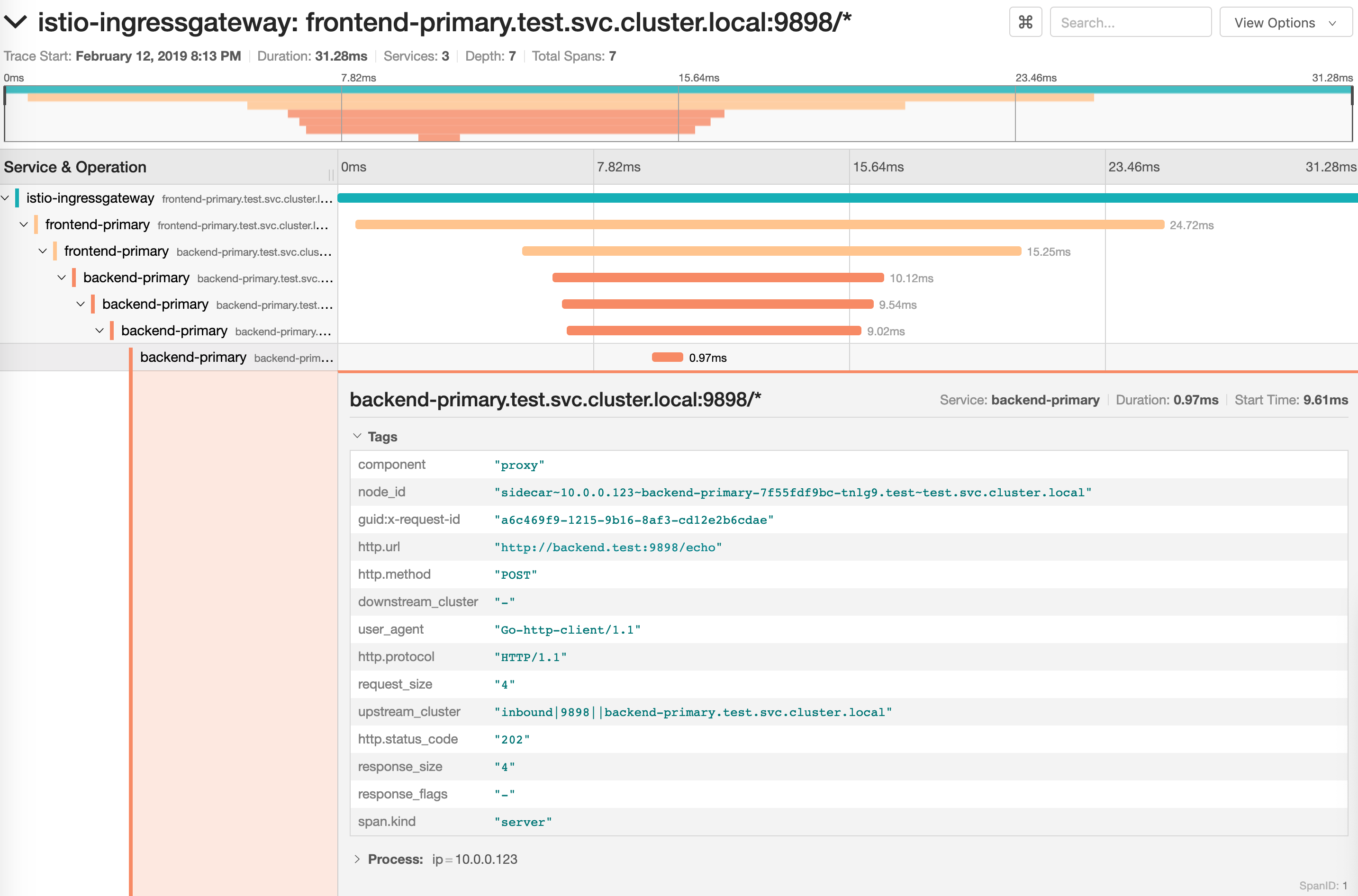
|
||||
|
||||
We'll use the `/echo` endpoint \(same as the one the ping button calls\) to generate load on both apps during a canary deployment.
|
||||
|
||||
@@ -159,7 +159,7 @@ Promotion completed! Scaling down frontend.test
|
||||
|
||||
You can monitor the canary deployment with Grafana. Open the Flagger dashboard, select `test` from the namespace dropdown, `frontend-primary` from the primary dropdown and `frontend` from the canary dropdown.
|
||||
|
||||
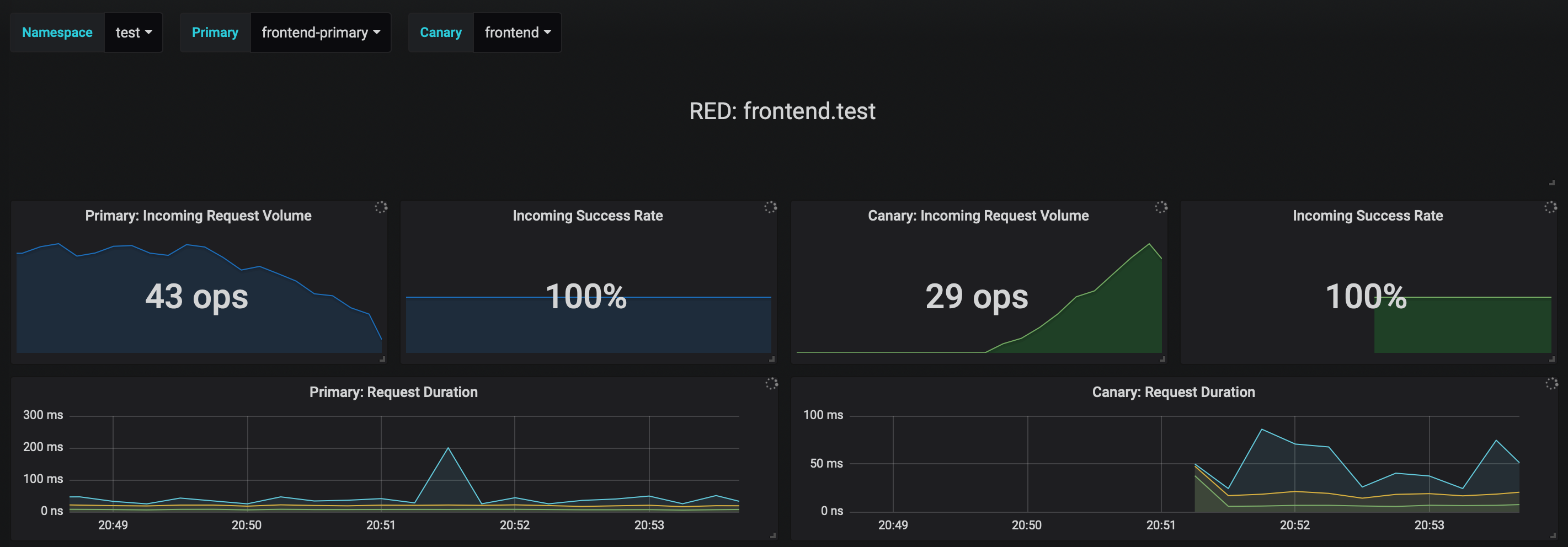
|
||||
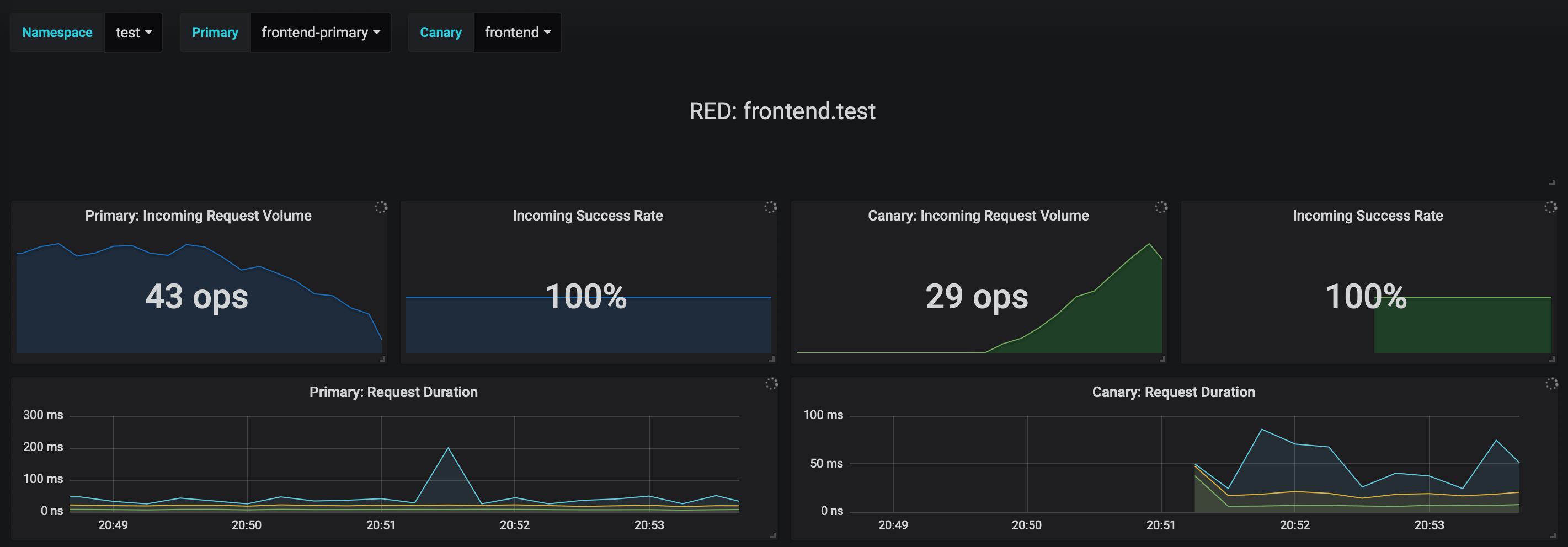
|
||||
|
||||
Now trigger a canary deployment for the `backend` app, but this time you'll change a value in the configmap:
|
||||
|
||||
@@ -217,7 +217,7 @@ Copying backend.test template spec to backend-primary.test
|
||||
Promotion completed! Scaling down backend.test
|
||||
```
|
||||
|
||||
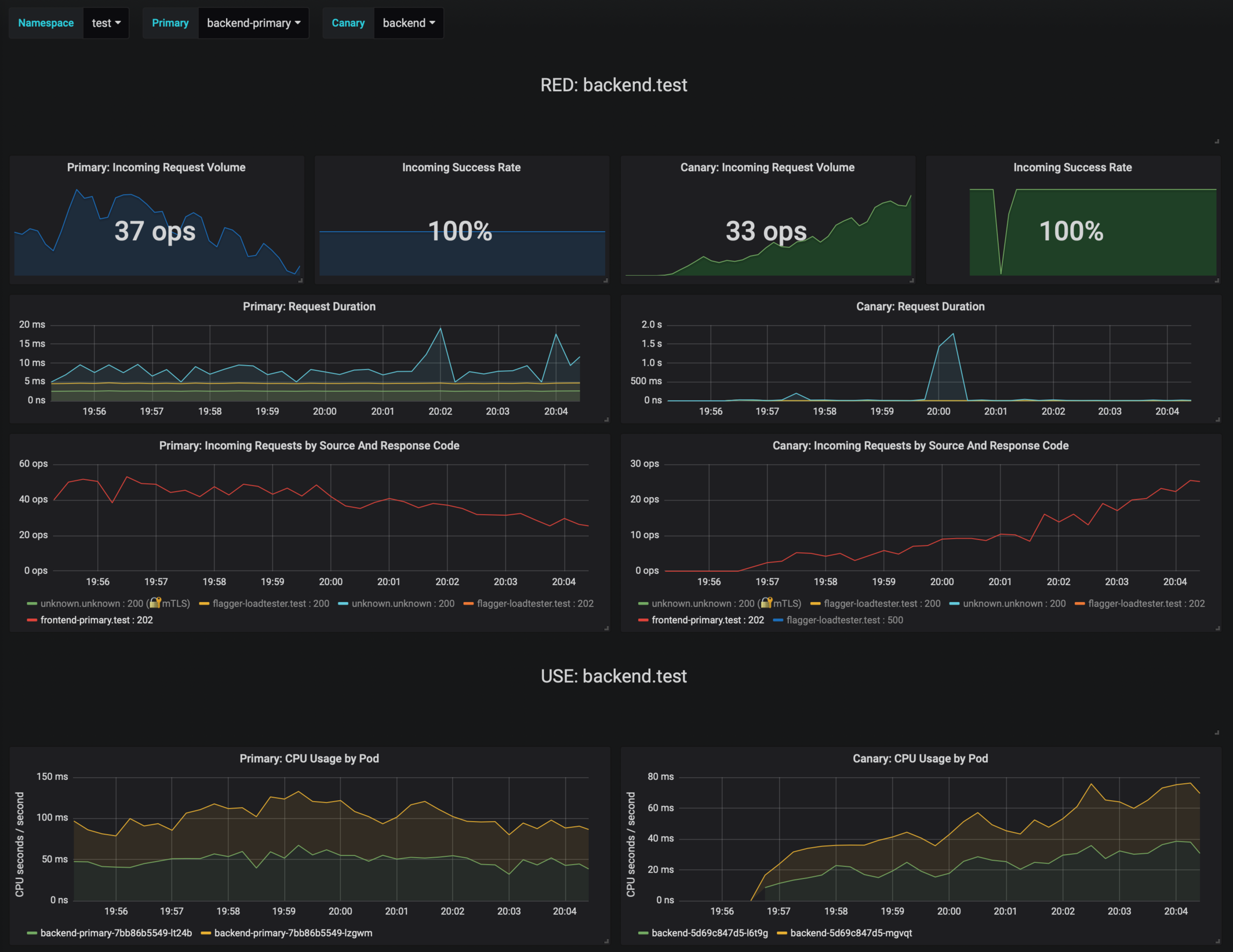
|
||||
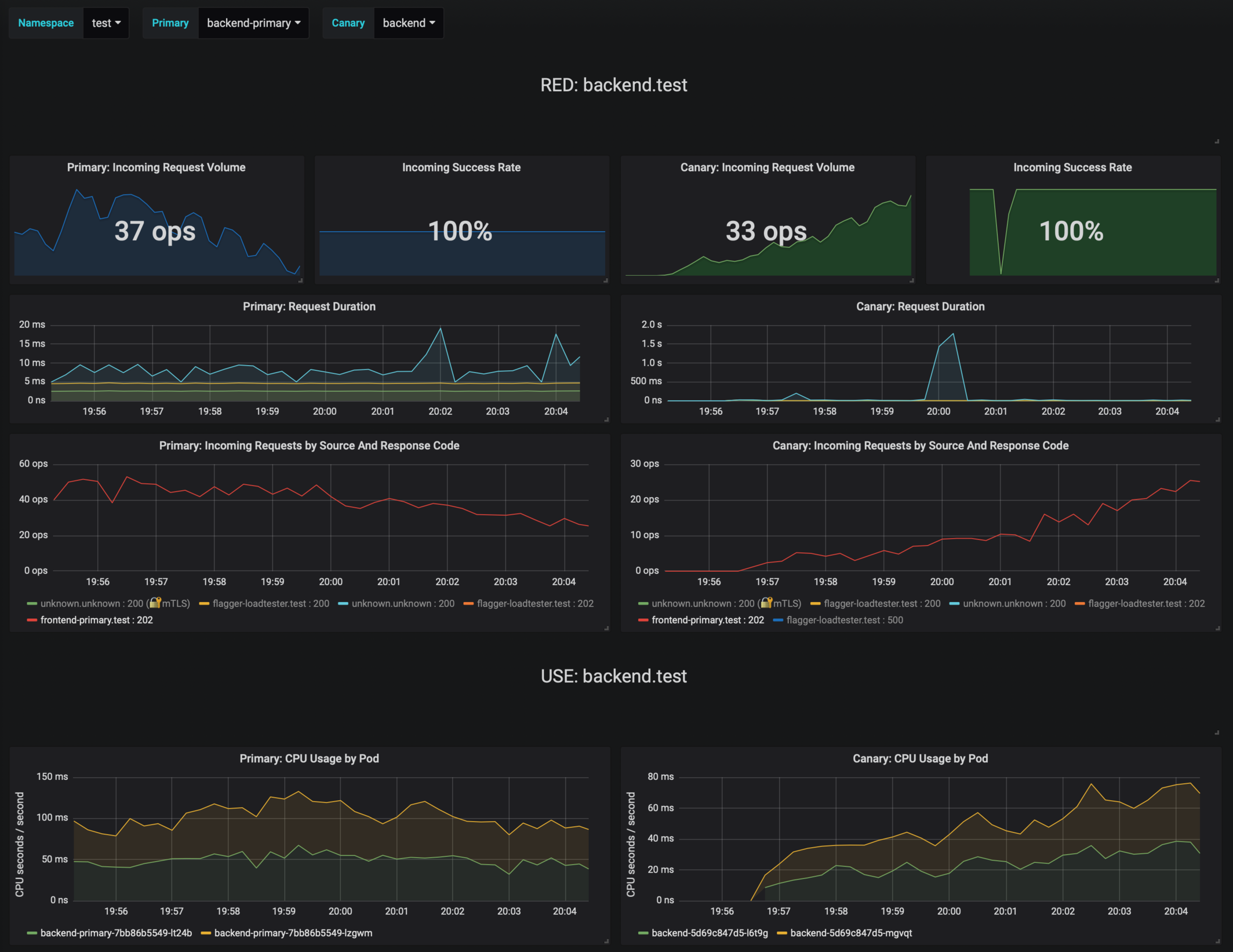
|
||||
|
||||
If the number of failed checks reaches the canary analysis threshold, the traffic is routed back to the primary, the canary is scaled to zero and the rollout is marked as failed.
|
||||
|
||||
@@ -235,7 +235,7 @@ If you've enabled the Slack notifications, you'll receive an alert with the reas
|
||||
|
||||
Instead of using Helm CLI from a CI tool to perform the install and upgrade, you could use a Git based approach. GitOps is a way to do Continuous Delivery, it works by using Git as a source of truth for declarative infrastructure and workloads. In the [GitOps model](https://www.weave.works/technologies/gitops/), any change to production must be committed in source control prior to being applied on the cluster. This way rollback and audit logs are provided by Git.
|
||||
|
||||
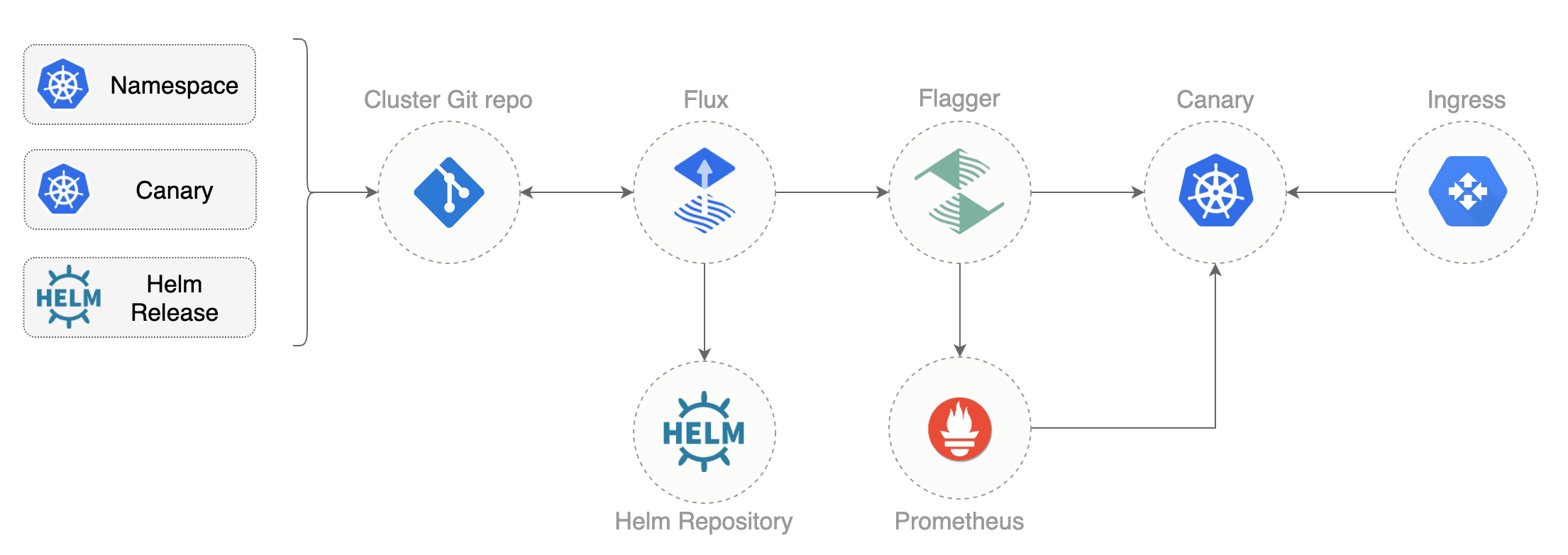
|
||||
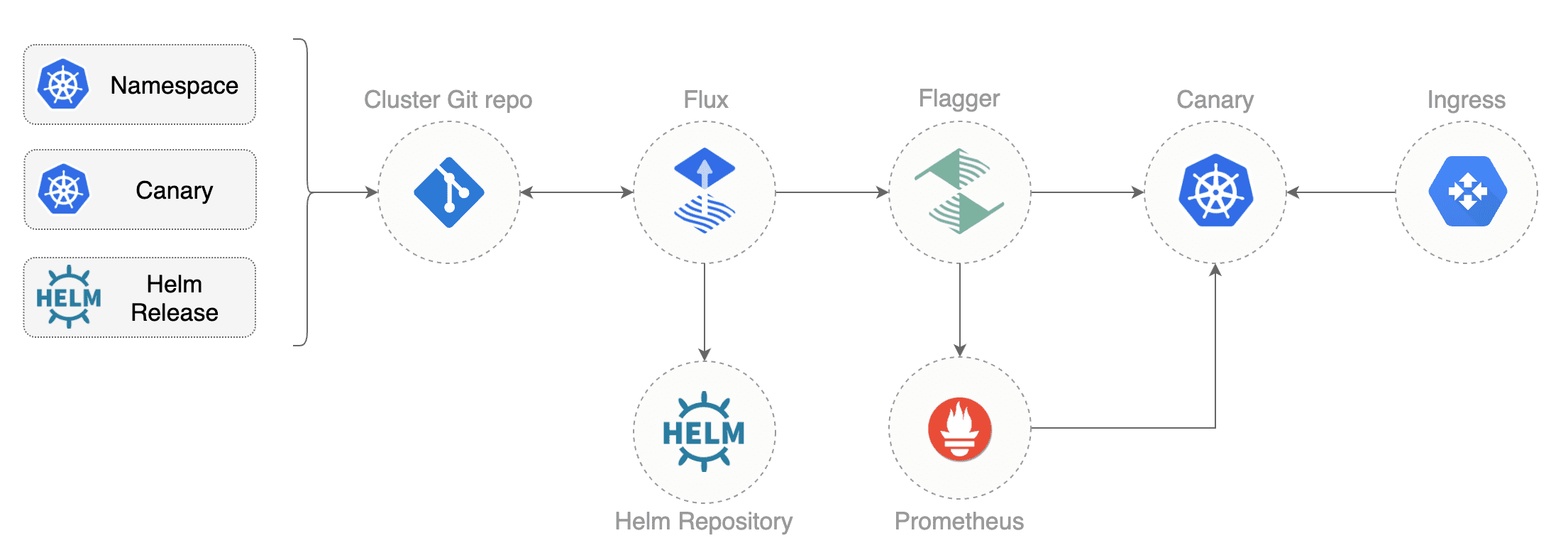
|
||||
|
||||
In order to apply the GitOps pipeline model to Flagger canary deployments you'll need a Git repository with your workloads definitions in YAML format, a container registry where your CI system pushes immutable images and an operator that synchronizes the Git repo with the cluster state.
|
||||
|
||||
@@ -286,15 +286,11 @@ spec:
|
||||
enabled: true
|
||||
```
|
||||
|
||||
In the `chart` section I've defined the release source by specifying the Helm repository (hosted on GitHub Pages),
|
||||
chart name and version. In the `values` section I've overwritten the defaults set in values.yaml.
|
||||
In the `chart` section I've defined the release source by specifying the Helm repository \(hosted on GitHub Pages\), chart name and version. In the `values` section I've overwritten the defaults set in values.yaml.
|
||||
|
||||
With the `fluxcd.io` annotations I instruct Flux to automate this release.
|
||||
When an image tag in the sem ver range of `3.1.0 - 3.1.99` is pushed to Docker Hub,
|
||||
Flux will upgrade the Helm release and from there Flagger will pick up the change and start a canary deployment.
|
||||
With the `fluxcd.io` annotations I instruct Flux to automate this release. When an image tag in the sem ver range of `3.1.0 - 3.1.99` is pushed to Docker Hub, Flux will upgrade the Helm release and from there Flagger will pick up the change and start a canary deployment.
|
||||
|
||||
Install [Flux](https://github.com/fluxcd/flux) and its
|
||||
[Helm Operator](https://github.com/fluxcd/helm-operator) by specifying your Git repo URL:
|
||||
Install [Flux](https://github.com/fluxcd/flux) and its [Helm Operator](https://github.com/fluxcd/helm-operator) by specifying your Git repo URL:
|
||||
|
||||
```bash
|
||||
helm repo add fluxcd https://charts.fluxcd.io
|
||||
@@ -315,14 +311,11 @@ At startup Flux generates a SSH key and logs the public key. Find the SSH public
|
||||
kubectl -n fluxcd logs deployment/flux | grep identity.pub | cut -d '"' -f2
|
||||
```
|
||||
|
||||
In order to sync your cluster state with Git you need to copy the public key
|
||||
and create a deploy key with write access on your GitHub repository.
|
||||
In order to sync your cluster state with Git you need to copy the public key and create a deploy key with write access on your GitHub repository.
|
||||
|
||||
Open GitHub, navigate to your fork, go to _Setting > Deploy keys_ click on _Add deploy key_, check _Allow write access_,
|
||||
paste the Flux public key and click _Add key_.
|
||||
Open GitHub, navigate to your fork, go to _Setting > Deploy keys_ click on _Add deploy key_, check _Allow write access_, paste the Flux public key and click _Add key_.
|
||||
|
||||
After a couple of seconds Flux will apply the Kubernetes resources from Git and
|
||||
Flagger will launch the `frontend` and `backend` apps.
|
||||
After a couple of seconds Flux will apply the Kubernetes resources from Git and Flagger will launch the `frontend` and `backend` apps.
|
||||
|
||||
A CI/CD pipeline for the `frontend` release could look like this:
|
||||
|
||||
@@ -343,14 +336,12 @@ If the canary fails, fix the bug, do another patch release eg `3.1.2` and the wh
|
||||
A canary deployment can fail due to any of the following reasons:
|
||||
|
||||
* the container image can't be downloaded
|
||||
* the deployment replica set is stuck for more then ten minutes (eg. due to a container crash loop)
|
||||
* the webooks (acceptance tests, helm tests, load tests, etc) are returning a non 2xx response
|
||||
* the HTTP success rate (non 5xx responses) metric drops under the threshold
|
||||
* the deployment replica set is stuck for more then ten minutes \(eg. due to a container crash loop\)
|
||||
* the webhooks \(acceptance tests, helm tests, load tests, etc\) are returning a non 2xx response
|
||||
* the HTTP success rate \(non 5xx responses\) metric drops under the threshold
|
||||
* the HTTP average duration metric goes over the threshold
|
||||
* the Istio telemetry service is unable to collect traffic metrics
|
||||
* the metrics server (Prometheus) can't be reached
|
||||
* the metrics server \(Prometheus\) can't be reached
|
||||
|
||||
If you want to find out more about managing Helm releases with Flux here are two in-depth guides:
|
||||
[gitops-helm](https://github.com/stefanprodan/gitops-helm)
|
||||
and [gitops-istio](https://github.com/stefanprodan/gitops-istio).
|
||||
If you want to find out more about managing Helm releases with Flux here are two in-depth guides: [gitops-helm](https://github.com/stefanprodan/gitops-helm) and [gitops-istio](https://github.com/stefanprodan/gitops-istio).
|
||||
|
||||
|
||||
@@ -2,11 +2,11 @@
|
||||
|
||||
This guide shows you how to use [Contour](https://projectcontour.io/) ingress controller and Flagger to automate canary releases and A/B testing.
|
||||
|
||||

|
||||
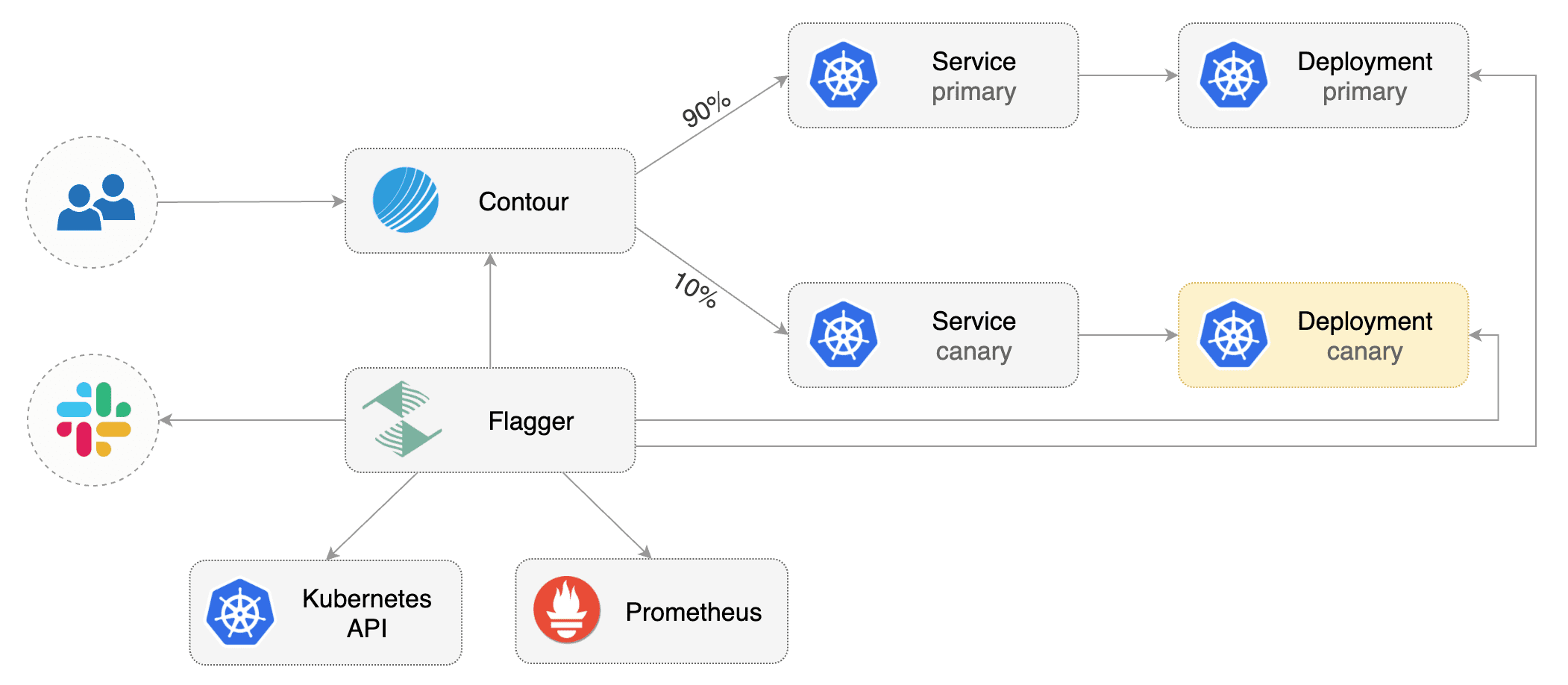
|
||||
|
||||
## Prerequisites
|
||||
|
||||
Flagger requires a Kubernetes cluster **v1.11** or newer and Contour **v1.0** or newer.
|
||||
Flagger requires a Kubernetes cluster **v1.16** or newer and Contour **v1.0** or newer.
|
||||
|
||||
Install Contour on a cluster with LoadBalancer support:
|
||||
|
||||
@@ -19,7 +19,7 @@ The above command will deploy Contour and an Envoy daemonset in the `projectcont
|
||||
Install Flagger using Kustomize (kubectl 1.14) in the `projectcontour` namespace:
|
||||
|
||||
```bash
|
||||
kubectl apply -k github.com/weaveworks/flagger//kustomize/contour
|
||||
kubectl apply -k https://github.com/fluxcd/flagger//kustomize/contour?ref=main
|
||||
```
|
||||
|
||||
The above command will deploy Flagger and Prometheus configured to scrape the Contour's Envoy instances.
|
||||
@@ -36,14 +36,11 @@ helm upgrade -i flagger flagger/flagger \
|
||||
--set prometheus.install=true
|
||||
```
|
||||
|
||||
You can also enable Slack, Discord, Rocket or MS Teams notifications,
|
||||
see the alerting [docs](../usage/alerting.md).
|
||||
You can also enable Slack, Discord, Rocket or MS Teams notifications, see the alerting [docs](../usage/alerting.md).
|
||||
|
||||
## Bootstrap
|
||||
|
||||
Flagger takes a Kubernetes deployment and optionally a horizontal pod autoscaler (HPA),
|
||||
then creates a series of objects (Kubernetes deployments, ClusterIP services and Contour HTTPProxy).
|
||||
These objects expose the application in the cluster and drive the canary analysis and promotion.
|
||||
Flagger takes a Kubernetes deployment and optionally a horizontal pod autoscaler \(HPA\), then creates a series of objects \(Kubernetes deployments, ClusterIP services and Contour HTTPProxy\). These objects expose the application in the cluster and drive the canary analysis and promotion.
|
||||
|
||||
Create a test namespace:
|
||||
|
||||
@@ -54,16 +51,16 @@ kubectl create ns test
|
||||
Install the load testing service to generate traffic during the canary analysis:
|
||||
|
||||
```bash
|
||||
kubectl apply -k github.com/weaveworks/flagger//kustomize/tester
|
||||
kubectl apply -k https://github.com/fluxcd/flagger//kustomize/tester?ref=main
|
||||
```
|
||||
|
||||
Create a deployment and a horizontal pod autoscaler:
|
||||
|
||||
```bash
|
||||
kubectl apply -k github.com/weaveworks/flagger//kustomize/podinfo
|
||||
kubectl apply -k https://github.com/fluxcd/flagger//kustomize/podinfo?ref=main
|
||||
```
|
||||
|
||||
Create a canary custom resource (replace `app.example.com` with your own domain):
|
||||
Create a canary custom resource \(replace `app.example.com` with your own domain\):
|
||||
|
||||
```yaml
|
||||
apiVersion: flagger.app/v1beta1
|
||||
@@ -160,9 +157,7 @@ service/podinfo-primary
|
||||
httpproxy.projectcontour.io/podinfo
|
||||
```
|
||||
|
||||
After the boostrap, the podinfo deployment will be scaled to zero and the traffic to `podinfo.test`
|
||||
will be routed to the primary pods.
|
||||
During the canary analysis, the `podinfo-canary.test` address can be used to target directly the canary pods.
|
||||
After the boostrap, the podinfo deployment will be scaled to zero and the traffic to `podinfo.test` will be routed to the primary pods. During the canary analysis, the `podinfo-canary.test` address can be used to target directly the canary pods.
|
||||
|
||||
## Expose the app outside the cluster
|
||||
|
||||
@@ -174,11 +169,9 @@ export ADDRESS="$(kubectl -n projectcontour get svc/envoy -ojson \
|
||||
echo $ADDRESS
|
||||
```
|
||||
|
||||
Configure your DNS server with a CNAME record \(AWS\) or A record (GKE/AKS/DOKS)
|
||||
and point a domain e.g. `app.example.com` to the LB address.
|
||||
Configure your DNS server with a CNAME record \(AWS\) or A record \(GKE/AKS/DOKS\) and point a domain e.g. `app.example.com` to the LB address.
|
||||
|
||||
Create a HTTPProxy definition and include the podinfo proxy generated by Flagger
|
||||
(replace `app.example.com` with your own domain):
|
||||
Create a HTTPProxy definition and include the podinfo proxy generated by Flagger \(replace `app.example.com` with your own domain\):
|
||||
|
||||
```yaml
|
||||
apiVersion: projectcontour.io/v1
|
||||
@@ -214,21 +207,17 @@ podinfo-ingress app.example.com valid
|
||||
|
||||
Now you can access podinfo UI using your domain address.
|
||||
|
||||
Note that you should be using HTTPS when exposing production workloads on internet.
|
||||
You can obtain free TLS certs from Let's Encrypt, read this [guide](https://github.com/stefanprodan/eks-contour-ingress)
|
||||
on how to configure cert-manager to secure Contour with TLS certificates.
|
||||
Note that you should be using HTTPS when exposing production workloads on internet. You can obtain free TLS certs from Let's Encrypt, read this [guide](https://github.com/stefanprodan/eks-contour-ingress) on how to configure cert-manager to secure Contour with TLS certificates.
|
||||
|
||||
## Automated canary promotion
|
||||
|
||||
Flagger implements a control loop that gradually shifts traffic to the canary while measuring
|
||||
key performance indicators like HTTP requests success rate, requests average duration and pod health.
|
||||
Based on analysis of the KPIs a canary is promoted or aborted.
|
||||
Flagger implements a control loop that gradually shifts traffic to the canary while measuring key performance indicators like HTTP requests success rate, requests average duration and pod health. Based on analysis of the KPIs a canary is promoted or aborted.
|
||||
|
||||

|
||||

|
||||
|
||||
A canary deployment is triggered by changes in any of the following objects:
|
||||
|
||||
* Deployment PodSpec (container image, command, ports, env, resources, etc)
|
||||
* Deployment PodSpec \(container image, command, ports, env, resources, etc\)
|
||||
* ConfigMaps and Secrets mounted as volumes or mapped to environment variables
|
||||
|
||||
Trigger a canary deployment by updating the container image:
|
||||
@@ -282,7 +271,7 @@ test podinfo Progressing 15 2019-12-20T14:05:07Z
|
||||
|
||||
If you’ve enabled the Slack notifications, you should receive the following messages:
|
||||
|
||||

|
||||

|
||||
|
||||
## Automated rollback
|
||||
|
||||
@@ -313,8 +302,7 @@ Generate latency:
|
||||
watch -n 1 curl http://app.example.com/delay/1
|
||||
```
|
||||
|
||||
When the number of failed checks reaches the canary analysis threshold, the traffic is routed back to the primary,
|
||||
the canary is scaled to zero and the rollout is marked as failed.
|
||||
When the number of failed checks reaches the canary analysis threshold, the traffic is routed back to the primary, the canary is scaled to zero and the rollout is marked as failed.
|
||||
|
||||
```text
|
||||
kubectl -n projectcontour logs deploy/flagger -f | jq .msg
|
||||
@@ -333,18 +321,15 @@ Rolling back podinfo.test failed checks threshold reached 5
|
||||
Canary failed! Scaling down podinfo.test
|
||||
```
|
||||
|
||||
If you’ve enabled the Slack notifications, you’ll receive a message if the progress deadline is exceeded,
|
||||
or if the analysis reached the maximum number of failed checks:
|
||||
If you’ve enabled the Slack notifications, you’ll receive a message if the progress deadline is exceeded, or if the analysis reached the maximum number of failed checks:
|
||||
|
||||

|
||||

|
||||
|
||||
## A/B Testing
|
||||
|
||||
Besides weighted routing, Flagger can be configured to route traffic to the canary based on HTTP match conditions.
|
||||
In an A/B testing scenario, you'll be using HTTP headers or cookies to target a certain segment of your users.
|
||||
This is particularly useful for frontend applications that require session affinity.
|
||||
Besides weighted routing, Flagger can be configured to route traffic to the canary based on HTTP match conditions. In an A/B testing scenario, you'll be using HTTP headers or cookies to target a certain segment of your users. This is particularly useful for frontend applications that require session affinity.
|
||||
|
||||

|
||||

|
||||
|
||||
Edit the canary analysis, remove the max/step weight and add the match conditions and iterations:
|
||||
|
||||
@@ -439,3 +424,4 @@ match:
|
||||
```
|
||||
|
||||
For an in-depth look at the analysis process read the [usage docs](../usage/how-it-works.md).
|
||||
|
||||
|
||||
@@ -1,358 +0,0 @@
|
||||
# Crossover Canary Deployments
|
||||
|
||||
This guide shows you how to use Envoy, [Crossover](https://github.com/mumoshu/crossover) and Flagger to automate canary deployments.
|
||||
|
||||
Crossover is a minimal Envoy xDS implementation supports [Service Mesh Interface](https://smi-spec.io/).
|
||||
|
||||
## Prerequisites
|
||||
|
||||
Flagger requires a Kubernetes cluster **v1.11** or newer and Envoy paired with [Crossover](https://github.com/mumoshu/crossover) sidecar.
|
||||
|
||||
Create a test namespace:
|
||||
|
||||
```bash
|
||||
kubectl create ns test
|
||||
```
|
||||
|
||||
Install Envoy along with the Crossover sidecar with Helm:
|
||||
|
||||
```bash
|
||||
helm repo add crossover https://mumoshu.github.io/crossover
|
||||
|
||||
helm upgrade --install envoy crossover/envoy \
|
||||
--namespace test \
|
||||
-f <(cat <<EOF
|
||||
smi:
|
||||
apiVersions:
|
||||
trafficSplits: v1alpha1
|
||||
upstreams:
|
||||
podinfo:
|
||||
smi:
|
||||
enabled: true
|
||||
backends:
|
||||
podinfo-primary:
|
||||
port: 9898
|
||||
weight: 100
|
||||
podinfo-canary:
|
||||
port: 9898
|
||||
weight: 0
|
||||
EOF
|
||||
)
|
||||
```
|
||||
|
||||
Install Flagger and the Prometheus add-on in the same namespace as Envoy:
|
||||
|
||||
```bash
|
||||
helm repo add flagger https://flagger.app
|
||||
|
||||
helm upgrade -i flagger flagger/flagger \
|
||||
--namespace test \
|
||||
--set prometheus.install=true \
|
||||
--set meshProvider=smi:crossover
|
||||
```
|
||||
|
||||
## Bootstrap
|
||||
|
||||
Flagger takes a Kubernetes deployment and optionally a horizontal pod autoscaler (HPA),
|
||||
then creates a series of objects (Kubernetes deployments, ClusterIP services, SMI traffic splits).
|
||||
These objects expose the application on the mesh and drive the canary analysis and promotion.
|
||||
There's no SMI object you need to create by yourself.
|
||||
|
||||
Create a deployment and a horizontal pod autoscaler:
|
||||
|
||||
```bash
|
||||
kubectl apply -k github.com/weaveworks/flagger//kustomize/podinfo
|
||||
```
|
||||
|
||||
Deploy the load testing service to generate traffic during the canary analysis:
|
||||
|
||||
```bash
|
||||
helm upgrade -i flagger-loadtester flagger/loadtester \
|
||||
--namespace=test
|
||||
```
|
||||
|
||||
Create a metric template to measure the HTTP requests error rate:
|
||||
|
||||
```yaml
|
||||
apiVersion: flagger.app/v1beta1
|
||||
kind: MetricTemplate
|
||||
metadata:
|
||||
name: error-rate
|
||||
namespace: test
|
||||
spec:
|
||||
provider:
|
||||
address: http://flagger-prometheus:9090
|
||||
type: prometheus
|
||||
query: |
|
||||
100 - rate(
|
||||
envoy_cluster_upstream_rq{
|
||||
kubernetes_namespace="{{ namespace }}",
|
||||
envoy_cluster_name="{{ target }}-canary",
|
||||
envoy_response_code!~"5.*"
|
||||
}[{{ interval }}])
|
||||
/
|
||||
rate(
|
||||
envoy_cluster_upstream_rq{
|
||||
kubernetes_namespace="{{ namespace }}",
|
||||
envoy_cluster_name="{{ target }}-canary"
|
||||
}[{{ interval }}]
|
||||
) * 100
|
||||
```
|
||||
|
||||
Create a metric template to measure the HTTP requests average duration:
|
||||
|
||||
```yaml
|
||||
apiVersion: flagger.app/v1beta1
|
||||
kind: MetricTemplate
|
||||
metadata:
|
||||
name: latency
|
||||
namespace: test
|
||||
spec:
|
||||
provider:
|
||||
address: http://flagger-prometheus:9090
|
||||
type: prometheus
|
||||
query: |
|
||||
histogram_quantile(0.99,
|
||||
sum(
|
||||
rate(
|
||||
envoy_cluster_upstream_rq_time_bucket{
|
||||
kubernetes_namespace="{{ namespace }}",
|
||||
envoy_cluster_name="{{ target }}-canary"
|
||||
}[{{ interval }}]
|
||||
)
|
||||
) by (le)
|
||||
)
|
||||
```
|
||||
|
||||
Create a canary custom resource:
|
||||
|
||||
```yaml
|
||||
apiVersion: flagger.app/v1beta1
|
||||
kind: Canary
|
||||
metadata:
|
||||
name: podinfo
|
||||
namespace: test
|
||||
spec:
|
||||
provider: "smi:crossover"
|
||||
# deployment reference
|
||||
targetRef:
|
||||
apiVersion: apps/v1
|
||||
kind: Deployment
|
||||
name: podinfo
|
||||
progressDeadlineSeconds: 60
|
||||
# HPA reference (optional)
|
||||
autoscalerRef:
|
||||
apiVersion: autoscaling/v2beta2
|
||||
kind: HorizontalPodAutoscaler
|
||||
name: podinfo
|
||||
service:
|
||||
port: 9898
|
||||
# define the canary analysis timing and KPIs
|
||||
analysis:
|
||||
# schedule interval (default 60s)
|
||||
interval: 1m
|
||||
# max number of failed metric checks before rollback
|
||||
threshold: 5
|
||||
# max traffic percentage routed to canary
|
||||
# percentage (0-100)
|
||||
maxWeight: 50
|
||||
# canary increment step
|
||||
# percentage (0-100)
|
||||
stepWeight: 5
|
||||
metrics:
|
||||
- name: error-rate
|
||||
templateRef:
|
||||
name: error-rate
|
||||
thresholdRange:
|
||||
max: 1
|
||||
interval: 30s
|
||||
- name: latency
|
||||
templateRef:
|
||||
name: latency
|
||||
thresholdRange:
|
||||
max: 0.5
|
||||
interval: 30s
|
||||
webhooks:
|
||||
- name: acceptance-test
|
||||
type: pre-rollout
|
||||
url: http://flagger-loadtester.test/
|
||||
timeout: 30s
|
||||
metadata:
|
||||
type: bash
|
||||
cmd: "curl -sd 'test' http://podinfo-canary.test:9898/token | grep token"
|
||||
- name: load-test
|
||||
url: http://flagger-loadtester.test/
|
||||
timeout: 5s
|
||||
metadata:
|
||||
cmd: "hey -z 1m -q 10 -c 2 -H 'Host: podinfo.test' http://envoy.test:10000/"
|
||||
```
|
||||
|
||||
Save the above resource as podinfo-canary.yaml and then apply it:
|
||||
|
||||
```bash
|
||||
kubectl apply -f ./podinfo-canary.yaml
|
||||
```
|
||||
|
||||
After a couple of seconds Flagger will create the canary objects:
|
||||
|
||||
```bash
|
||||
# applied
|
||||
deployment.apps/podinfo
|
||||
horizontalpodautoscaler.autoscaling/podinfo
|
||||
canary.flagger.app/podinfo
|
||||
|
||||
# generated
|
||||
deployment.apps/podinfo-primary
|
||||
horizontalpodautoscaler.autoscaling/podinfo-primary
|
||||
service/podinfo
|
||||
service/podinfo-canary
|
||||
service/podinfo-primary
|
||||
trafficsplits.split.smi-spec.io/podinfo
|
||||
```
|
||||
|
||||
After the boostrap, the podinfo deployment will be scaled to zero and the traffic to `podinfo.test`
|
||||
will be routed to the primary pods. During the canary analysis,
|
||||
the `podinfo-canary.test` address can be used to target directly the canary pods.
|
||||
|
||||
## Automated canary promotion
|
||||
|
||||
Flagger implements a control loop that gradually shifts traffic to the canary while measuring
|
||||
key performance indicators like HTTP requests success rate, requests average duration and pod health.
|
||||
Based on analysis of the KPIs a canary is promoted or aborted, and the analysis result is published to Slack.
|
||||
|
||||

|
||||
|
||||
A canary deployment is triggered by changes in any of the following objects:
|
||||
|
||||
* Deployment PodSpec (container image, command, ports, env, resources, etc)
|
||||
* ConfigMaps and Secrets mounted as volumes or mapped to environment variables
|
||||
|
||||
Trigger a canary deployment by updating the container image:
|
||||
|
||||
```bash
|
||||
kubectl -n test set image deployment/podinfo \
|
||||
podinfod=stefanprodan/podinfo:3.1.5
|
||||
```
|
||||
|
||||
Flagger detects that the deployment revision changed and starts a new rollout:
|
||||
|
||||
```text
|
||||
kubectl -n test describe canary/podinfo
|
||||
|
||||
Status:
|
||||
Canary Weight: 0
|
||||
Failed Checks: 0
|
||||
Phase: Succeeded
|
||||
Events:
|
||||
New revision detected! Scaling up podinfo.test
|
||||
Waiting for podinfo.test rollout to finish: 0 of 1 updated replicas are available
|
||||
Pre-rollout check acceptance-test passed
|
||||
Advance podinfo.test canary weight 5
|
||||
Advance podinfo.test canary weight 10
|
||||
Advance podinfo.test canary weight 15
|
||||
Advance podinfo.test canary weight 20
|
||||
Advance podinfo.test canary weight 25
|
||||
Advance podinfo.test canary weight 30
|
||||
Advance podinfo.test canary weight 35
|
||||
Advance podinfo.test canary weight 40
|
||||
Advance podinfo.test canary weight 45
|
||||
Advance podinfo.test canary weight 50
|
||||
Copying podinfo.test template spec to podinfo-primary.test
|
||||
Waiting for podinfo-primary.test rollout to finish: 1 of 2 updated replicas are available
|
||||
Routing all traffic to primary
|
||||
Promotion completed! Scaling down podinfo.test
|
||||
```
|
||||
|
||||
When the canary analysis starts, Flagger will call the pre-rollout webhooks before routing traffic to the canary.
|
||||
|
||||
**Note** that if you apply new changes to the deployment during the canary analysis, Flagger will restart the analysis.
|
||||
|
||||
During the analysis the canary’s progress can be monitored with Grafana.
|
||||
|
||||
Flagger comes with a Grafana dashboard made for canary analysis. Install Grafana with Helm:
|
||||
|
||||
```bash
|
||||
helm upgrade -i flagger-grafana flagger/grafana \
|
||||
--namespace=test \
|
||||
--set url=http://flagger-prometheus:9090
|
||||
```
|
||||
|
||||
Run:
|
||||
|
||||
```bash
|
||||
kubectl port-forward --namespace test svc/flagger-grafana 3000:80
|
||||
```
|
||||
|
||||
The Envoy dashboard URL is [http://localhost:3000/d/flagger-envoy/envoy-canary?refresh=10s&orgId=1&var-namespace=test&var-target=podinfo](http://localhost:3000/d/flagger-envoy/envoy-canary?refresh=10s&orgId=1&var-namespace=test&var-target=podinfo)
|
||||
|
||||

|
||||
|
||||
You can monitor all canaries with:
|
||||
|
||||
```bash
|
||||
watch kubectl get canaries --all-namespaces
|
||||
|
||||
NAMESPACE NAME STATUS WEIGHT LASTTRANSITIONTIME
|
||||
test podinfo Progressing 15 2019-10-02T14:05:07Z
|
||||
prod frontend Succeeded 0 2019-10-02T16:15:07Z
|
||||
prod backend Failed 0 2019-10-02T17:05:07Z
|
||||
```
|
||||
|
||||
If you’ve enabled the Slack notifications, you should receive the following messages:
|
||||
|
||||

|
||||
|
||||
## Automated rollback
|
||||
|
||||
During the canary analysis you can generate HTTP 500 errors or high latency to test if Flagger pauses the rollout.
|
||||
|
||||
Trigger a canary deployment:
|
||||
|
||||
```bash
|
||||
kubectl -n test set image deployment/podinfo \
|
||||
podinfod=stefanprodan/podinfo:3.1.2
|
||||
```
|
||||
|
||||
Exec into the load tester pod with:
|
||||
|
||||
```bash
|
||||
kubectl -n test exec -it deploy/flagger-loadtester bash
|
||||
```
|
||||
|
||||
Generate HTTP 500 errors:
|
||||
|
||||
```bash
|
||||
hey -z 1m -c 5 -q 5 -H 'Host: podinfo.test' http://envoy.test:10000/status/500
|
||||
```
|
||||
|
||||
Generate latency:
|
||||
|
||||
```bash
|
||||
watch -n 1 curl -H 'Host: podinfo.test' http://envoy.test:10000/delay/1
|
||||
```
|
||||
|
||||
When the number of failed checks reaches the canary analysis threshold, the traffic is routed back to the primary,
|
||||
the canary is scaled to zero and the rollout is marked as failed.
|
||||
|
||||
```text
|
||||
kubectl -n test logs deploy/flagger -f | jq .msg
|
||||
|
||||
New revision detected! progressing canary analysis for podinfo.test
|
||||
Pre-rollout check acceptance-test passed
|
||||
Advance podinfo.test canary weight 5
|
||||
Advance podinfo.test canary weight 10
|
||||
Advance podinfo.test canary weight 15
|
||||
Halt podinfo.test advancement success rate 69.17% < 99%
|
||||
Halt podinfo.test advancement success rate 61.39% < 99%
|
||||
Halt podinfo.test advancement success rate 55.06% < 99%
|
||||
Halt podinfo.test advancement request duration 1.20s > 0.5s
|
||||
Halt podinfo.test advancement request duration 1.45s > 0.5s
|
||||
Rolling back podinfo.test failed checks threshold reached 5
|
||||
Canary failed! Scaling down podinfo.test
|
||||
```
|
||||
|
||||
If you’ve enabled the Slack notifications, you’ll receive a message if the progress deadline is exceeded,
|
||||
or if the analysis reached the maximum number of failed checks:
|
||||
|
||||

|
||||
|
||||
@@ -1,295 +0,0 @@
|
||||
# SMI Istio Canary Deployments
|
||||
|
||||
This guide shows you how to use the SMI Istio adapter and Flagger to automate canary deployments.
|
||||
|
||||
## Prerequisites
|
||||
|
||||
* Kubernetes > 1.13
|
||||
* Istio > 1.0
|
||||
|
||||
## Install Istio SMI adapter
|
||||
|
||||
Install the SMI adapter:
|
||||
|
||||
```bash
|
||||
kubectl apply -f https://raw.githubusercontent.com/deislabs/smi-adapter-istio/master/deploy/crds/crds.yaml
|
||||
kubectl apply -f https://raw.githubusercontent.com/deislabs/smi-adapter-istio/master/deploy/operator-and-rbac.yaml
|
||||
```
|
||||
|
||||
Create a generic Istio gateway to expose services outside the mesh on HTTP:
|
||||
|
||||
```yaml
|
||||
apiVersion: networking.istio.io/v1alpha3
|
||||
kind: Gateway
|
||||
metadata:
|
||||
name: public-gateway
|
||||
namespace: istio-system
|
||||
spec:
|
||||
selector:
|
||||
istio: ingressgateway
|
||||
servers:
|
||||
- port:
|
||||
number: 80
|
||||
name: http
|
||||
protocol: HTTP
|
||||
hosts:
|
||||
- "*"
|
||||
```
|
||||
|
||||
Save the above resource as public-gateway.yaml and then apply it:
|
||||
|
||||
```bash
|
||||
kubectl apply -f ./public-gateway.yaml
|
||||
```
|
||||
|
||||
Find the Gateway load balancer IP and add a DNS record for it:
|
||||
|
||||
```bash
|
||||
kubectl -n istio-system get svc/istio-ingressgateway -ojson | jq -r .status.loadBalancer.ingress[0].ip
|
||||
```
|
||||
|
||||
## Install Flagger and Grafana
|
||||
|
||||
Add Flagger Helm repository:
|
||||
|
||||
```bash
|
||||
helm repo add flagger https://flagger.app
|
||||
```
|
||||
|
||||
Deploy Flagger in the _**istio-system**_ namespace:
|
||||
|
||||
```bash
|
||||
helm upgrade -i flagger flagger/flagger \
|
||||
--namespace=istio-system \
|
||||
--set meshProvider=smi:istio
|
||||
```
|
||||
|
||||
Flagger comes with a Grafana dashboard made for monitoring the canary deployments.
|
||||
|
||||
Deploy Grafana in the _**istio-system**_ namespace:
|
||||
|
||||
```bash
|
||||
helm upgrade -i flagger-grafana flagger/grafana \
|
||||
--namespace=istio-system \
|
||||
--set url=http://prometheus.istio-system:9090
|
||||
```
|
||||
|
||||
You can access Grafana using port forwarding:
|
||||
|
||||
```bash
|
||||
kubectl -n istio-system port-forward svc/flagger-grafana 3000:80
|
||||
```
|
||||
|
||||
## Workloads bootstrap
|
||||
|
||||
Create a test namespace with Istio sidecar injection enabled:
|
||||
|
||||
Create a test namespace and enable Linkerd proxy injection:
|
||||
|
||||
```bash
|
||||
kubectl create ns test
|
||||
kubectl label namespace test istio-injection=enabled
|
||||
```
|
||||
|
||||
Create a deployment and a horizontal pod autoscaler:
|
||||
|
||||
```bash
|
||||
kubectl apply -k github.com/weaveworks/flagger//kustomize/podinfo
|
||||
```
|
||||
|
||||
Deploy the load testing service to generate traffic during the canary analysis:
|
||||
|
||||
```bash
|
||||
kubectl apply -k github.com/weaveworks/flagger//kustomize/tester
|
||||
```
|
||||
|
||||
Create a canary custom resource \(replace example.com with your own domain\):
|
||||
|
||||
```yaml
|
||||
apiVersion: flagger.app/v1beta1
|
||||
kind: Canary
|
||||
metadata:
|
||||
name: podinfo
|
||||
namespace: test
|
||||
spec:
|
||||
# deployment reference
|
||||
targetRef:
|
||||
apiVersion: apps/v1
|
||||
kind: Deployment
|
||||
name: podinfo
|
||||
# the maximum time in seconds for the canary deployment
|
||||
# to make progress before it is rollback (default 600s)
|
||||
progressDeadlineSeconds: 60
|
||||
# HPA reference (optional)
|
||||
autoscalerRef:
|
||||
apiVersion: autoscaling/v2beta2
|
||||
kind: HorizontalPodAutoscaler
|
||||
name: podinfo
|
||||
service:
|
||||
# container port
|
||||
port: 9898
|
||||
# Istio gateways (optional)
|
||||
gateways:
|
||||
- public-gateway.istio-system.svc.cluster.local
|
||||
# Istio virtual service host names (optional)
|
||||
hosts:
|
||||
- app.example.com
|
||||
analysis:
|
||||
# schedule interval (default 60s)
|
||||
interval: 10s
|
||||
# max number of failed metric checks before rollback
|
||||
threshold: 5
|
||||
# max traffic percentage routed to canary
|
||||
# percentage (0-100)
|
||||
maxWeight: 50
|
||||
# canary increment step
|
||||
# percentage (0-100)
|
||||
stepWeight: 10
|
||||
metrics:
|
||||
- name: request-success-rate
|
||||
# minimum req success rate (non 5xx responses)
|
||||
# percentage (0-100)
|
||||
thresholdRange:
|
||||
min: 99
|
||||
interval: 1m
|
||||
- name: request-duration
|
||||
# maximum req duration P99
|
||||
# milliseconds
|
||||
thresholdRange:
|
||||
max: 500
|
||||
interval: 30s
|
||||
# generate traffic during analysis
|
||||
webhooks:
|
||||
- name: load-test
|
||||
url: http://flagger-loadtester.test/
|
||||
timeout: 5s
|
||||
metadata:
|
||||
cmd: "hey -z 1m -q 10 -c 2 http://podinfo.test:9898/"
|
||||
```
|
||||
|
||||
Save the above resource as podinfo-canary.yaml and then apply it:
|
||||
|
||||
```bash
|
||||
kubectl apply -f ./podinfo-canary.yaml
|
||||
```
|
||||
|
||||
After a couple of seconds Flagger will create the canary objects:
|
||||
|
||||
```bash
|
||||
# applied
|
||||
deployment.apps/podinfo
|
||||
horizontalpodautoscaler.autoscaling/podinfo
|
||||
canary.flagger.app/podinfo
|
||||
|
||||
# generated
|
||||
deployment.apps/podinfo-primary
|
||||
horizontalpodautoscaler.autoscaling/podinfo-primary
|
||||
service/podinfo
|
||||
service/podinfo-canary
|
||||
service/podinfo-primary
|
||||
trafficsplits.split.smi-spec.io/podinfo
|
||||
```
|
||||
|
||||
## Automated canary promotion
|
||||
|
||||
Flagger implements a control loop that gradually shifts traffic to the canary while measuring key performance indicators like HTTP requests success rate, requests average duration and pod health. Based on analysis of the KPIs a canary is promoted or aborted, and the analysis result is published to Slack.
|
||||
|
||||

|
||||
|
||||
Trigger a canary deployment by updating the container image:
|
||||
|
||||
```bash
|
||||
kubectl -n test set image deployment/podinfo \
|
||||
podinfod=quay.io/stefanprodan/podinfo:3.1.1
|
||||
```
|
||||
|
||||
Flagger detects that the deployment revision changed and starts a new rollout:
|
||||
|
||||
```text
|
||||
kubectl -n istio-system logs deployment/flagger -f | jq .msg
|
||||
|
||||
|
||||
New revision detected podinfo.test
|
||||
Scaling up podinfo.test
|
||||
Waiting for podinfo.test rollout to finish: 0 of 1 updated replicas are available
|
||||
Advance podinfo.test canary weight 5
|
||||
Advance podinfo.test canary weight 10
|
||||
Advance podinfo.test canary weight 15
|
||||
Advance podinfo.test canary weight 20
|
||||
Advance podinfo.test canary weight 25
|
||||
Advance podinfo.test canary weight 30
|
||||
Advance podinfo.test canary weight 35
|
||||
Advance podinfo.test canary weight 40
|
||||
Advance podinfo.test canary weight 45
|
||||
Advance podinfo.test canary weight 50
|
||||
Copying podinfo.test template spec to podinfo-primary.test
|
||||
Waiting for podinfo-primary.test rollout to finish: 1 of 2 updated replicas are available
|
||||
Promotion completed! Scaling down podinfo.test
|
||||
```
|
||||
|
||||
**Note** that if you apply new changes to the deployment during the canary analysis, Flagger will restart the analysis.
|
||||
|
||||
During the analysis the canary’s progress can be monitored with Grafana. The Istio dashboard URL is [http://localhost:3000/d/flagger-istio/istio-canary?refresh=10s&orgId=1&var-namespace=test&var-primary=podinfo-primary&var-canary=podinfo](http://localhost:3000/d/flagger-istio/istio-canary?refresh=10s&orgId=1&var-namespace=test&var-primary=podinfo-primary&var-canary=podinfo)
|
||||
|
||||
You can monitor all canaries with:
|
||||
|
||||
```bash
|
||||
watch kubectl get canaries --all-namespaces
|
||||
|
||||
NAMESPACE NAME STATUS WEIGHT LASTTRANSITIONTIME
|
||||
test podinfo Progressing 15 2019-05-16T14:05:07Z
|
||||
prod frontend Succeeded 0 2019-05-15T16:15:07Z
|
||||
prod backend Failed 0 2019-05-14T17:05:07Z
|
||||
```
|
||||
|
||||
## Automated rollback
|
||||
|
||||
During the canary analysis you can generate HTTP 500 errors and high latency to test if Flagger pauses the rollout.
|
||||
|
||||
Create a tester pod and exec into it:
|
||||
|
||||
```bash
|
||||
kubectl -n test run tester \
|
||||
--image=quay.io/stefanprodan/podinfo:3.1.2 \
|
||||
-- ./podinfo --port=9898
|
||||
|
||||
kubectl -n test exec -it tester-xx-xx sh
|
||||
```
|
||||
|
||||
Generate HTTP 500 errors:
|
||||
|
||||
```bash
|
||||
watch curl http://podinfo-canary:9898/status/500
|
||||
```
|
||||
|
||||
Generate latency:
|
||||
|
||||
```bash
|
||||
watch curl http://podinfo-canary:9898/delay/1
|
||||
```
|
||||
|
||||
When the number of failed checks reaches the canary analysis threshold, the traffic is routed back to the primary, the canary is scaled to zero and the rollout is marked as failed.
|
||||
|
||||
```text
|
||||
kubectl -n test describe canary/podinfo
|
||||
|
||||
Status:
|
||||
Canary Weight: 0
|
||||
Failed Checks: 10
|
||||
Phase: Failed
|
||||
Events:
|
||||
Type Reason Age From Message
|
||||
---- ------ ---- ---- -------
|
||||
Normal Synced 3m flagger Starting canary deployment for podinfo.test
|
||||
Normal Synced 3m flagger Advance podinfo.test canary weight 5
|
||||
Normal Synced 3m flagger Advance podinfo.test canary weight 10
|
||||
Normal Synced 3m flagger Advance podinfo.test canary weight 15
|
||||
Normal Synced 3m flagger Halt podinfo.test advancement success rate 69.17% < 99%
|
||||
Normal Synced 2m flagger Halt podinfo.test advancement success rate 61.39% < 99%
|
||||
Normal Synced 2m flagger Halt podinfo.test advancement success rate 55.06% < 99%
|
||||
Normal Synced 2m flagger Halt podinfo.test advancement success rate 47.00% < 99%
|
||||
Normal Synced 2m flagger (combined from similar events): Halt podinfo.test advancement success rate 38.08% < 99%
|
||||
Warning Synced 1m flagger Rolling back podinfo.test failed checks threshold reached 10
|
||||
Warning Synced 1m flagger Canary failed! Scaling down podinfo.test
|
||||
```
|
||||
|
||||
@@ -1,12 +1,17 @@
|
||||
# Gloo Canary Deployments
|
||||
|
||||
This guide shows you how to use the [Gloo](https://gloo.solo.io/) ingress controller and Flagger to automate canary deployments.
|
||||
This guide shows you how to use the [Gloo Edge](https://gloo.solo.io/) ingress controller
|
||||
and Flagger to automate canary releases and A/B testing.
|
||||
|
||||
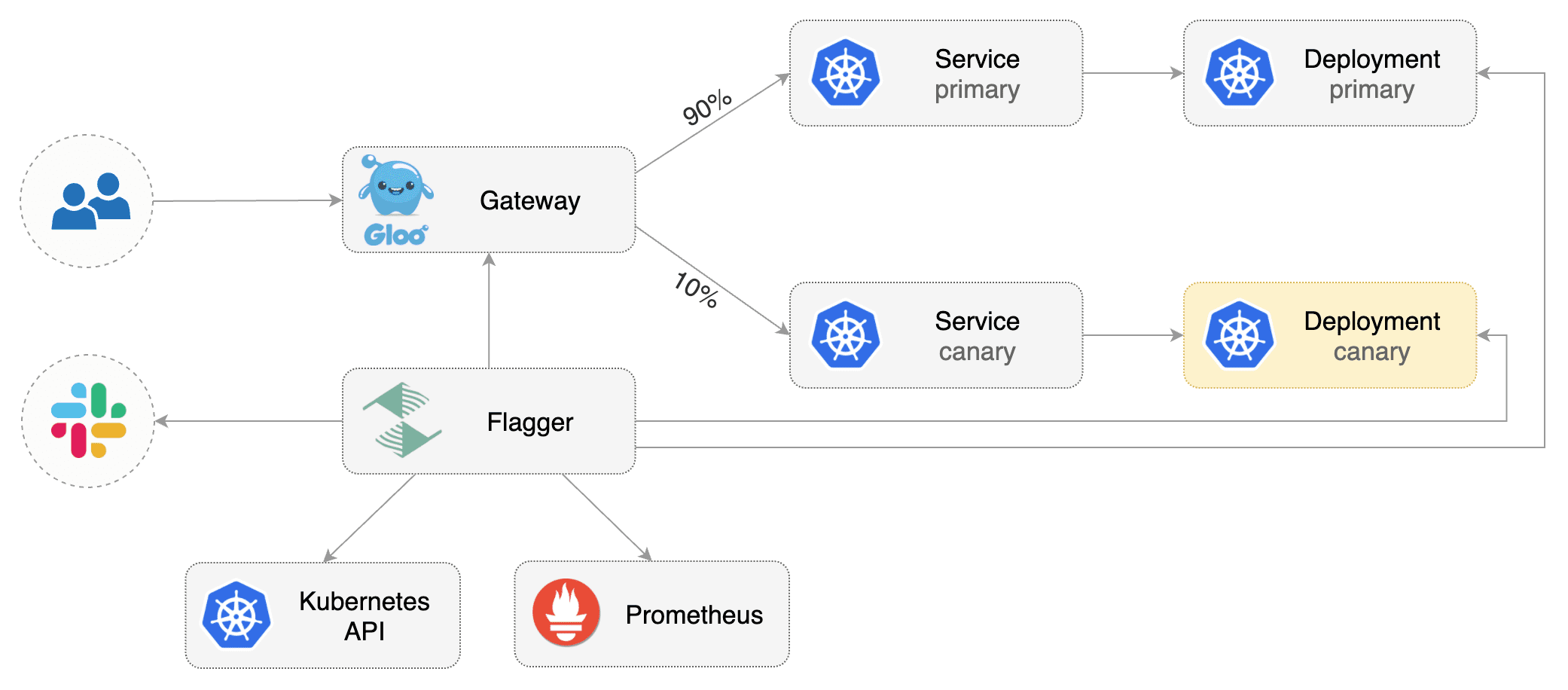
|
||||
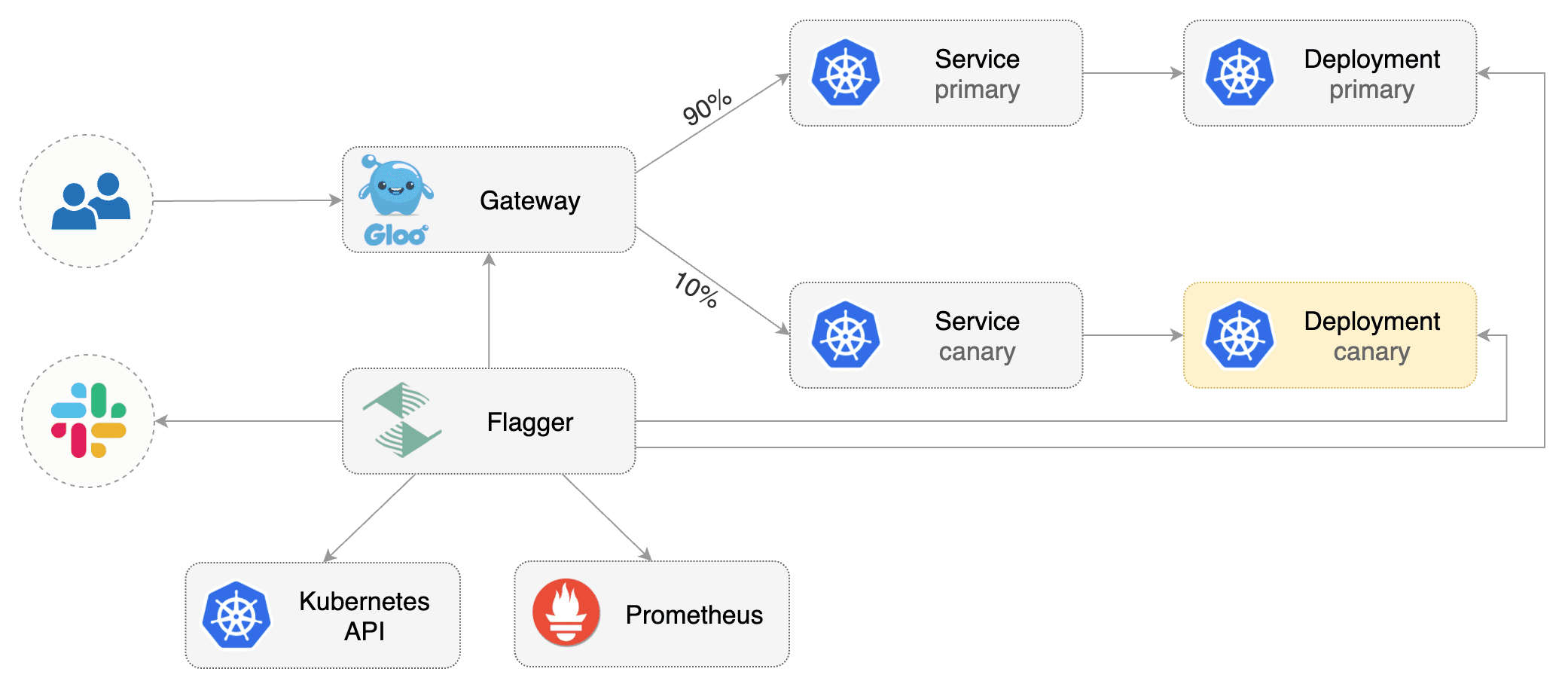
|
||||
|
||||
## Prerequisites
|
||||
|
||||
Flagger requires a Kubernetes cluster **v1.11** or newer and Gloo ingress **1.3.5** or newer.
|
||||
Flagger requires a Kubernetes cluster **v1.16** or newer and Gloo Edge ingress **1.6.0** or newer.
|
||||
|
||||
This guide was written for Flagger version **1.6.0** or higher. Prior versions of Flagger
|
||||
used Gloo `UpstreamGroup`s to handle canaries, but newer versions of Flagger use Gloo
|
||||
`RouteTable`s to handle canaries as well as A/B testing.
|
||||
|
||||
Install Gloo with Helm v3:
|
||||
|
||||
@@ -31,7 +36,7 @@ helm upgrade -i flagger flagger/flagger \
|
||||
## Bootstrap
|
||||
|
||||
Flagger takes a Kubernetes deployment and optionally a horizontal pod autoscaler (HPA),
|
||||
then creates a series of objects (Kubernetes deployments, ClusterIP services and Gloo upstream groups).
|
||||
then creates a series of objects (Kubernetes deployments, ClusterIP services, Gloo route tables and upstreams).
|
||||
These objects expose the application outside the cluster and drive the canary analysis and promotion.
|
||||
|
||||
Create a test namespace:
|
||||
@@ -43,16 +48,16 @@ kubectl create ns test
|
||||
Create a deployment and a horizontal pod autoscaler:
|
||||
|
||||
```bash
|
||||
kubectl -n test apply -k github.com/weaveworks/flagger//kustomize/podinfo
|
||||
kubectl -n test apply -k https://github.com/fluxcd/flagger//kustomize/podinfo?ref=main
|
||||
```
|
||||
|
||||
Deploy the load testing service to generate traffic during the canary analysis:
|
||||
|
||||
```bash
|
||||
kubectl -n test apply -k github.com/weaveworks/flagger//kustomize/tester
|
||||
kubectl -n test apply -k https://github.com/fluxcd/flagger//kustomize/tester?ref=main
|
||||
```
|
||||
|
||||
Create an virtual service definition that references an upstream group that will be generated by Flagger
|
||||
Create a virtual service definition that references a route table that will be generated by Flagger
|
||||
(replace `app.example.com` with your own domain):
|
||||
|
||||
```yaml
|
||||
@@ -68,8 +73,8 @@ spec:
|
||||
routes:
|
||||
- matchers:
|
||||
- prefix: /
|
||||
routeAction:
|
||||
upstreamGroup:
|
||||
delegateAction:
|
||||
ref:
|
||||
name: podinfo
|
||||
namespace: test
|
||||
```
|
||||
@@ -89,6 +94,14 @@ metadata:
|
||||
name: podinfo
|
||||
namespace: test
|
||||
spec:
|
||||
# upstreamRef (optional)
|
||||
# defines an upstream to copy the spec from when flagger generates new upstreams.
|
||||
# necessary to copy over TLS config, circuit breakers, etc. (anything nonstandard)
|
||||
# upstreamRef:
|
||||
# apiVersion: gloo.solo.io/v1
|
||||
# kind: Upstream
|
||||
# name: podinfo-upstream
|
||||
# namespace: gloo-system
|
||||
provider: gloo
|
||||
# deployment reference
|
||||
targetRef:
|
||||
@@ -147,6 +160,8 @@ spec:
|
||||
cmd: "hey -z 2m -q 5 -c 2 -host app.example.com http://gateway-proxy.gloo-system"
|
||||
```
|
||||
|
||||
*Note: when using upstreamRef the following fields are copied over from the original upstream: `Labels, SslConfig, CircuitBreakers, ConnectionConfig, UseHttp2, InitialStreamWindowSize`*
|
||||
|
||||
Save the above resource as podinfo-canary.yaml and then apply it:
|
||||
|
||||
```bash
|
||||
@@ -168,7 +183,9 @@ horizontalpodautoscaler.autoscaling/podinfo-primary
|
||||
service/podinfo
|
||||
service/podinfo-canary
|
||||
service/podinfo-primary
|
||||
upstreamgroups.gloo.solo.io/podinfo
|
||||
routetables.gateway.solo.io/podinfo
|
||||
upstreams.gloo.solo.io/test-podinfo-canaryupstream-9898
|
||||
upstreams.gloo.solo.io/test-podinfo-primaryupstream-9898
|
||||
```
|
||||
|
||||
When the bootstrap finishes Flagger will set the canary status to initialized:
|
||||
@@ -186,7 +203,7 @@ Flagger implements a control loop that gradually shifts traffic to the canary wh
|
||||
key performance indicators like HTTP requests success rate, requests average duration and pod health.
|
||||
Based on analysis of the KPIs a canary is promoted or aborted, and the analysis result is published to Slack.
|
||||
|
||||

|
||||

|
||||
|
||||
Trigger a canary deployment by updating the container image:
|
||||
|
||||
@@ -240,7 +257,8 @@ prod backend Failed 0 2019-05-17T17:05:07Z
|
||||
|
||||
## Automated rollback
|
||||
|
||||
During the canary analysis you can generate HTTP 500 errors and high latency to test if Flagger pauses and rolls back the faulted version.
|
||||
During the canary analysis you can generate HTTP 500 errors and high latency to test if
|
||||
Flagger pauses and rolls back the faulted version.
|
||||
|
||||
Trigger another canary deployment:
|
||||
|
||||
@@ -252,13 +270,13 @@ podinfod=stefanprodan/podinfo:3.1.2
|
||||
Generate HTTP 500 errors:
|
||||
|
||||
```bash
|
||||
watch curl -H 'Host: app.example.com' http://gateway-proxy-v2.gloo-system/status/500
|
||||
watch curl -H 'Host: app.example.com' http://gateway-proxy.gloo-system/status/500
|
||||
```
|
||||
|
||||
Generate high latency:
|
||||
|
||||
```bash
|
||||
watch curl -H 'Host: app.example.com' http://gateway-proxy-v2.gloo-system/delay/2
|
||||
watch curl -H 'Host: app.example.com' http://gateway-proxy.gloo-system/delay/2
|
||||
```
|
||||
|
||||
When the number of failed checks reaches the canary analysis threshold, the traffic is routed back to the primary,
|
||||
@@ -291,8 +309,8 @@ Events:
|
||||
|
||||
The canary analysis can be extended with Prometheus queries.
|
||||
|
||||
The demo app is instrumented with Prometheus so you can create a custom check that will use
|
||||
the HTTP request duration histogram to validate the canary.
|
||||
The demo app is instrumented with Prometheus so you can create a custom check that will use the HTTP request
|
||||
duration histogram to validate the canary.
|
||||
|
||||
Create a metric template and apply it on the cluster:
|
||||
|
||||
@@ -340,8 +358,8 @@ Edit the canary analysis and add the following metric:
|
||||
interval: 1m
|
||||
```
|
||||
|
||||
The above configuration validates the canary by checking if the HTTP 404 req/sec percentage is
|
||||
below 5 percent of the total traffic. If the 404s rate reaches the 5% threshold, then the canary fails.
|
||||
The above configuration validates the canary by checking if the HTTP 404 req/sec percentage
|
||||
is below 5 percent of the total traffic. If the 404s rate reaches the 5% threshold, then the canary fails.
|
||||
|
||||
Trigger a canary deployment by updating the container image:
|
||||
|
||||
@@ -353,7 +371,7 @@ podinfod=stefanprodan/podinfo:3.1.3
|
||||
Generate 404s:
|
||||
|
||||
```bash
|
||||
watch curl -H 'Host: app.example.com' http://gateway-proxy.gloo-system/status/400
|
||||
watch curl -H 'Host: app.example.com' http://gateway-proxy.gloo-system/status/404
|
||||
```
|
||||
|
||||
Watch Flagger logs:
|
||||
@@ -377,5 +395,90 @@ Canary failed! Scaling down podinfo.test
|
||||
If you have [alerting](../usage/alerting.md) configured,
|
||||
Flagger will send a notification with the reason why the canary failed.
|
||||
|
||||
For an in-depth look at the analysis process read the [usage docs](../usage/how-it-works.md).
|
||||
## A/B Testing
|
||||
|
||||
Besides weighted routing, Flagger can be configured to route traffic to the canary based on HTTP match conditions.
|
||||
In an A/B testing scenario, you'll be using HTTP headers or cookies to target a certain segment of your users.
|
||||
This is particularly useful for frontend applications that require session affinity.
|
||||
|
||||

|
||||
|
||||
Edit the canary analysis, remove the max/step weight and add the match conditions and iterations:
|
||||
|
||||
```yaml
|
||||
analysis:
|
||||
interval: 1m
|
||||
threshold: 5
|
||||
iterations: 10
|
||||
match:
|
||||
- headers:
|
||||
x-canary:
|
||||
exact: "insider"
|
||||
webhooks:
|
||||
- name: load-test
|
||||
url: http://flagger-loadtester.test/
|
||||
metadata:
|
||||
cmd: "hey -z 1m -q 5 -c 5 -H 'X-Canary: insider' -host app.example.com http://gateway-proxy.gloo-system"
|
||||
```
|
||||
|
||||
The above configuration will run an analysis for ten minutes targeting users that have a `X-Canary: insider` header.
|
||||
|
||||
Trigger a canary deployment by updating the container image:
|
||||
|
||||
```bash
|
||||
kubectl -n test set image deployment/podinfo \
|
||||
podinfod=stefanprodan/podinfo:3.1.4
|
||||
```
|
||||
|
||||
Flagger detects that the deployment revision changed and starts the A/B test:
|
||||
|
||||
```text
|
||||
kubectl -n gloo-system logs deploy/flagger -f | jq .msg
|
||||
|
||||
New revision detected! Progressing canary analysis for podinfo.test
|
||||
Advance podinfo.test canary iteration 1/10
|
||||
Advance podinfo.test canary iteration 2/10
|
||||
Advance podinfo.test canary iteration 3/10
|
||||
Advance podinfo.test canary iteration 4/10
|
||||
Advance podinfo.test canary iteration 5/10
|
||||
Advance podinfo.test canary iteration 6/10
|
||||
Advance podinfo.test canary iteration 7/10
|
||||
Advance podinfo.test canary iteration 8/10
|
||||
Advance podinfo.test canary iteration 9/10
|
||||
Advance podinfo.test canary iteration 10/10
|
||||
Copying podinfo.test template spec to podinfo-primary.test
|
||||
Waiting for podinfo-primary.test rollout to finish: 1 of 2 updated replicas are available
|
||||
Routing all traffic to primary
|
||||
Promotion completed! Scaling down podinfo.test
|
||||
```
|
||||
|
||||
The web browser user agent header allows user segmentation based on device or OS.
|
||||
|
||||
For example, if you want to route all mobile users to the canary instance:
|
||||
|
||||
```yaml
|
||||
match:
|
||||
- headers:
|
||||
user-agent:
|
||||
regex: ".*Mobile.*"
|
||||
```
|
||||
|
||||
Or if you want to target only Android users:
|
||||
|
||||
```yaml
|
||||
match:
|
||||
- headers:
|
||||
user-agent:
|
||||
regex: ".*Android.*"
|
||||
```
|
||||
|
||||
Or a specific browser version:
|
||||
|
||||
```yaml
|
||||
match:
|
||||
- headers:
|
||||
user-agent:
|
||||
regex: ".*Firefox.*"
|
||||
```
|
||||
|
||||
For an in-depth look at the analysis process read the [usage docs](../usage/how-it-works.md).
|
||||
|
||||
@@ -2,15 +2,13 @@
|
||||
|
||||
This guide shows you how to automate A/B testing with Istio and Flagger.
|
||||
|
||||
Besides weighted routing, Flagger can be configured to route traffic to the canary based on HTTP match conditions.
|
||||
In an A/B testing scenario, you'll be using HTTP headers or cookies to target a certain segment of your users.
|
||||
This is particularly useful for frontend applications that require session affinity.
|
||||
Besides weighted routing, Flagger can be configured to route traffic to the canary based on HTTP match conditions. In an A/B testing scenario, you'll be using HTTP headers or cookies to target a certain segment of your users. This is particularly useful for frontend applications that require session affinity.
|
||||
|
||||

|
||||

|
||||
|
||||
## Prerequisites
|
||||
|
||||
Flagger requires a Kubernetes cluster **v1.14** or newer and Istio **v1.0** or newer.
|
||||
Flagger requires a Kubernetes cluster **v1.16** or newer and Istio **v1.0** or newer.
|
||||
|
||||
Install Istio with telemetry support and Prometheus:
|
||||
|
||||
@@ -23,7 +21,7 @@ kubectl apply -f https://raw.githubusercontent.com/istio/istio/release-1.8/sampl
|
||||
Install Flagger in the `istio-system` namespace:
|
||||
|
||||
```bash
|
||||
kubectl apply -k github.com/weaveworks/flagger//kustomize/istio
|
||||
kubectl apply -k github.com/fluxcd/flagger//kustomize/istio
|
||||
```
|
||||
|
||||
Create an ingress gateway to expose the demo app outside of the mesh:
|
||||
@@ -58,16 +56,16 @@ kubectl label namespace test istio-injection=enabled
|
||||
Create a deployment and a horizontal pod autoscaler:
|
||||
|
||||
```bash
|
||||
kubectl apply -k github.com/weaveworks/flagger//kustomize/podinfo
|
||||
kubectl apply -k https://github.com/fluxcd/flagger//kustomize/podinfo?ref=main
|
||||
```
|
||||
|
||||
Deploy the load testing service to generate traffic during the canary analysis:
|
||||
|
||||
```bash
|
||||
kubectl apply -k github.com/weaveworks/flagger//kustomize/tester
|
||||
kubectl apply -k https://github.com/fluxcd/flagger//kustomize/tester?ref=main
|
||||
```
|
||||
|
||||
Create a canary custom resource (replace example.com with your own domain):
|
||||
Create a canary custom resource \(replace example.com with your own domain\):
|
||||
|
||||
```yaml
|
||||
apiVersion: flagger.app/v1beta1
|
||||
@@ -140,8 +138,7 @@ spec:
|
||||
cmd: "hey -z 1m -q 10 -c 2 -H 'Cookie: type=insider' http://podinfo.test:9898/"
|
||||
```
|
||||
|
||||
**Note** that when using Istio 1.5 you have to replace the `request-duration`
|
||||
with a [metric template](https://docs.flagger.app/dev/upgrade-guide#istio-telemetry-v2).
|
||||
**Note** that when using Istio 1.5 you have to replace the `request-duration` with a [metric template](https://docs.flagger.app/dev/upgrade-guide#istio-telemetry-v2).
|
||||
|
||||
The above configuration will run an analysis for ten minutes targeting Firefox users and those that have an insider cookie.
|
||||
|
||||
@@ -237,8 +234,7 @@ Generate latency:
|
||||
watch curl -b 'type=insider' http://app.example.com/delay/1
|
||||
```
|
||||
|
||||
When the number of failed checks reaches the canary analysis threshold, the traffic is routed back to the primary,
|
||||
the canary is scaled to zero and the rollout is marked as failed.
|
||||
When the number of failed checks reaches the canary analysis threshold, the traffic is routed back to the primary, the canary is scaled to zero and the rollout is marked as failed.
|
||||
|
||||
```text
|
||||
kubectl -n test describe canary/podinfo
|
||||
@@ -259,7 +255,5 @@ Events:
|
||||
Warning Synced 1m flagger Canary failed! Scaling down podinfo.test
|
||||
```
|
||||
|
||||
The above procedure can be extended with [custom metrics](../usage/metrics.md) checks,
|
||||
[webhooks](../usage/webhooks.md),
|
||||
[manual promotion](../usage/webhooks.md#manual-gating) approval and
|
||||
[Slack or MS Teams](../usage/alerting.md) notifications.
|
||||
The above procedure can be extended with [custom metrics](../usage/metrics.md) checks, [webhooks](../usage/webhooks.md), [manual promotion](../usage/webhooks.md#manual-gating) approval and [Slack or MS Teams](../usage/alerting.md) notifications.
|
||||
|
||||
|
||||
@@ -2,11 +2,11 @@
|
||||
|
||||
This guide shows you how to use Istio and Flagger to automate canary deployments.
|
||||
|
||||

|
||||

|
||||
|
||||
## Prerequisites
|
||||
|
||||
Flagger requires a Kubernetes cluster **v1.14** or newer and Istio **v1.5** or newer.
|
||||
Flagger requires a Kubernetes cluster **v1.16** or newer and Istio **v1.5** or newer.
|
||||
|
||||
Install Istio with telemetry support and Prometheus:
|
||||
|
||||
@@ -19,7 +19,7 @@ kubectl apply -f https://raw.githubusercontent.com/istio/istio/release-1.8/sampl
|
||||
Install Flagger in the `istio-system` namespace:
|
||||
|
||||
```bash
|
||||
kubectl apply -k github.com/weaveworks/flagger//kustomize/istio
|
||||
kubectl apply -k github.com/fluxcd/flagger//kustomize/istio
|
||||
```
|
||||
|
||||
Create an ingress gateway to expose the demo app outside of the mesh:
|
||||
@@ -44,10 +44,7 @@ spec:
|
||||
|
||||
## Bootstrap
|
||||
|
||||
Flagger takes a Kubernetes deployment and optionally a horizontal pod autoscaler (HPA),
|
||||
then creates a series of objects (Kubernetes deployments, ClusterIP services,
|
||||
Istio destination rules and virtual services).
|
||||
These objects expose the application inside the mesh and drive the canary analysis and promotion.
|
||||
Flagger takes a Kubernetes deployment and optionally a horizontal pod autoscaler \(HPA\), then creates a series of objects \(Kubernetes deployments, ClusterIP services, Istio destination rules and virtual services\). These objects expose the application inside the mesh and drive the canary analysis and promotion.
|
||||
|
||||
Create a test namespace with Istio sidecar injection enabled:
|
||||
|
||||
@@ -59,16 +56,16 @@ kubectl label namespace test istio-injection=enabled
|
||||
Create a deployment and a horizontal pod autoscaler:
|
||||
|
||||
```bash
|
||||
kubectl apply -k github.com/weaveworks/flagger//kustomize/podinfo
|
||||
kubectl apply -k https://github.com/fluxcd/flagger//kustomize/podinfo?ref=main
|
||||
```
|
||||
|
||||
Deploy the load testing service to generate traffic during the canary analysis:
|
||||
|
||||
```bash
|
||||
kubectl apply -k github.com/weaveworks/flagger//kustomize/tester
|
||||
kubectl apply -k https://github.com/fluxcd/flagger//kustomize/tester?ref=main
|
||||
```
|
||||
|
||||
Create a canary custom resource (replace example.com with your own domain):
|
||||
Create a canary custom resource \(replace example.com with your own domain\):
|
||||
|
||||
```yaml
|
||||
apiVersion: flagger.app/v1beta1
|
||||
@@ -151,8 +148,7 @@ spec:
|
||||
cmd: "hey -z 1m -q 10 -c 2 http://podinfo-canary.test:9898/"
|
||||
```
|
||||
|
||||
**Note** that when using Istio 1.4 you have to replace the `request-duration`
|
||||
with a [metric template](https://docs.flagger.app/dev/upgrade-guide#istio-telemetry-v2).
|
||||
**Note** that when using Istio 1.4 you have to replace the `request-duration` with a [metric template](https://docs.flagger.app/dev/upgrade-guide#istio-telemetry-v2).
|
||||
|
||||
Save the above resource as podinfo-canary.yaml and then apply it:
|
||||
|
||||
@@ -160,10 +156,9 @@ Save the above resource as podinfo-canary.yaml and then apply it:
|
||||
kubectl apply -f ./podinfo-canary.yaml
|
||||
```
|
||||
|
||||
When the canary analysis starts, Flagger will call the pre-rollout webhooks before routing traffic to the canary.
|
||||
The canary analysis will run for five minutes while validating the HTTP metrics and rollout hooks every minute.
|
||||
When the canary analysis starts, Flagger will call the pre-rollout webhooks before routing traffic to the canary. The canary analysis will run for five minutes while validating the HTTP metrics and rollout hooks every minute.
|
||||
|
||||

|
||||
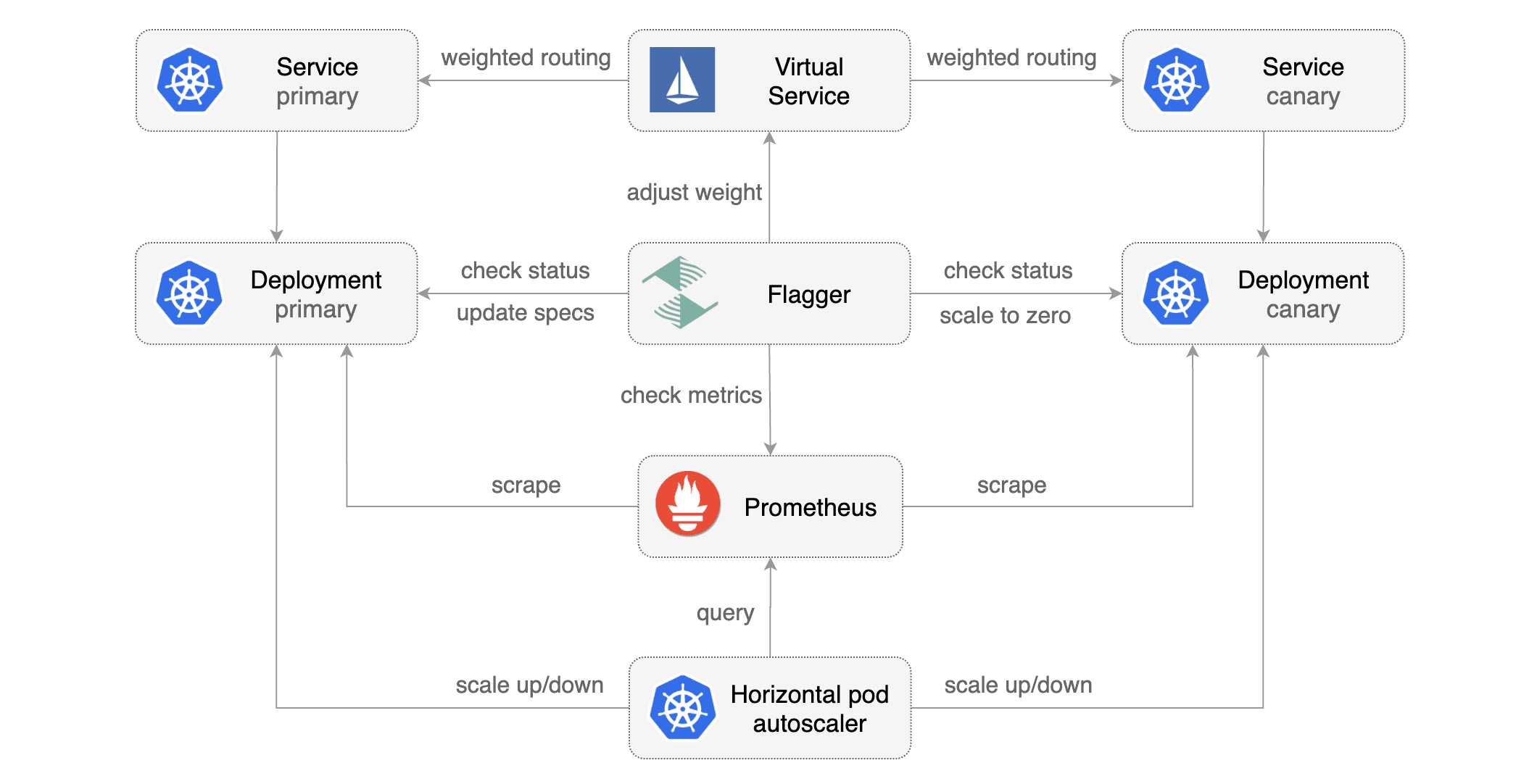
|
||||
|
||||
After a couple of seconds Flagger will create the canary objects:
|
||||
|
||||
@@ -271,8 +266,7 @@ Generate latency:
|
||||
watch curl http://podinfo-canary:9898/delay/1
|
||||
```
|
||||
|
||||
When the number of failed checks reaches the canary analysis threshold, the traffic is routed back to the primary,
|
||||
the canary is scaled to zero and the rollout is marked as failed.
|
||||
When the number of failed checks reaches the canary analysis threshold, the traffic is routed back to the primary, the canary is scaled to zero and the rollout is marked as failed.
|
||||
|
||||
```text
|
||||
kubectl -n test describe canary/podinfo
|
||||
@@ -299,14 +293,11 @@ Events:
|
||||
|
||||
## Traffic mirroring
|
||||
|
||||
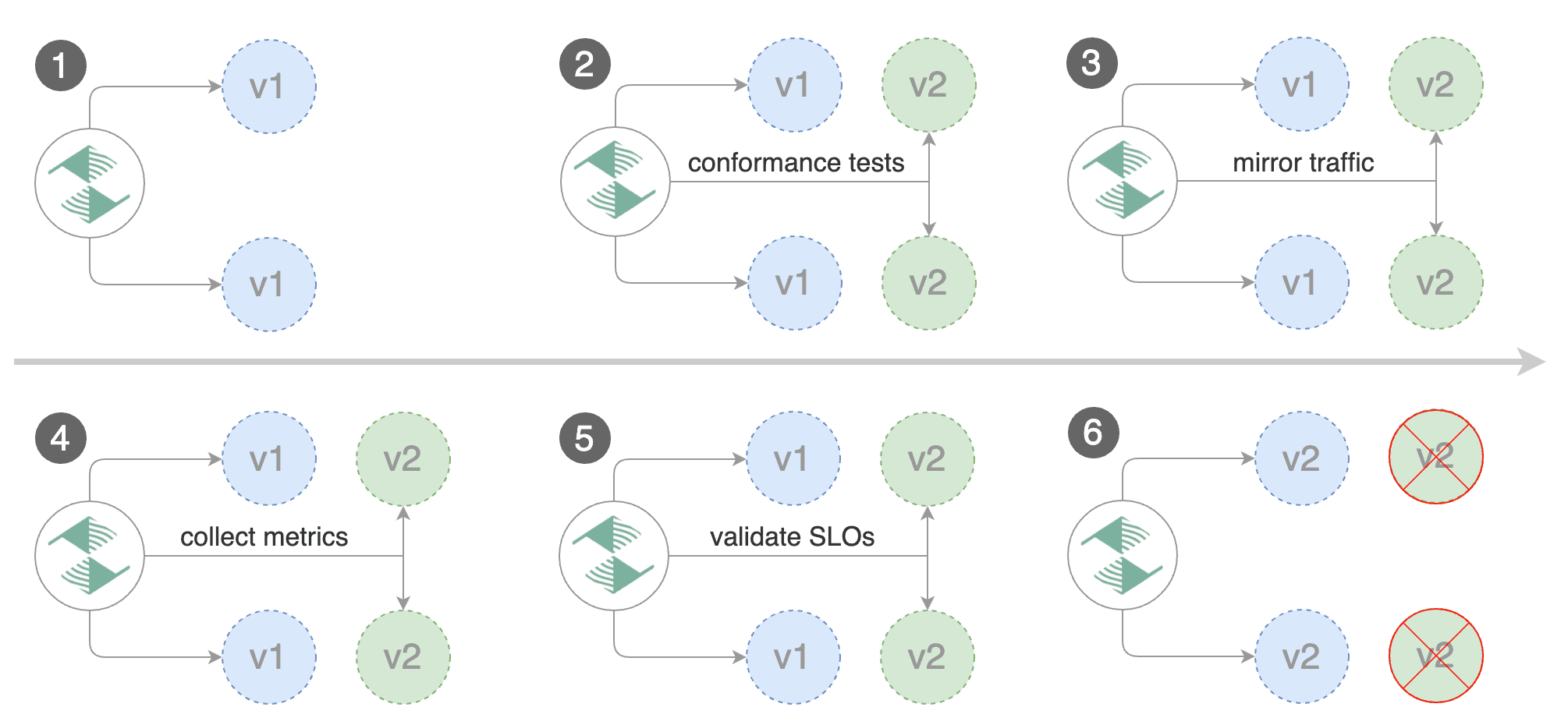
|
||||
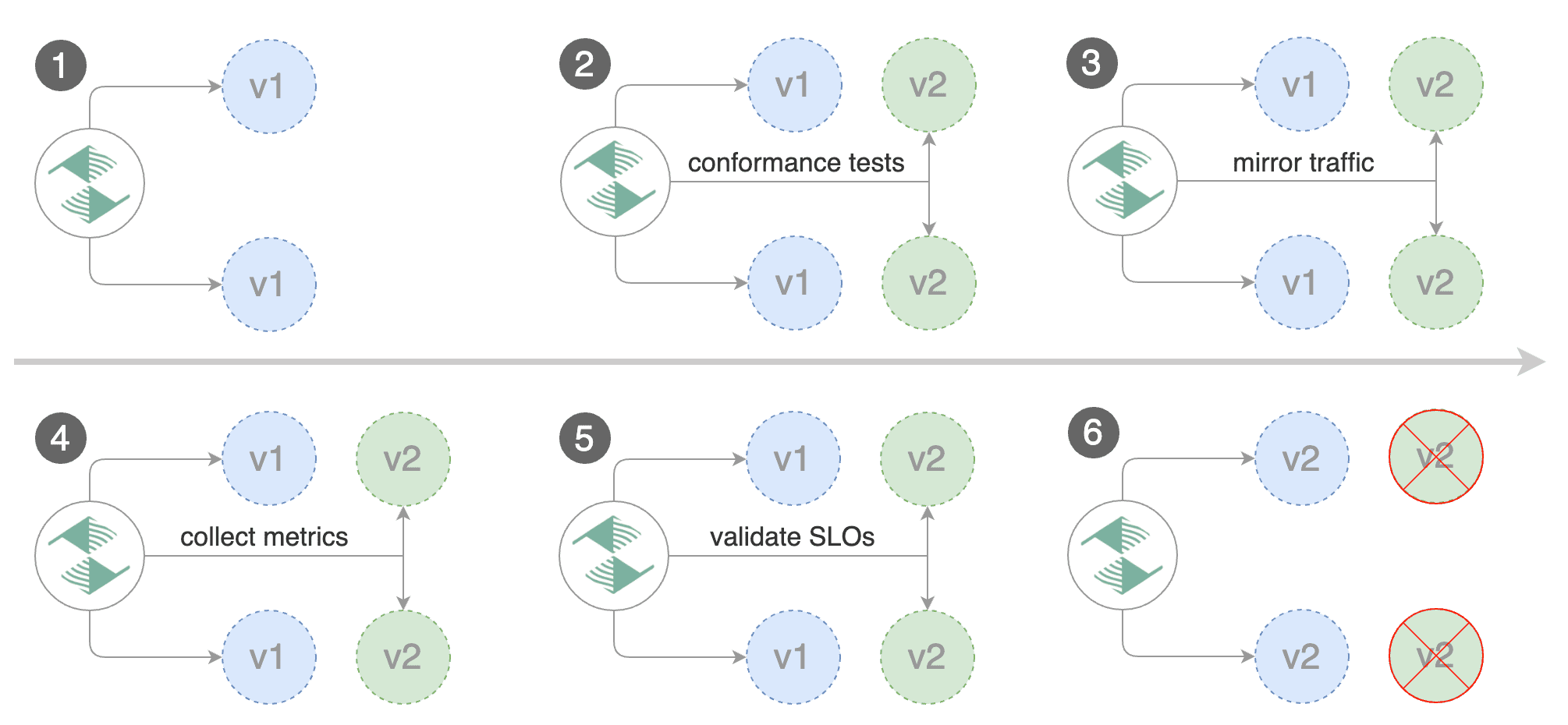
|
||||
|
||||
For applications that perform read operations, Flagger can be configured to drive canary releases with traffic mirroring.
|
||||
Istio traffic mirroring will copy each incoming request, sending one request to the primary and one to the canary service.
|
||||
The response from the primary is sent back to the user and the response from the canary is discarded.
|
||||
Metrics are collected on both requests so that the deployment will only proceed if the canary metrics are within the threshold values.
|
||||
For applications that perform read operations, Flagger can be configured to drive canary releases with traffic mirroring. Istio traffic mirroring will copy each incoming request, sending one request to the primary and one to the canary service. The response from the primary is sent back to the user and the response from the canary is discarded. Metrics are collected on both requests so that the deployment will only proceed if the canary metrics are within the threshold values.
|
||||
|
||||
Note that mirroring should be used for requests that are **idempotent** or capable of being processed twice (once by the primary and once by the canary).
|
||||
Note that mirroring should be used for requests that are **idempotent** or capable of being processed twice \(once by the primary and once by the canary\).
|
||||
|
||||
You can enable mirroring by replacing `stepWeight/maxWeight` with `iterations` and by setting `analysis.mirror` to `true`:
|
||||
|
||||
@@ -354,7 +345,7 @@ spec:
|
||||
|
||||
With the above configuration, Flagger will run a canary release with the following steps:
|
||||
|
||||
* detect new revision (deployment spec, secrets or configmaps changes)
|
||||
* detect new revision \(deployment spec, secrets or configmaps changes\)
|
||||
* scale from zero the canary deployment
|
||||
* wait for the HPA to set the canary minimum replicas
|
||||
* check canary pods health
|
||||
@@ -366,7 +357,7 @@ With the above configuration, Flagger will run a canary release with the followi
|
||||
* abort the canary release if the metrics check failure threshold is reached
|
||||
* stop traffic mirroring after the number of iterations is reached
|
||||
* route live traffic to the canary pods
|
||||
* promote the canary (update the primary secrets, configmaps and deployment spec)
|
||||
* promote the canary \(update the primary secrets, configmaps and deployment spec\)
|
||||
* wait for the primary deployment rollout to finish
|
||||
* wait for the HPA to set the primary minimum replicas
|
||||
* check primary pods health
|
||||
@@ -374,7 +365,5 @@ With the above configuration, Flagger will run a canary release with the followi
|
||||
* scale to zero the canary
|
||||
* send notification with the canary analysis result
|
||||
|
||||
The above procedure can be extended with [custom metrics](../usage/metrics.md) checks,
|
||||
[webhooks](../usage/webhooks.md),
|
||||
[manual promotion](../usage/webhooks.md#manual-gating) approval and
|
||||
[Slack or MS Teams](../usage/alerting.md) notifications.
|
||||
The above procedure can be extended with [custom metrics](../usage/metrics.md) checks, [webhooks](../usage/webhooks.md), [manual promotion](../usage/webhooks.md#manual-gating) approval and [Slack or MS Teams](../usage/alerting.md) notifications.
|
||||
|
||||
|
||||
@@ -2,15 +2,13 @@
|
||||
|
||||
This guide shows you how to automate Blue/Green deployments with Flagger and Kubernetes.
|
||||
|
||||
For applications that are not deployed on a service mesh, Flagger can orchestrate Blue/Green style deployments
|
||||
with Kubernetes L4 networking. When using a service mesh blue/green can be used as
|
||||
specified [here](../usage/deployment-strategies.md).
|
||||
For applications that are not deployed on a service mesh, Flagger can orchestrate Blue/Green style deployments with Kubernetes L4 networking. When using a service mesh blue/green can be used as specified [here](../usage/deployment-strategies.md).
|
||||
|
||||
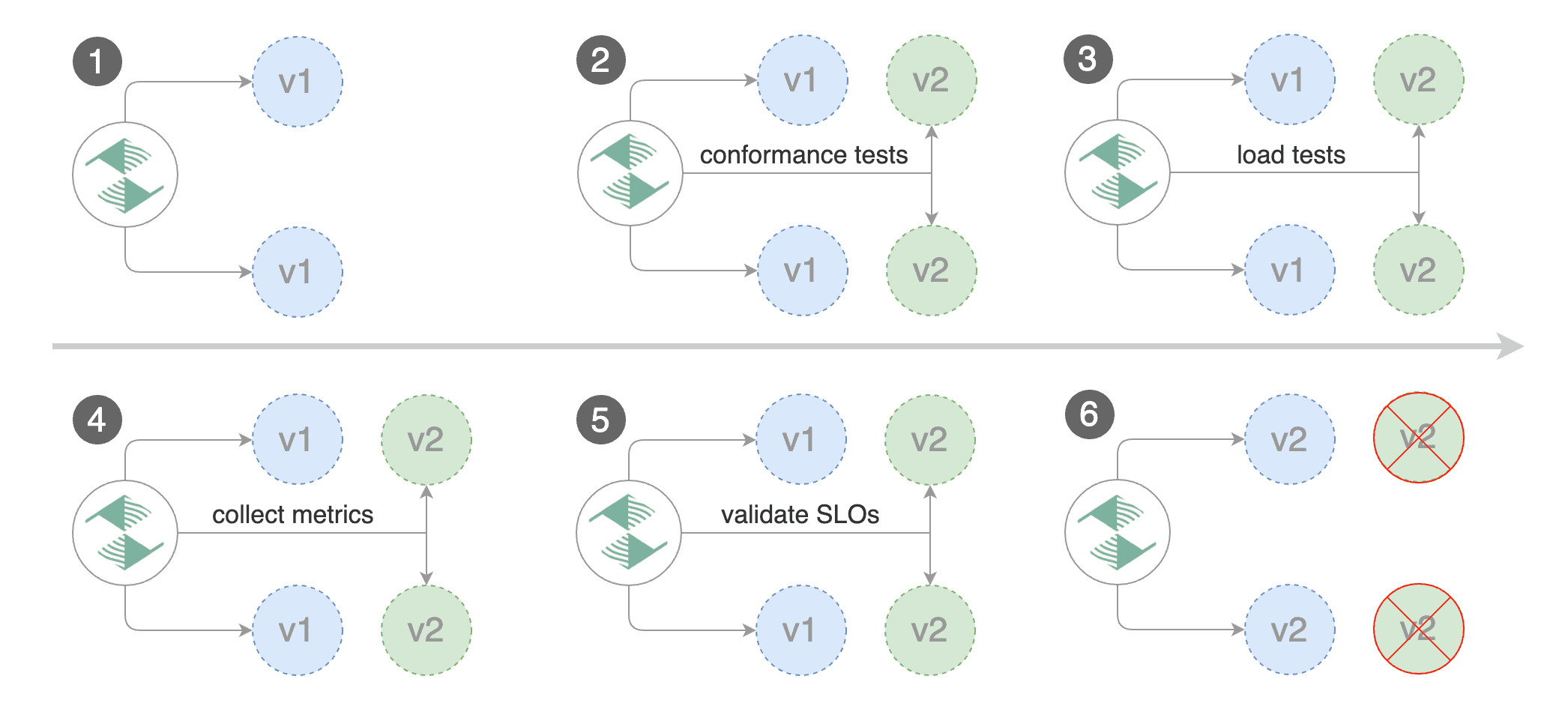
|
||||

|
||||
|
||||
## Prerequisites
|
||||
|
||||
Flagger requires a Kubernetes cluster **v1.11** or newer.
|
||||
Flagger requires a Kubernetes cluster **v1.16** or newer.
|
||||
|
||||
Install Flagger and the Prometheus add-on:
|
||||
|
||||
@@ -44,9 +42,7 @@ helm upgrade -i flagger flagger/flagger \
|
||||
|
||||
## Bootstrap
|
||||
|
||||
Flagger takes a Kubernetes deployment and optionally a horizontal pod autoscaler (HPA),
|
||||
then creates a series of objects (Kubernetes deployment and ClusterIP services).
|
||||
These objects expose the application inside the cluster and drive the canary analysis and Blue/Green promotion.
|
||||
Flagger takes a Kubernetes deployment and optionally a horizontal pod autoscaler \(HPA\), then creates a series of objects \(Kubernetes deployment and ClusterIP services\). These objects expose the application inside the cluster and drive the canary analysis and Blue/Green promotion.
|
||||
|
||||
Create a test namespace:
|
||||
|
||||
@@ -57,13 +53,13 @@ kubectl create ns test
|
||||
Create a deployment and a horizontal pod autoscaler:
|
||||
|
||||
```bash
|
||||
kubectl apply -k github.com/weaveworks/flagger//kustomize/podinfo
|
||||
kubectl apply -k https://github.com/fluxcd/flagger//kustomize/podinfo?ref=main
|
||||
```
|
||||
|
||||
Deploy the load testing service to generate traffic during the analysis:
|
||||
|
||||
```bash
|
||||
kubectl apply -k github.com/weaveworks/flagger//kustomize/tester
|
||||
kubectl apply -k https://github.com/fluxcd/flagger//kustomize/tester?ref=main
|
||||
```
|
||||
|
||||
Create a canary custom resource:
|
||||
@@ -158,10 +154,14 @@ service/podinfo-primary
|
||||
|
||||
Blue/Green scenario:
|
||||
|
||||
* on bootstrap, Flagger will create three ClusterIP services (`app-primary`,`app-canary`, `app`)
|
||||
and a shadow deployment named `app-primary` that represents the blue version
|
||||
* on bootstrap, Flagger will create three ClusterIP services \(`app-primary`,`app-canary`, `app`\)
|
||||
|
||||
and a shadow deployment named `app-primary` that represents the blue version
|
||||
|
||||
* when a new version is detected, Flagger would scale up the green version and run the conformance tests
|
||||
(the tests should target the `app-canary` ClusterIP service to reach the green version)
|
||||
|
||||
\(the tests should target the `app-canary` ClusterIP service to reach the green version\)
|
||||
|
||||
* if the conformance tests are passing, Flagger would start the load tests and validate them with custom Prometheus queries
|
||||
* if the load test analysis is successful, Flagger will promote the new version to `app-primary` and scale down the green version
|
||||
|
||||
@@ -257,9 +257,7 @@ Events:
|
||||
|
||||
## Custom metrics
|
||||
|
||||
The analysis can be extended with Prometheus queries. The demo app is instrumented with Prometheus so you can
|
||||
create a custom check that will use the HTTP request duration histogram to validate the canary (green version).
|
||||
|
||||
The analysis can be extended with Prometheus queries. The demo app is instrumented with Prometheus so you can create a custom check that will use the HTTP request duration histogram to validate the canary \(green version\).
|
||||
|
||||
Create a metric template and apply it on the cluster:
|
||||
|
||||
@@ -307,8 +305,7 @@ Edit the canary analysis and add the following metric:
|
||||
interval: 1m
|
||||
```
|
||||
|
||||
The above configuration validates the canary (green version) by checking if the HTTP 404 req/sec percentage is
|
||||
below 5 percent of the total traffic. If the 404s rate reaches the 5% threshold, then the rollout is rolled back.
|
||||
The above configuration validates the canary \(green version\) by checking if the HTTP 404 req/sec percentage is below 5 percent of the total traffic. If the 404s rate reaches the 5% threshold, then the rollout is rolled back.
|
||||
|
||||
Trigger a deployment by updating the container image:
|
||||
|
||||
@@ -337,8 +334,7 @@ Rolling back podinfo.test failed checks threshold reached 2
|
||||
Canary failed! Scaling down podinfo.test
|
||||
```
|
||||
|
||||
If you have [alerting](../usage/alerting.md) configured,
|
||||
Flagger will send a notification with the reason why the canary failed.
|
||||
If you have [alerting](../usage/alerting.md) configured, Flagger will send a notification with the reason why the canary failed.
|
||||
|
||||
## Conformance Testing with Helm
|
||||
|
||||
@@ -370,8 +366,7 @@ Add a helm test pre-rollout hook to your chart:
|
||||
cmd: "test {{ .Release.Name }} --cleanup"
|
||||
```
|
||||
|
||||
When the canary analysis starts, Flagger will call the pre-rollout webhooks.
|
||||
If the helm test fails, Flagger will retry until the analysis threshold is reached and the canary is rolled back.
|
||||
When the canary analysis starts, Flagger will call the pre-rollout webhooks. If the helm test fails, Flagger will retry until the analysis threshold is reached and the canary is rolled back.
|
||||
|
||||
For an in-depth look at the analysis process read the [usage docs](../usage/how-it-works.md).
|
||||
|
||||
|
||||
@@ -2,20 +2,25 @@
|
||||
|
||||
This guide shows you how to use Linkerd and Flagger to automate canary deployments.
|
||||
|
||||

|
||||

|
||||
|
||||
## Prerequisites
|
||||
|
||||
Flagger requires a Kubernetes cluster **v1.11** or newer and Linkerd **2.4** or newer.
|
||||
Flagger requires a Kubernetes cluster **v1.16** or newer and Linkerd **2.10** or newer.
|
||||
|
||||
Install Linkerd the Promethues (part of Linkerd Viz):
|
||||
|
||||
```bash
|
||||
linkerd install | kubectl apply -f -
|
||||
linkerd viz install | kubectl apply -f -
|
||||
```
|
||||
|
||||
Install Flagger in the linkerd namespace:
|
||||
|
||||
```bash
|
||||
kubectl apply -k github.com/weaveworks/flagger//kustomize/linkerd
|
||||
kubectl apply -k github.com/fluxcd/flagger//kustomize/linkerd
|
||||
```
|
||||
|
||||
Note that you'll need kubectl 1.14 or newer to run the above command.
|
||||
|
||||
## Bootstrap
|
||||
|
||||
Flagger takes a Kubernetes deployment and optionally a horizontal pod autoscaler (HPA),
|
||||
@@ -32,13 +37,13 @@ kubectl annotate namespace test linkerd.io/inject=enabled
|
||||
Install the load testing service to generate traffic during the canary analysis:
|
||||
|
||||
```bash
|
||||
kubectl apply -k github.com/weaveworks/flagger//kustomize/tester
|
||||
kubectl apply -k https://github.com/fluxcd/flagger//kustomize/tester?ref=main
|
||||
```
|
||||
|
||||
Create a deployment and a horizontal pod autoscaler:
|
||||
|
||||
```bash
|
||||
kubectl apply -k github.com/weaveworks/flagger//kustomize/podinfo
|
||||
kubectl apply -k https://github.com/fluxcd/flagger//kustomize/podinfo?ref=main
|
||||
```
|
||||
|
||||
Create a canary custom resource for the podinfo deployment:
|
||||
@@ -115,8 +120,7 @@ Save the above resource as podinfo-canary.yaml and then apply it:
|
||||
kubectl apply -f ./podinfo-canary.yaml
|
||||
```
|
||||
|
||||
When the canary analysis starts, Flagger will call the pre-rollout webhooks before routing traffic to the canary.
|
||||
The canary analysis will run for five minutes while validating the HTTP metrics and rollout hooks every half a minute.
|
||||
When the canary analysis starts, Flagger will call the pre-rollout webhooks before routing traffic to the canary. The canary analysis will run for five minutes while validating the HTTP metrics and rollout hooks every half a minute.
|
||||
|
||||
After a couple of seconds Flagger will create the canary objects:
|
||||
|
||||
@@ -136,17 +140,13 @@ service/podinfo-primary
|
||||
trafficsplits.split.smi-spec.io/podinfo
|
||||
```
|
||||
|
||||
After the boostrap, the podinfo deployment will be scaled to zero and the traffic to `podinfo.test`
|
||||
will be routed to the primary pods.
|
||||
During the canary analysis, the `podinfo-canary.test` address can be used to target directly the canary pods.
|
||||
After the boostrap, the podinfo deployment will be scaled to zero and the traffic to `podinfo.test` will be routed to the primary pods. During the canary analysis, the `podinfo-canary.test` address can be used to target directly the canary pods.
|
||||
|
||||
## Automated canary promotion
|
||||
|
||||
Flagger implements a control loop that gradually shifts traffic to the canary while measuring
|
||||
key performance indicators like HTTP requests success rate, requests average duration and pod health.
|
||||
Based on analysis of the KPIs a canary is promoted or aborted, and the analysis result is published to Slack.
|
||||
Flagger implements a control loop that gradually shifts traffic to the canary while measuring key performance indicators like HTTP requests success rate, requests average duration and pod health. Based on analysis of the KPIs a canary is promoted or aborted, and the analysis result is published to Slack.
|
||||
|
||||

|
||||

|
||||
|
||||
Trigger a canary deployment by updating the container image:
|
||||
|
||||
@@ -205,8 +205,7 @@ prod backend Failed 0 2019-06-30T17:05:07Z
|
||||
|
||||
## Automated rollback
|
||||
|
||||
During the canary analysis you can generate HTTP 500 errors and high latency to
|
||||
test if Flagger pauses and rolls back the faulted version.
|
||||
During the canary analysis you can generate HTTP 500 errors and high latency to test if Flagger pauses and rolls back the faulted version.
|
||||
|
||||
Trigger another canary deployment:
|
||||
|
||||
@@ -233,8 +232,7 @@ Generate latency:
|
||||
watch -n 1 curl http://podinfo-canary.test:9898/delay/1
|
||||
```
|
||||
|
||||
When the number of failed checks reaches the canary analysis threshold, the traffic is routed back to the primary,
|
||||
the canary is scaled to zero and the rollout is marked as failed.
|
||||
When the number of failed checks reaches the canary analysis threshold, the traffic is routed back to the primary, the canary is scaled to zero and the rollout is marked as failed.
|
||||
|
||||
```text
|
||||
kubectl -n test describe canary/podinfo
|
||||
@@ -293,9 +291,7 @@ Let's a define a check for not found errors. Edit the canary analysis and add th
|
||||
* 100
|
||||
```
|
||||
|
||||
The above configuration validates the canary version by checking if the HTTP 404 req/sec percentage
|
||||
is below three percent of the total traffic.
|
||||
If the 404s rate reaches the 3% threshold, then the analysis is aborted and the canary is marked as failed.
|
||||
The above configuration validates the canary version by checking if the HTTP 404 req/sec percentage is below three percent of the total traffic. If the 404s rate reaches the 3% threshold, then the analysis is aborted and the canary is marked as failed.
|
||||
|
||||
Trigger a canary deployment by updating the container image:
|
||||
|
||||
@@ -340,8 +336,7 @@ helm upgrade -i nginx-ingress stable/nginx-ingress \
|
||||
--namespace ingress-nginx
|
||||
```
|
||||
|
||||
Create an ingress definition for podinfo that rewrites the incoming header
|
||||
to the internal service name (required by Linkerd):
|
||||
Create an ingress definition for podinfo that rewrites the incoming header to the internal service name \(required by Linkerd\):
|
||||
|
||||
```yaml
|
||||
apiVersion: extensions/v1beta1
|
||||
@@ -367,20 +362,15 @@ spec:
|
||||
servicePort: 9898
|
||||
```
|
||||
|
||||
When using an ingress controller, the Linkerd traffic split does not apply to incoming traffic
|
||||
since NGINX in running outside of the mesh. In order to run a canary analysis for a frontend app,
|
||||
Flagger creates a shadow ingress and sets the NGINX specific annotations.
|
||||
When using an ingress controller, the Linkerd traffic split does not apply to incoming traffic since NGINX in running outside of the mesh. In order to run a canary analysis for a frontend app, Flagger creates a shadow ingress and sets the NGINX specific annotations.
|
||||
|
||||
## A/B Testing
|
||||
|
||||
Besides weighted routing, Flagger can be configured to route traffic to the canary based on HTTP match conditions.
|
||||
In an A/B testing scenario, you'll be using HTTP headers or cookies to target a certain segment of your users.
|
||||
This is particularly useful for frontend applications that require session affinity.
|
||||
Besides weighted routing, Flagger can be configured to route traffic to the canary based on HTTP match conditions. In an A/B testing scenario, you'll be using HTTP headers or cookies to target a certain segment of your users. This is particularly useful for frontend applications that require session affinity.
|
||||
|
||||
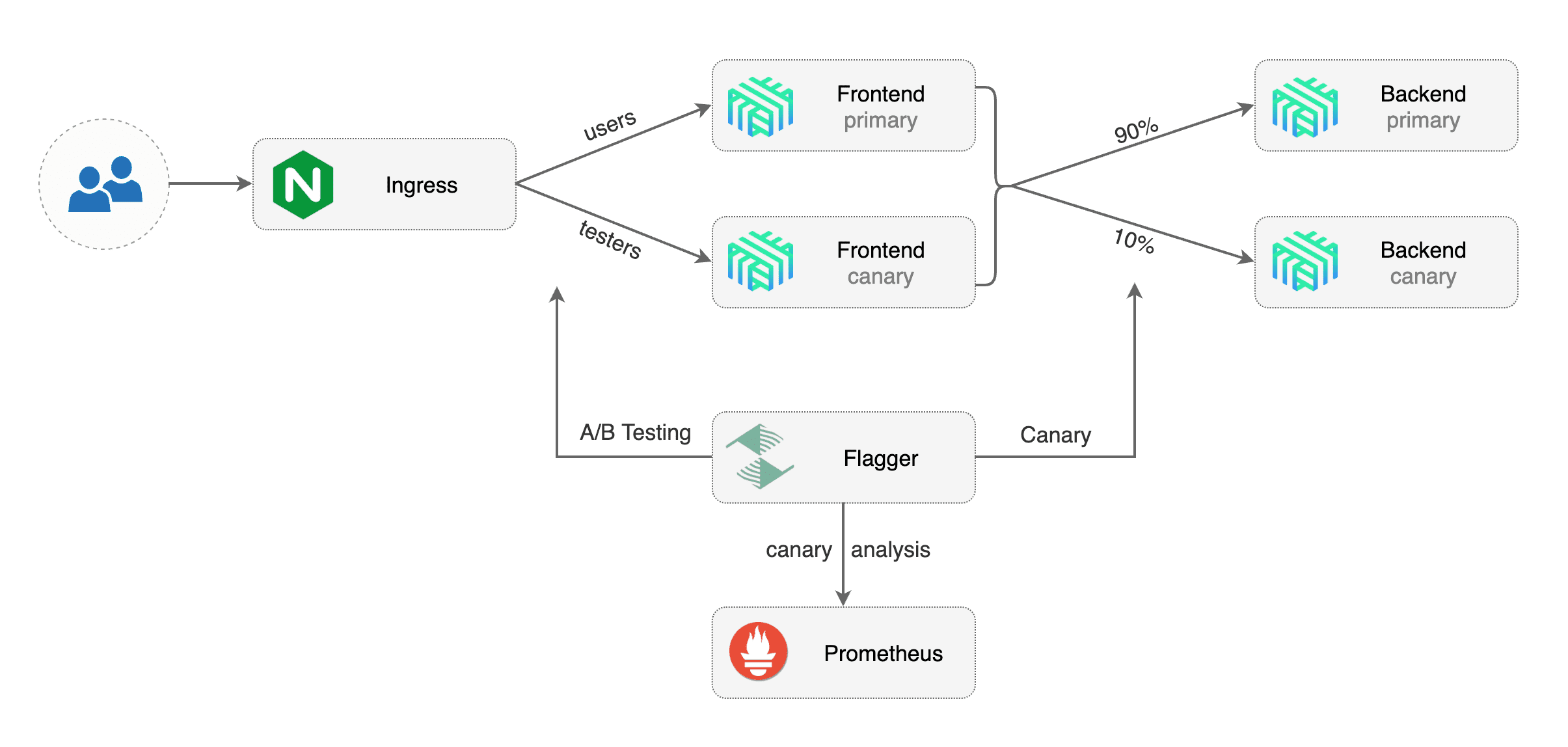
|
||||
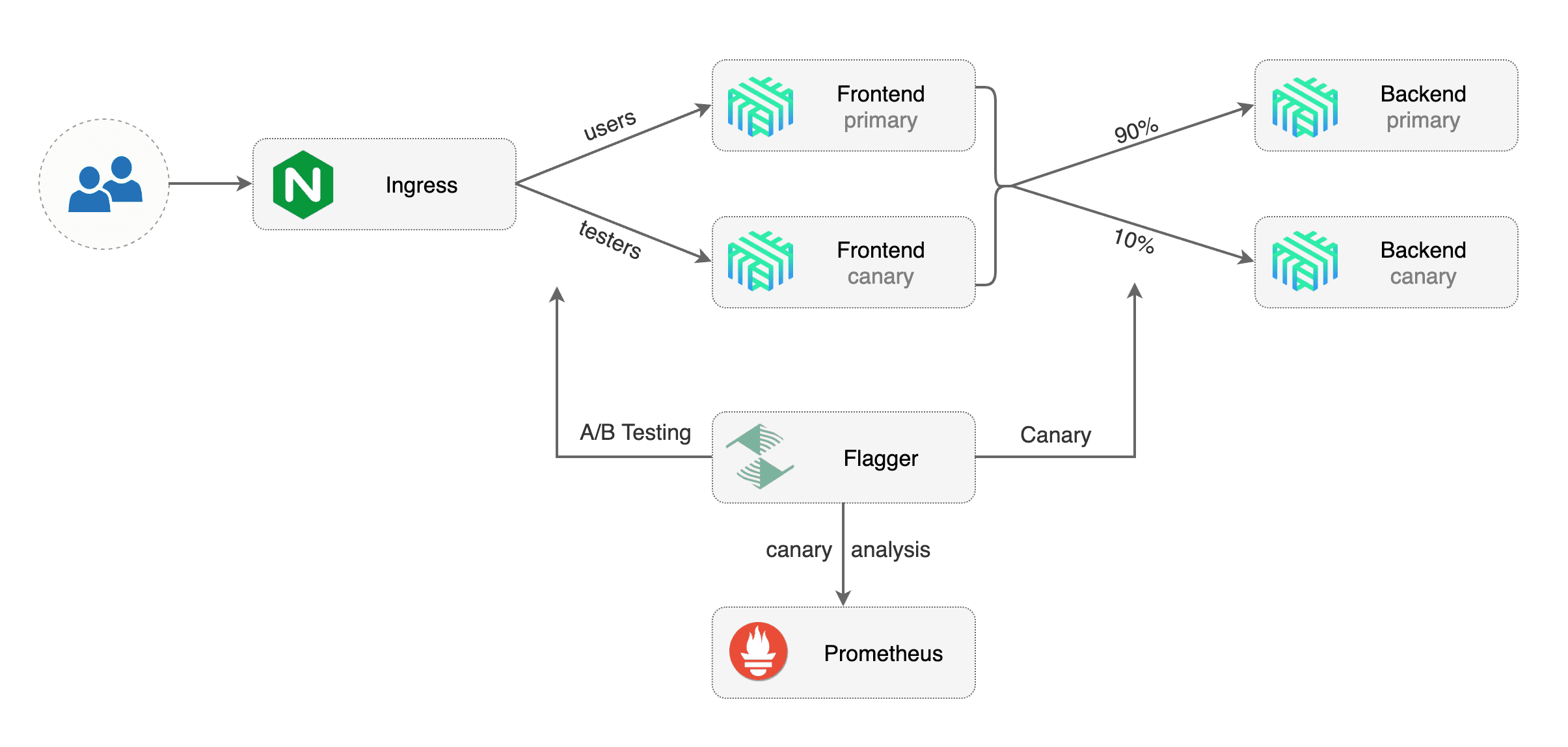
|
||||
|
||||
Edit podinfo canary analysis, set the provider to `nginx`, add the ingress reference,
|
||||
remove the max/step weight and add the match conditions and iterations:
|
||||
Edit podinfo canary analysis, set the provider to `nginx`, add the ingress reference, remove the max/step weight and add the match conditions and iterations:
|
||||
|
||||
```yaml
|
||||
apiVersion: flagger.app/v1beta1
|
||||
@@ -444,8 +434,7 @@ spec:
|
||||
cmd: "hey -z 2m -q 10 -c 2 -H 'Cookie: canary=always' http://app.example.com"
|
||||
```
|
||||
|
||||
The above configuration will run an analysis for ten minutes targeting users that have
|
||||
a `canary` cookie set to `always` or those that call the service using the `X-Canary: always` header.
|
||||
The above configuration will run an analysis for ten minutes targeting users that have a `canary` cookie set to `always` or those that call the service using the `X-Canary: always` header.
|
||||
|
||||
**Note** that the load test now targets the external address and uses the canary cookie.
|
||||
|
||||
@@ -479,7 +468,5 @@ Events:
|
||||
Promotion completed! Scaling down podinfo.test
|
||||
```
|
||||
|
||||
The above procedure can be extended with [custom metrics](../usage/metrics.md) checks,
|
||||
[webhooks](../usage/webhooks.md),
|
||||
[manual promotion](../usage/webhooks.md#manual-gating) approval and
|
||||
[Slack or MS Teams](../usage/alerting.md) notifications.
|
||||
The above procedure can be extended with [custom metrics](../usage/metrics.md) checks, [webhooks](../usage/webhooks.md), [manual promotion](../usage/webhooks.md#manual-gating) approval and [Slack or MS Teams](../usage/alerting.md) notifications.
|
||||
|
||||
|
||||
@@ -2,24 +2,25 @@
|
||||
|
||||
This guide shows you how to use the NGINX ingress controller and Flagger to automate canary deployments and A/B testing.
|
||||
|
||||
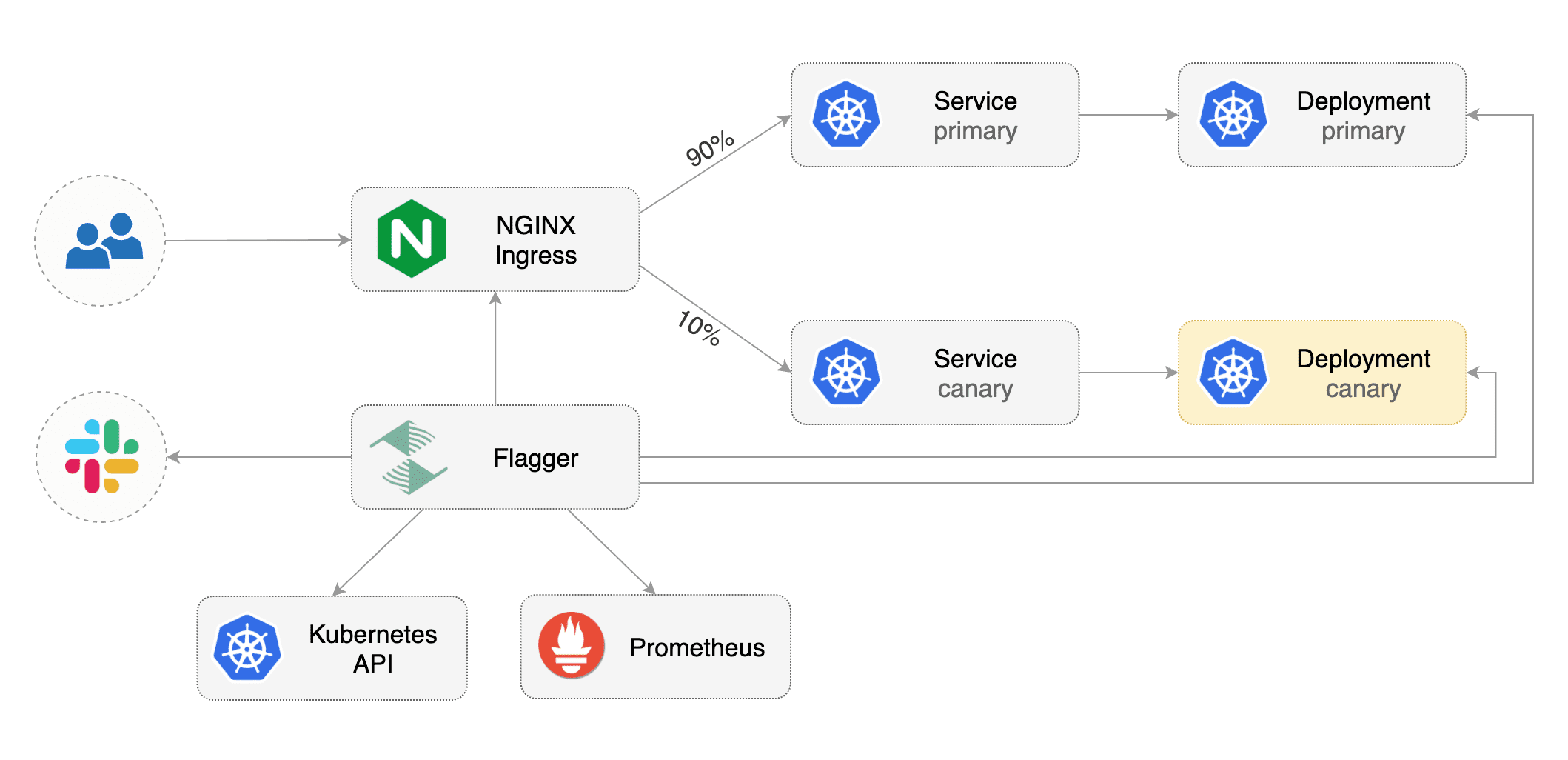
|
||||
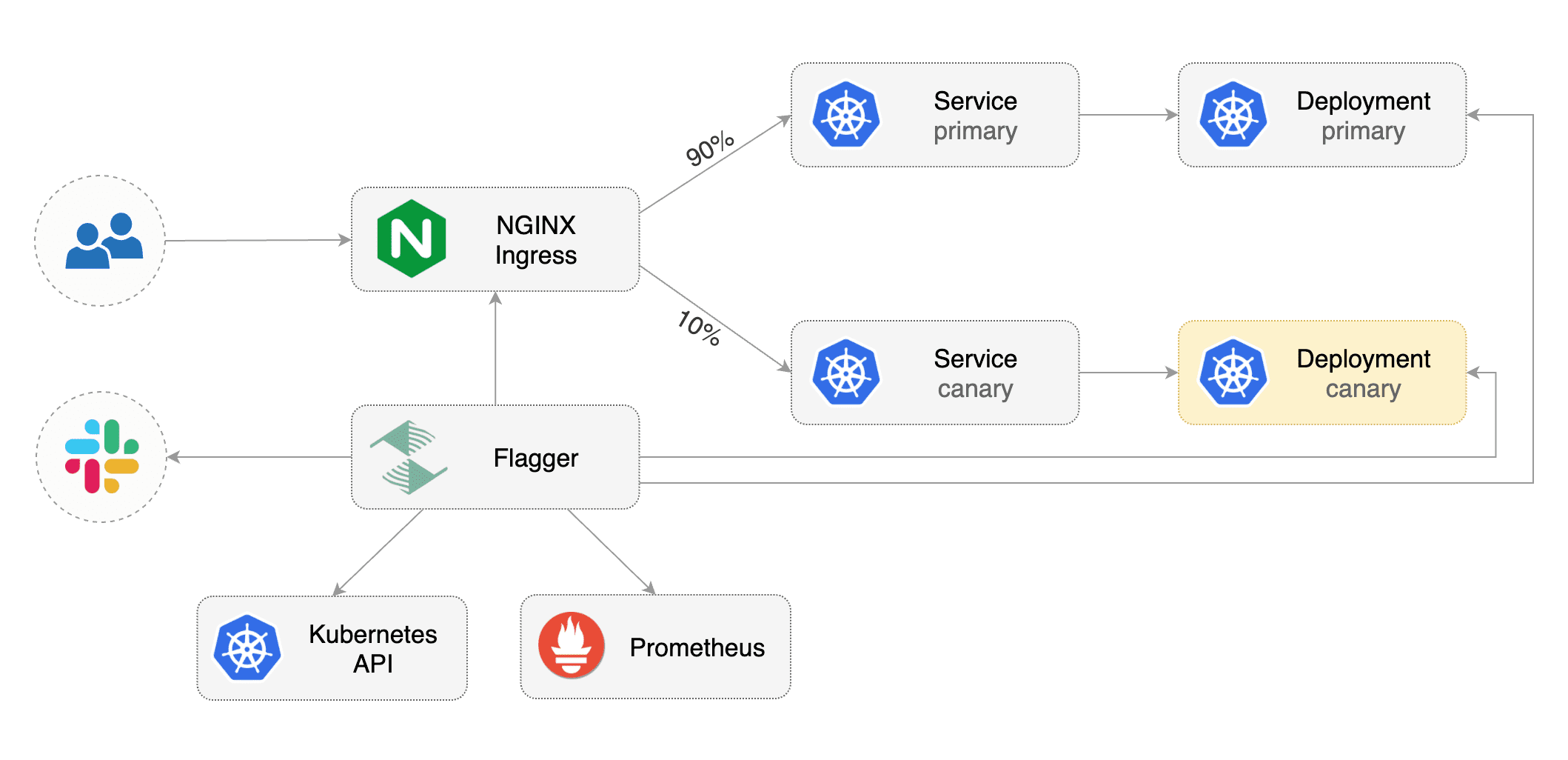
|
||||
|
||||
## Prerequisites
|
||||
|
||||
Flagger requires a Kubernetes cluster **v1.14** or newer and NGINX ingress **0.24** or newer.
|
||||
Flagger requires a Kubernetes cluster **v1.19** or newer and NGINX ingress **v0.46** or newer.
|
||||
|
||||
Install NGINX with Helm v3:
|
||||
Install the NGINX ingress controller with Helm v3:
|
||||
|
||||
```bash
|
||||
helm repo add ingress-nginx https://kubernetes.github.io/ingress-nginx
|
||||
kubectl create ns ingress-nginx
|
||||
helm upgrade -i nginx-ingress stable/nginx-ingress \
|
||||
helm upgrade -i ingress-nginx ingress-nginx/ingress-nginx \
|
||||
--namespace ingress-nginx \
|
||||
--set controller.metrics.enabled=true \
|
||||
--set controller.podAnnotations."prometheus\.io/scrape"=true \
|
||||
--set controller.podAnnotations."prometheus\.io/port"=10254
|
||||
```
|
||||
|
||||
Install Flagger and the Prometheus add-on in the same namespace as NGINX:
|
||||
Install Flagger and the Prometheus add-on in the same namespace as the ingress controller:
|
||||
|
||||
```bash
|
||||
helm repo add flagger https://flagger.app
|
||||
@@ -30,17 +31,6 @@ helm upgrade -i flagger flagger/flagger \
|
||||
--set meshProvider=nginx
|
||||
```
|
||||
|
||||
Optionally you can enable Slack notifications:
|
||||
|
||||
```bash
|
||||
helm upgrade -i flagger flagger/flagger \
|
||||
--reuse-values \
|
||||
--namespace ingress-nginx \
|
||||
--set slack.url=https://hooks.slack.com/services/YOUR/SLACK/WEBHOOK \
|
||||
--set slack.channel=general \
|
||||
--set slack.user=flagger
|
||||
```
|
||||
|
||||
## Bootstrap
|
||||
|
||||
Flagger takes a Kubernetes deployment and optionally a horizontal pod autoscaler (HPA),
|
||||
@@ -56,7 +46,7 @@ kubectl create ns test
|
||||
Create a deployment and a horizontal pod autoscaler:
|
||||
|
||||
```bash
|
||||
kubectl apply -k github.com/weaveworks/flagger//kustomize/podinfo
|
||||
kubectl apply -k https://github.com/fluxcd/flagger//kustomize/podinfo?ref=main
|
||||
```
|
||||
|
||||
Deploy the load testing service to generate traffic during the canary analysis:
|
||||
@@ -66,10 +56,10 @@ helm upgrade -i flagger-loadtester flagger/loadtester \
|
||||
--namespace=test
|
||||
```
|
||||
|
||||
Create an ingress definition \(replace `app.example.com` with your own domain\):
|
||||
Create an ingress definition (replace `app.example.com` with your own domain):
|
||||
|
||||
```yaml
|
||||
apiVersion: networking.k8s.io/v1beta1
|
||||
apiVersion: networking.k8s.io/v1
|
||||
kind: Ingress
|
||||
metadata:
|
||||
name: podinfo
|
||||
@@ -80,12 +70,16 @@ metadata:
|
||||
kubernetes.io/ingress.class: "nginx"
|
||||
spec:
|
||||
rules:
|
||||
- host: app.example.com
|
||||
- host: "app.example.com"
|
||||
http:
|
||||
paths:
|
||||
- backend:
|
||||
serviceName: podinfo
|
||||
servicePort: 80
|
||||
- pathType: Prefix
|
||||
path: "/"
|
||||
backend:
|
||||
service:
|
||||
name: podinfo
|
||||
port:
|
||||
number: 80
|
||||
```
|
||||
|
||||
Save the above resource as podinfo-ingress.yaml and then apply it:
|
||||
@@ -94,7 +88,7 @@ Save the above resource as podinfo-ingress.yaml and then apply it:
|
||||
kubectl apply -f ./podinfo-ingress.yaml
|
||||
```
|
||||
|
||||
Create a canary custom resource \(replace `app.example.com` with your own domain\):
|
||||
Create a canary custom resource (replace `app.example.com` with your own domain):
|
||||
|
||||
```yaml
|
||||
apiVersion: flagger.app/v1beta1
|
||||
@@ -111,7 +105,7 @@ spec:
|
||||
name: podinfo
|
||||
# ingress reference
|
||||
ingressRef:
|
||||
apiVersion: networking.k8s.io/v1beta1
|
||||
apiVersion: networking.k8s.io/v1
|
||||
kind: Ingress
|
||||
name: podinfo
|
||||
# HPA reference (optional)
|
||||
@@ -188,11 +182,11 @@ ingresses.extensions/podinfo-canary
|
||||
|
||||
## Automated canary promotion
|
||||
|
||||
Flagger implements a control loop that gradually shifts traffic to the canary while measuring
|
||||
key performance indicators like HTTP requests success rate, requests average duration and pod health.
|
||||
Flagger implements a control loop that gradually shifts traffic to the canary while measuring key performance
|
||||
indicators like HTTP requests success rate, requests average duration and pod health.
|
||||
Based on analysis of the KPIs a canary is promoted or aborted, and the analysis result is published to Slack or MS Teams.
|
||||
|
||||

|
||||

|
||||
|
||||
Trigger a canary deployment by updating the container image:
|
||||
|
||||
@@ -261,7 +255,8 @@ Generate HTTP 500 errors:
|
||||
watch curl http://app.example.com/status/500
|
||||
```
|
||||
|
||||
When the number of failed checks reaches the canary analysis threshold, the traffic is routed back to the primary,
|
||||
When the number of failed checks reaches the canary analysis threshold,
|
||||
the traffic is routed back to the primary,
|
||||
the canary is scaled to zero and the rollout is marked as failed.
|
||||
|
||||
```text
|
||||
@@ -291,8 +286,8 @@ Events:
|
||||
|
||||
The canary analysis can be extended with Prometheus queries.
|
||||
|
||||
The demo app is instrumented with Prometheus so you can create a custom check that will use the
|
||||
HTTP request duration histogram to validate the canary.
|
||||
The demo app is instrumented with Prometheus so you can create a custom check
|
||||
that will use the HTTP request duration histogram to validate the canary.
|
||||
|
||||
Create a metric template and apply it on the cluster:
|
||||
|
||||
@@ -332,8 +327,8 @@ Edit the canary analysis and add the latency check:
|
||||
interval: 1m
|
||||
```
|
||||
|
||||
The threshold is set to 500ms so if the average request duration in the last minute goes over half a second
|
||||
then the analysis will fail and the canary will not be promoted.
|
||||
The threshold is set to 500ms so if the average request duration in the last minute goes over
|
||||
half a second then the analysis will fail and the canary will not be promoted.
|
||||
|
||||
Trigger a canary deployment by updating the container image:
|
||||
|
||||
@@ -374,7 +369,7 @@ Besides weighted routing, Flagger can be configured to route traffic to the cana
|
||||
In an A/B testing scenario, you'll be using HTTP headers or cookies to target a certain segment of your users.
|
||||
This is particularly useful for frontend applications that require session affinity.
|
||||
|
||||

|
||||

|
||||
|
||||
Edit the canary analysis, remove the max/step weight and add the match conditions and iterations:
|
||||
|
||||
@@ -405,8 +400,8 @@ Edit the canary analysis, remove the max/step weight and add the match condition
|
||||
cmd: "hey -z 1m -q 10 -c 2 -H 'Cookie: canary=always' http://app.example.com/"
|
||||
```
|
||||
|
||||
The above configuration will run an analysis for ten minutes targeting users that have a `canary` cookie
|
||||
set to `always` or those that call the service using the `X-Canary: insider` header.
|
||||
The above configuration will run an analysis for ten minutes targeting users that have
|
||||
a `canary` cookie set to `always` or those that call the service using the `X-Canary: insider` header.
|
||||
|
||||
Trigger a canary deployment by updating the container image:
|
||||
|
||||
@@ -444,7 +439,8 @@ Events:
|
||||
Normal Synced 5s flagger Promotion completed! Scaling down podinfo.test
|
||||
```
|
||||
|
||||
The above procedure can be extended with [custom metrics](../usage/metrics.md) checks,
|
||||
The above procedure can be extended with
|
||||
[custom metrics](../usage/metrics.md) checks,
|
||||
[webhooks](../usage/webhooks.md),
|
||||
[manual promotion](../usage/webhooks.md#manual-gating) approval and
|
||||
[Slack or MS Teams](../usage/alerting.md) notifications.
|
||||
|
||||
355
docs/gitbook/tutorials/osm-progressive-delivery.md
Normal file
@@ -0,0 +1,355 @@
|
||||
# Open Service Mesh Canary Deployments
|
||||
|
||||
This guide shows you how to use Open Service Mesh (OSM) and Flagger to automate canary deployments.
|
||||
|
||||
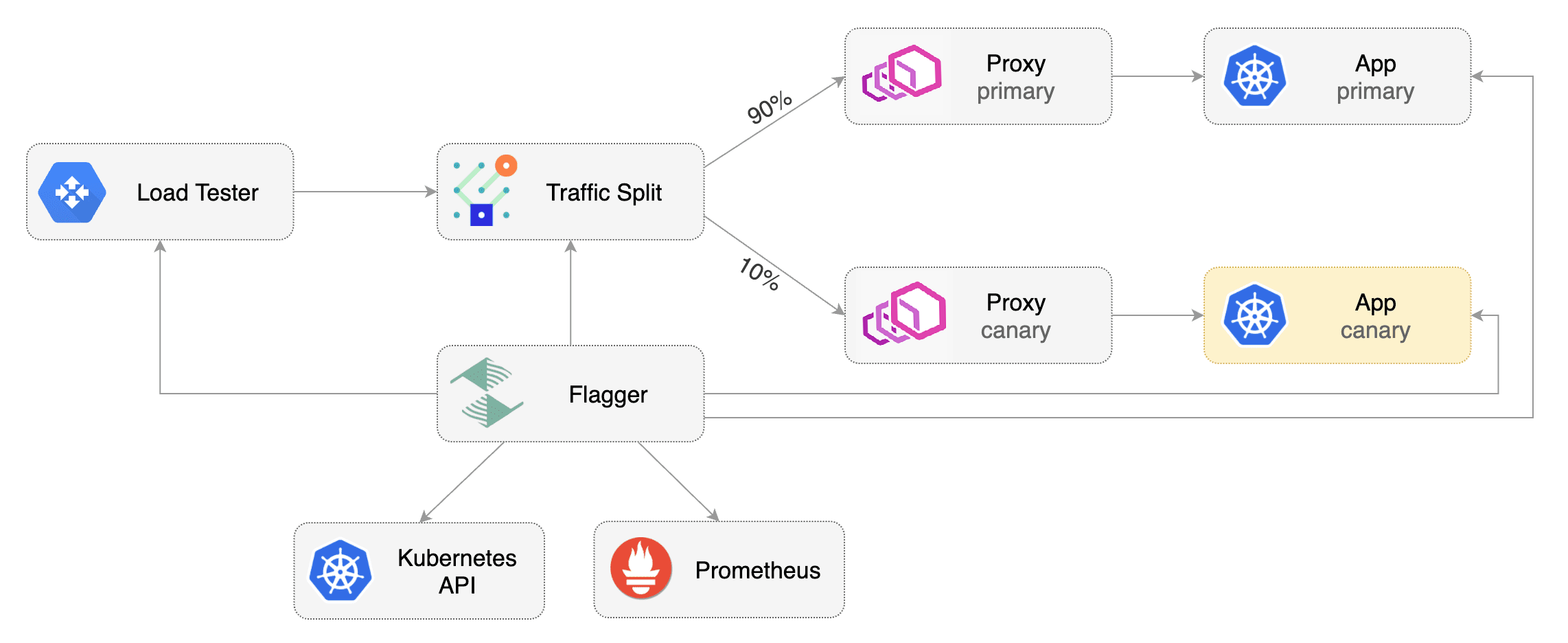
|
||||
|
||||
## Prerequisites
|
||||
|
||||
Flagger requires a Kubernetes cluster **v1.16** or newer and Open Service Mesh **0.9.1** or newer.
|
||||
|
||||
Install Open Service Mesh with Prometheus and permissive traffic policy enabled.
|
||||
|
||||
```bash
|
||||
osm install \
|
||||
--set=OpenServiceMesh.deployPrometheus=true \
|
||||
--set=OpenServiceMesh.enablePermissiveTrafficPolicy=true
|
||||
```
|
||||
|
||||
Install Flagger in the `osm-system` namespace using `kubectl`.
|
||||
|
||||
```bash
|
||||
kubectl apply -k https://github.com/fluxcd/flagger//kustomize/osm?ref=main
|
||||
```
|
||||
|
||||
Alternatively, Flagger can be installed in the `osm-system` namespace using `helm`.
|
||||
|
||||
```bash
|
||||
helm upgrade -i flagger flagger/flagger \
|
||||
--namespace=osm-system \
|
||||
--set meshProvider=osm \
|
||||
--set metricsServer=http://osm-prometheus.osm-system.svc:7070
|
||||
```
|
||||
|
||||
## Bootstrap
|
||||
|
||||
Flagger takes a Kubernetes deployment and optionally a horizontal pod autoscaler (HPA),
|
||||
then creates a series of objects (Kubernetes deployments, ClusterIP services and SMI traffic split).
|
||||
These objects expose the application inside the mesh and drive the canary analysis and promotion.
|
||||
|
||||
Create a `test` namespace and enable osm namespace monitoring and metrics scraping for the namespace.
|
||||
|
||||
```bash
|
||||
kubectl create namespace test
|
||||
osm namespace add test
|
||||
osm metrics enable --namespace test
|
||||
```
|
||||
|
||||
Create a `podinfo` deployment and a horizontal pod autoscaler:
|
||||
|
||||
```bash
|
||||
kubectl apply -k https://github.com/fluxcd/flagger//kustomize/podinfo?ref=main
|
||||
```
|
||||
|
||||
Install the load testing service to generate traffic during the canary analysis:
|
||||
|
||||
```bash
|
||||
kubectl apply -k https://github.com/fluxcd/flagger//kustomize/tester?ref=main
|
||||
```
|
||||
|
||||
Create a canary custom resource for the `podinfo` deployment.
|
||||
The following `podinfo` canary custom resource instructs Flagger to:
|
||||
1. monitor any changes to the `podinfo` deployment created earlier,
|
||||
2. detect `podinfo` deployment revision changes, and
|
||||
3. start a Flagger canary analysis, rollout, and promotion if there were deployment revision changes.
|
||||
|
||||
```yaml
|
||||
apiVersion: flagger.app/v1beta1
|
||||
kind: Canary
|
||||
metadata:
|
||||
name: podinfo
|
||||
namespace: test
|
||||
spec:
|
||||
provider: osm
|
||||
# deployment reference
|
||||
targetRef:
|
||||
apiVersion: apps/v1
|
||||
kind: Deployment
|
||||
name: podinfo
|
||||
# HPA reference (optional)
|
||||
autoscalerRef:
|
||||
apiVersion: autoscaling/v2beta2
|
||||
kind: HorizontalPodAutoscaler
|
||||
name: podinfo
|
||||
# the maximum time in seconds for the canary deployment
|
||||
# to make progress before it is rolled back (default 600s)
|
||||
progressDeadlineSeconds: 60
|
||||
service:
|
||||
# ClusterIP port number
|
||||
port: 9898
|
||||
# container port number or name (optional)
|
||||
targetPort: 9898
|
||||
analysis:
|
||||
# schedule interval (default 60s)
|
||||
interval: 30s
|
||||
# max number of failed metric checks before rollback
|
||||
threshold: 5
|
||||
# max traffic percentage routed to canary
|
||||
# percentage (0-100)
|
||||
maxWeight: 50
|
||||
# canary increment step
|
||||
# percentage (0-100)
|
||||
stepWeight: 5
|
||||
# OSM Prometheus checks
|
||||
metrics:
|
||||
- name: request-success-rate
|
||||
# minimum req success rate (non 5xx responses)
|
||||
# percentage (0-100)
|
||||
thresholdRange:
|
||||
min: 99
|
||||
interval: 1m
|
||||
- name: request-duration
|
||||
# maximum req duration P99
|
||||
# milliseconds
|
||||
thresholdRange:
|
||||
max: 500
|
||||
interval: 30s
|
||||
# testing (optional)
|
||||
webhooks:
|
||||
- name: acceptance-test
|
||||
type: pre-rollout
|
||||
url: http://flagger-loadtester.test/
|
||||
timeout: 30s
|
||||
metadata:
|
||||
type: bash
|
||||
cmd: "curl -sd 'test' http://podinfo-canary.test:9898/token | grep token"
|
||||
- name: load-test
|
||||
type: rollout
|
||||
url: http://flagger-loadtester.test/
|
||||
timeout: 5s
|
||||
metadata:
|
||||
cmd: "hey -z 2m -q 10 -c 2 http://podinfo-canary.test:9898/"
|
||||
```
|
||||
|
||||
Save the above resource as podinfo-canary.yaml and then apply it:
|
||||
|
||||
```bash
|
||||
kubectl apply -f ./podinfo-canary.yaml
|
||||
```
|
||||
|
||||
When the canary analysis starts, Flagger will call the pre-rollout webhooks before routing traffic to the canary.
|
||||
The canary analysis will run for five minutes while validating the HTTP metrics and rollout hooks every half a minute.
|
||||
|
||||
After a couple of seconds Flagger will create the canary objects.
|
||||
|
||||
```bash
|
||||
# applied
|
||||
deployment.apps/podinfo
|
||||
horizontalpodautoscaler.autoscaling/podinfo
|
||||
ingresses.extensions/podinfo
|
||||
canary.flagger.app/podinfo
|
||||
|
||||
# generated
|
||||
deployment.apps/podinfo-primary
|
||||
horizontalpodautoscaler.autoscaling/podinfo-primary
|
||||
service/podinfo
|
||||
service/podinfo-canary
|
||||
service/podinfo-primary
|
||||
trafficsplits.split.smi-spec.io/podinfo
|
||||
```
|
||||
|
||||
After the boostrap, the `podinfo` deployment will be scaled to zero and the traffic to `podinfo.test` will be routed to the primary pods.
|
||||
During the canary analysis, the `podinfo-canary.test` address can be used to target directly the canary pods.
|
||||
|
||||
## Automated Canary Promotion
|
||||
|
||||
Flagger implements a control loop that gradually shifts traffic to the canary while measuring key performance indicators like HTTP requests success rate, requests average duration and pod health.
|
||||
Based on analysis of the KPIs a canary is promoted or aborted.
|
||||
|
||||

|
||||
|
||||
Trigger a canary deployment by updating the container image:
|
||||
|
||||
```bash
|
||||
kubectl -n test set image deployment/podinfo \
|
||||
podinfod=stefanprodan/podinfo:3.1.1
|
||||
```
|
||||
|
||||
Flagger detects that the deployment revision changed and starts a new rollout.
|
||||
|
||||
|
||||
```text
|
||||
kubectl -n test describe canary/podinfo
|
||||
|
||||
Status:
|
||||
Canary Weight: 0
|
||||
Failed Checks: 0
|
||||
Phase: Succeeded
|
||||
Events:
|
||||
New revision detected! Scaling up podinfo.test
|
||||
Waiting for podinfo.test rollout to finish: 0 of 1 updated replicas are available
|
||||
Pre-rollout check acceptance-test passed
|
||||
Advance podinfo.test canary weight 5
|
||||
Advance podinfo.test canary weight 10
|
||||
Advance podinfo.test canary weight 15
|
||||
Advance podinfo.test canary weight 20
|
||||
Advance podinfo.test canary weight 25
|
||||
Waiting for podinfo.test rollout to finish: 1 of 2 updated replicas are available
|
||||
Advance podinfo.test canary weight 30
|
||||
Advance podinfo.test canary weight 35
|
||||
Advance podinfo.test canary weight 40
|
||||
Advance podinfo.test canary weight 45
|
||||
Advance podinfo.test canary weight 50
|
||||
Copying podinfo.test template spec to podinfo-primary.test
|
||||
Waiting for podinfo-primary.test rollout to finish: 1 of 2 updated replicas are available
|
||||
Promotion completed! Scaling down podinfo.test
|
||||
```
|
||||
|
||||
**Note** that if you apply any new changes to the `podinfo` deployment during the canary analysis, Flagger will restart the analysis.
|
||||
|
||||
A canary deployment is triggered by changes in any of the following objects:
|
||||
|
||||
* Deployment PodSpec \(container image, command, ports, env, resources, etc\)
|
||||
* ConfigMaps mounted as volumes or mapped to environment variables
|
||||
* Secrets mounted as volumes or mapped to environment variables
|
||||
|
||||
You can monitor all canaries with:
|
||||
|
||||
```bash
|
||||
watch kubectl get canaries --all-namespaces
|
||||
|
||||
NAMESPACE NAME STATUS WEIGHT LASTTRANSITIONTIME
|
||||
test podinfo Progressing 15 2019-06-30T14:05:07Z
|
||||
prod frontend Succeeded 0 2019-06-30T16:15:07Z
|
||||
prod backend Failed 0 2019-06-30T17:05:07Z
|
||||
```
|
||||
|
||||
## Automated Rollback
|
||||
|
||||
During the canary analysis you can generate HTTP 500 errors and high latency to test if Flagger pauses and rolls back the faulted version.
|
||||
|
||||
Trigger another canary deployment:
|
||||
|
||||
```bash
|
||||
kubectl -n test set image deployment/podinfo \
|
||||
podinfod=stefanprodan/podinfo:3.1.2
|
||||
```
|
||||
|
||||
Exec into the load tester pod with:
|
||||
|
||||
```bash
|
||||
kubectl -n test exec -it flagger-loadtester-xx-xx sh
|
||||
```
|
||||
|
||||
Repeatedly generate HTTP 500 errors:
|
||||
|
||||
```bash
|
||||
watch -n 1 curl http://podinfo-canary.test:9898/status/500
|
||||
```
|
||||
|
||||
Repeatedly generate latency:
|
||||
|
||||
```bash
|
||||
watch -n 1 curl http://podinfo-canary.test:9898/delay/1
|
||||
```
|
||||
|
||||
When the number of failed checks reaches the canary analysis thresholds defined in the `podinfo` canary custom resource earlier, the traffic is routed back to the primary, the canary is scaled to zero and the rollout is marked as failed.
|
||||
|
||||
```text
|
||||
kubectl -n test describe canary/podinfo
|
||||
|
||||
Status:
|
||||
Canary Weight: 0
|
||||
Failed Checks: 10
|
||||
Phase: Failed
|
||||
Events:
|
||||
Starting canary analysis for podinfo.test
|
||||
Pre-rollout check acceptance-test passed
|
||||
Advance podinfo.test canary weight 5
|
||||
Advance podinfo.test canary weight 10
|
||||
Advance podinfo.test canary weight 15
|
||||
Halt podinfo.test advancement success rate 69.17% < 99%
|
||||
Halt podinfo.test advancement success rate 61.39% < 99%
|
||||
Halt podinfo.test advancement success rate 55.06% < 99%
|
||||
Halt podinfo.test advancement request duration 1.20s > 0.5s
|
||||
Halt podinfo.test advancement request duration 1.45s > 0.5s
|
||||
Rolling back podinfo.test failed checks threshold reached 5
|
||||
Canary failed! Scaling down podinfo.test
|
||||
```
|
||||
|
||||
## Custom Metrics
|
||||
|
||||
The canary analysis can be extended with Prometheus queries.
|
||||
|
||||
Let's a define a check for 404 not found errors.
|
||||
Edit the canary analysis (`podinfo-canary.yaml` file) and add the following metric.
|
||||
For more information on creating additional custom metrics using OSM metrics, please check the [metrics available in OSM](https://docs.openservicemesh.io/docs/guides/observability/metrics/#available-metrics).
|
||||
|
||||
```yaml
|
||||
analysis:
|
||||
metrics:
|
||||
- name: "404s percentage"
|
||||
threshold: 3
|
||||
query: |
|
||||
100 - (
|
||||
sum(
|
||||
rate(
|
||||
osm_request_total{
|
||||
destination_namespace="test",
|
||||
destination_kind="Deployment",
|
||||
destination_name="podinfo",
|
||||
response_code!="404"
|
||||
}[1m]
|
||||
)
|
||||
)
|
||||
/
|
||||
sum(
|
||||
rate(
|
||||
osm_request_total{
|
||||
destination_namespace="test",
|
||||
destination_kind="Deployment",
|
||||
destination_name="podinfo"
|
||||
}[1m]
|
||||
)
|
||||
) * 100
|
||||
)
|
||||
```
|
||||
|
||||
The above configuration validates the canary version by checking if the HTTP 404 req/sec percentage is below three percent of the total traffic.
|
||||
If the 404s rate reaches the 3% threshold, then the analysis is aborted and the canary is marked as failed.
|
||||
|
||||
Trigger a canary deployment by updating the container image:
|
||||
|
||||
```bash
|
||||
kubectl -n test set image deployment/podinfo \
|
||||
podinfod=stefanprodan/podinfo:3.1.3
|
||||
```
|
||||
|
||||
Exec into the load tester pod with:
|
||||
|
||||
```bash
|
||||
kubectl -n test exec -it flagger-loadtester-xx-xx sh
|
||||
```
|
||||
|
||||
Repeatedly generate 404s:
|
||||
|
||||
```bash
|
||||
watch -n 1 curl http://podinfo-canary.test:9898/status/404
|
||||
```
|
||||
|
||||
Watch Flagger logs to confirm successful canary rollback.
|
||||
|
||||
```text
|
||||
kubectl -n osm-system logs deployment/flagger -f | jq .msg
|
||||
|
||||
Starting canary deployment for podinfo.test
|
||||
Pre-rollout check acceptance-test passed
|
||||
Advance podinfo.test canary weight 5
|
||||
Halt podinfo.test advancement 404s percentage 6.20 > 3
|
||||
Halt podinfo.test advancement 404s percentage 6.45 > 3
|
||||
Halt podinfo.test advancement 404s percentage 7.22 > 3
|
||||
Halt podinfo.test advancement 404s percentage 6.50 > 3
|
||||
Halt podinfo.test advancement 404s percentage 6.34 > 3
|
||||
Rolling back podinfo.test failed checks threshold reached 5
|
||||
Canary failed! Scaling down podinfo.test
|
||||
```
|
||||
@@ -1,23 +1,26 @@
|
||||
# Canary analysis with Prometheus Operator
|
||||
|
||||
This guide show you how to use Prometheus Operator for canary analysis.
|
||||
This guide show you how to use
|
||||
[Prometheus Operator](https://github.com/prometheus-operator/prometheus-operator) for canary analysis.
|
||||
|
||||
## Prerequisites
|
||||
|
||||
Flagger requires a Kubernetes cluster **v1.16** or newer and Prometheus Operator **v0.40** or newer.
|
||||
|
||||
Install Prometheus Operator with Helm v3:
|
||||
|
||||
```bash
|
||||
helm repo add stable https://kubernetes-charts.storage.googleapis.com
|
||||
helm repo add prometheus-community https://prometheus-community.github.io/helm-charts
|
||||
|
||||
kubectl create ns monitoring
|
||||
helm upgrade -i prometheus stable/prometheus-operator \
|
||||
helm upgrade -i prometheus prometheus-community/kube-prometheus-stack \
|
||||
--namespace monitoring \
|
||||
--set prometheus.prometheusSpec.serviceMonitorSelectorNilUsesHelmValues=false \
|
||||
--set fullnameOverride=prometheus
|
||||
```
|
||||
|
||||
The `prometheus.prometheusSpec.serviceMonitorSelectorNilUsesHelmValues=false`
|
||||
option allows Prometheus operator to watch serviceMonitors outside of his namespace.
|
||||
option allows Prometheus Operator to watch serviceMonitors outside of its namespace.
|
||||
|
||||
Install Flagger by setting the metrics server to Prometheus:
|
||||
|
||||
@@ -38,7 +41,7 @@ helm upgrade -i loadtester flagger/loadtester \
|
||||
--namespace flagger-system
|
||||
```
|
||||
|
||||
Install podinfo demo app:
|
||||
Install [podinfo](https://github.com/stefanprodan/podinfo) demo app:
|
||||
|
||||
```bash
|
||||
helm repo add podinfo https://stefanprodan.github.io/podinfo
|
||||
@@ -51,23 +54,8 @@ helm upgrade -i podinfo podinfo/podinfo \
|
||||
|
||||
## Service monitors
|
||||
|
||||
The demo app is instrumented with Prometheus so you can create service monitors to scrape podinfo's metrics endpoint:
|
||||
|
||||
```yaml
|
||||
apiVersion: monitoring.coreos.com/v1
|
||||
kind: ServiceMonitor
|
||||
metadata:
|
||||
name: podinfo-primary
|
||||
namespace: test
|
||||
spec:
|
||||
endpoints:
|
||||
- path: /metrics
|
||||
port: http
|
||||
interval: 5s
|
||||
selector:
|
||||
matchLabels:
|
||||
app: podinfo
|
||||
```
|
||||
The demo app is instrumented with Prometheus,
|
||||
so you can create a `ServiceMonitor` objects to scrape podinfo's metrics endpoint:
|
||||
|
||||
```yaml
|
||||
apiVersion: monitoring.coreos.com/v1
|
||||
@@ -83,10 +71,24 @@ spec:
|
||||
selector:
|
||||
matchLabels:
|
||||
app: podinfo-canary
|
||||
---
|
||||
apiVersion: monitoring.coreos.com/v1
|
||||
kind: ServiceMonitor
|
||||
metadata:
|
||||
name: podinfo-primary
|
||||
namespace: test
|
||||
spec:
|
||||
endpoints:
|
||||
- path: /metrics
|
||||
port: http
|
||||
interval: 5s
|
||||
selector:
|
||||
matchLabels:
|
||||
app: podinfo
|
||||
```
|
||||
|
||||
We are setting `interval: 5s` to have a more aggressive scraping.
|
||||
If you do not define it, you must to use a longer interval in the Canary object.
|
||||
If you do not define it, you should use a longer interval in the Canary object.
|
||||
|
||||
## Metric templates
|
||||
|
||||
@@ -191,7 +193,7 @@ spec:
|
||||
cmd: "hey -z 1m -q 10 -c 2 http://podinfo-canary.test/"
|
||||
```
|
||||
|
||||
Based on the above specification, Flagger creates the primary and canary Kubernetes ClusterIP service.
|
||||
Based on the above specification, Flagger creates the primary and canary Kubernetes ClusterIP service.
|
||||
|
||||
During the canary analysis, Prometheus will scrape the canary service and Flagger will use the HTTP error rate and
|
||||
latency queries to determine if the release should be promoted or rolled back.
|
||||
During the canary analysis, Prometheus will scrape the canary service and Flagger will use the HTTP error rate
|
||||
and latency queries to determine if the release should be promoted or rolled back.
|
||||
|
||||
@@ -2,11 +2,11 @@
|
||||
|
||||
This guide shows you how to use the [Skipper ingress controller](https://opensource.zalando.com/skipper/kubernetes/ingress-controller/) and Flagger to automate canary deployments.
|
||||
|
||||
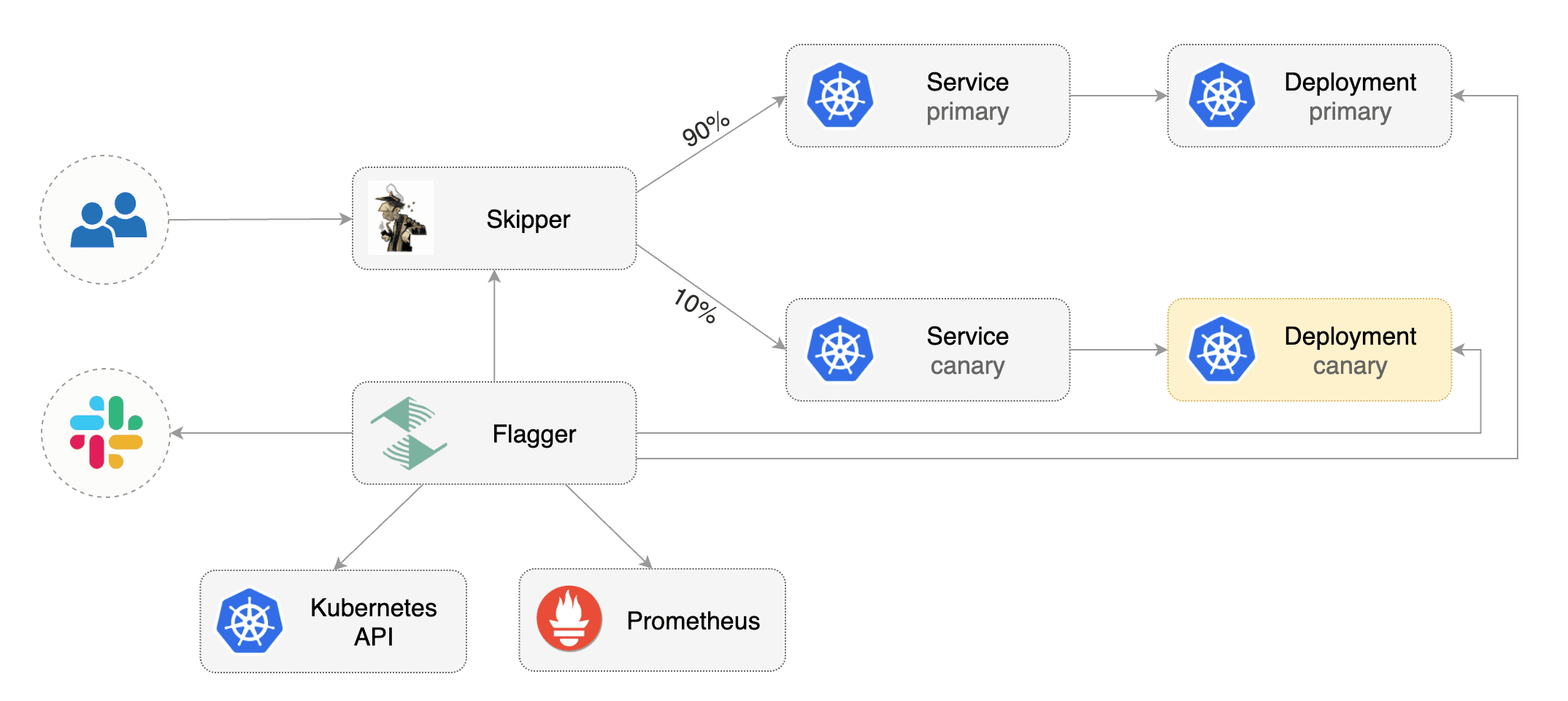
|
||||
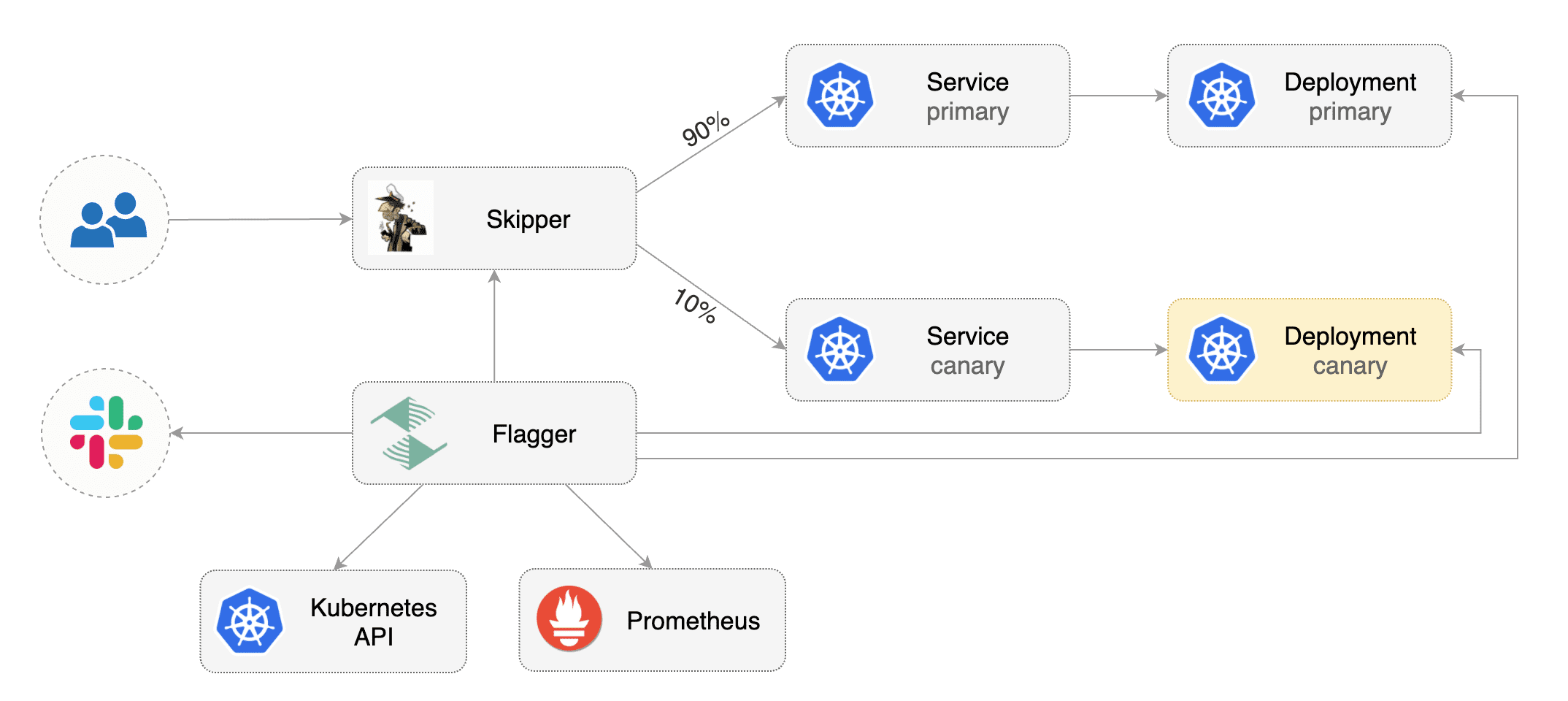
|
||||
|
||||
## Prerequisites
|
||||
|
||||
Flagger requires a Kubernetes cluster **v1.14** or newer and Skipper ingress **0.11.40** or newer.
|
||||
Flagger requires a Kubernetes cluster **v1.19** or newer and Skipper ingress **v0.13** or newer.
|
||||
|
||||
Install Skipper ingress-controller using [upstream definition](https://opensource.zalando.com/skipper/kubernetes/ingress-controller/#install-skipper-as-ingress-controller).
|
||||
|
||||
@@ -31,7 +31,7 @@ Certain arguments are relevant:
|
||||
Install Flagger using kustomize:
|
||||
|
||||
```bash
|
||||
kustomize build https://github.com/weaveworks/flagger/kustomize/kubernetes | kubectl apply -f -
|
||||
kustomize build https://github.com/fluxcd/flagger/kustomize/kubernetes | kubectl apply -f -
|
||||
```
|
||||
|
||||
## Bootstrap
|
||||
@@ -49,7 +49,7 @@ kubectl create ns test
|
||||
Create a deployment and a horizontal pod autoscaler:
|
||||
|
||||
```bash
|
||||
kubectl apply -k github.com/weaveworks/flagger//kustomize/podinfo
|
||||
kubectl apply -k https://github.com/fluxcd/flagger//kustomize/podinfo?ref=main
|
||||
```
|
||||
|
||||
Deploy the load testing service to generate traffic during the canary analysis:
|
||||
@@ -62,7 +62,7 @@ helm upgrade -i flagger-loadtester flagger/loadtester \
|
||||
Create an ingress definition \(replace `app.example.com` with your own domain\):
|
||||
|
||||
```yaml
|
||||
apiVersion: networking.k8s.io/v1beta1
|
||||
apiVersion: networking.k8s.io/v1
|
||||
kind: Ingress
|
||||
metadata:
|
||||
name: podinfo
|
||||
@@ -73,12 +73,16 @@ metadata:
|
||||
kubernetes.io/ingress.class: "skipper"
|
||||
spec:
|
||||
rules:
|
||||
- host: app.example.com
|
||||
- host: "app.example.com"
|
||||
http:
|
||||
paths:
|
||||
- backend:
|
||||
serviceName: podinfo
|
||||
servicePort: 80
|
||||
- pathType: Prefix
|
||||
path: "/"
|
||||
backend:
|
||||
service:
|
||||
name: podinfo
|
||||
port:
|
||||
number: 80
|
||||
```
|
||||
|
||||
Save the above resource as podinfo-ingress.yaml and then apply it:
|
||||
@@ -87,7 +91,7 @@ Save the above resource as podinfo-ingress.yaml and then apply it:
|
||||
kubectl apply -f ./podinfo-ingress.yaml
|
||||
```
|
||||
|
||||
Create a canary custom resource \(replace `app.example.com` with your own domain\):
|
||||
Create a canary custom resource (replace `app.example.com` with your own domain):
|
||||
|
||||
```yaml
|
||||
apiVersion: flagger.app/v1beta1
|
||||
@@ -104,7 +108,7 @@ spec:
|
||||
name: podinfo
|
||||
# ingress reference
|
||||
ingressRef:
|
||||
apiVersion: networking.k8s.io/v1beta1
|
||||
apiVersion: networking.k8s.io/v1
|
||||
kind: Ingress
|
||||
name: podinfo
|
||||
# HPA reference (optional)
|
||||
@@ -196,7 +200,7 @@ Flagger implements a control loop that gradually shifts traffic to the canary wh
|
||||
key performance indicators like HTTP requests success rate, requests average duration and pod health.
|
||||
Based on analysis of the KPIs a canary is promoted or aborted, and the analysis result is published to Slack or MS Teams.
|
||||
|
||||

|
||||

|
||||
|
||||
Trigger a canary deployment by updating the container image:
|
||||
|
||||
|
||||
@@ -2,18 +2,28 @@
|
||||
|
||||
This guide shows you how to use the [Traefik](https://doc.traefik.io/traefik/) and Flagger to automate canary deployments.
|
||||
|
||||
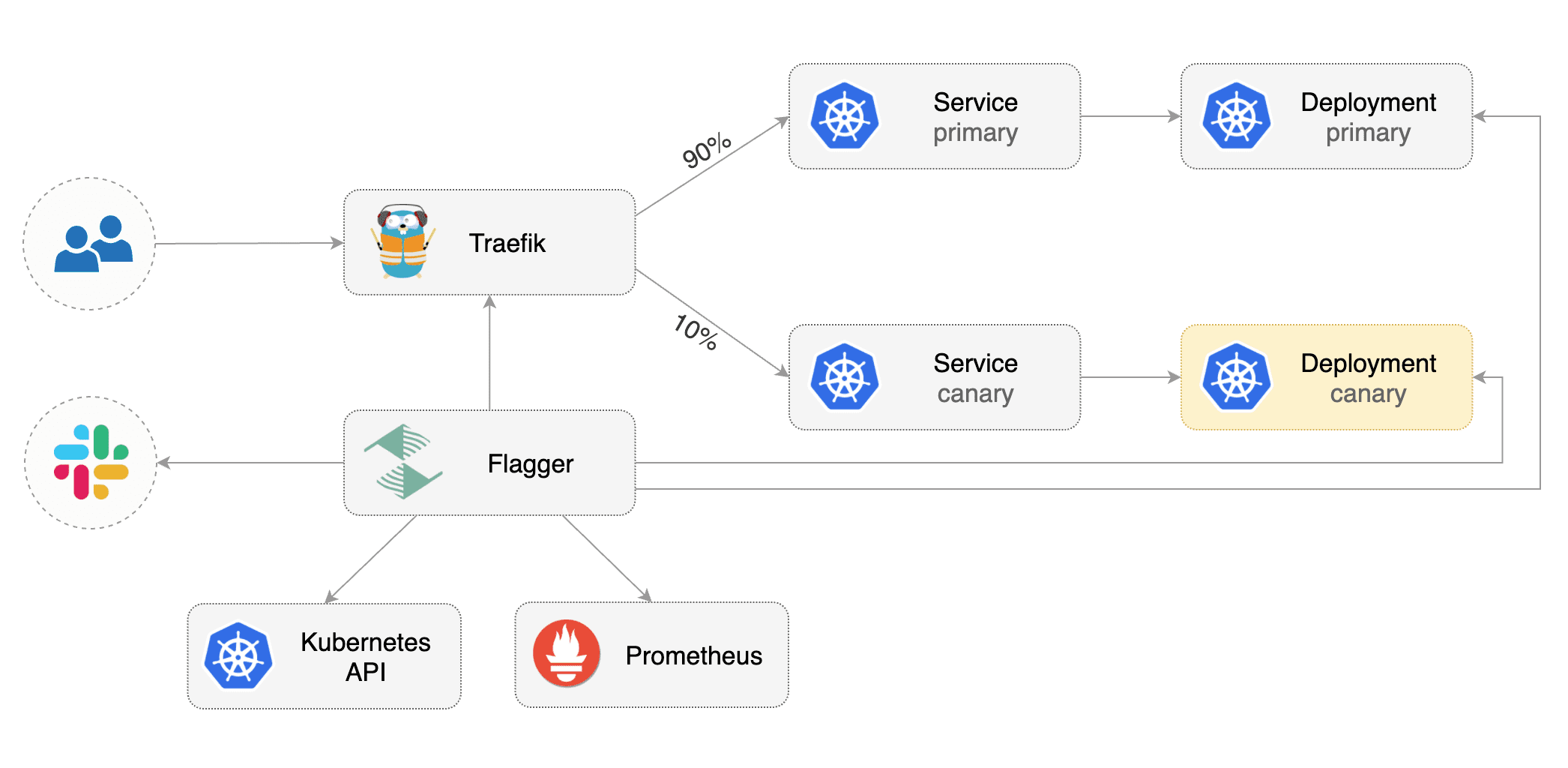
|
||||
|
||||
## Prerequisites
|
||||
|
||||
Flagger requires a Kubernetes cluster **v1.14** or newer and Traefik **v2.3** or newer.
|
||||
Flagger requires a Kubernetes cluster **v1.16** or newer and Traefik **v2.3** or newer.
|
||||
|
||||
Install Traefik with Helm v3:
|
||||
|
||||
```bash
|
||||
helm repo add traefik https://helm.traefik.io/traefik
|
||||
kubectl create ns traefik
|
||||
helm upgrade -i traefik traefik/traefik \
|
||||
--namespace traefik \
|
||||
--set additionalArguments="--metrics.prometheus=true"
|
||||
|
||||
cat <<EOF | helm upgrade -i traefik traefik/traefik --namespace traefik -f -
|
||||
deployment:
|
||||
podAnnotations:
|
||||
prometheus.io/port: "9100"
|
||||
prometheus.io/scrape: "true"
|
||||
prometheus.io/path: "/metrics"
|
||||
metrics:
|
||||
prometheus:
|
||||
entryPoint: metrics
|
||||
EOF
|
||||
```
|
||||
|
||||
Install Flagger and the Prometheus add-on in the same namespace as Traefik:
|
||||
@@ -29,9 +39,7 @@ helm upgrade -i flagger flagger/flagger \
|
||||
|
||||
## Bootstrap
|
||||
|
||||
Flagger takes a Kubernetes deployment and optionally a horizontal pod autoscaler (HPA),
|
||||
then creates a series of objects (Kubernetes deployments, ClusterIP services and TraefikService).
|
||||
These objects expose the application outside the cluster and drive the canary analysis and promotion.
|
||||
Flagger takes a Kubernetes deployment and optionally a horizontal pod autoscaler \(HPA\), then creates a series of objects \(Kubernetes deployments, ClusterIP services and TraefikService\). These objects expose the application outside the cluster and drive the canary analysis and promotion.
|
||||
|
||||
Create a test namespace:
|
||||
|
||||
@@ -42,7 +50,7 @@ kubectl create ns test
|
||||
Create a deployment and a horizontal pod autoscaler:
|
||||
|
||||
```bash
|
||||
kubectl apply -k github.com/weaveworks/flagger//kustomize/podinfo
|
||||
kubectl apply -k https://github.com/fluxcd/flagger//kustomize/podinfo?ref=main
|
||||
```
|
||||
|
||||
Deploy the load testing service to generate traffic during the canary analysis:
|
||||
@@ -52,8 +60,7 @@ helm upgrade -i flagger-loadtester flagger/loadtester \
|
||||
--namespace=test
|
||||
```
|
||||
|
||||
Create Traefik IngressRoute that references TraefikService generated by Flagger
|
||||
(replace `app.example.com` with your own domain):
|
||||
Create Traefik IngressRoute that references TraefikService generated by Flagger \(replace `app.example.com` with your own domain\):
|
||||
|
||||
```yaml
|
||||
apiVersion: traefik.containo.us/v1alpha1
|
||||
@@ -79,7 +86,7 @@ Save the above resource as podinfo-ingressroute.yaml and then apply it:
|
||||
kubectl apply -f ./podinfo-ingressroute.yaml
|
||||
```
|
||||
|
||||
Create a canary custom resource (replace `app.example.com` with your own domain):
|
||||
Create a canary custom resource \(replace `app.example.com` with your own domain\):
|
||||
|
||||
```yaml
|
||||
apiVersion: flagger.app/v1beta1
|
||||
@@ -175,11 +182,9 @@ traefikservice.traefik.containo.us/podinfo
|
||||
|
||||
## Automated canary promotion
|
||||
|
||||
Flagger implements a control loop that gradually shifts traffic to the canary while measuring
|
||||
key performance indicators like HTTP requests success rate, requests average duration and pod health.
|
||||
Based on analysis of the KPIs a canary is promoted or aborted, and the analysis result is published to Slack or MS Teams.
|
||||
Flagger implements a control loop that gradually shifts traffic to the canary while measuring key performance indicators like HTTP requests success rate, requests average duration and pod health. Based on analysis of the KPIs a canary is promoted or aborted, and the analysis result is published to Slack or MS Teams.
|
||||
|
||||

|
||||

|
||||
|
||||
Trigger a canary deployment by updating the container image:
|
||||
|
||||
@@ -258,8 +263,7 @@ Generate latency:
|
||||
watch -n 1 curl http://app.example.com/delay/1
|
||||
```
|
||||
|
||||
When the number of failed checks reaches the canary analysis threshold, the traffic is routed back to the primary,
|
||||
the canary is scaled to zero and the rollout is marked as failed.
|
||||
When the number of failed checks reaches the canary analysis threshold, the traffic is routed back to the primary, the canary is scaled to zero and the rollout is marked as failed.
|
||||
|
||||
```text
|
||||
kubectl -n traefik logs deploy/flagger -f | jq .msg
|
||||
@@ -327,8 +331,7 @@ Edit the canary analysis and add the not found error rate check:
|
||||
interval: 1m
|
||||
```
|
||||
|
||||
The above configuration validates the canary by checking if the HTTP 404 req/sec percentage is
|
||||
below 5 percent of the total traffic. If the 404s rate reaches the 5% threshold, then the canary fails.
|
||||
The above configuration validates the canary by checking if the HTTP 404 req/sec percentage is below 5 percent of the total traffic. If the 404s rate reaches the 5% threshold, then the canary fails.
|
||||
|
||||
Trigger a canary deployment by updating the container image:
|
||||
|
||||
@@ -361,7 +364,7 @@ Rolling back podinfo.test failed checks threshold reached 5
|
||||
Canary failed! Scaling down podinfo.test
|
||||
```
|
||||
|
||||
If you have [alerting](../usage/alerting.md) configured,
|
||||
Flagger will send a notification with the reason why the canary failed.
|
||||
If you have [alerting](../usage/alerting.md) configured, Flagger will send a notification with the reason why the canary failed.
|
||||
|
||||
For an in-depth look at the analysis process read the [usage docs](../usage/how-it-works.md).
|
||||
|
||||
|
||||
@@ -1,50 +1,63 @@
|
||||
# Alerting
|
||||
|
||||
Flagger can be configured to send alerts to various chat platforms. You can define a global alert provider at
|
||||
install time or configure alerts on a per canary basis.
|
||||
Flagger can be configured to send alerts to various chat platforms.
|
||||
You can define a global alert provider at install time or configure alerts on a per canary basis.
|
||||
|
||||
### Global configuration
|
||||
## Global configuration
|
||||
|
||||
Flagger can be configured to send Slack notifications:
|
||||
### Slack
|
||||
|
||||
#### Slack Configuration
|
||||
|
||||
Flagger requires a custom webhook integration from slack, instead of the new slack app system.
|
||||
|
||||
The webhook can be generated by following the [legacy slack documentation](https://api.slack.com/legacy/custom-integrations/messaging/webhooks)
|
||||
|
||||
#### Flagger configuration
|
||||
|
||||
Once the webhook has been generated. Flagger can be configured to send Slack notifications:
|
||||
|
||||
```bash
|
||||
helm upgrade -i flagger flagger/flagger \
|
||||
--set slack.url=https://hooks.slack.com/services/YOUR/SLACK/WEBHOOK \
|
||||
--set slack.proxy-url=my-http-proxy.com \ # optional http/s proxy
|
||||
--set slack.channel=general \
|
||||
--set slack.user=flagger
|
||||
```
|
||||
|
||||
Once configured with a Slack incoming **webhook**, Flagger will post messages when a canary deployment
|
||||
has been initialised, when a new revision has been detected and if the canary analysis failed or succeeded.
|
||||
Once configured with a Slack incoming **webhook**,
|
||||
Flagger will post messages when a canary deployment has been initialised,
|
||||
when a new revision has been detected and if the canary analysis failed or succeeded.
|
||||
|
||||

|
||||

|
||||
|
||||
A canary deployment will be rolled back if the progress deadline exceeded or if the analysis reached the
|
||||
maximum number of failed checks:
|
||||
A canary deployment will be rolled back if the progress deadline exceeded
|
||||
or if the analysis reached the maximum number of failed checks:
|
||||
|
||||

|
||||

|
||||
|
||||
### Microsoft Teams
|
||||
|
||||
Flagger can be configured to send notifications to Microsoft Teams:
|
||||
|
||||
```bash
|
||||
helm upgrade -i flagger flagger/flagger \
|
||||
--set msteams.url=https://outlook.office.com/webhook/YOUR/TEAMS/WEBHOOK
|
||||
--set msteams.url=https://outlook.office.com/webhook/YOUR/TEAMS/WEBHOOK \
|
||||
--set msteams.proxy-url=my-http-proxy.com # optional http/s proxy
|
||||
```
|
||||
|
||||
Similar to Slack, Flagger alerts on canary analysis events:
|
||||
|
||||
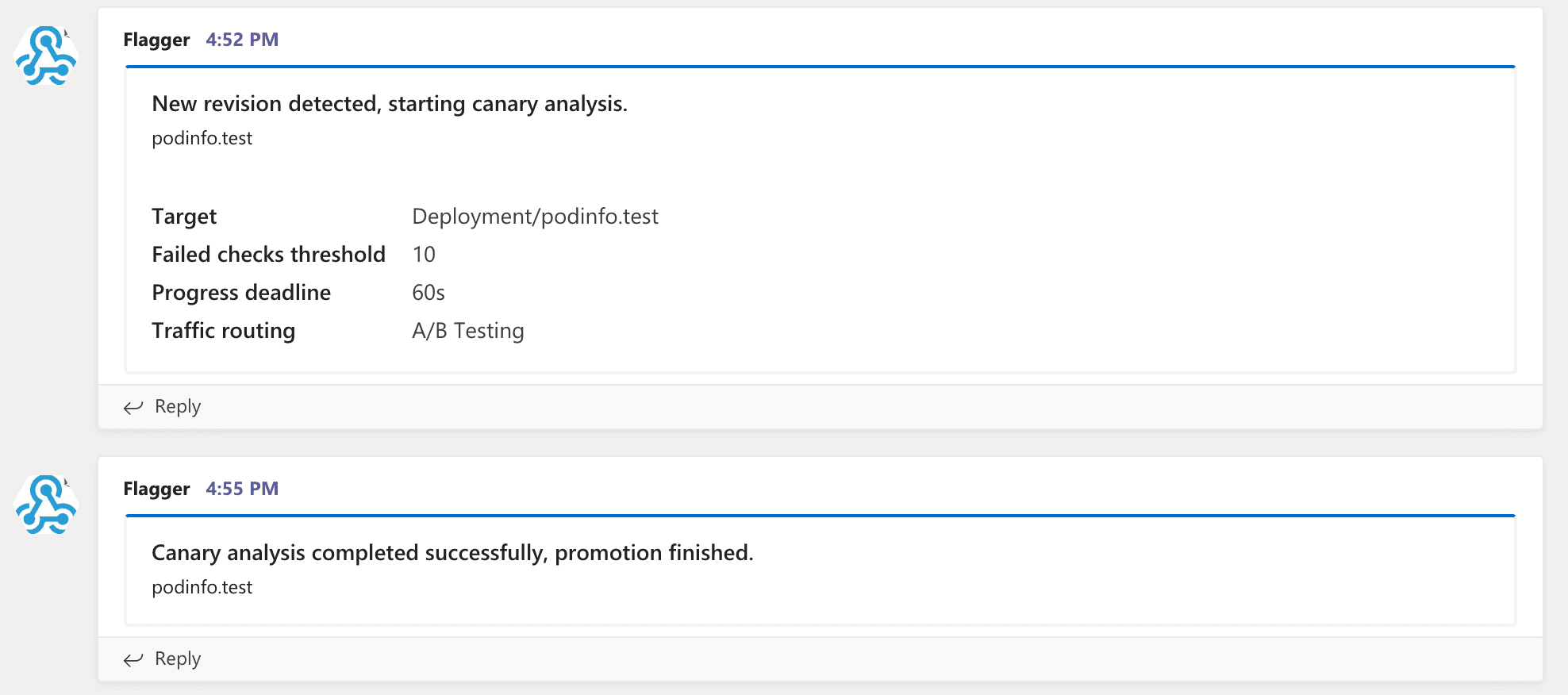
|
||||
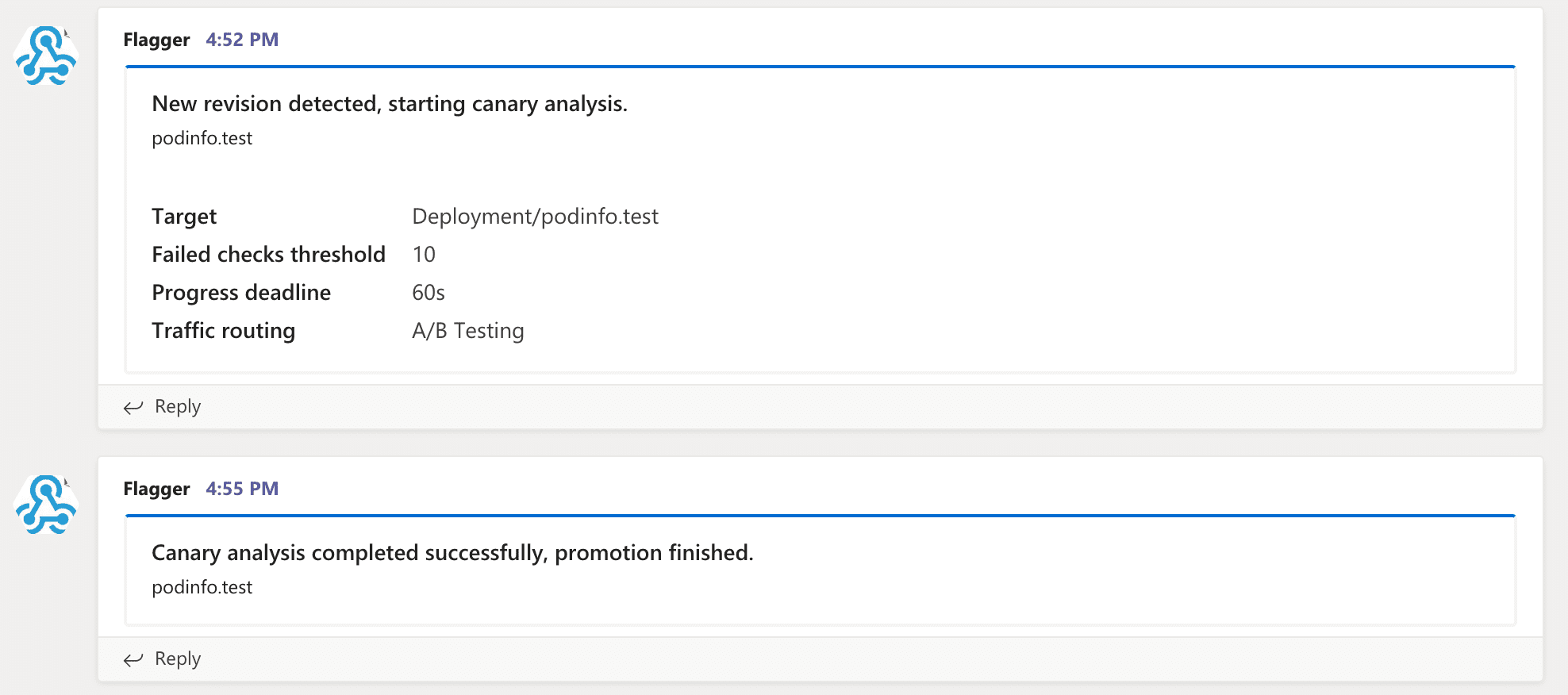
|
||||
|
||||
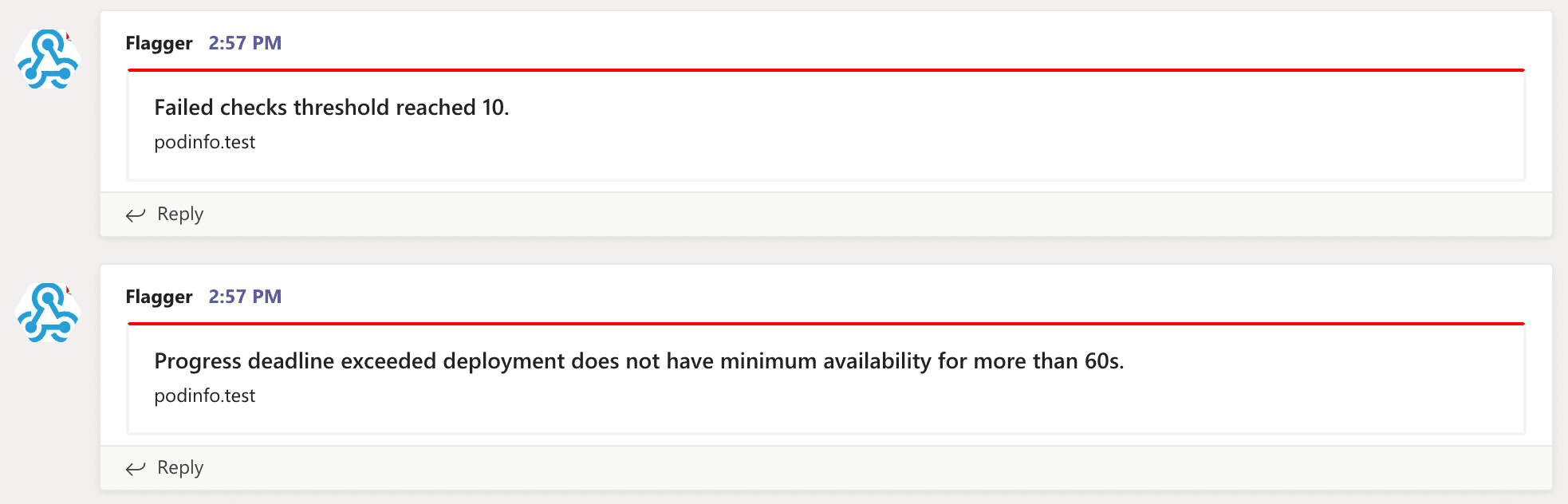
|
||||
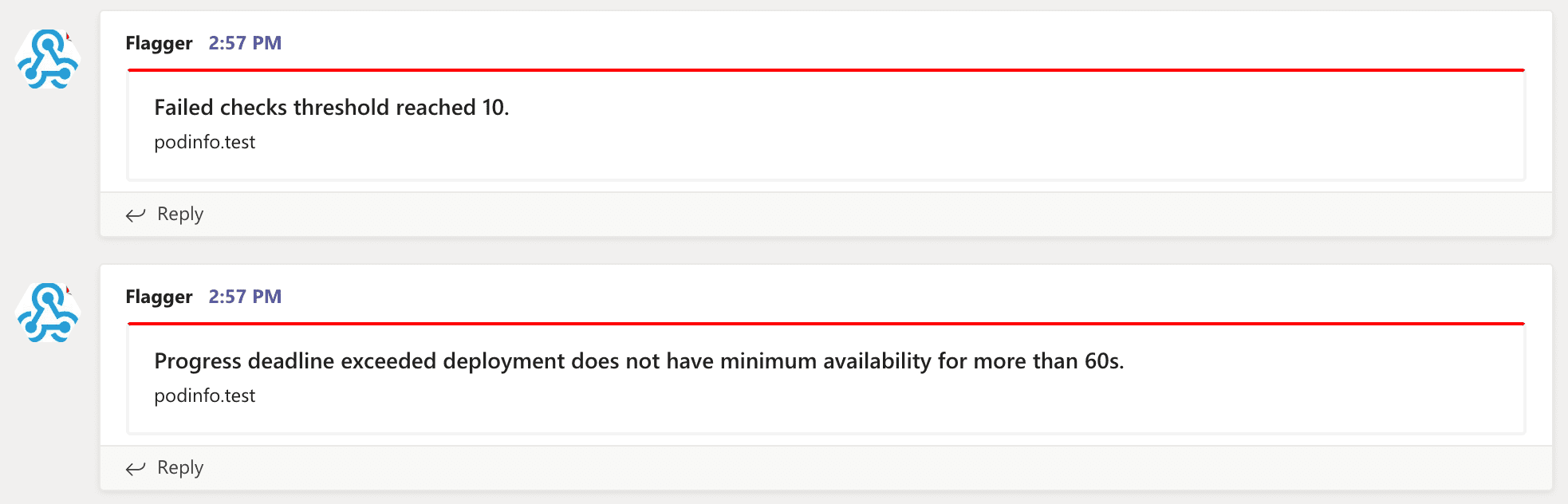
|
||||
|
||||
### Canary configuration
|
||||
## Canary configuration
|
||||
|
||||
Configuring alerting globally has several limitations as it's not possible to specify different channels
|
||||
or configure the verbosity on a per canary basis.
|
||||
To make the alerting move flexible, the canary analysis can be extended
|
||||
with a list of alerts that reference an alert provider.
|
||||
For each alert, users can configure the severity level.
|
||||
The alerts section overrides the global setting.
|
||||
or configure the verbosity on a per canary basis. To make the alerting move flexible,
|
||||
the canary analysis can be extended with a list of alerts that reference an alert provider.
|
||||
For each alert, users can configure the severity level. The alerts section overrides the global setting.
|
||||
|
||||
Slack example:
|
||||
|
||||
@@ -60,6 +73,8 @@ spec:
|
||||
username: flagger
|
||||
# webhook address (ignored if secretRef is specified)
|
||||
address: https://hooks.slack.com/services/YOUR/SLACK/WEBHOOK
|
||||
# optional http/s proxy
|
||||
proxy: http://my-http-proxy.com
|
||||
# secret containing the webhook address (optional)
|
||||
secretRef:
|
||||
name: on-call-url
|
||||
@@ -103,15 +118,16 @@ The canary analysis can have a list of alerts, each alert referencing an alert p
|
||||
```
|
||||
|
||||
Alert fields:
|
||||
* **name** (required)
|
||||
|
||||
* **name** \(required\)
|
||||
* **severity** levels: `info`, `warn`, `error` (default info)
|
||||
* **providerRef.name** alert provider name (required)
|
||||
* **providerRef.namespace** alert provider namespace (defaults to the canary namespace)
|
||||
|
||||
When the severity is set to `warn`, Flagger will alert when waiting on manual confirmation or if the analysis fails.
|
||||
When the severity is set to `warn`, Flagger will alert when waiting on manual confirmation or if the analysis fails.
|
||||
When the severity is set to `error`, Flagger will alert only if the canary analysis fails.
|
||||
|
||||
### Prometheus Alert Manager
|
||||
## Prometheus Alert Manager
|
||||
|
||||
You can use Alertmanager to trigger alerts when a canary deployment failed:
|
||||
|
||||
@@ -125,4 +141,3 @@ You can use Alertmanager to trigger alerts when a canary deployment failed:
|
||||
summary: "Canary failed"
|
||||
description: "Workload {{ $labels.name }} namespace {{ $labels.namespace }}"
|
||||
```
|
||||
|
||||
|
||||
@@ -1,33 +1,34 @@
|
||||
# Deployment Strategies
|
||||
|
||||
Flagger can run automated application analysis, promotion and rollback for the following deployment strategies:
|
||||
* **Canary Release** (progressive traffic shifting)
|
||||
* Istio, Linkerd, App Mesh, NGINX, Skipper, Contour, Gloo, Traefik
|
||||
* **A/B Testing** (HTTP headers and cookies traffic routing)
|
||||
* Istio, App Mesh, NGINX, Contour
|
||||
* **Blue/Green** (traffic switching)
|
||||
* Kubernetes CNI, Istio, Linkerd, App Mesh, NGINX, Contour, Gloo
|
||||
* **Blue/Green Mirroring** (traffic shadowing)
|
||||
* Istio
|
||||
|
||||
For Canary releases and A/B testing you'll need a Layer 7 traffic management solution like a service mesh or an ingress controller.
|
||||
For Blue/Green deployments no service mesh or ingress controller is required.
|
||||
* **Canary Release** \(progressive traffic shifting\)
|
||||
* Istio, Linkerd, App Mesh, NGINX, Skipper, Contour, Gloo Edge, Traefik, Open Service Mesh
|
||||
* **A/B Testing** \(HTTP headers and cookies traffic routing\)
|
||||
* Istio, App Mesh, NGINX, Contour, Gloo Edge
|
||||
* **Blue/Green** \(traffic switching\)
|
||||
* Kubernetes CNI, Istio, Linkerd, App Mesh, NGINX, Contour, Gloo Edge, Open Service Mesh
|
||||
* **Blue/Green Mirroring** \(traffic shadowing\)
|
||||
* Istio
|
||||
|
||||
For Canary releases and A/B testing you'll need a Layer 7 traffic management solution like
|
||||
a service mesh or an ingress controller. For Blue/Green deployments no service mesh or ingress controller is required.
|
||||
|
||||
A canary analysis is triggered by changes in any of the following objects:
|
||||
|
||||
* Deployment PodSpec (container image, command, ports, env, resources, etc)
|
||||
* Deployment PodSpec \(container image, command, ports, env, resources, etc\)
|
||||
* ConfigMaps mounted as volumes or mapped to environment variables
|
||||
* Secrets mounted as volumes or mapped to environment variables
|
||||
|
||||
### Canary Release
|
||||
## Canary Release
|
||||
|
||||
Flagger implements a control loop that gradually shifts traffic to the canary while measuring key performance
|
||||
indicators like HTTP requests success rate, requests average duration and pod health.
|
||||
Flagger implements a control loop that gradually shifts traffic to the canary while measuring
|
||||
key performance indicators like HTTP requests success rate, requests average duration and pod health.
|
||||
Based on analysis of the KPIs a canary is promoted or aborted.
|
||||
|
||||

|
||||

|
||||
|
||||
The canary analysis runs periodically until it reaches the maximum traffic weight or the failed checks threshold.
|
||||
The canary analysis runs periodically until it reaches the maximum traffic weight or the failed checks threshold.
|
||||
|
||||
Spec:
|
||||
|
||||
@@ -54,61 +55,60 @@ Spec:
|
||||
The above analysis, if it succeeds, will run for 25 minutes while validating the HTTP metrics and webhooks every minute.
|
||||
You can determine the minimum time it takes to validate and promote a canary deployment using this formula:
|
||||
|
||||
```
|
||||
```text
|
||||
interval * (maxWeight / stepWeight)
|
||||
```
|
||||
|
||||
And the time it takes for a canary to be rollback when the metrics or webhook checks are failing:
|
||||
|
||||
```
|
||||
interval * threshold
|
||||
```text
|
||||
interval * threshold
|
||||
```
|
||||
|
||||
When `stepWeightPromotion` is specified, the promotion phase happens in stages,
|
||||
the traffic is routed back to the primary pods in a progressive manner,
|
||||
the primary weight is increased until it reaches 100%.
|
||||
When `stepWeightPromotion` is specified, the promotion phase happens in stages, the traffic is routed back
|
||||
to the primary pods in a progressive manner, the primary weight is increased until it reaches 100%.
|
||||
|
||||
In emergency cases, you may want to skip the analysis phase and ship changes directly to production.
|
||||
At any time you can set the `spec.skipAnalysis: true`.
|
||||
When skip analysis is enabled, Flagger checks if the canary deployment is healthy and
|
||||
promotes it without analysing it. If an analysis is underway, Flagger cancels it and runs the promotion.
|
||||
In emergency cases, you may want to skip the analysis phase and ship changes directly to production.
|
||||
At any time you can set the `spec.skipAnalysis: true`. When skip analysis is enabled,
|
||||
Flagger checks if the canary deployment is healthy and promotes it without analysing it.
|
||||
If an analysis is underway, Flagger cancels it and runs the promotion.
|
||||
|
||||
Gated canary promotion stages:
|
||||
|
||||
* scan for canary deployments
|
||||
* check primary and canary deployment status
|
||||
* halt advancement if a rolling update is underway
|
||||
* halt advancement if pods are unhealthy
|
||||
* halt advancement if a rolling update is underway
|
||||
* halt advancement if pods are unhealthy
|
||||
* call confirm-rollout webhooks and check results
|
||||
* halt advancement if any hook returns a non HTTP 2xx result
|
||||
* halt advancement if any hook returns a non HTTP 2xx result
|
||||
* call pre-rollout webhooks and check results
|
||||
* halt advancement if any hook returns a non HTTP 2xx result
|
||||
* increment the failed checks counter
|
||||
* increase canary traffic weight percentage from 0% to 2% (step weight)
|
||||
* halt advancement if any hook returns a non HTTP 2xx result
|
||||
* increment the failed checks counter
|
||||
* increase canary traffic weight percentage from 0% to 2% \(step weight\)
|
||||
* call rollout webhooks and check results
|
||||
* check canary HTTP request success rate and latency
|
||||
* halt advancement if any metric is under the specified threshold
|
||||
* increment the failed checks counter
|
||||
* halt advancement if any metric is under the specified threshold
|
||||
* increment the failed checks counter
|
||||
* check if the number of failed checks reached the threshold
|
||||
* route all traffic to primary
|
||||
* scale to zero the canary deployment and mark it as failed
|
||||
* call post-rollout webhooks
|
||||
* post the analysis result to Slack
|
||||
* wait for the canary deployment to be updated and start over
|
||||
* increase canary traffic weight by 2% (step weight) till it reaches 50% (max weight)
|
||||
* halt advancement if any webhook call fails
|
||||
* halt advancement while canary request success rate is under the threshold
|
||||
* halt advancement while canary request duration P99 is over the threshold
|
||||
* halt advancement while any custom metric check fails
|
||||
* halt advancement if the primary or canary deployment becomes unhealthy
|
||||
* halt advancement while canary deployment is being scaled up/down by HPA
|
||||
* route all traffic to primary
|
||||
* scale to zero the canary deployment and mark it as failed
|
||||
* call post-rollout webhooks
|
||||
* post the analysis result to Slack
|
||||
* wait for the canary deployment to be updated and start over
|
||||
* increase canary traffic weight by 2% \(step weight\) till it reaches 50% \(max weight\)
|
||||
* halt advancement if any webhook call fails
|
||||
* halt advancement while canary request success rate is under the threshold
|
||||
* halt advancement while canary request duration P99 is over the threshold
|
||||
* halt advancement while any custom metric check fails
|
||||
* halt advancement if the primary or canary deployment becomes unhealthy
|
||||
* halt advancement while canary deployment is being scaled up/down by HPA
|
||||
* call confirm-promotion webhooks and check results
|
||||
* halt advancement if any hook returns a non HTTP 2xx result
|
||||
* halt advancement if any hook returns a non HTTP 2xx result
|
||||
* promote canary to primary
|
||||
* copy ConfigMaps and Secrets from canary to primary
|
||||
* copy canary deployment spec template over primary
|
||||
* copy ConfigMaps and Secrets from canary to primary
|
||||
* copy canary deployment spec template over primary
|
||||
* wait for primary rolling update to finish
|
||||
* halt advancement if pods are unhealthy
|
||||
* halt advancement if pods are unhealthy
|
||||
* route all traffic to primary
|
||||
* scale to zero the canary deployment
|
||||
* mark rollout as finished
|
||||
@@ -116,11 +116,13 @@ Gated canary promotion stages:
|
||||
* send notification with the canary analysis result
|
||||
* wait for the canary deployment to be updated and start over
|
||||
|
||||
#### Rollout Weights
|
||||
### Rollout Weights
|
||||
|
||||
By default Flagger uses linear weight values for the promotion, with the start value, the step and the maximum weight value in 0 to 100 range.
|
||||
By default Flagger uses linear weight values for the promotion, with the start value,
|
||||
the step and the maximum weight value in 0 to 100 range.
|
||||
|
||||
Example:
|
||||
|
||||
```yaml
|
||||
canary:
|
||||
analysis:
|
||||
@@ -128,37 +130,44 @@ canary:
|
||||
maxWeight: 50
|
||||
stepWeight: 20
|
||||
```
|
||||
|
||||
This configuration performs analysis starting from 20, increasing by 20 until weight goes above 50.
|
||||
We would have steps (canary weight : primary weight):
|
||||
|
||||
* 20 (20 : 80)
|
||||
* 40 (40 : 60)
|
||||
* 60 (60 : 40)
|
||||
* promotion
|
||||
|
||||
In order to enable non-linear promotion a new parameter was introduced:
|
||||
|
||||
* `stepWeights` - determines the ordered array of weights, which shall be used during canary promotion.
|
||||
|
||||
Example:
|
||||
|
||||
```yaml
|
||||
canary:
|
||||
analysis:
|
||||
promotion:
|
||||
stepWeights: [1, 2, 10, 80]
|
||||
```
|
||||
|
||||
This configuration performs analysis starting from 1, going through `stepWeights` values till 80.
|
||||
We would have steps (canary weight : primary weight):
|
||||
|
||||
* 1 (1 : 99)
|
||||
* 2 (2 : 98)
|
||||
* 10 (10 : 90)
|
||||
* 80 (20 : 60)
|
||||
* promotion
|
||||
|
||||
### A/B Testing
|
||||
## A/B Testing
|
||||
|
||||
For frontend applications that require session affinity you should use HTTP headers or cookies match conditions
|
||||
to ensure a set of users will stay on the same version for the whole duration of the canary analysis.
|
||||
For frontend applications that require session affinity you should use
|
||||
HTTP headers or cookies match conditions to ensure a set of users
|
||||
will stay on the same version for the whole duration of the canary analysis.
|
||||
|
||||

|
||||

|
||||
|
||||
You can enable A/B testing by specifying the HTTP match conditions and the number of iterations.
|
||||
If Flagger finds a HTTP match condition, it will ignore the `maxWeight` and `stepWeight` settings.
|
||||
@@ -186,14 +195,14 @@ Istio example:
|
||||
The above configuration will run an analysis for ten minutes targeting the Safari users and those that have a test cookie.
|
||||
You can determine the minimum time that it takes to validate and promote a canary deployment using this formula:
|
||||
|
||||
```
|
||||
```text
|
||||
interval * iterations
|
||||
```
|
||||
|
||||
And the time it takes for a canary to be rollback when the metrics or webhook checks are failing:
|
||||
|
||||
```
|
||||
interval * threshold
|
||||
```text
|
||||
interval * threshold
|
||||
```
|
||||
|
||||
Istio example:
|
||||
@@ -216,13 +225,14 @@ Istio example:
|
||||
|
||||
The header keys must be lowercase and use hyphen as the separator.
|
||||
Header values are case-sensitive and formatted as follows:
|
||||
- `exact: "value"` for exact string match
|
||||
- `prefix: "value"` for prefix-based match
|
||||
- `suffix: "value"` for suffix-based match
|
||||
- `regex: "value"` for [RE2](https://github.com/google/re2/wiki/Syntax) style regex-based match
|
||||
|
||||
Note that the `sourceLabels` match conditions are applicable only when the `mesh` gateway
|
||||
is included in the `canary.service.gateways` list.
|
||||
* `exact: "value"` for exact string match
|
||||
* `prefix: "value"` for prefix-based match
|
||||
* `suffix: "value"` for suffix-based match
|
||||
* `regex: "value"` for [RE2](https://github.com/google/re2/wiki/Syntax) style regex-based match
|
||||
|
||||
Note that the `sourceLabels` match conditions are applicable only when
|
||||
the `mesh` gateway is included in the `canary.service.gateways` list.
|
||||
|
||||
App Mesh example:
|
||||
|
||||
@@ -270,24 +280,28 @@ NGINX example:
|
||||
exact: "canary"
|
||||
```
|
||||
|
||||
Note that the NGINX ingress controller supports only exact matching for cookies names where the value must be set to `always`.
|
||||
Note that the NGINX ingress controller supports only exact matching for
|
||||
cookies names where the value must be set to `always`.
|
||||
Starting with NGINX ingress v0.31, regex matching is supported for header values.
|
||||
|
||||
The above configurations will route users with the x-canary header or canary cookie to the canary instance during analysis:
|
||||
The above configurations will route users with the x-canary header
|
||||
or canary cookie to the canary instance during analysis:
|
||||
|
||||
```bash
|
||||
curl -H 'X-Canary: insider' http://app.example.com
|
||||
curl -b 'canary=always' http://app.example.com
|
||||
```
|
||||
|
||||
### Blue/Green Deployments
|
||||
## Blue/Green Deployments
|
||||
|
||||
For applications that are not deployed on a service mesh, Flagger can orchestrate blue/green style deployments
|
||||
with Kubernetes L4 networking. When using Istio you have the option to mirror traffic between blue and green.
|
||||
For applications that are not deployed on a service mesh,
|
||||
Flagger can orchestrate blue/green style deployments with Kubernetes L4 networking.
|
||||
When using Istio you have the option to mirror traffic between blue and green.
|
||||
|
||||

|
||||

|
||||
|
||||
You can use the blue/green deployment strategy by replacing `stepWeight/maxWeight` with `iterations` in the `analysis` spec:
|
||||
You can use the blue/green deployment strategy by replacing
|
||||
`stepWeight/maxWeight` with `iterations` in the `analysis` spec:
|
||||
|
||||
```yaml
|
||||
analysis:
|
||||
@@ -299,13 +313,14 @@ You can use the blue/green deployment strategy by replacing `stepWeight/maxWeigh
|
||||
threshold: 2
|
||||
```
|
||||
|
||||
With the above configuration Flagger will run conformance and load tests on the canary pods for ten minutes.
|
||||
If the metrics analysis succeeds, live traffic will be switched from the old version to the new one when the
|
||||
canary is promoted.
|
||||
With the above configuration Flagger will run conformance and load tests on the canary pods for ten minutes.
|
||||
If the metrics analysis succeeds, live traffic will be switched from
|
||||
the old version to the new one when the canary is promoted.
|
||||
|
||||
The blue/green deployment strategy is supported for all service mesh providers.
|
||||
|
||||
Blue/Green rollout steps for service mesh:
|
||||
|
||||
* detect new revision (deployment spec, secrets or configmaps changes)
|
||||
* scale up the canary (green)
|
||||
* run conformance tests for the canary pods
|
||||
@@ -317,24 +332,22 @@ Blue/Green rollout steps for service mesh:
|
||||
* route traffic to primary
|
||||
* scale down canary
|
||||
|
||||
After the analysis finishes, the traffic is routed to the canary (green) before triggering the primary (blue)
|
||||
rolling update, this ensures a smooth transition to the new version avoiding dropping in-flight requests during
|
||||
the Kubernetes deployment rollout.
|
||||
After the analysis finishes, the traffic is routed to the canary (green) before
|
||||
triggering the primary (blue) rolling update,
|
||||
this ensures a smooth transition to the new version avoiding dropping
|
||||
in-flight requests during the Kubernetes deployment rollout.
|
||||
|
||||
### Blue/Green with Traffic Mirroring
|
||||
## Blue/Green with Traffic Mirroring
|
||||
|
||||
Traffic Mirroring is a pre-stage in a Canary (progressive traffic shifting) or
|
||||
Blue/Green deployment strategy. Traffic mirroring will copy each incoming
|
||||
request, sending one request to the primary and one to the canary service.
|
||||
The response from the primary is sent back to the user. The response from the canary
|
||||
is discarded. Metrics are collected on both requests so that the deployment will
|
||||
only proceed if the canary metrics are healthy.
|
||||
Traffic Mirroring is a pre-stage in a Canary (progressive traffic shifting) or Blue/Green deployment strategy.
|
||||
Traffic mirroring will copy each incoming request, sending one request to the primary and one to the canary service.
|
||||
The response from the primary is sent back to the user. The response from the canary is discarded.
|
||||
Metrics are collected on both requests so that the deployment will only proceed if the canary metrics are healthy.
|
||||
|
||||
Mirroring should be used for requests that are **idempotent** or capable of
|
||||
being processed twice (once by the primary and once by the canary). Reads are
|
||||
idempotent. Before using mirroring on requests that may be writes, you should
|
||||
consider what will happen if a write is duplicated and handled by the primary
|
||||
and canary.
|
||||
Mirroring should be used for requests that are **idempotent** or capable of being processed
|
||||
twice (once by the primary and once by the canary).
|
||||
Reads are idempotent. Before using mirroring on requests that may be writes,
|
||||
you should consider what will happen if a write is duplicated and handled by the primary and canary.
|
||||
|
||||
To use mirroring, set `spec.analysis.mirror` to `true`.
|
||||
|
||||
@@ -355,6 +368,7 @@ Istio example:
|
||||
```
|
||||
|
||||
Mirroring rollout steps for service mesh:
|
||||
|
||||
* detect new revision (deployment spec, secrets or configmaps changes)
|
||||
* scale from zero the canary deployment
|
||||
* wait for the HPA to set the canary minimum replicas
|
||||
@@ -367,7 +381,7 @@ Mirroring rollout steps for service mesh:
|
||||
* abort the canary release if the failure threshold is reached
|
||||
* stop traffic mirroring after the number of iterations is reached
|
||||
* route live traffic to the canary pods
|
||||
* promote the canary (update the primary secrets, configmaps and deployment spec)
|
||||
* promote the canary \(update the primary secrets, configmaps and deployment spec\)
|
||||
* wait for the primary deployment rollout to finish
|
||||
* wait for the HPA to set the primary minimum replicas
|
||||
* check primary pods health
|
||||
@@ -375,6 +389,7 @@ Mirroring rollout steps for service mesh:
|
||||
* scale to zero the canary
|
||||
* send notification with the canary analysis result
|
||||
|
||||
After the analysis finishes, the traffic is routed to the canary (green) before triggering the primary (blue)
|
||||
rolling update, this ensures a smooth transition to the new version avoiding dropping in-flight requests during
|
||||
the Kubernetes deployment rollout.
|
||||
After the analysis finishes, the traffic is routed to the canary (green) before
|
||||
triggering the primary (blue) rolling update, this ensures a smooth transition
|
||||
to the new version avoiding dropping in-flight requests during the Kubernetes deployment rollout.
|
||||
|
||||
|
||||