
KubeDiagrams





Generate Kubernetes architecture diagrams from Kubernetes manifest files, kustomization files, Helm charts, and actual cluster state.
There are several tools to generate Kubernetes architecture diagrams (see here). The main originality of KubeDiagrams is its configurability allowing for instance to deal with custom Kubernetes resources.
Examples
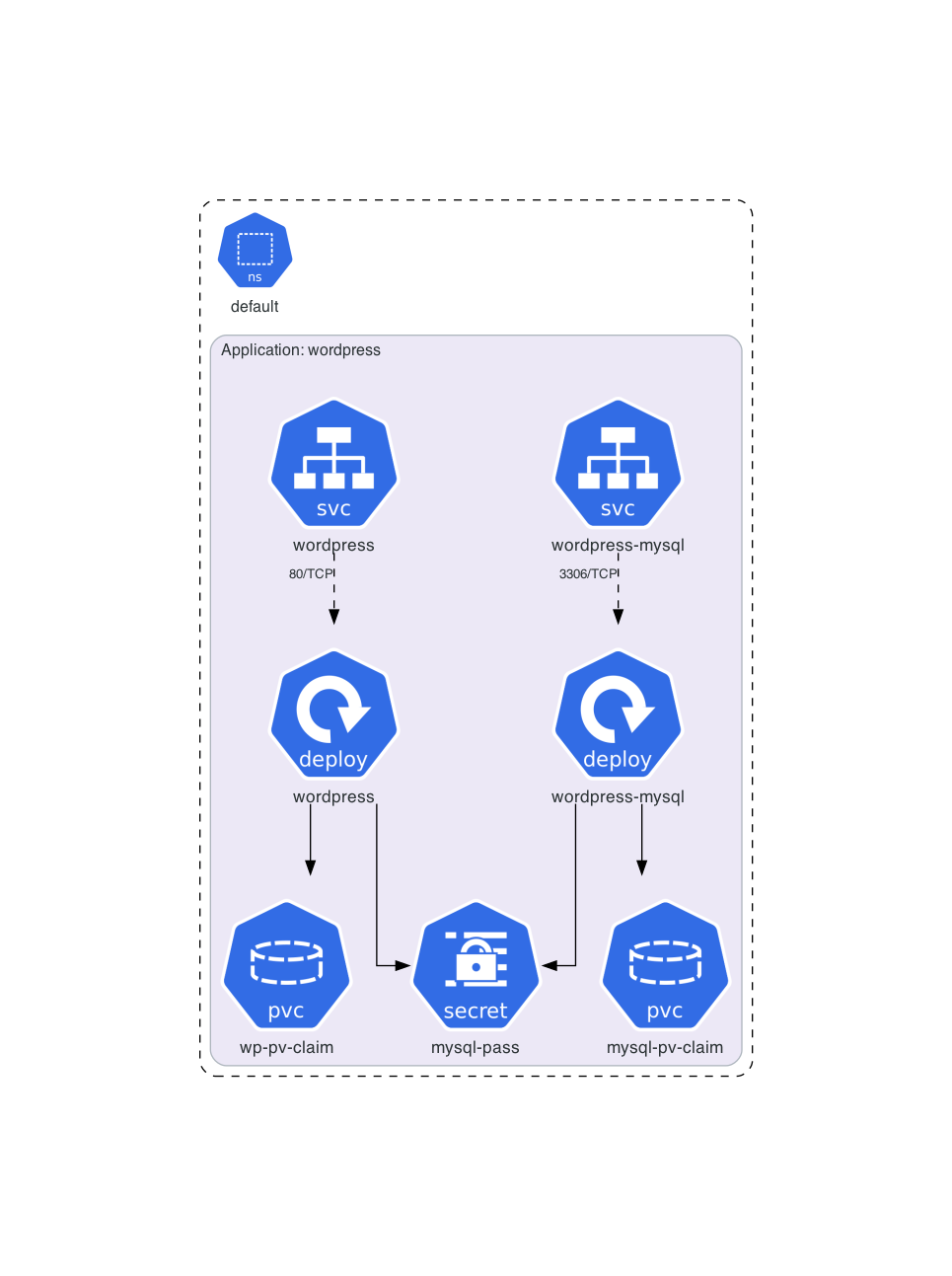
Architecture diagram for official Kubernetes WordPress tutorial manifests:
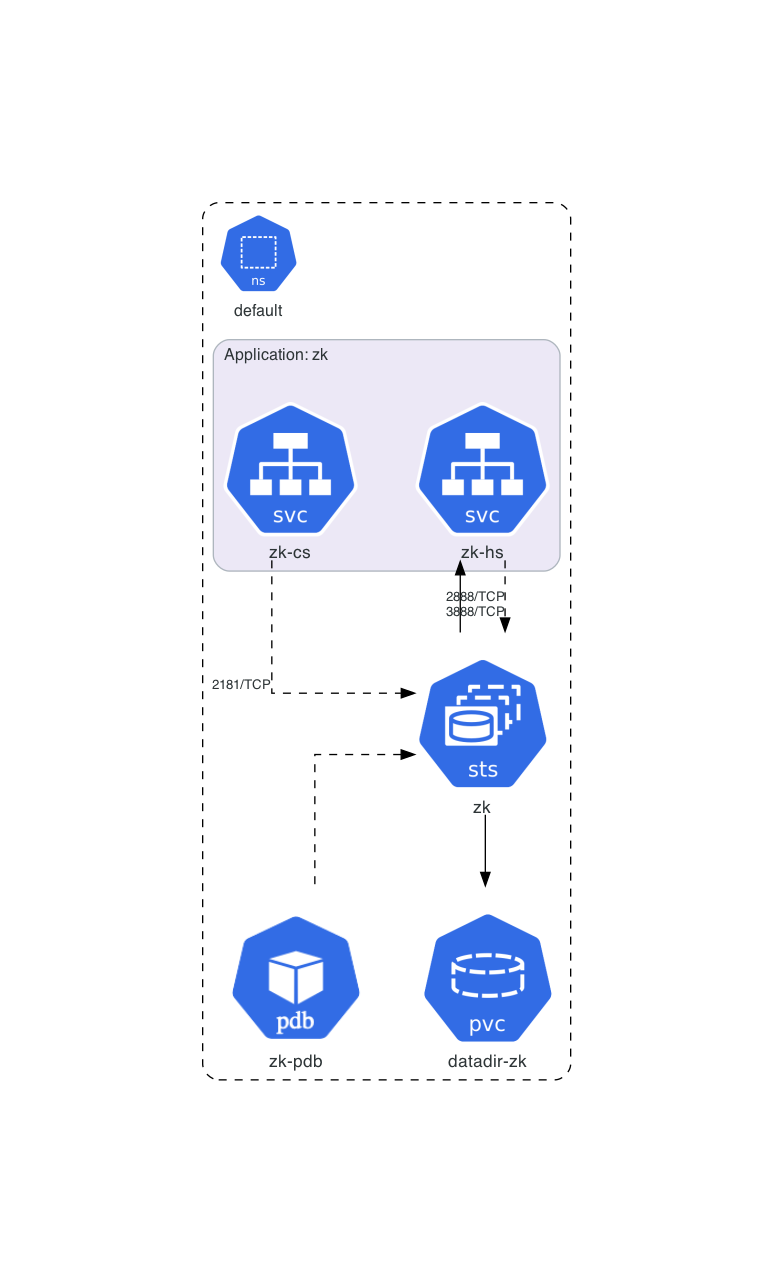
Architecture diagram for official Kubernetes ZooKeeper tutorial manifests:
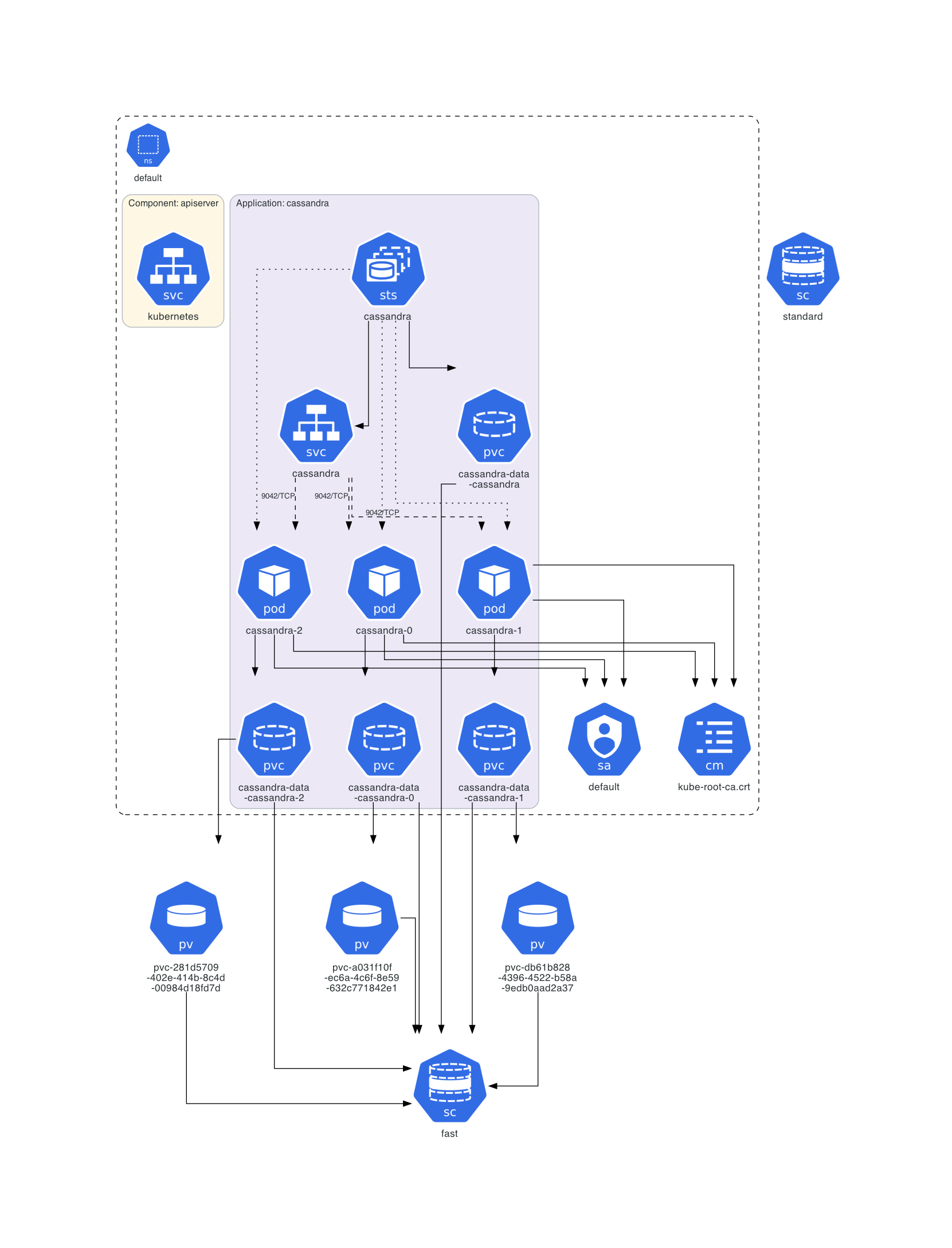
Architecture diagram of a deployed Cassandra instance:
Architecture diagram for Train Ticket:A Benchmark Microservice System:

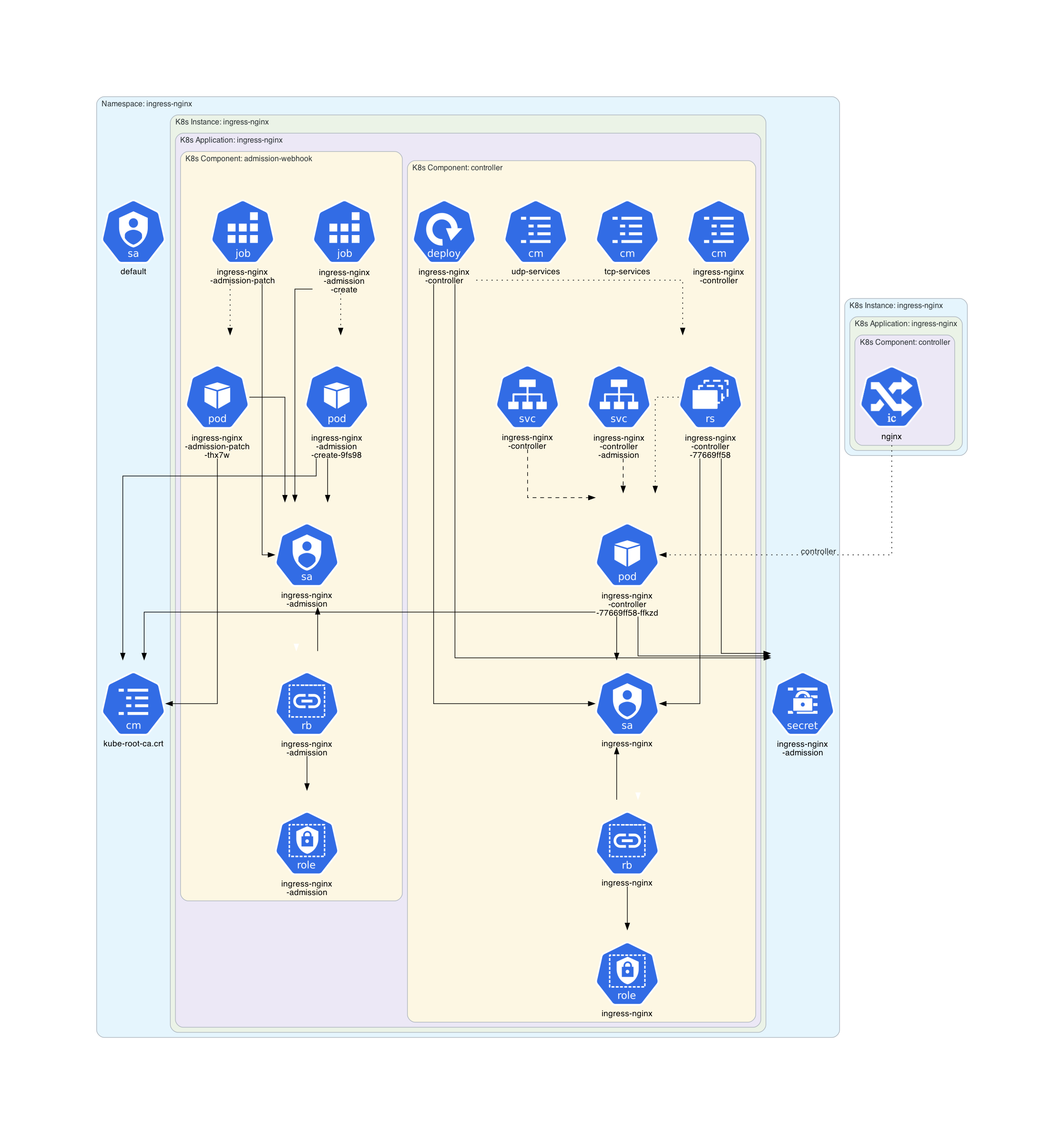
Architecture diagram of the Minikube Ingress Addon:
Architecture diagram for the Kube Prometheus Stack chart:

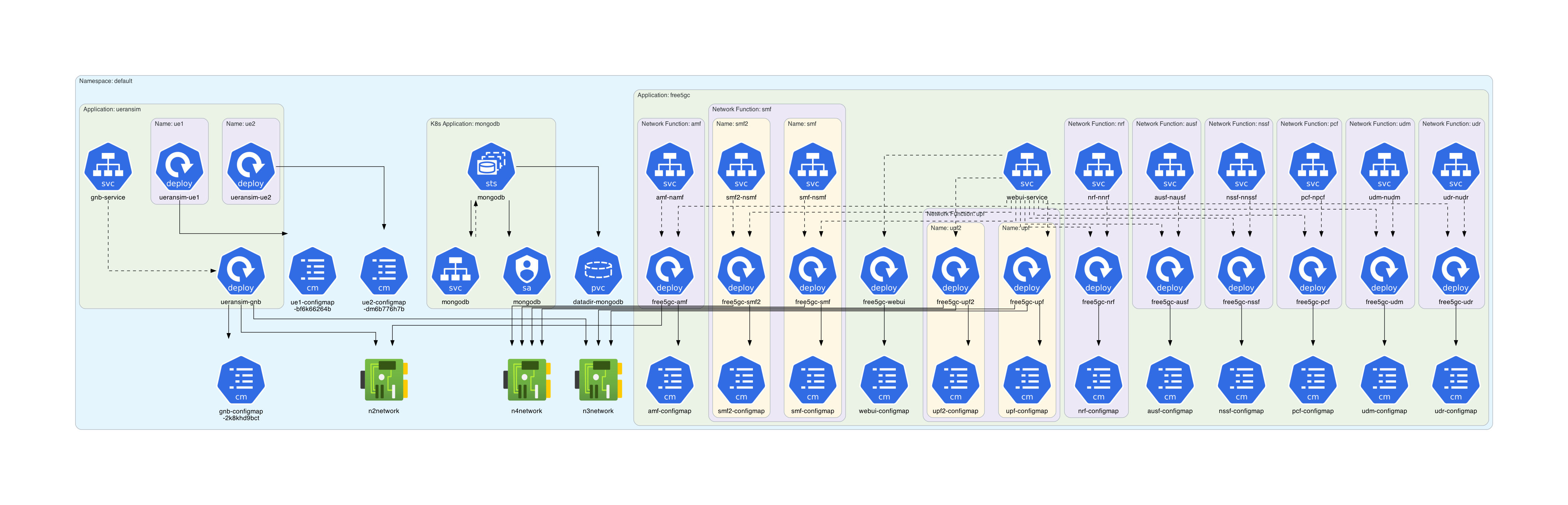
Architecture diagram for free5gc-k8s manifests:
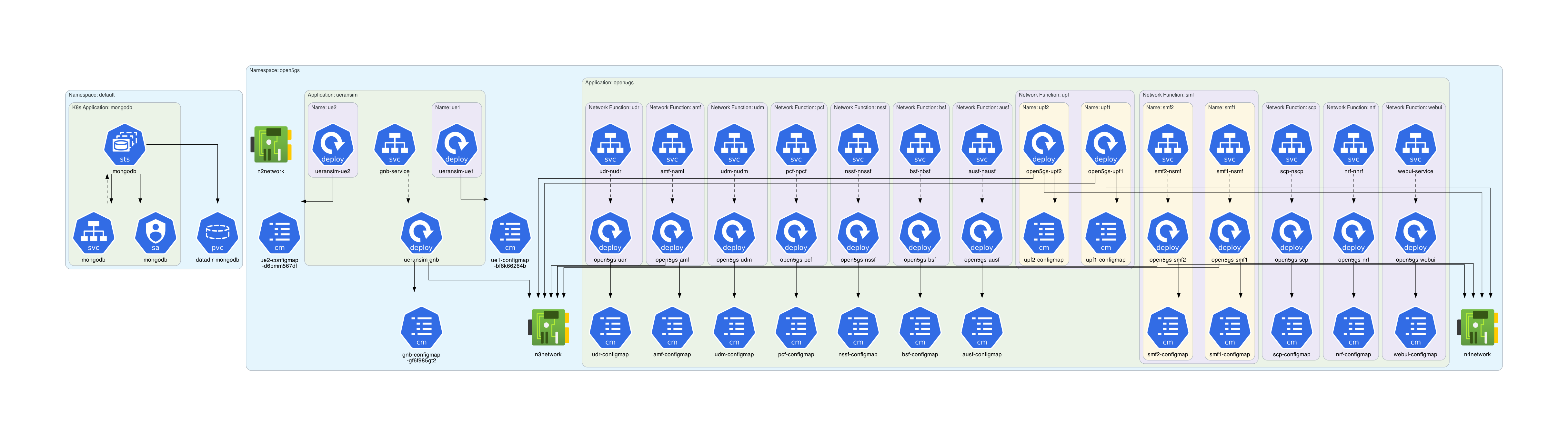
Architecture diagram for open5gs-k8s manifests:
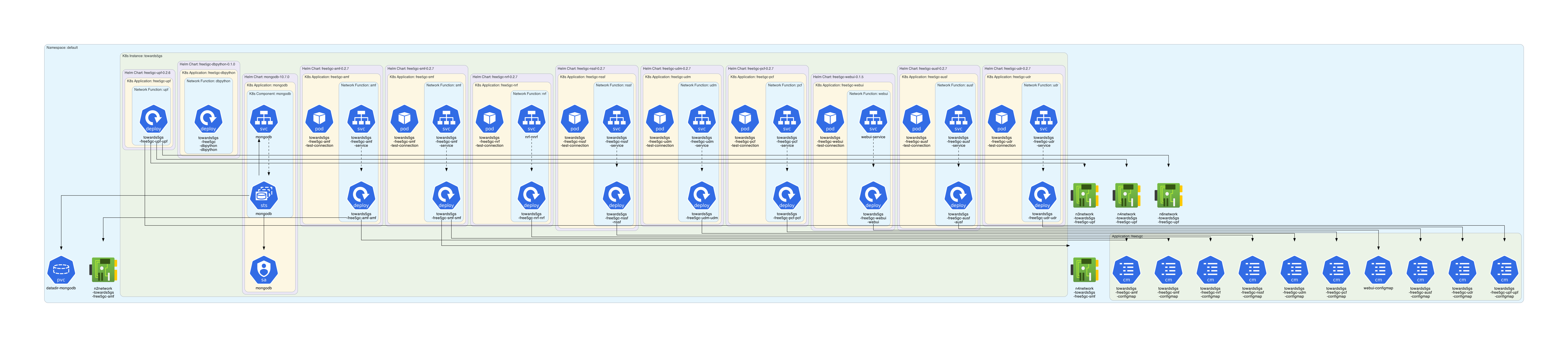
Architecture diagram for the Towards5GS-helm chart:
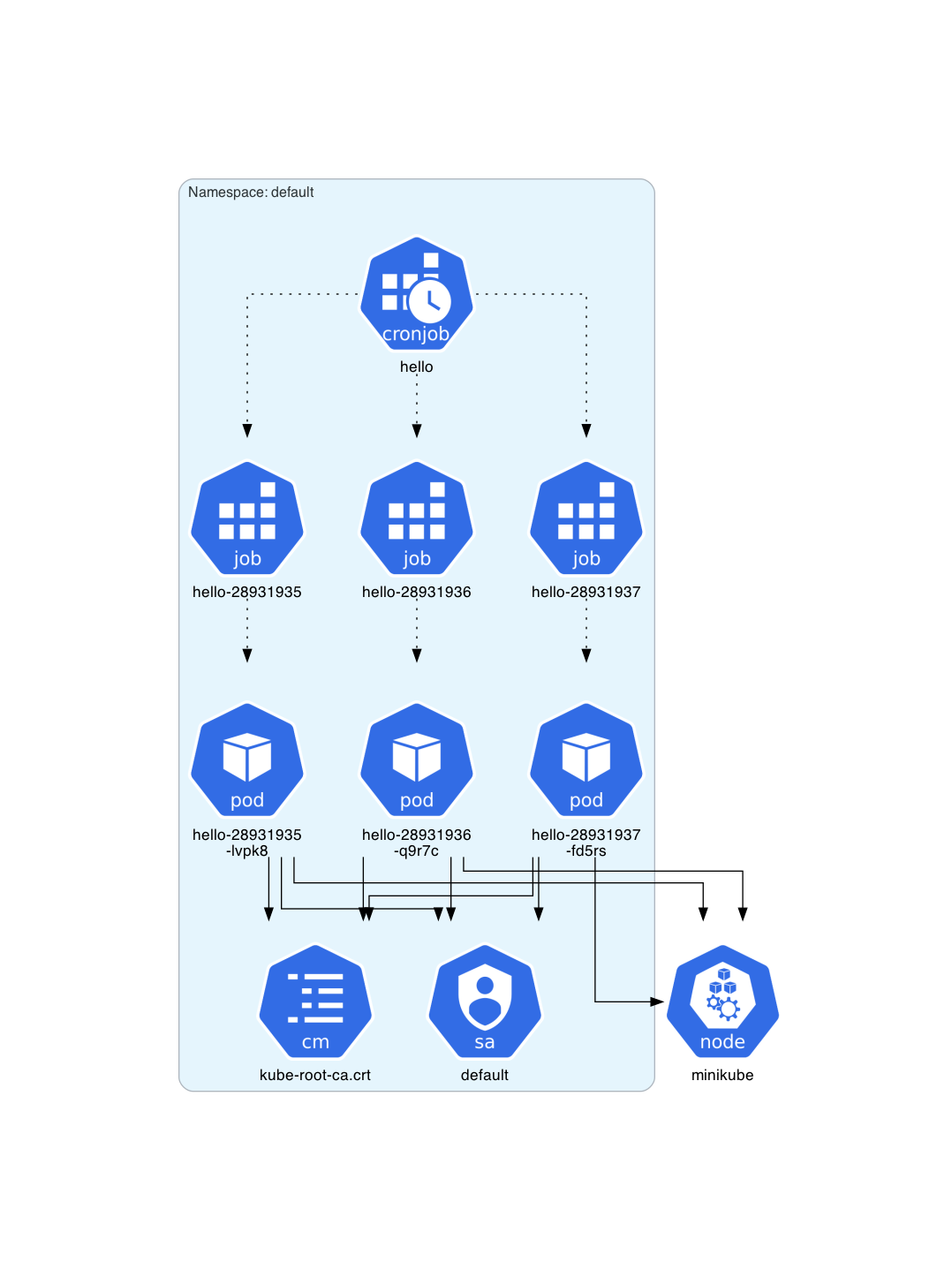
Architecture diagram for a deployed CronJob instance:
Architecture diagram for NetworkPolicy resources: 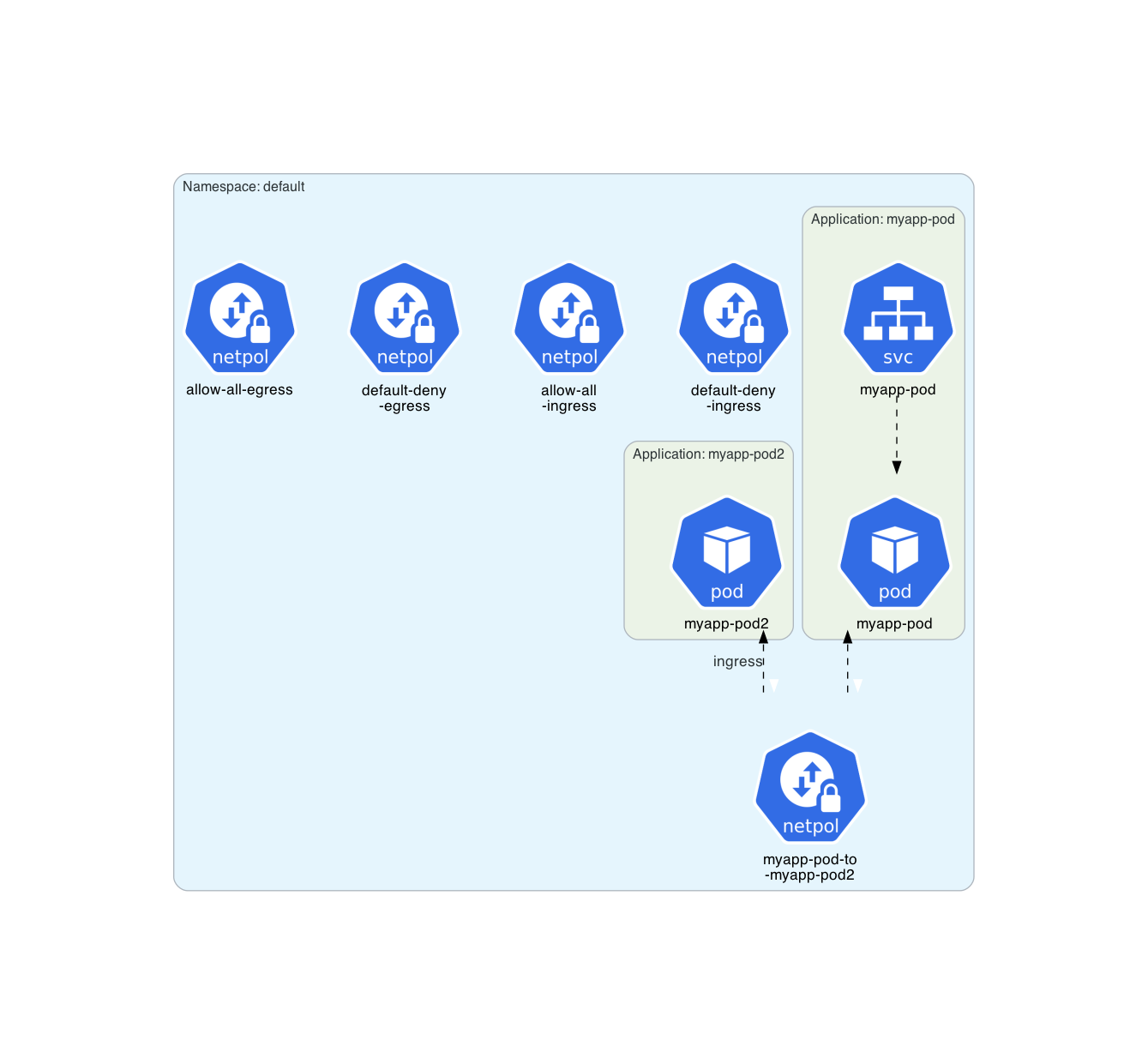
Many other architecture diagrams are available into examples/.
All the examples are
- official Kubernetes WordPress tutorial
- official Kubernetes ZooKeeper tutorial
- official Kubernetes Cassandra tutorial
- Train Ticket
- minikube architecture diagrams
- k0s architecture diagrams
- Kube Prometheus Stack
- free5gc-k8s
- open5gs-k8s
- Towards5GS-helm
- Miscellaneous examples
- Some Helm charts
Prerequisites
Following software must be installed:
Getting Started
Following command installs KubeDiagrams and all its Python dependencies, i.e., PyYAML and Diagrams.
# using pip (pip3)
$ pip install KubeDiagrams
Usage
$ kube-diagrams -h
usage: kube-diagrams [-h] [-o OUTPUT] [-f FORMAT] [-c CONFIG] [-v] [--without-namespace] filename [filename ...]

Generate Kubernetes architecture diagrams from Kubernetes manifest files

positional arguments:
  filename              the Kubernetes manifest filename to process

options:
  -h, --help            show this help message and exit
  -o OUTPUT, --output OUTPUT
                        output diagram filename
  -f FORMAT, --format FORMAT
                        output format, allowed formats are png (default), jpg, svg, pdf, and dot
  -c CONFIG, --config CONFIG
                        custom kube-diagrams configuration file
  -v, --verbose         verbosity, set to false by default
  --without-namespace   disable namespace cluster generation
Features
Kubernetes resources
Supported kind/apiVersion resource types are 42 ones:
- APIService/apiregistration.k8s.io/v1
- ClusterRole/rbac.authorization.k8s.io/v1
- ClusterRoleBinding/rbac.authorization.k8s.io/v1
- ConfigMap/v1
- CronJob/batch/v1
- CustomResourceDefinition/apiextensions.k8s.io/v1
- CSIDriver/storage.k8s.io/v1
- DaemonSet/apps/v1
- Deployment/apps/v1
- Endpoints/v1
- EndpointSlice/discovery.k8s.io/v1
- Group/rbac.authorization.k8s.io/v1
- HorizontalPodAutoscaler/autoscaling/v1
- HorizontalPodAutoscaler/autoscaling/v2
- Ingress/networking.k8s.io/v1
- IngressClass/networking.k8s.io/v1
- Job/batch/v1
- Lease/coordination.k8s.io/v1
- LimitRange/v1
- MutatingWebhookConfiguration/admissionregistration.k8s.io/v1
- Namespace/v1
- NetworkAttachmentDefinition/k8s.cni.cncf.io/v1
- NetworkPolicy/networking.k8s.io/v1
- Node/v1
- PersistentVolume/v1
- PersistentVolumeClaim/v1
- PriorityClass/scheduling.k8s.io/v1
- Pod/v1
- PodDisruptionBudget/policy/v1
- PodSecurityPolicy/policy/v1beta1
- ReplicaSet/apps/v1
- ResourceQuota/v1
- Role/rbac.authorization.k8s.io/v1
- RoleBinding/rbac.authorization.k8s.io/v1
- Secret/v1
- Service/v1
- ServiceAccount/v1
- StatefulSet/apps/v1
- StorageClass/storage.k8s.io/v1
- User/rbac.authorization.k8s.io/v1
- ValidatingWebhookConfiguration/admissionregistration.k8s.io/v1
- VolumeAttachment/storage.k8s.io/v1
Note: The mapping between these supported Kubernetes resources and architecture diagrams is defined into bin/kube-diagrams.yml.
Note: The mapping for any Kubernetes custom resources can be also defined into KubeDiagrams configuration files as illustrated in examples/k0s/KubeDiagrams.yml and examples/kube-prometheus-stack/KubeDiagrams.yml.
Currently, unsupported kind/apiGroup resource types are 20 ones:
- Binding/
- ComponentStatus/
- Event/
- PodTemplate/
- ReplicationController/
- ControllerRevision/apps
- TokenReview/authentication.k8s.io
- LocalSubjectAccessReview/authorization.k8s.io
- SelfSubjectAccessReview/authorization.k8s.io
- SelfSubjectRulesReview/authorization.k8s.io
- SubjectAccessReview/authorization.k8s.io
- CertificateSigningRequest/certificates.k8s.io
- Event/events.k8s.io
- FlowSchema/flowcontrol.apiserver.k8s.io
- PriorityLevelConfiguration/flowcontrol.apiserver.k8s.io
- NodeMetrics/metrics.k8s.io
- PodMetrics/metrics.k8s.io
- RuntimeClass/node.k8s.io
- CSINode/storage.k8s.io
- CSIStorageCapacity/storage.k8s.io
Kubernetes resources clustering
With KubeDiagrams, Kubernetes resources can be clustered within the architecture diagrams automatically. KubeDiagrams uses the metadata.namespace resource field as first clustering criteria. Then, the metadata.labels keys can be used to define subclusters. Following table lists the predefined mappings between label keys and cluster titles as defined in the bin/kube-diagrams.yml file (see the clusters list).
| Label | Cluster Title |
|---|---|
app.kubernetes.io/instance |
K8s Instance |
release |
Release |
helm.sh/chart |
Helm Chart |
chart |
Chart |
app.kubernetes.io/name |
K8s Application |
app |
Application |
app.kubernetes.io/component |
K8s Component |
service |
Microservice |
tier |
Tier |
New mappings can be easily defined in custom configuration files (see examples/minikube/KubeDiagrams.yml, examples/k0s/KubeDiagrams.yml, examples/free5gc-k8s/KubeDiagrams.yml, examples/open5gs-k8s/KubeDiagrams.yml, and examples/towards5gs-helm/KubeDiagrams.yml) and provided to KubeDiagrams via the --config command-line option.
What do they say about it?
Posts and blogs about KubeDiagrams:
License
This project is licensed under the GPL-3.0 license - see the LICENSE file for details.