 9f28505af7
Stacked on the modifications PR. Now that no live code path references
the per-package fetchers, the shared HTTP/parsing helpers, the
in-process normalizer, or the example template, delete them. Pure
deletion — no behavior change.

- ~93 per-package <pkg>/releases.js fetcher modules.
- _common/{brew,fetcher,git-tag,gitea,github,github-source,
  githubish,githubish-source}.js shared HTTP/parsing helpers.
- _webi/normalize.js in-process normalization layer (cache files
  arrive normalized from webicached).
- _example/releases.js fetcher template for new packages.

The Go cache daemon (webicached) is now the sole producer of release
metadata; the Node process never makes an upstream request.
title, homepage, tagline
| title | homepage | tagline |
|---|---|---|
| iTerm2 | https://iterm2.com/ | iTerm2: a terminal emulator for macOS that does amazing things. |
To update versions, use iTerm2's built-in software update.
Files
These are the files / directories that are created and/or modified with this install:
/Applications/iTerm.app/
Cheat Sheet
The only bad thing about iTerm2 is that it's so seamless and intuitive that you quickly forget why you started using it - it just fades into the background.
iTerm2 supports a lot of nifty features, including:
- Excellent themes
- Hold ⌘ to make links clickable
- Per-user & per-host sessions
- Lots of fun little utilities
- Better tmux / screen support
- GPU-accelerated
Important: Unlike most packages, iTerm2 will be installed to
/Applications.
How to make the best of iTerm2
Open Preferences with Cmd ⌘ + ,
- Appearance
  - Tabs
    - Preserve window size when tab bars shows or hides
- Profiles
  - General
    - Command
      - Custom Shell (see the Fish Cheat Sheet: <https://webinstall.dev/fish>)
    - Colors
      - Color Presets... (see theme recommendations below)
    - Text
      - Font (see the Nerd Fonts Cheat Sheet: <https://webinstall.dev/nerdfont>)
      - Anti-Aliased
  - Terminal
    - Notifications
    - Check Silence bell
    - Uncheck Flash visual bell
  - Advanced
    - Automatic Profile Switch (see notes below)
- Advanced
  - (this is where you can reset prompts)
How to set up profile switching
I suggest using different profiles:
- Default (no matching hosts)
- Local (matching my local
hostname) - Remote (matching
app@for VPSes and cloud environments) - Prod (matching specific
app@hostnames for production systems) - Root (matching
root@)
You need to "Install Shell Integration" on each host for profile switching to work.


Which themes are the best?
There are 216+ color schemes.
Here's my shortlist. I chose them because they are easy on the eyes and distinct.
Two-finger click "Save Link As" (or similar) to download.
- Tomorrow
Night
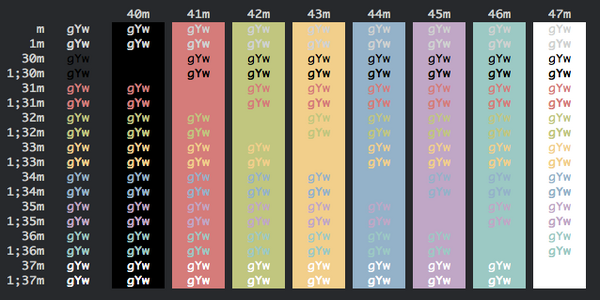
- Firewatch
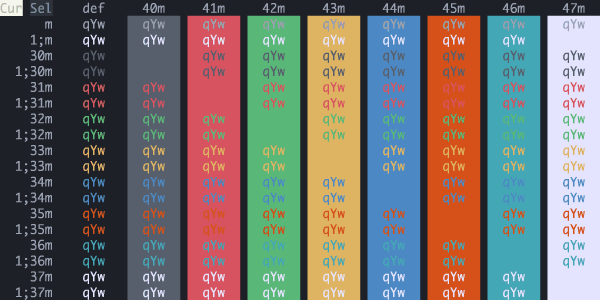
- Dracula
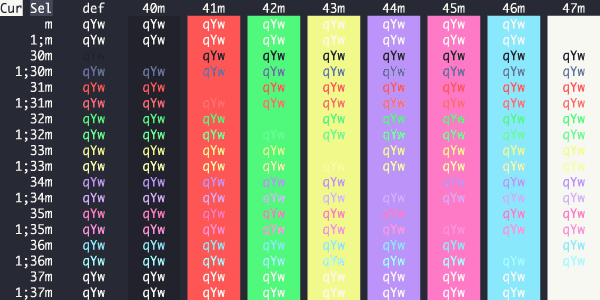
- Elemental
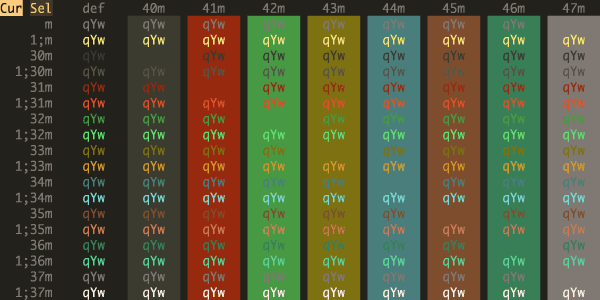
- Ubuntu
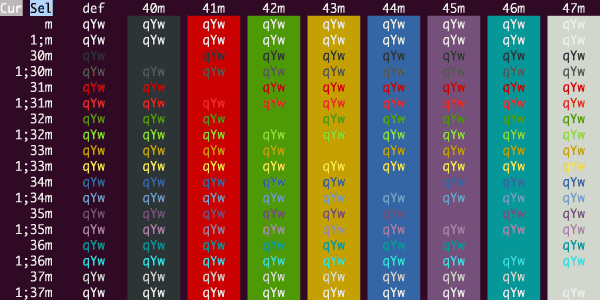
- cyberpunk
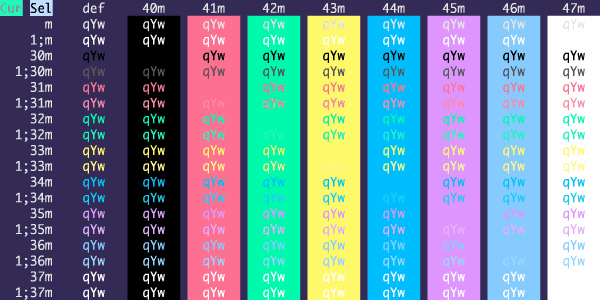
- Hivacruz
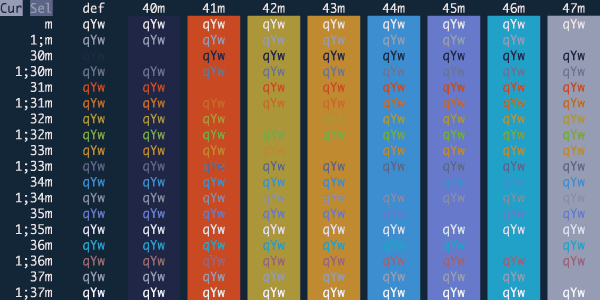
- Builtin
Solarized Dark

- ToyChest
(not for the colorblind)
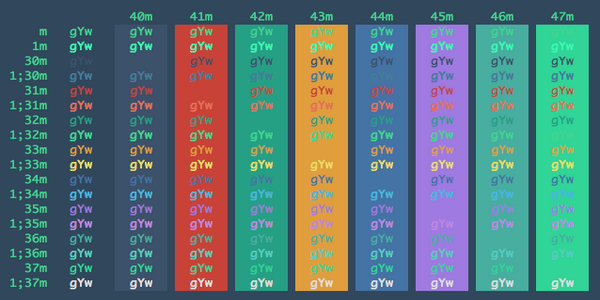
If you're using fish (as you should be!), be sure to set your shell color theme to the same or similar:
fish_config colors