---
title: iTerm2 Themes
homepage: https://iterm2colorschemes.com/
tagline: |
iTerm2 Themes: the best color schemes for iTerm2 (the macOS terminal that does amazing things).
---
## Cheat Sheet
> There are [216+ color schemes](https://iterm2colorschemes.com/) for
> [iTerm2](./iterm2). Here's my shortlist. I chose them because they are easy on
> the eyes and distinct.
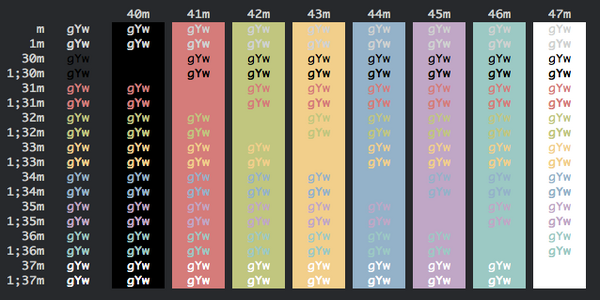
The installer will download them to `~/Downloads/webi/iterm2-themes`
```text
~/Downloads/webi/iterm2-themes/Tomorrow\ Night.itermcolors
~/Downloads/webi/iterm2-themes/Firewatch.itermcolors
~/Downloads/webi/iterm2-themes/Dracula.itermcolors
~/Downloads/webi/iterm2-themes/Elemental.itermcolors
~/Downloads/webi/iterm2-themes/Ubuntu.itermcolors
~/Downloads/webi/iterm2-themes/cyberpunk.itermcolors
~/Downloads/webi/iterm2-themes/Hivacruz.itermcolors
~/Downloads/webi/iterm2-themes/ToyChest.itermcolors
```
It's up to you to open them, and then iTerm2 will ask you to confirm.
```sh
open ~/Downloads/webi/iterm2-themes/*.itermcolors
```
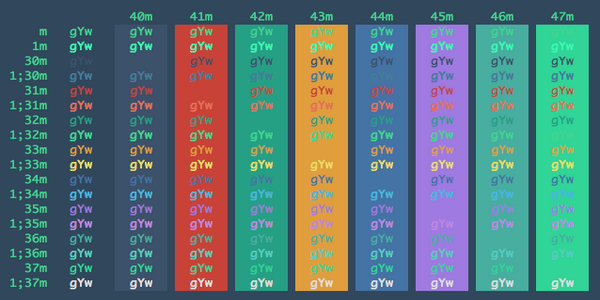
### Previews
Two-finger click "Save Link As" (or similar) to download.
- Tomorrow
Night

- Firewatch
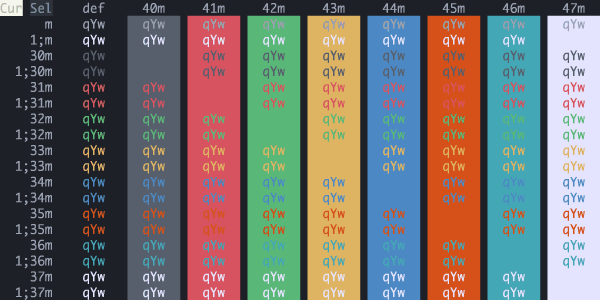
- Dracula
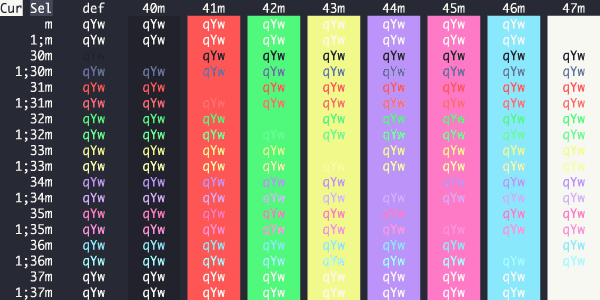
- Elemental
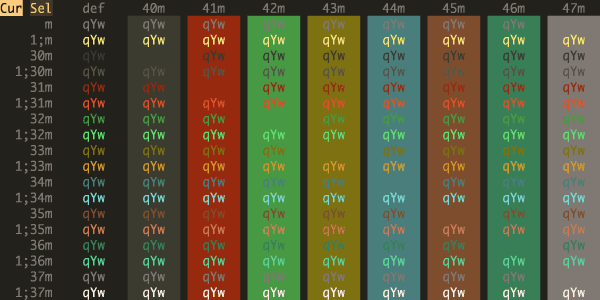
- Ubuntu
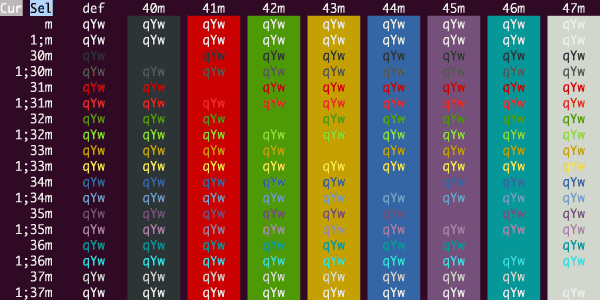
- cyberpunk
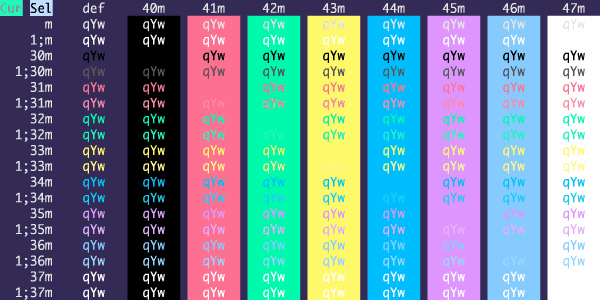
- Hivacruz
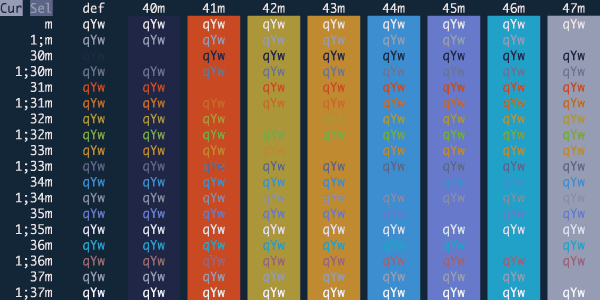
- Builtin
Solarized Dark

- ToyChest
(not for the colorblind)
If you're using [fish](https://webinstall.dev/fish) (as you should be!), be sure
to set your shell color theme to the same or similar:
```sh
fish_config colors
```
### How to set up profile switching
I suggest using different profiles:
- Default (no matching hosts)
- Local (matching my local `hostname`)
- Remote (matching `app@` for VPSes and cloud environments)
- Prod (matching specific `app@hostname`s for production systems)
- Root (matching `root@`)
You need to "Install Shell Integration" on each host for profile switching to
work.

